What is a release of personal guarantee?
Personal guarantees are easy to sign and easy to forget. When a director leaves the company, a business sells to a new owner, a loan is refinanced or a customer has simply built up years of good payment history, the guarantor will want proof they're no longer exposed. A short release, signed by everyone involved, gives them that proof and stops any later argument about whether the guarantee is still alive.
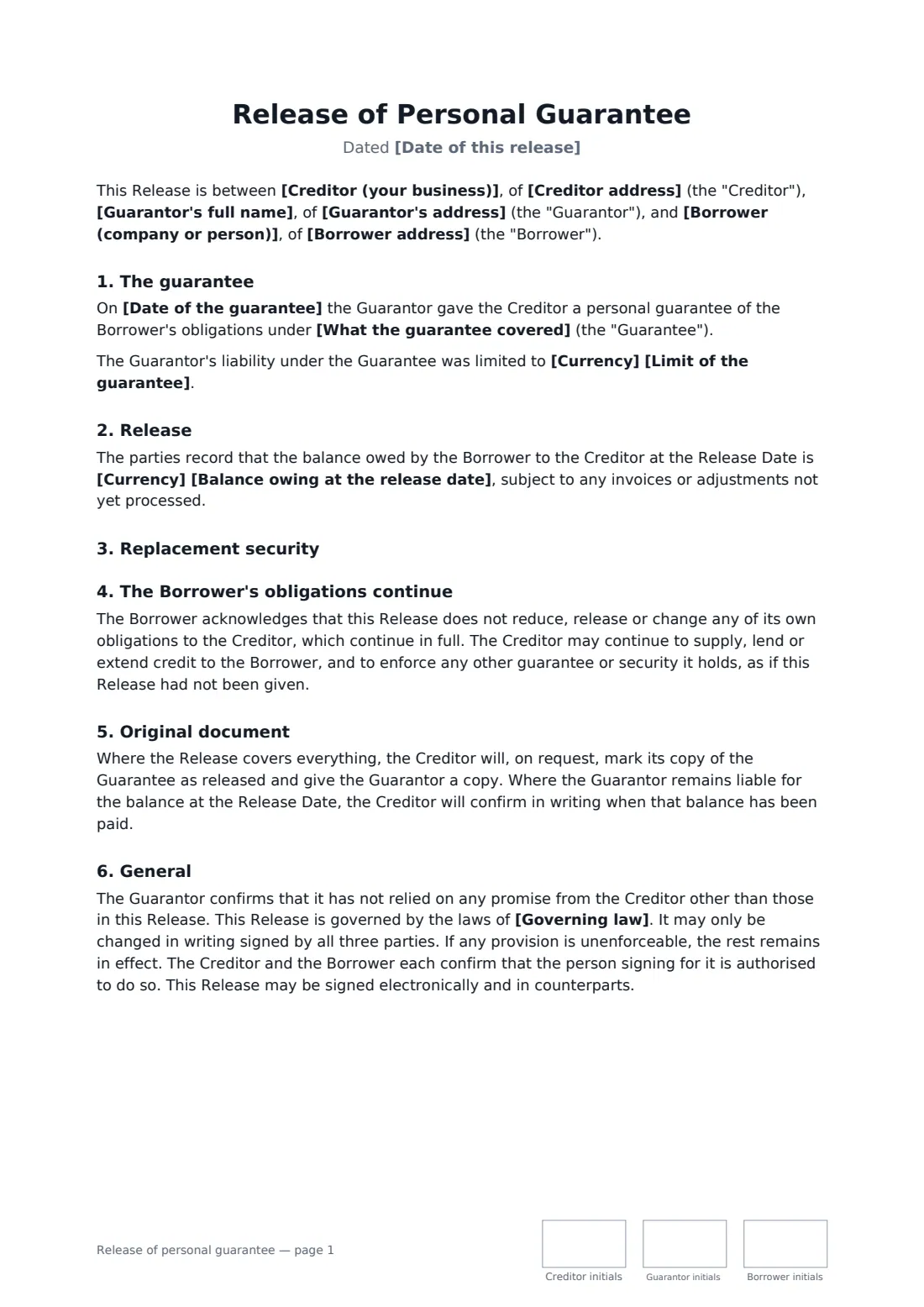
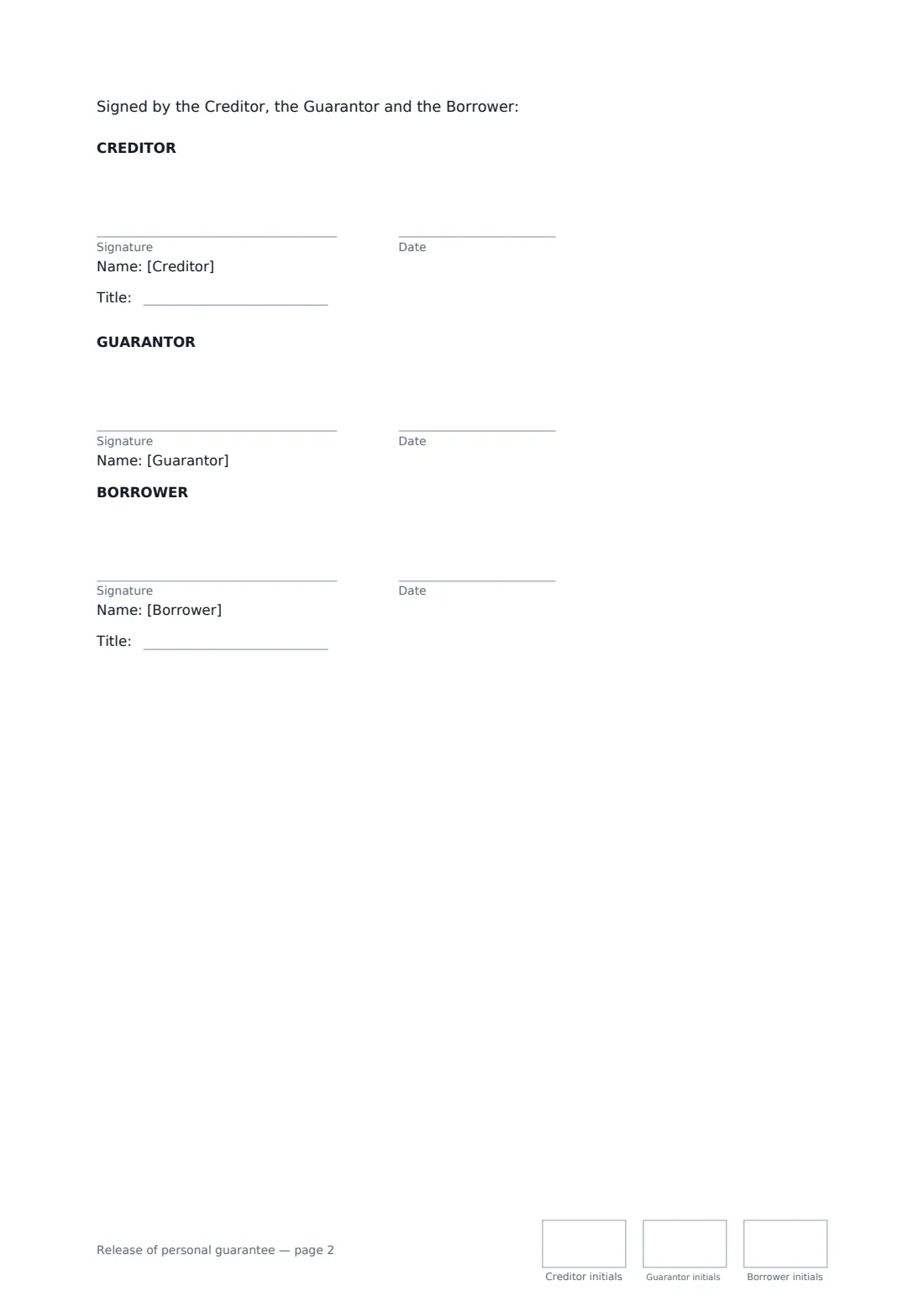
This template is signed by the creditor, the guarantor and the borrower. It identifies the original guarantee and what it covered, sets the release date, and lets you choose a full release or one that covers only future debts — with the balance at the release date recorded. If the release depends on a new guarantee, deposit or bond, it takes effect only once that is in place. The borrower acknowledges that its own obligations carry on unchanged, and the creditor confirms the release in writing on request.
- Best for
- A director leaving, a business sale, or a customer whose credit no longer needs a guarantee
- Signed by
- Creditor, guarantor and borrower
- Release
- Everything, or only debts that arise after the release date
- Length
- 2 pages, initialled by all three on every page
When to use a release of personal guarantee
- A departing co-founder released from the guarantee on the company's supplier account
- Replacing a former owner's guarantee with one from the new owner after a business sale
- A landlord releasing a director's guarantee once a larger deposit is paid
- A lender releasing a parent's guarantee after a loan has been refinanced
- A supplier recognising a customer's good payment record by dropping the guarantee
What you fill in
17 blanks, then the name and email of each person who signs: creditor, guarantor, borrower.
1 The parties
- Date of this release*
- Creditor (your business)*
- Creditor address
- Guarantor's full name*
- Guarantor's address
- Borrower (company or person)*
- Borrower address
2 The guarantee
- Date of the guarantee*
- What the guarantee covered*
- Currency
- Limit of the guarantee
3 The release
- Release takes effect on*
- What the guarantor is released from* Everything, including amounts already owing · Only amounts that become owing after the release date
- Balance owing at the release date
- Replacement security* No replacement is needed · The release depends on a replacement
- Replacement details
- Governing law*
4 Who signs
- Creditor signature and date, job title, initials on every page · The supplier, lender or landlord that holds the guarantee and is releasing it.
- Guarantor signature and date, initials on every page · The individual being released. They sign personally.
- Borrower signature and date, job title, initials on every page · The company or person whose debts were guaranteed. It signs to acknowledge that its own obligations continue.
What the release of personal guarantee covers
- The guarantee
- Release
- Replacement security
- The Borrower's obligations continue
- Original document
- General
Using the release of personal guarantee, step by step
1 Identify the guarantee
Enter the date of the original guarantee and what it covered — a credit account, lease or loan — and, if you like, its limit.
2 Choose what is released
Pick a full release, or a release from future debts only. With the second option, add the balance at the release date so the guarantor knows the figure they still stand behind.
3 Add any replacement
If the release depends on a new guarantee, deposit or bond, describe it. The release then takes effect only once the replacement is in place.
4 Send to all three
Add the guarantor and the borrower as signers. You can set a signing order, and every signer gets the completed PDF once all three have signed.
Tips before you send it
- Check the balance on the account before choosing a future-only release, so the recorded figure is right.
- If the guarantee was one of several, name the right one by its date and the account it covers.
- Get any replacement guarantee signed first, then send the release.
- Guarantors should keep the signed release with their personal records; they may need it when applying for credit.
Sign it online in minutes
- Fill in the blanks. Names, dates and amounts go straight into the agreement — the preview shows exactly where.
- Name who signs. Tick “This is me” for your own part. FileIt builds the PDF with every signature, date and initials box on the right line, and you can check or move anything before sending.
- Send it. Each signer gets a secure link and signs from any device — no account needed. The signed PDF, with an audit trail and a Certificate of Completion, is filed in your vault and emailed to everyone.
Release of personal guarantee: frequently asked questions
Why does the borrower sign?
Releasing a guarantor can, in some places, raise questions about the borrower's own debt or other security. The borrower's acknowledgement confirms that its obligations continue in full and that the creditor can keep enforcing any other security.
What's the difference between a full and a future-only release?
A full release ends all of the guarantor's liability, including for amounts already owed. A future-only release covers new debts only; the guarantor still stands behind the balance at the release date until it's paid.
Can the release be conditional?
Yes. Choose "The release depends on a replacement" and describe it. The release takes effect only once the replacement is in place to the creditor's reasonable satisfaction.
Can it be signed electronically?
In most countries, including the US (ESIGN Act and UETA), the UK, the EU (eIDAS) and Canada, an electronic signature is generally valid for a document like this one. If the original guarantee was signed as a deed, check whether the release needs the same form. FileIt keeps an audit trail and a Certificate of Completion with the signed PDF.
Is this template free?
Yes. The template is free to use with the eSignature app in FileIt, and the people you send it to don't need a FileIt account to sign.