What is a final walk-through acknowledgement?
The final walk-through happens a day or two before closing. It's the buyer's chance to check that the home is in the condition they agreed to buy, that promised repairs are actually done, and that the fridge, curtains and garage remotes are still there. Problems found here are easy to sort out before closing and hard to sort out after, so it pays to write them down and agree the fix on the spot.
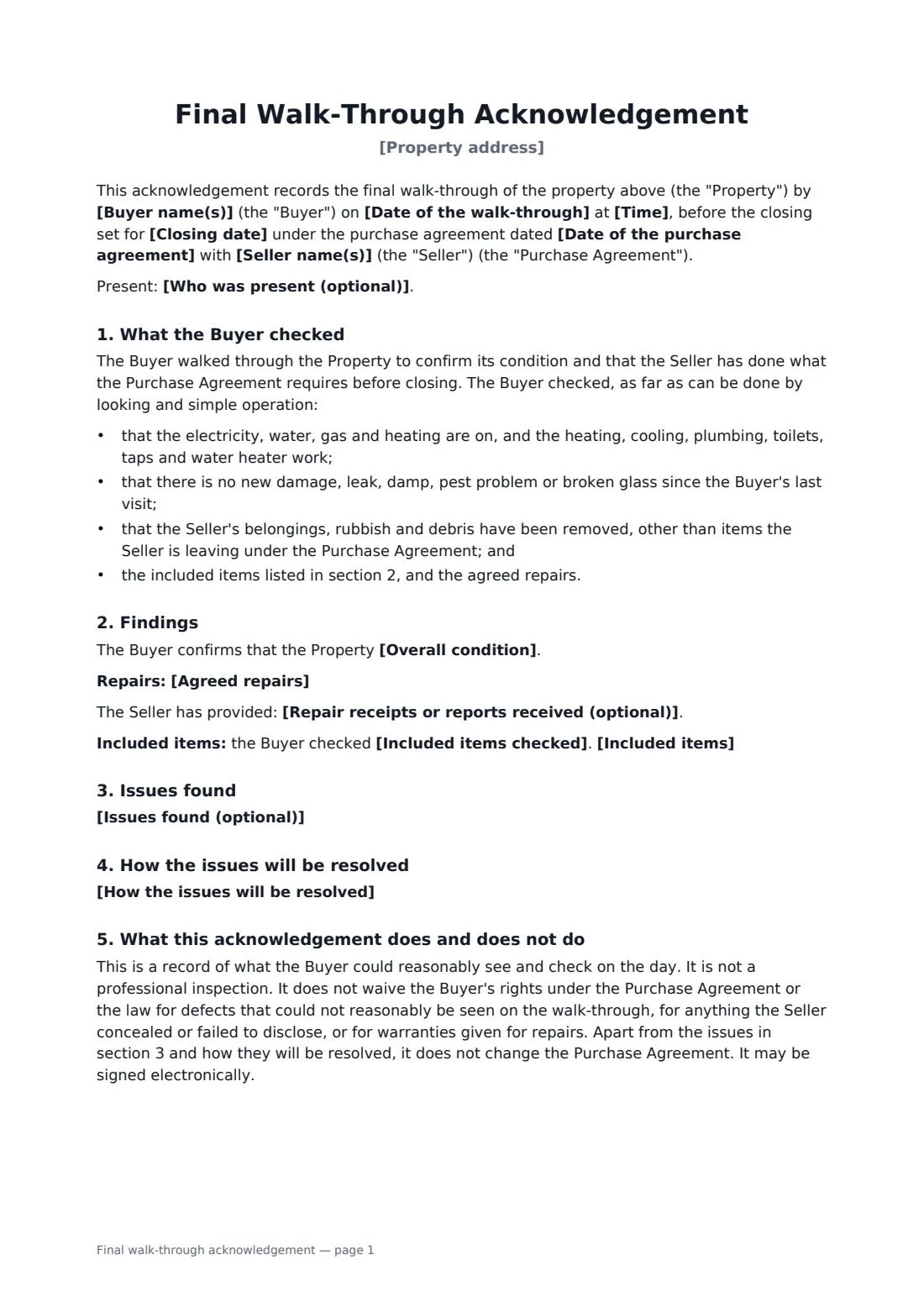
This acknowledgement records the date, the people present and a short checklist of what the buyer checked: utilities and systems, new damage, belongings and rubbish cleared, included items and repairs. It states the overall condition, whether the agreed repairs are complete (with receipts) and whether the included items are present and working, and lists any issues. The seller then signs up to one resolution: fix them before closing, give a credit, hold money back with the closing agent until a set date, or the buyer accepts them. It also makes clear that the walk-through is not a professional inspection and does not waive rights for hidden or undisclosed defects.
- Best for
- The buyer's last walk-through of a home a day or two before closing
- Signed by
- Buyer, and the seller to confirm the resolution
- Resolution options
- Fix before closing, credit at closing, holdback with the closing agent, or accept
- Length
- 1 to 2 pages
When to use a final walk-through acknowledgement
- Confirming repairs from the inspection were done before you close
- Recording a missing appliance and agreeing a credit for it
- Holding back part of the proceeds until a leak found on the day is fixed
- Documenting a clean walk-through for your records
- A for-sale-by-owner purchase with no agent to keep the paperwork
What you fill in
19 blanks, then the name and email of each person who signs: buyer, seller.
1 The walk-through
- Date of the walk-through*
- Time
- Buyer name(s)*
- Seller name(s)*
- Property address*
- Date of the purchase agreement*
- Closing date*
- Who was present (optional)
2 What the Buyer found
- Overall condition* is in substantially the same condition as when the Buyer last inspected it, apart from normal wear · is not in the condition the Buyer expected, as described in section 3
- Agreed repairs* All repairs the Seller agreed to make have been completed. · Some repairs the Seller agreed to make are not complete, as described in section 3. · No repairs were agreed.
- Repair receipts or reports received (optional)
- Included items checked*
- Included items* All of these items are present and appear to be working. · Some of these items are missing or not working, as described in section 3.
3 Issues and resolution
- Issues found (optional)
- How the issues will be resolved* The Seller will fix them before closing, and the Buyer may check the work before closing. · The Seller will give the Buyer a credit at closing in the amount below instead of fixing them. · The amount below will be held back from the Seller's proceeds by the closing agent until the Seller fixes them by the date below. · The Buyer accepts them and will close without any repair or credit.
- Currency*
- Credit or holdback amount (if any)
- Holdback repairs must be done by (if any)
- Closing agent (if a holdback)
4 Who signs
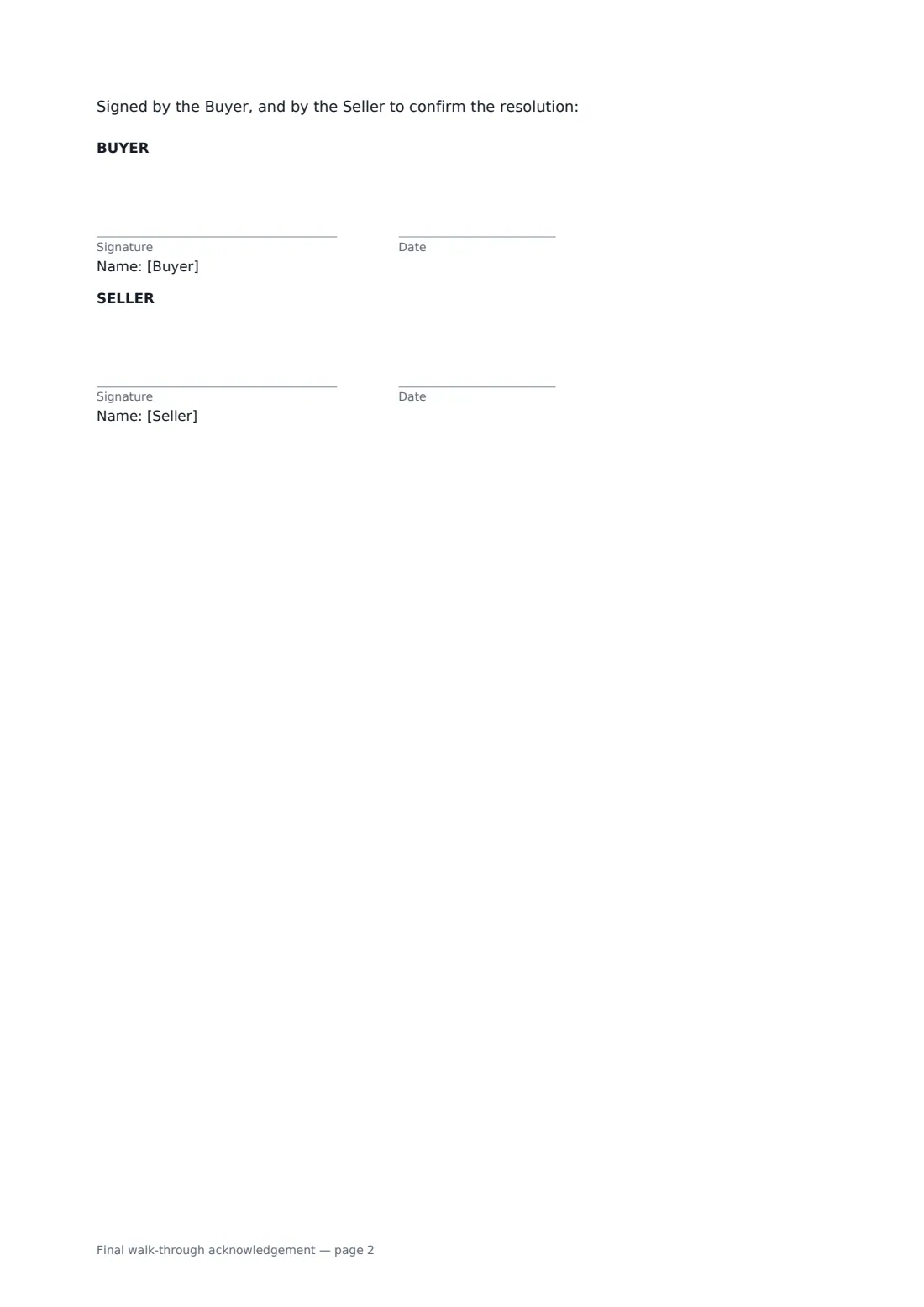
- Buyer signature and date · The buyer who did the walk-through. All buyers should sign if they can.
- Seller signature and date · The seller, who confirms how any issues will be resolved.
What the final walk-through acknowledgement covers
- What the Buyer checked
- Findings
- Issues found
- How the issues will be resolved
- What this acknowledgement does and does not do
Using the final walk-through acknowledgement, step by step
1 Record the visit
Enter the walk-through date and time, the buyer and seller, the property, the purchase agreement date, the closing date and who was there.
2 Note what you found
Choose the overall condition, whether the agreed repairs are complete and any receipts received, and list the included items you checked and whether they were all there.
3 List issues and the fix
Describe each issue, then choose a fix before closing, a credit, a holdback with an amount, closing agent and deadline, or acceptance.
4 Sign before closing
Sign it on your phone during the walk-through and send it to the seller to sign. Share the signed copy with the closing agent.
Tips before you send it
- Bring the purchase agreement, the repair request and its response, and a phone charger to test outlets.
- Run every tap, flush every toilet, and turn on the heating, cooling and every appliance that stays.
- Take photos or video of anything wrong, dated, and attach them when you file the signed form in FileIt.
- If you choose a holdback, make sure the closing agent agrees to hold it and knows the release terms.
Sign it online in minutes
- Fill in the blanks. Names, dates and amounts go straight into the agreement — the preview shows exactly where.
- Name who signs. Tick “This is me” for your own part. FileIt builds the PDF with every signature, date box on the right line, and you can check or move anything before sending.
- Send it. Each signer gets a secure link and signs from any device — no account needed. The signed PDF, with an audit trail and a Certificate of Completion, is filed in your vault and emailed to everyone.
Final walk-through acknowledgement: frequently asked questions
Is the final walk-through a second inspection?
No. It is a check of condition and of what the seller promised, not a professional inspection, and the form says so. It doesn't waive your rights for defects you couldn't reasonably see, or ones the seller concealed or didn't disclose.
What if the seller hasn't finished the repairs?
Record them as issues and choose a resolution: the seller fixes them before closing, gives a credit, or money is held back from the seller's proceeds until they are done by a set date.
Does the seller have to sign?
The seller signs to confirm the resolution of any issues. If everything is fine, the seller's signature simply records that the walk-through was clean.
What happens to the holdback if the seller never does the work?
After the deadline it is released to the buyer to pay for the work, and any unused balance goes back to the seller.