What is a final pay acknowledgement?
The final payment to a departing employee is where small mistakes turn into big arguments: holiday days miscounted, an expense claim forgotten, a deduction nobody explained. Setting the figures out line by line, and having both sides sign that the money was paid, keeps the end of the relationship tidy.
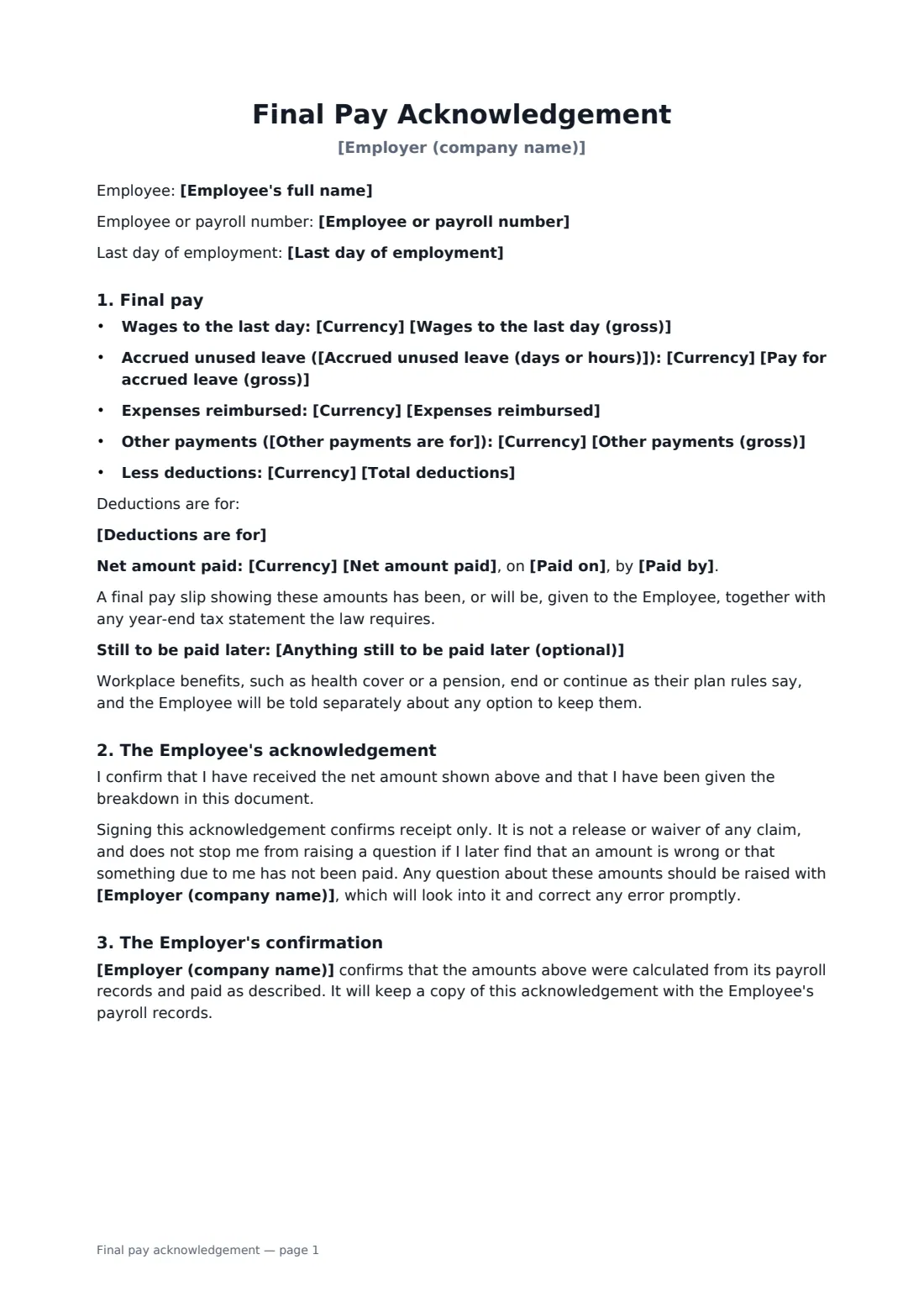
This form records the employee's last day, then itemises gross wages to that day, pay for accrued unused leave with the number of days or hours, reimbursed expenses, any other payments such as commission or pay in lieu of notice, and the deductions with what each is for. It states the net amount, the payment date and method, and anything still to come later, such as a bonus. The employee confirms receipt only — the form says plainly that it isn't a release of any claim and that they can still raise a question about the figures.
- Best for
- Every leaver, whatever the reason for leaving
- Signed by
- The employer and the departing employee
- Itemises
- Wages, leave, expenses, other pay, deductions, net amount
- Length
- About 2 pages
When to use a final pay acknowledgement
- Paying out an employee who resigned
- Final pay after a redundancy or end of a fixed-term contract
- Showing how unused holiday was calculated
- Recording a cheque or cash payment handed over on the last day
- Confirming a final commission or bonus is still to follow
What you fill in
17 blanks, then the name and email of each person who signs: employer, departing employee.
1 Details
- Employer (company name)*
- Employee's full name*
- Employee or payroll number
- Last day of employment*
2 Amounts
- Currency*
- Wages to the last day (gross)*
- Accrued unused leave (days or hours)
- Pay for accrued leave (gross)
- Expenses reimbursed
- Other payments (gross)
- Other payments are for
- Total deductions*
- Deductions are for*
3 Payment
- Net amount paid*
- Paid on*
- Paid by* bank transfer to the Employee's usual account · cheque handed to the Employee · cheque posted to the Employee's address · cash
- Anything still to be paid later (optional)
4 Who signs
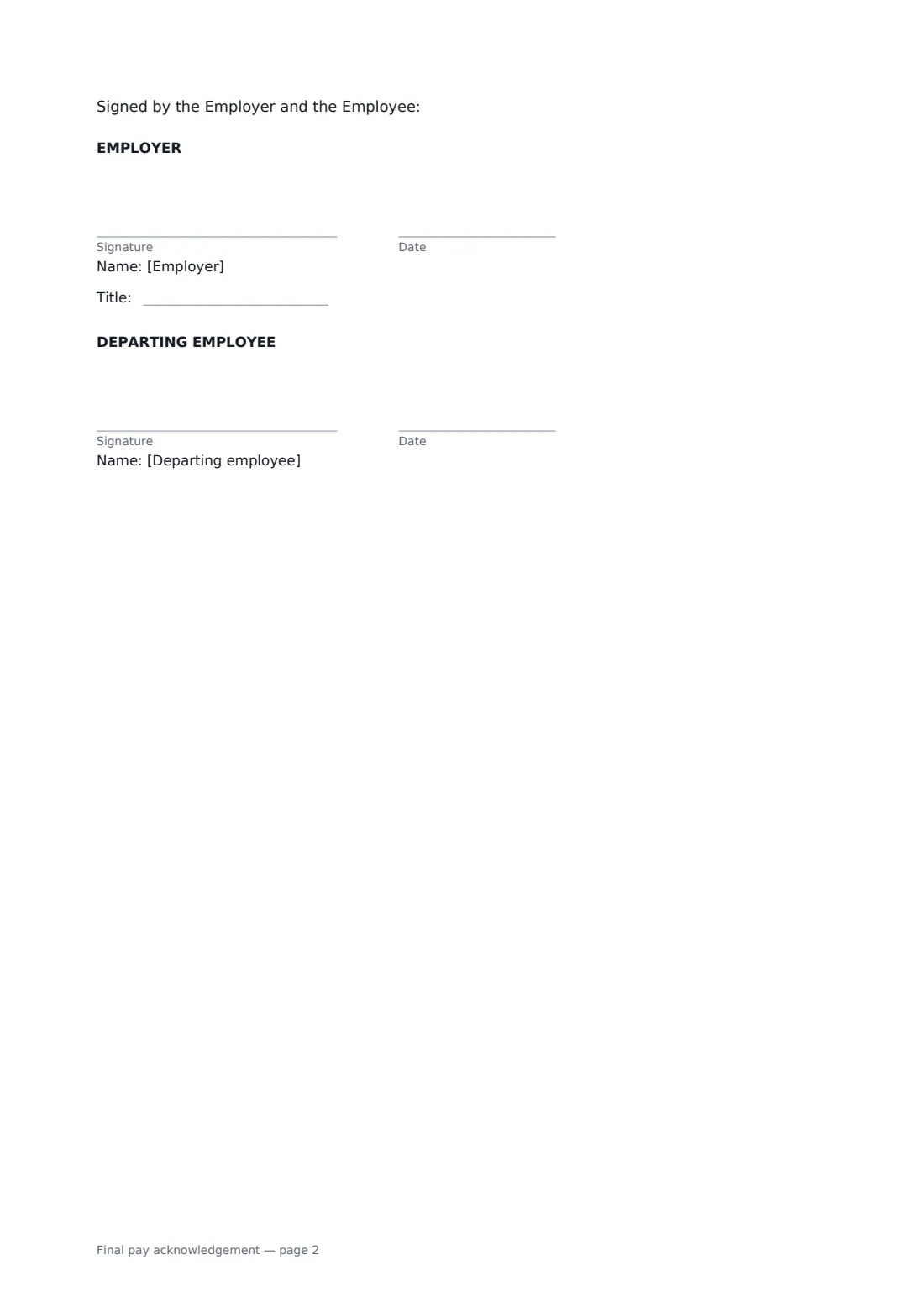
- Employer signature and date, job title · The payroll or HR person confirming the payment.
- Departing employee signature and date
What the final pay acknowledgement covers
- Final pay
- The Employee's acknowledgement
- The Employer's confirmation
Using the final pay acknowledgement, step by step
1 Enter the employee
Add the employee's name, payroll number and last day of employment.
2 Itemise the payment
Enter gross wages to the last day, then leave pay, expenses and other payments where they apply. Lines you leave empty are left out of the document.
3 Add deductions and the net amount
Enter total deductions and list what they are for, then the net amount, payment date and method, and anything still to be paid later.
4 Send for signature
Sign for the company and send it to the employee. Their signature confirms receipt, and the signed copy is saved to your vault.
Tips before you send it
- Check the deadline for final pay where the employee works — some places require it on the last day or within a few days.
- Check whether unused leave must be paid out locally and how it is calculated.
- Don't make any deduction beyond tax and other legal requirements without the employee's prior written consent.
- Attach the final pay slip, or send it straight after, so the figures can be checked.
Sign it online in minutes
- Fill in the blanks. Names, dates and amounts go straight into the agreement — the preview shows exactly where.
- Name who signs. Tick “This is me” for your own part. FileIt builds the PDF with every signature, date box on the right line, and you can check or move anything before sending.
- Send it. Each signer gets a secure link and signs from any device — no account needed. The signed PDF, with an audit trail and a Certificate of Completion, is filed in your vault and emailed to everyone.
Final pay acknowledgement: frequently asked questions
Does signing waive the employee's claims?
No. The form says it confirms receipt only, isn't a release or waiver of any claim, and doesn't stop the employee from raising a question later. Use a separation agreement if both sides want a settlement.
What if some lines don't apply?
Leave them empty. Leave pay, expenses and other payments only appear when you fill them in.
Can I use it for cash or cheque payments?
Yes. Choose bank transfer, a cheque handed over, a cheque posted, or cash.
What about a bonus that's paid later?
Use "Anything still to be paid later" to say what's still to come and when, so the employee knows the final pay isn't the last payment.