What is SF 3107?
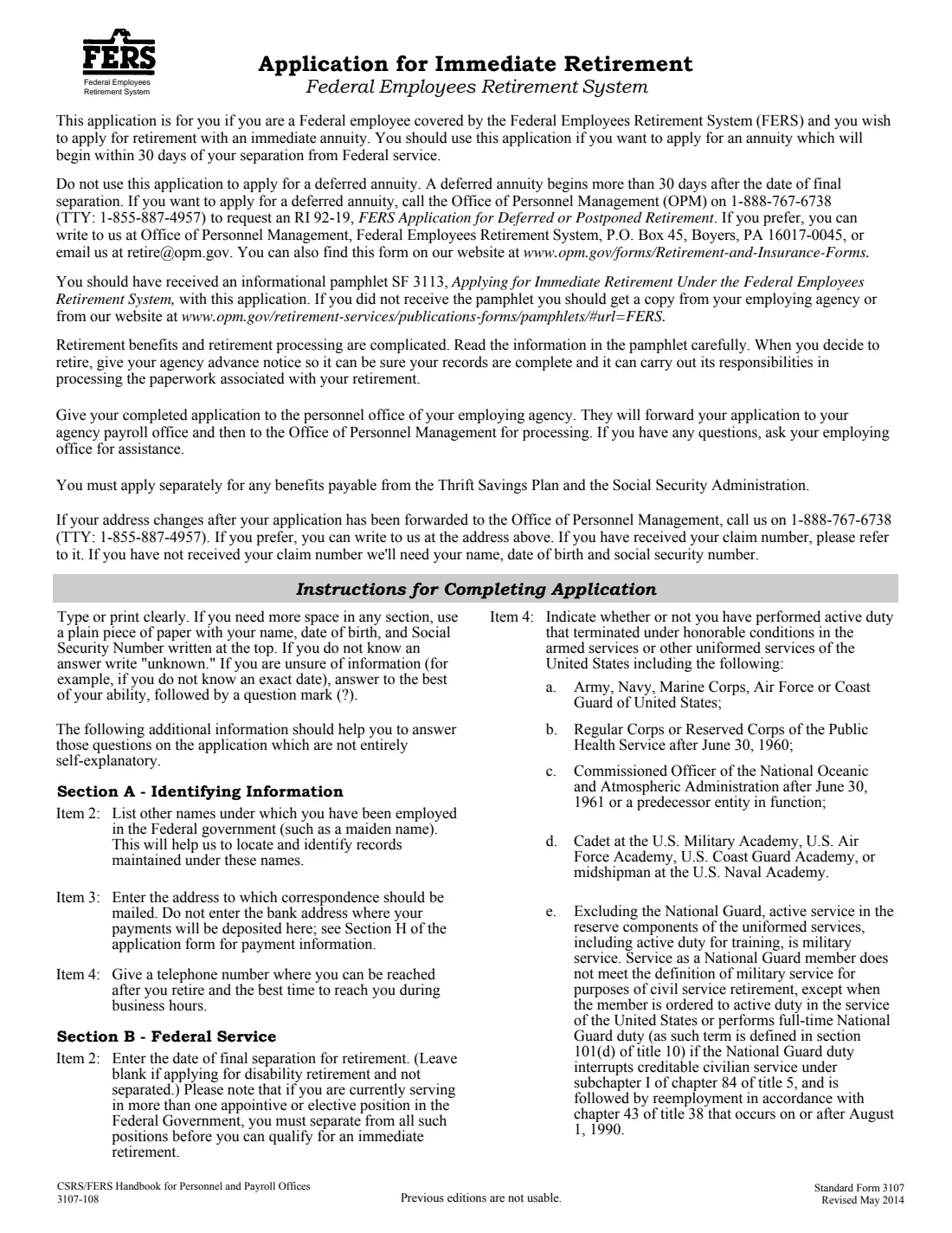
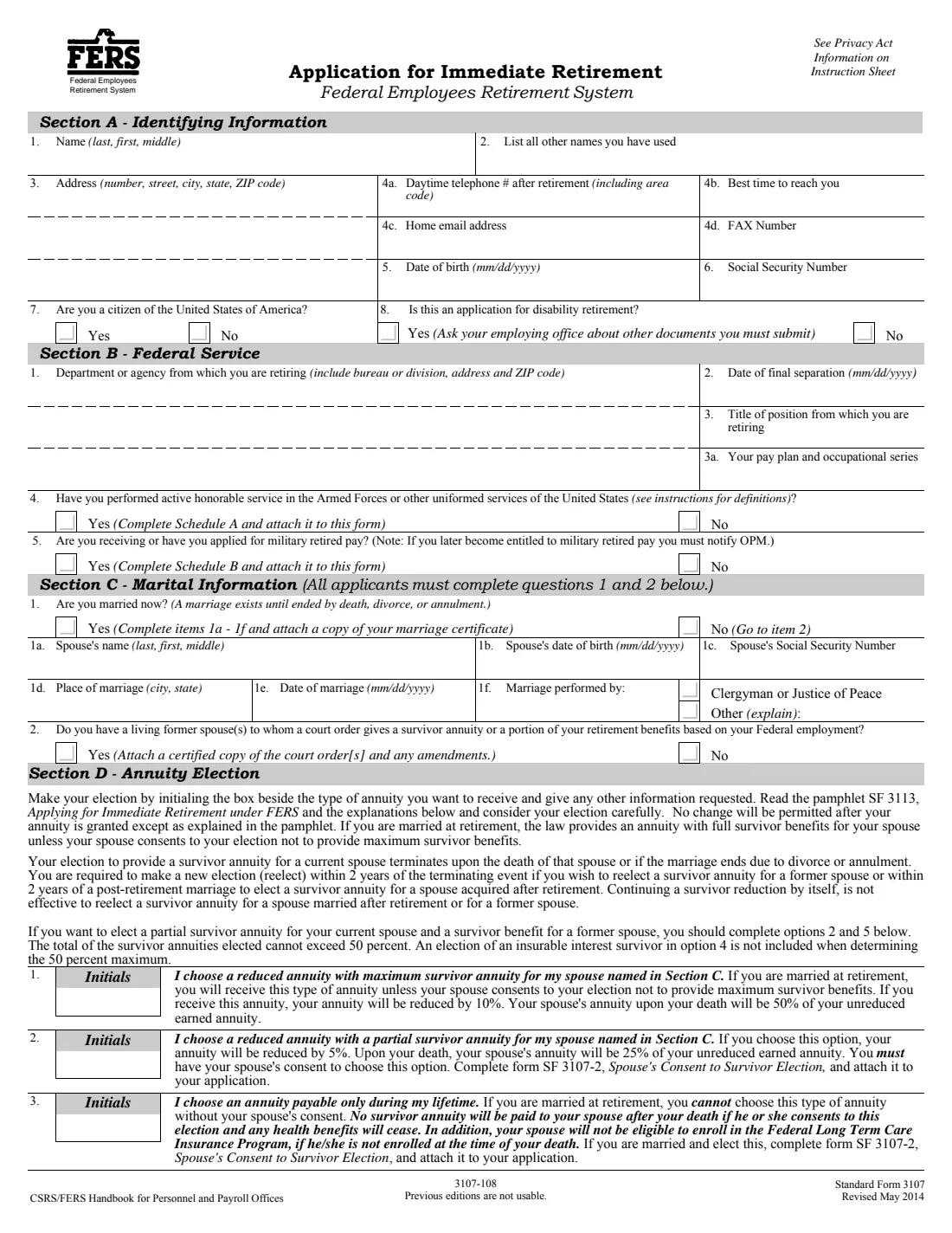
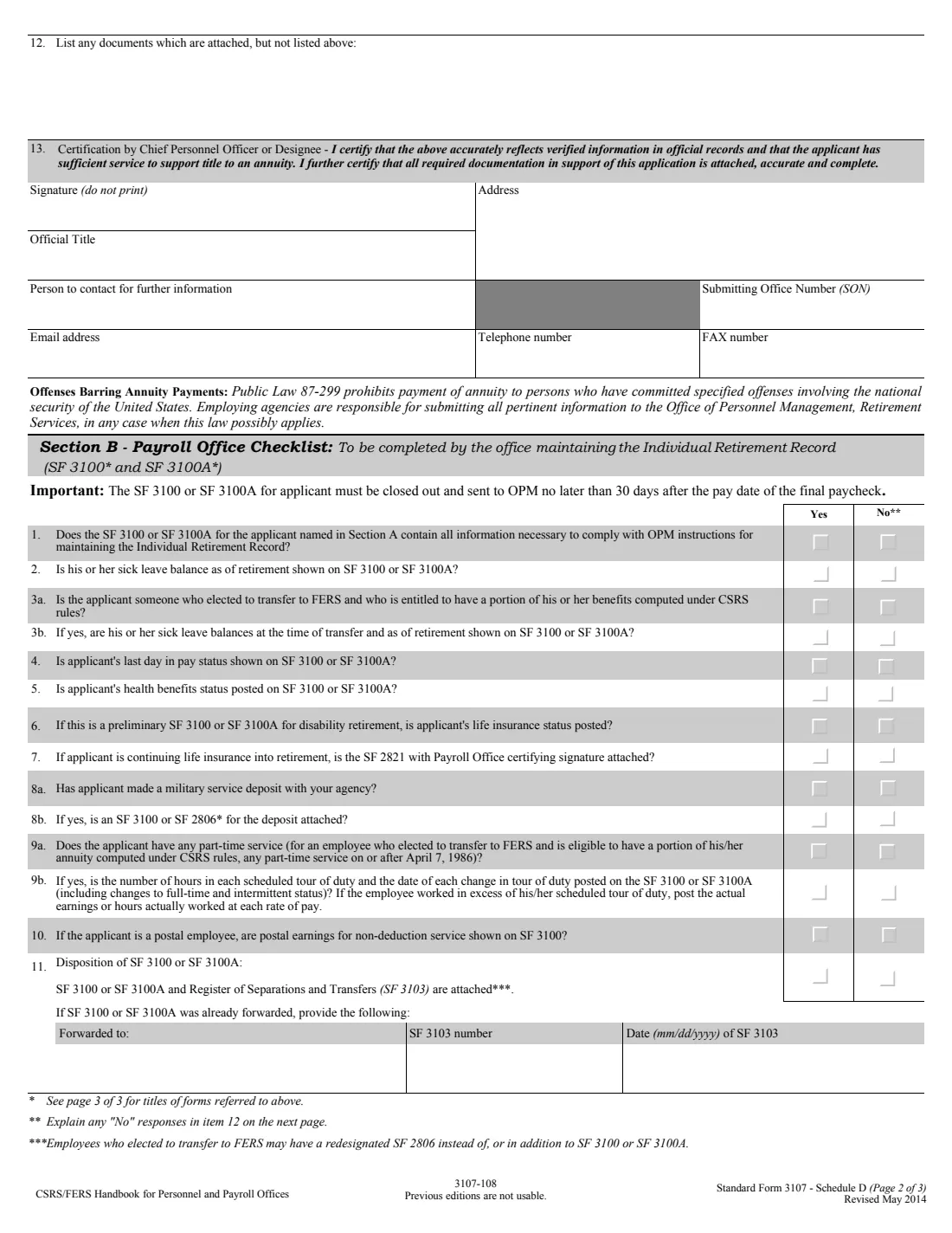
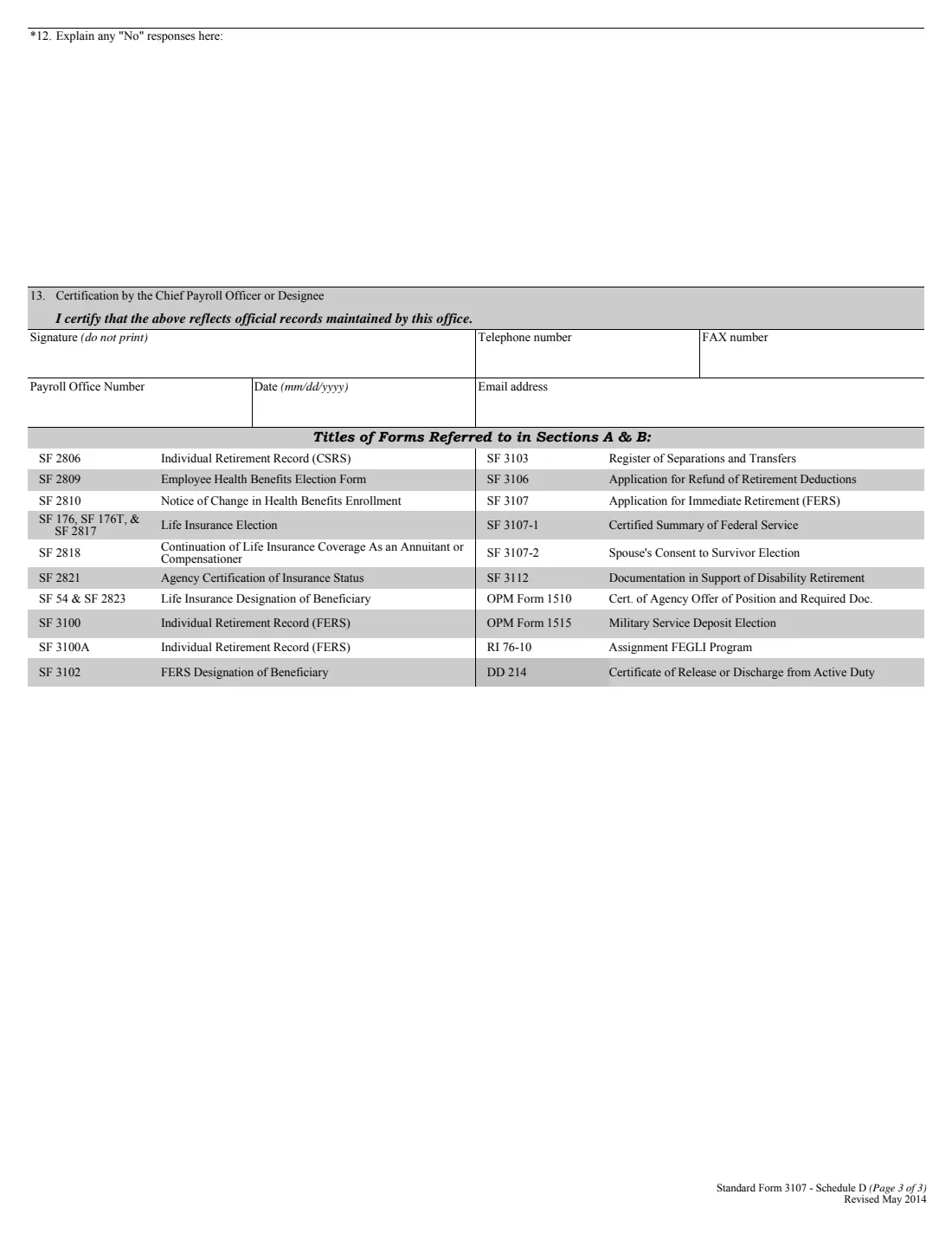
Standard Form 3107 is the Federal Employees Retirement System (FERS) application for an immediate annuity. You complete it near the end of your career and give it to your employing office, which adds its own certified summary of your service and an agency checklist before sending everything to the Office of Personnel Management (OPM).
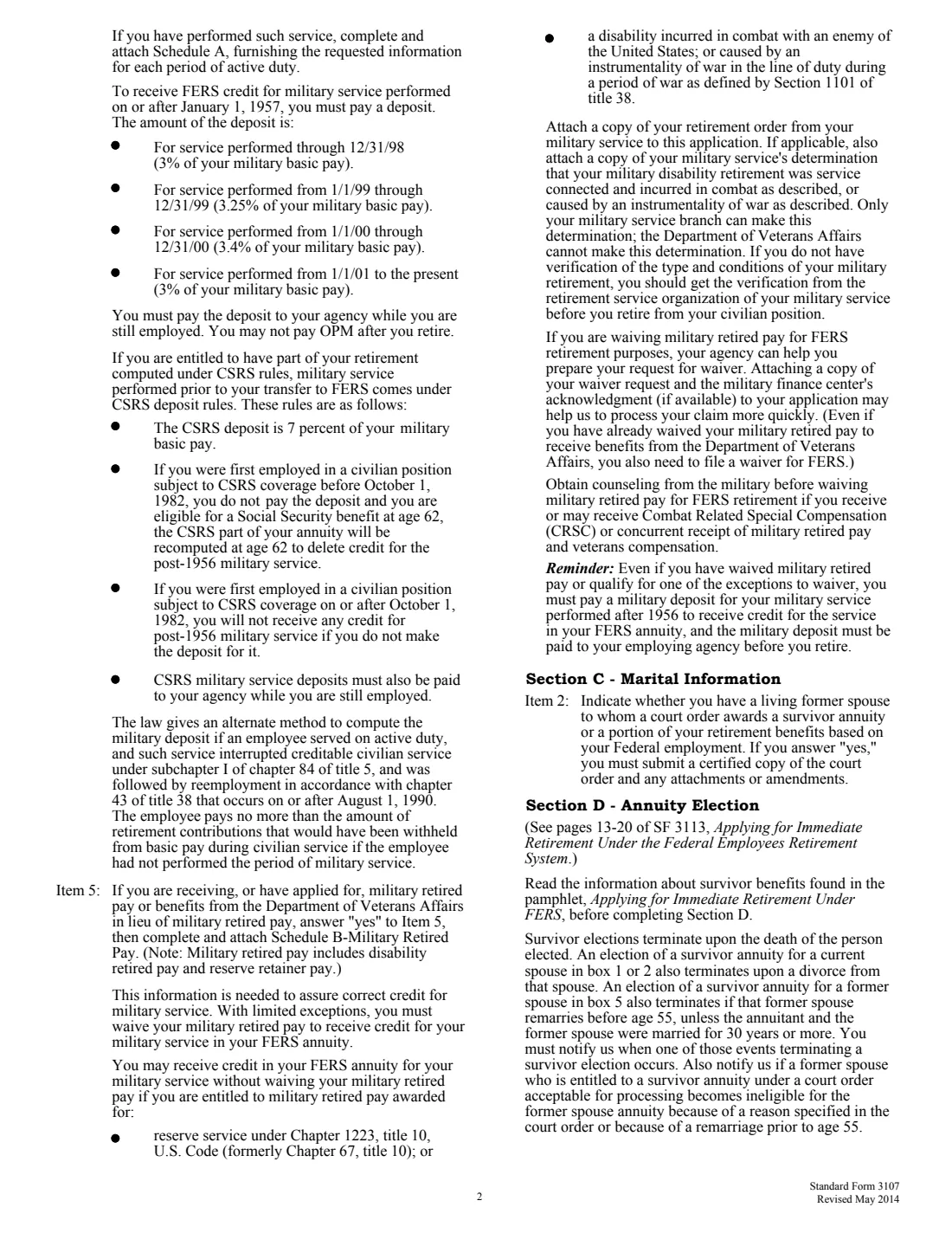
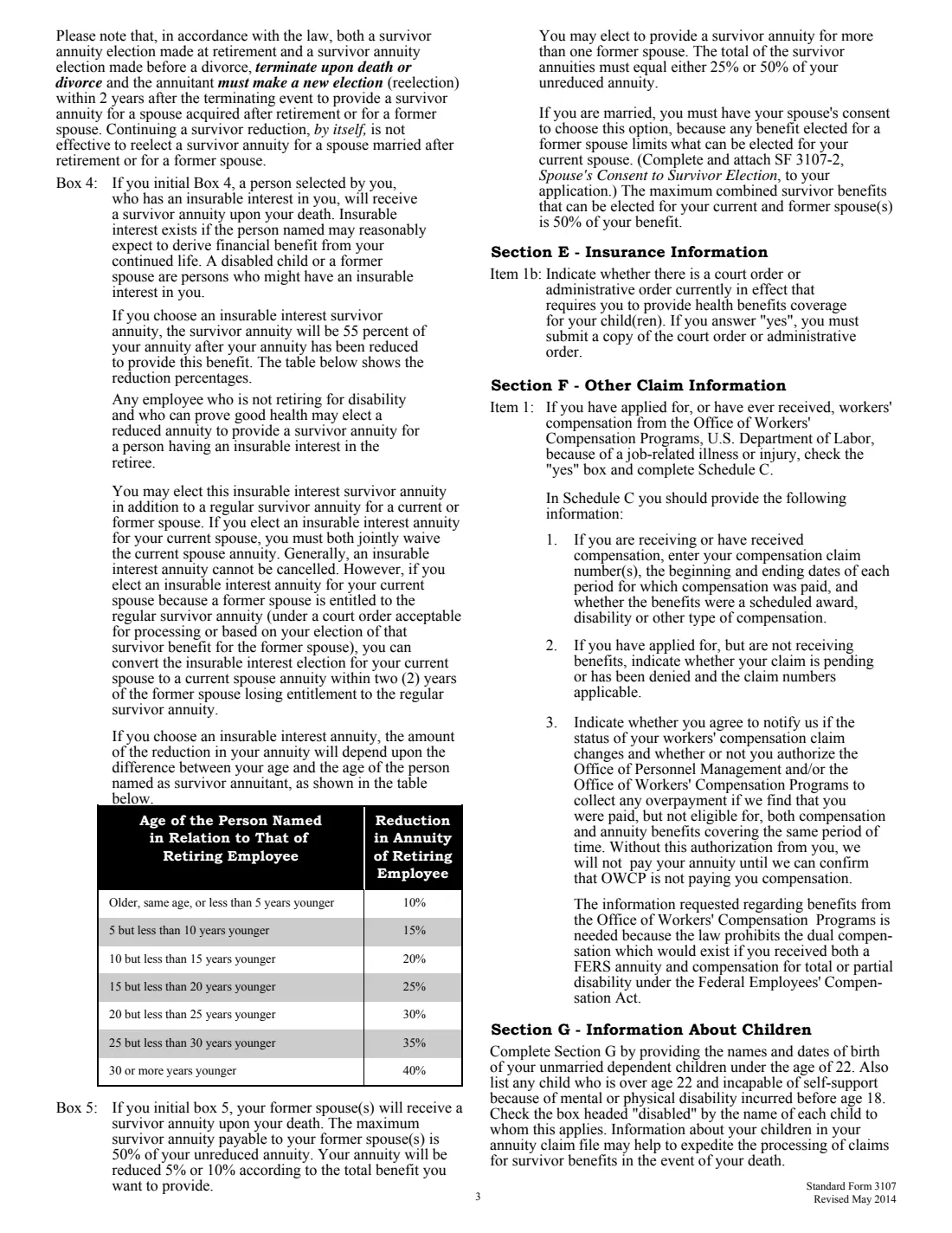
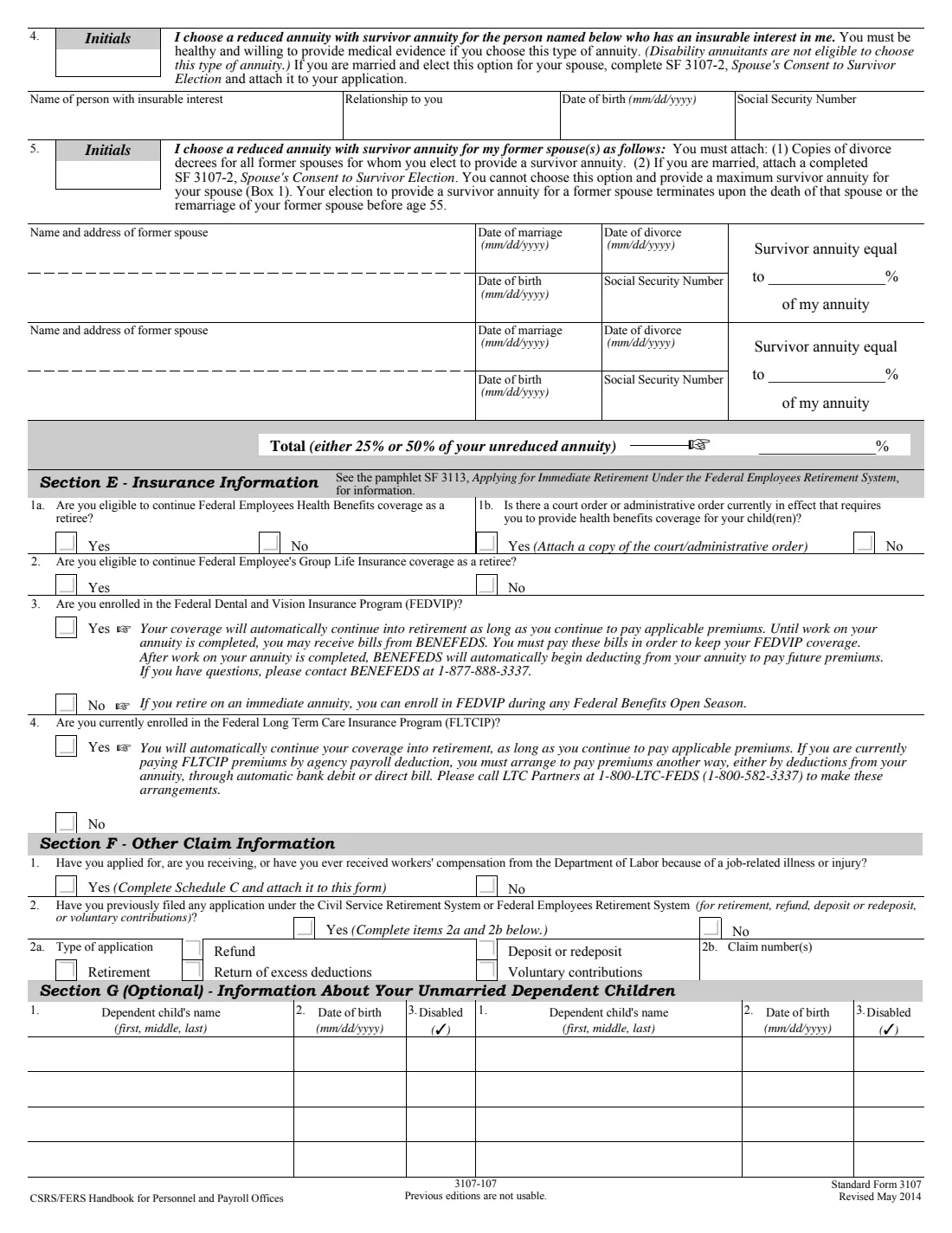
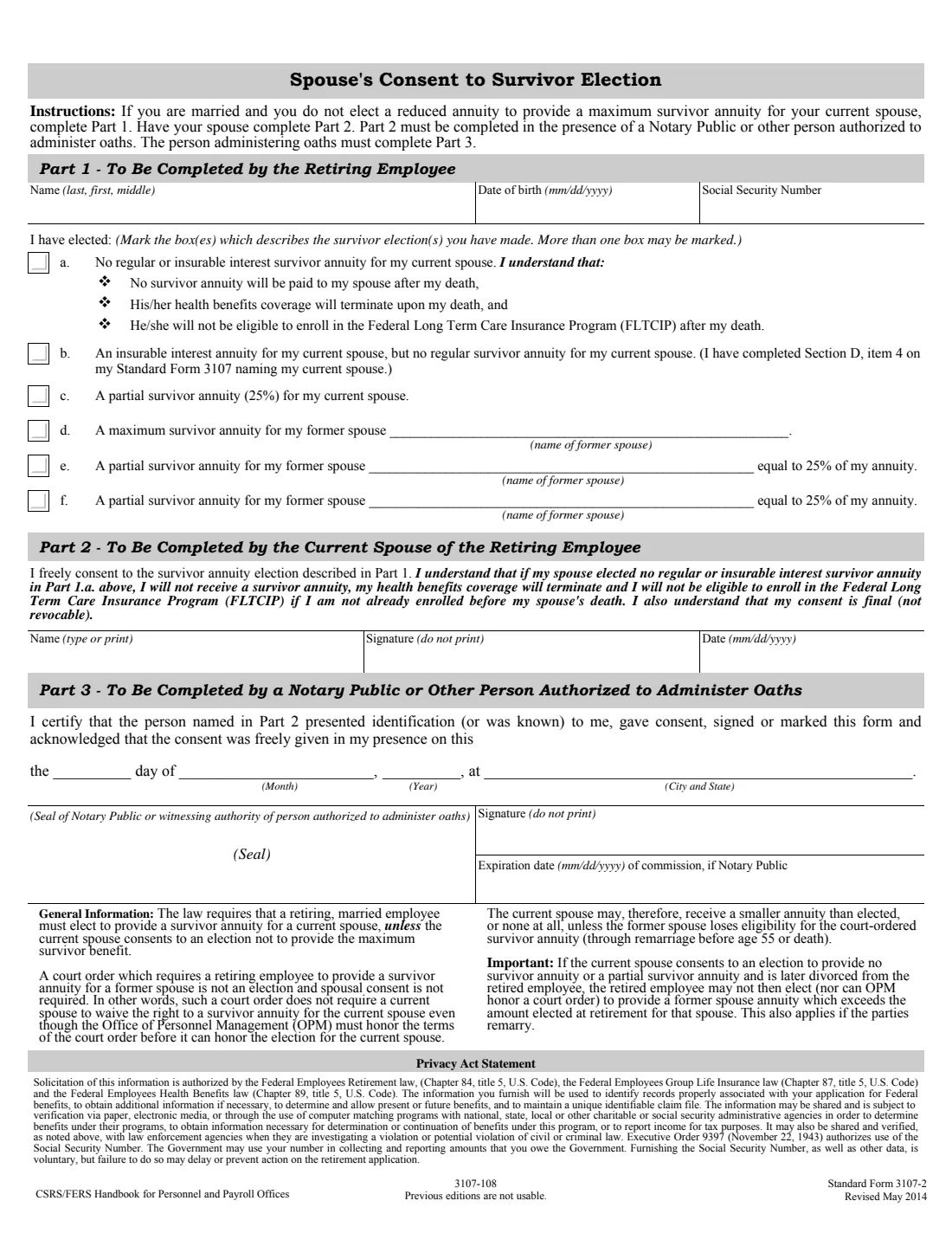
The most important decision on it is the survivor annuity in Section D. If you're married, the law gives your spouse the maximum survivor annuity (your annuity is reduced 10% and your spouse would receive 50% of your unreduced annuity) unless your spouse consents, before a notary, to a partial annuity or none. You can also provide for a former spouse or for someone with an insurable interest in you. The election generally can't be changed after the annuity is granted, so read the pamphlet SF 3113 first.
FileIt pre-fills your name, date of birth and email from your vault and walks you through every section: marital history, insurance, other claims, dependent children, direct deposit, tax withholding and the applicant's checklist. It fills Schedules A to C for military service, military retired pay and workers' compensation, prints Part 1 of the SF 3107-2 spouse's consent, and saves the finished form in your vault folder.
- Who files
- A FERS employee applying for an immediate retirement annuity, including disability retirement.
- Filed with
- Your employing office, which certifies your service and forwards it to OPM.
- Survivor default
- Married applicants: the maximum survivor annuity for a spouse unless the spouse consents on SF 3107-2.
- Survivor limit
- Survivor annuities for a spouse and former spouses can't total more than 50%.
- Edition
- SF 3107, Revised May 2014
Who needs to fill out SF 3107?
- Federal employees under FERS who are retiring with an immediate annuity.
- FERS employees applying for disability retirement, together with the other forms their office asks for.
- Retirees who served in the military, receive military retired pay or have received workers' compensation (Schedules A, B and C).
When to use SF 3107
- A few months before your planned retirement date, so your office can process it.
- After you've reviewed SF 3113 and chosen your survivor annuity.
- Once your military deposit, if any, is paid to your agency: OPM can't take it after you retire.
What you need before you start
- Your address, phone, email, date of birth and SSN, and the agency, position and date you're leaving.
- Your spouse's name, date of birth, SSN and marriage details, and any former spouses' details and court orders.
- Your military service dates, branch and serial number, and any workers' compensation claim numbers.
- Your bank's routing and account numbers, and a W-4 if you want tax withheld at a new rate.
What’s on SF 3107
The 2014 edition has 14 pages. FileIt asks for it in 13 parts, and it is signed by Applicant:
- Section A. Identifying informationApplicant
- Section B. Federal serviceApplicant
- Section C. Marital informationApplicant
- Section D. Annuity electionApplicant
- Section E. Insurance informationApplicant
- Section F. Other claim informationApplicant
- Section G (optional). Your unmarried dependent childrenApplicant
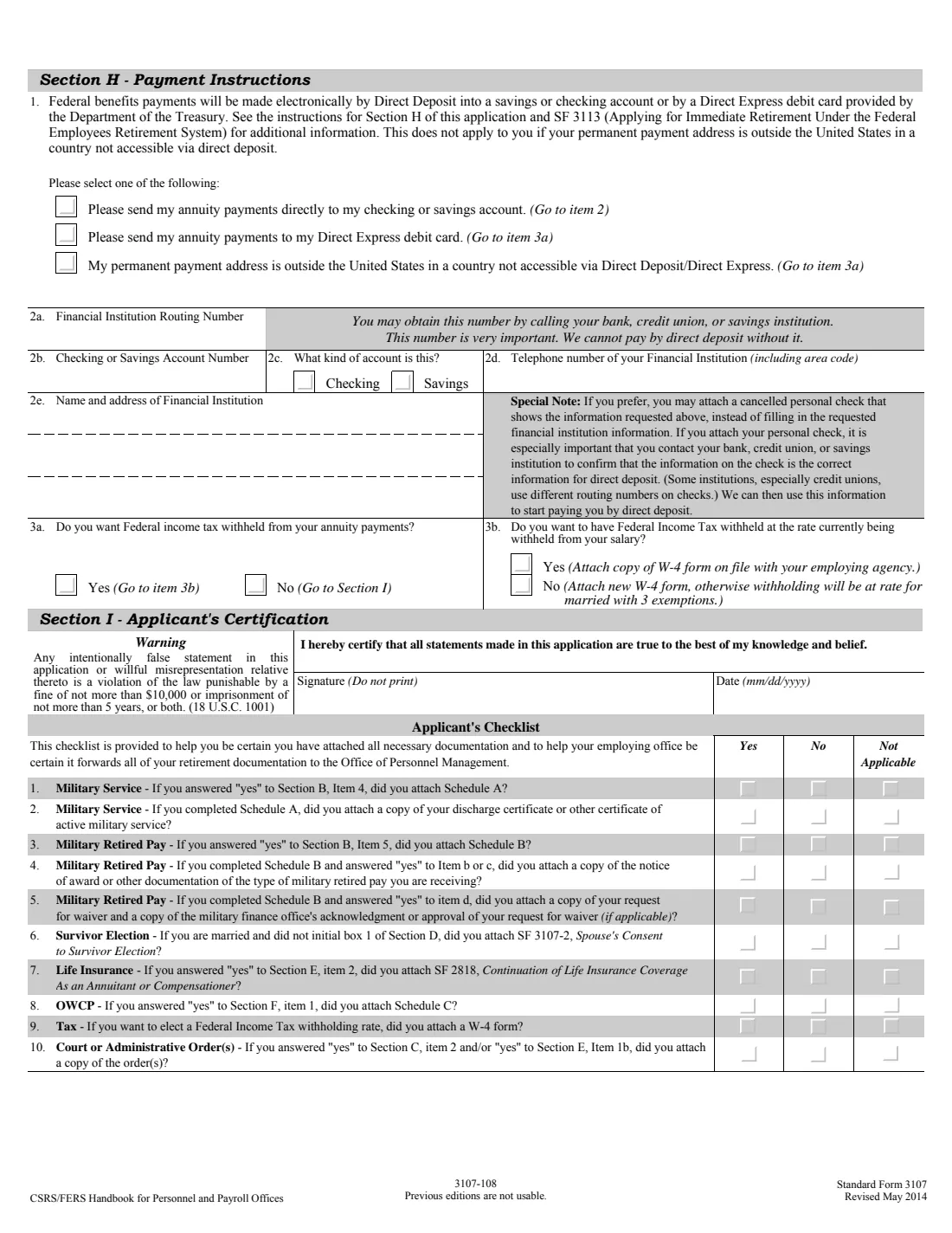
- Section H. Payment instructionsApplicant
- Section I. Applicant's checklistApplicant
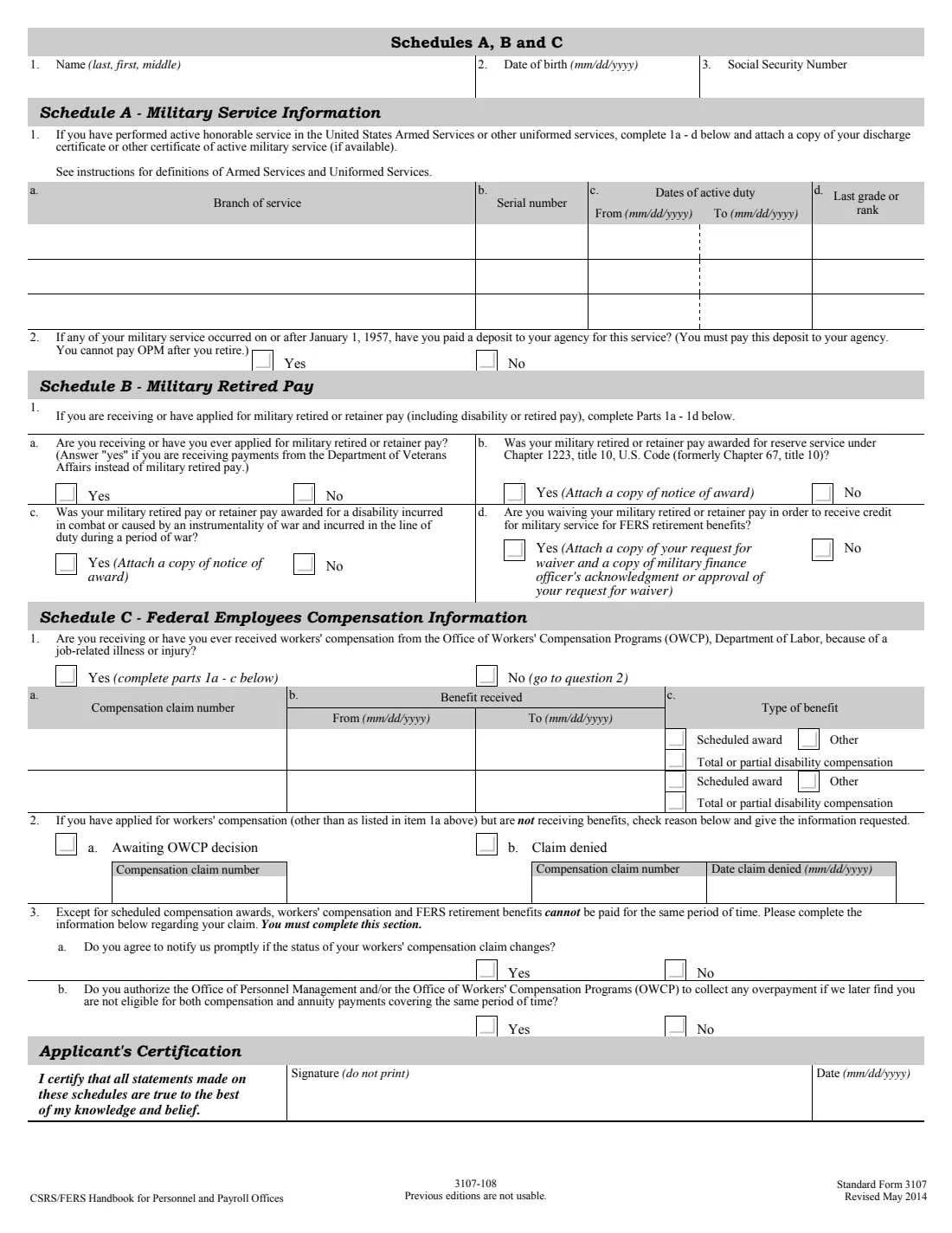
- Schedule A. Military service informationApplicant
- Schedule B. Military retired payApplicant
- Schedule C. Federal employees compensation informationApplicant
- SF 3107-2. Spouse's consent to survivor election (Part 1)Applicant
How to fill out SF 3107, step by step
1 Sections A and B
Your identifying information, citizenship, whether it's a disability retirement, the agency and position you're retiring from, and whether you have military service or military retired pay.
2 Section C: Marital information
Your current spouse and marriage, and whether a court order gives a former spouse a survivor annuity or part of your benefits.
3 Section D: Annuity election
Initial the annuity you choose: maximum or partial survivor annuity for your spouse, a lifetime-only annuity, an insurable interest annuity, or a survivor annuity for former spouses, with their percentages.
4 Sections E to G
Whether you can continue FEHB and FEGLI, whether you're in FEDVIP or the long term care program, other claims such as workers' compensation or earlier applications, and any unmarried dependent children.
5 Sections H and I
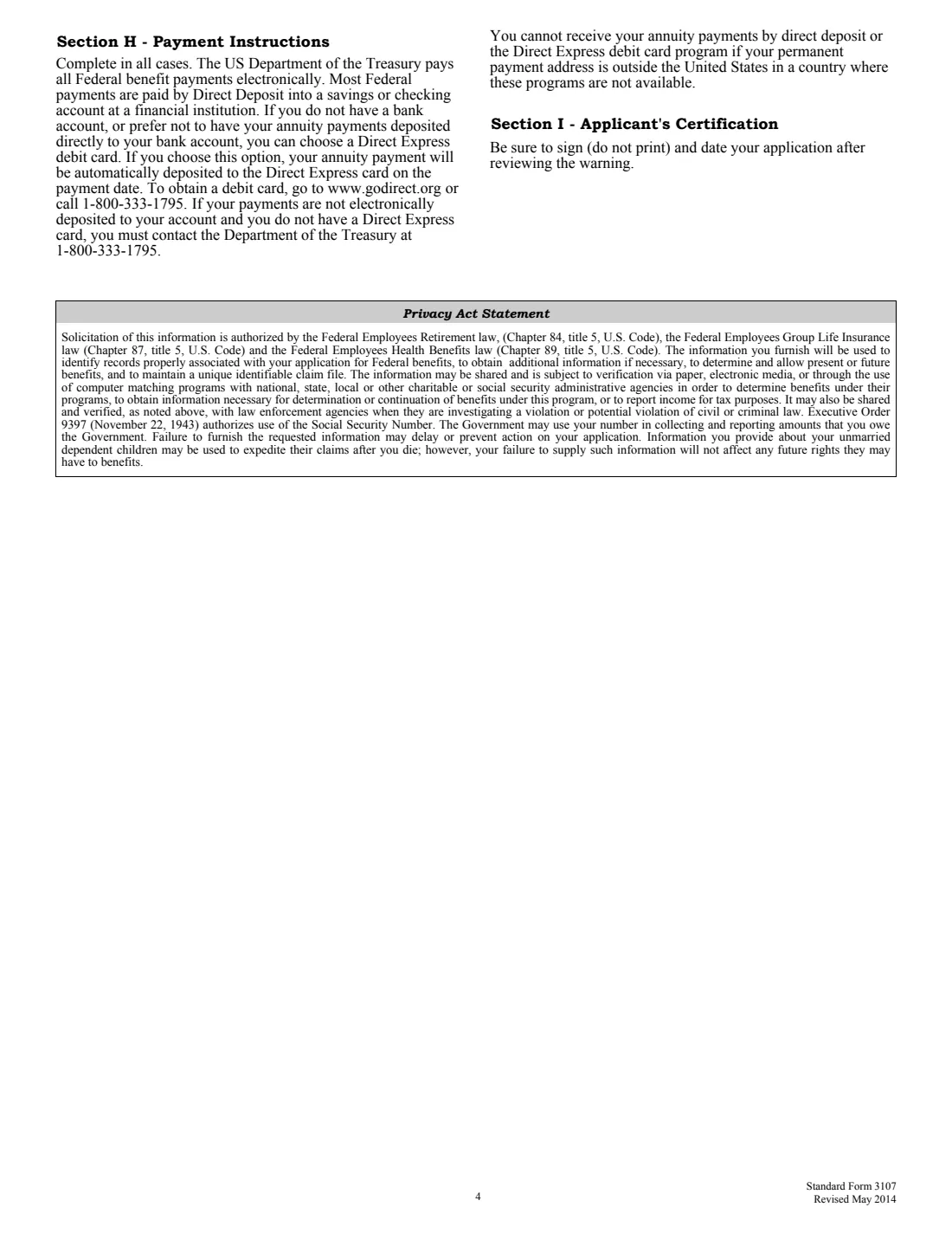
How your annuity is paid (direct deposit, Direct Express or abroad), tax withholding, your certification and the applicant's checklist of attachments.
6 Schedules and SF 3107-2
Schedules A to C for military service, military retired pay and workers' compensation, and Part 1 of the spouse's consent when you don't elect the maximum survivor annuity.
Common mistakes to avoid
- Choosing a partial or no survivor annuity without your spouse's notarized consent on SF 3107-2.
- Electing survivor annuities that total more than 50%.
- Choosing an insurable interest annuity on a disability retirement, which isn't allowed.
- Forgetting to pay the military service deposit to your agency before you retire.
- Leaving out the marriage certificate, divorce decrees or court orders the form asks you to attach.
- Not attaching a W-4 when you want a withholding rate different from your salary's.
After you fill it out
Sign and date Section I and, if you used any schedule, the Schedules certification.
If needed, have your spouse sign SF 3107-2 Part 2 in front of a notary, who completes Part 3.
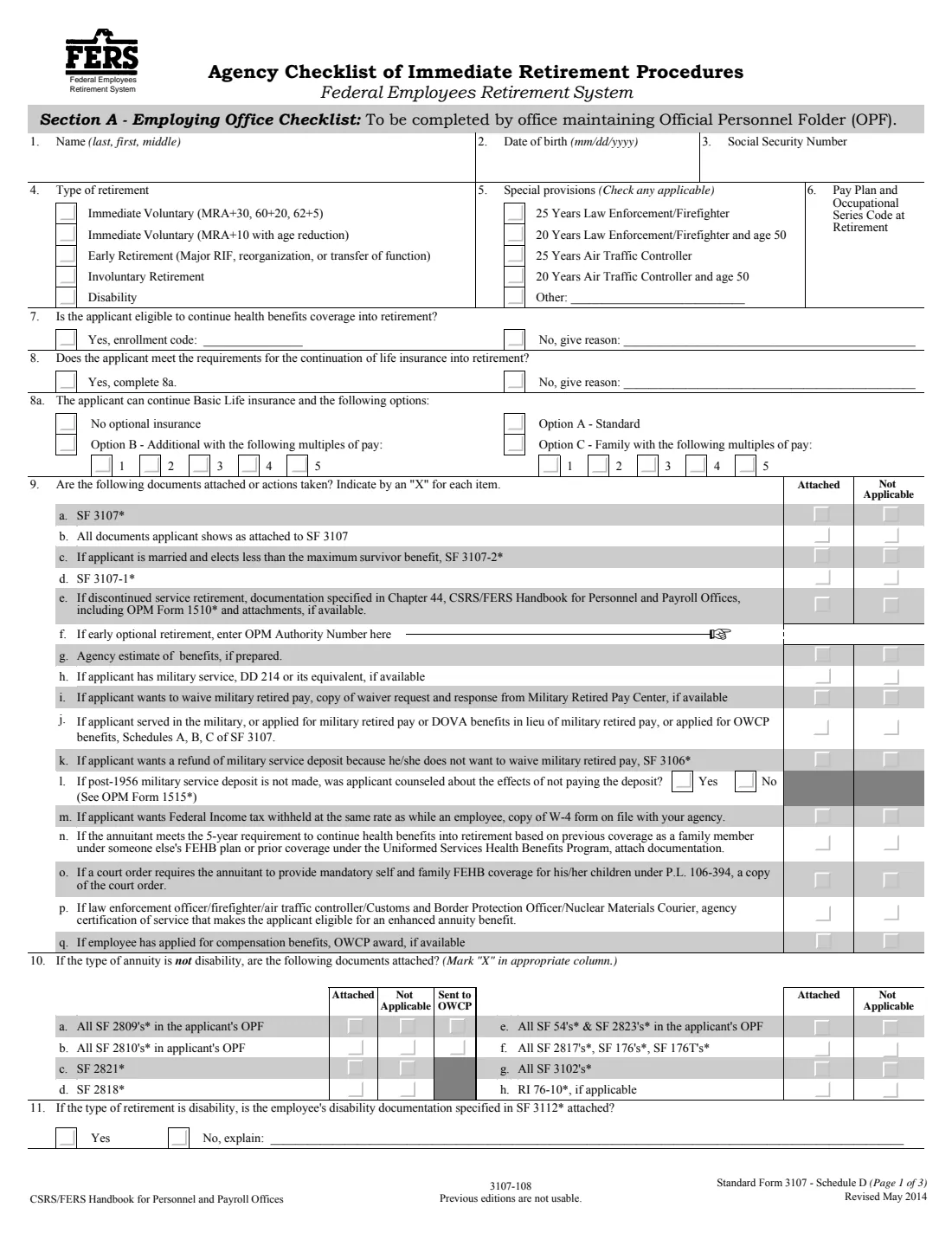
Give the application and attachments to your employing office, which completes SF 3107-1 and Schedule D and sends it to OPM. FileIt keeps the PDF in your vault folder.
Fill out SF 3107 online with FileIt
- Pick the person. Choose someone from People and FileIt fills in their name, date of birth, address and other details it already knows.
- Answer plain-language questions. One part of the form at a time, with the official help text beside each question — 165 fields in all. Your answers save as you go.
- Check the live preview. Watch your answers land on the real U.S. Office of Personnel Management (OPM) form, and let FileIt do any worksheet arithmetic.
- Generate the official PDF. FileIt prints your answers into the agency’s own PDF and files it in that person’s folder in your vault. Sign it, or send it for e-signature.
FileIt fills the form — it never files or submits anything for you. Deliver the finished form to whoever asked for it, the way the form’s instructions say.
Start SF 3107 now — it’s freeSF 3107: frequently asked questions
Can I change my survivor election later?
Generally not after the annuity is granted, except as SF 3113 explains, such as a new election within 2 years of a post-retirement marriage or of a terminating event for a former spouse.
Does my spouse have to agree if I don't choose the maximum survivor annuity?
Yes. Your spouse must consent on SF 3107-2, signed in front of a notary public or another person authorized to administer oaths.
What does the maximum survivor annuity cost?
Your annuity is reduced by 10%, and your spouse would receive 50% of your unreduced annuity. The partial survivor annuity reduces yours by 5% and pays 25%.
Do I complete SF 3107-1?
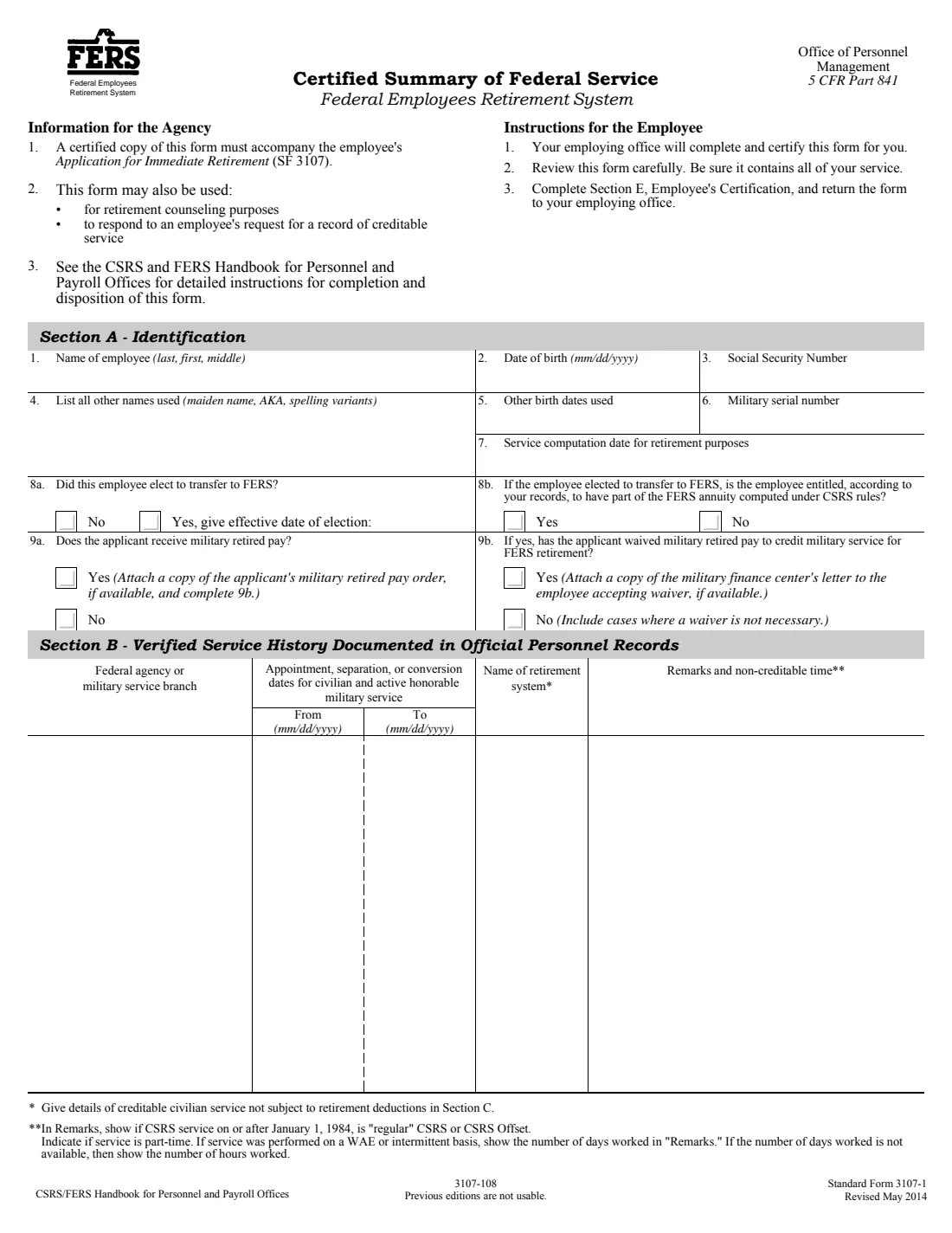
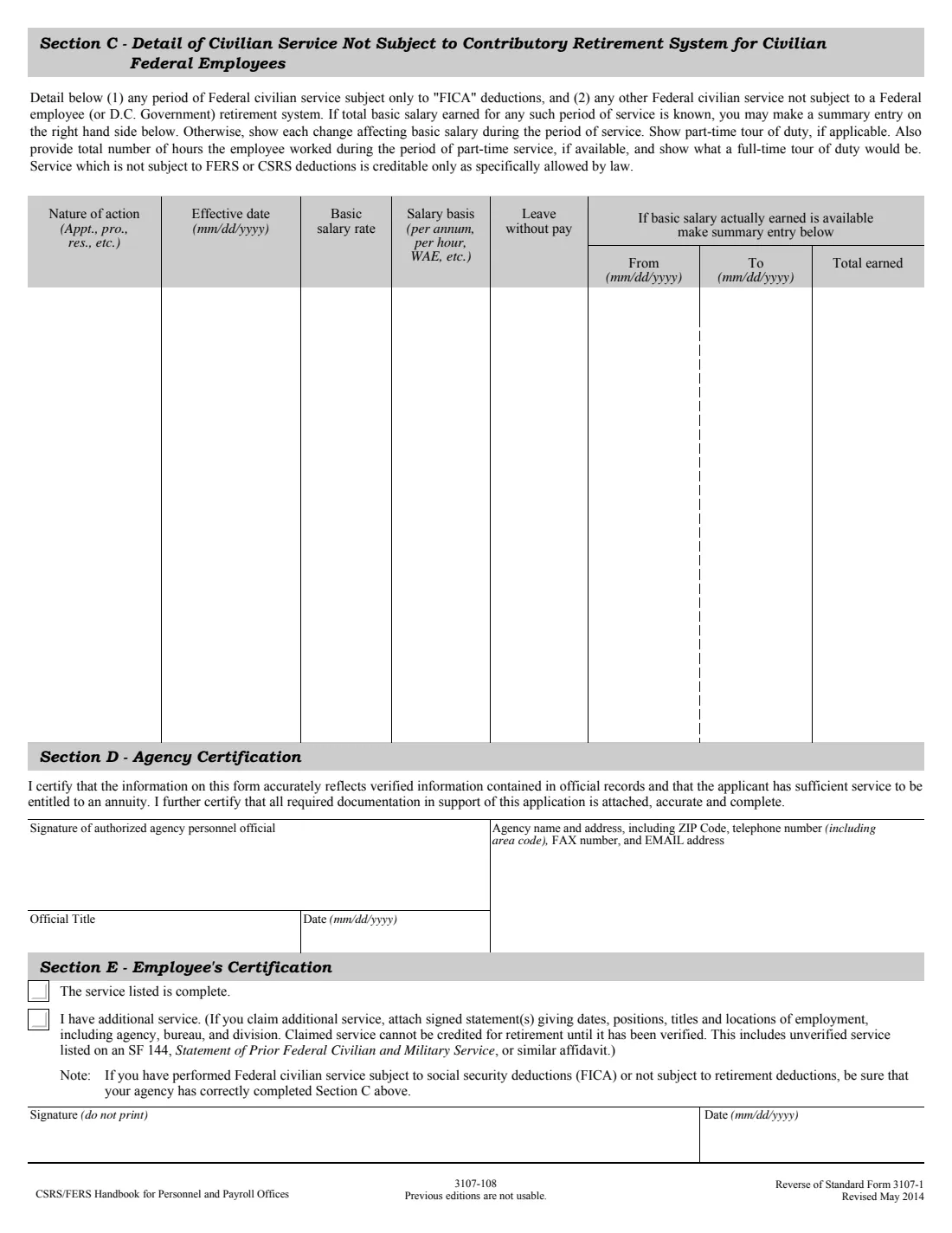
No. Your employing office completes and certifies it; you review it and sign its Section E.
Where do I send SF 3107?
To your employing office, not straight to OPM. The office adds its records and forwards the package.
Official sources
- Blank form (PDF), published by U.S. Office of Personnel Management (OPM): https://www.opm.gov/forms/pdf_fill/sf3107.pdf
- Official instructions and guidance: https://www.opm.gov/forms/pdf_fill/sf3107.pdf
- Edition shown on this page: Standard Form 3107, Revised May 2014 (3107-108); previous editions are not usable (checked 2026-10-19).
FileIt is not affiliated with or endorsed by U.S. Office of Personnel Management (OPM) or any government. This page explains the form in general terms and is not legal, tax or immigration advice. Always read the official instructions, and check that you are using the edition the recipient accepts. Page last reviewed 2026-10-19.