
What is N208 Part 8 claim form?
Part 8 of the Civil Procedure Rules is an alternative way to start a civil claim in England and Wales. It's meant for cases unlikely to involve a substantial dispute of fact, such as asking the court to decide what a will, trust or contract means, or where a rule or practice direction says Part 8 must be used. Form N208 is the claim form for it.
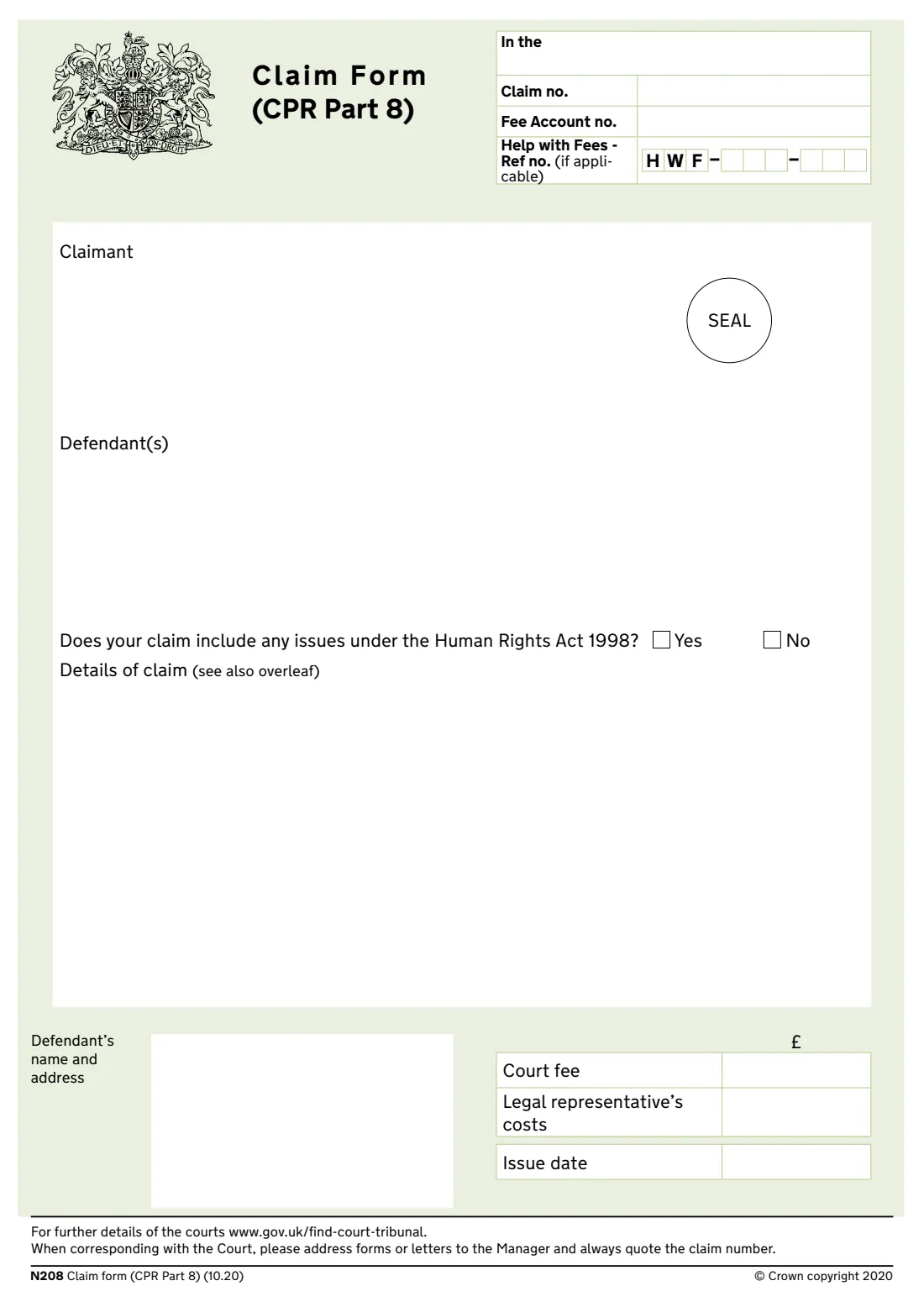
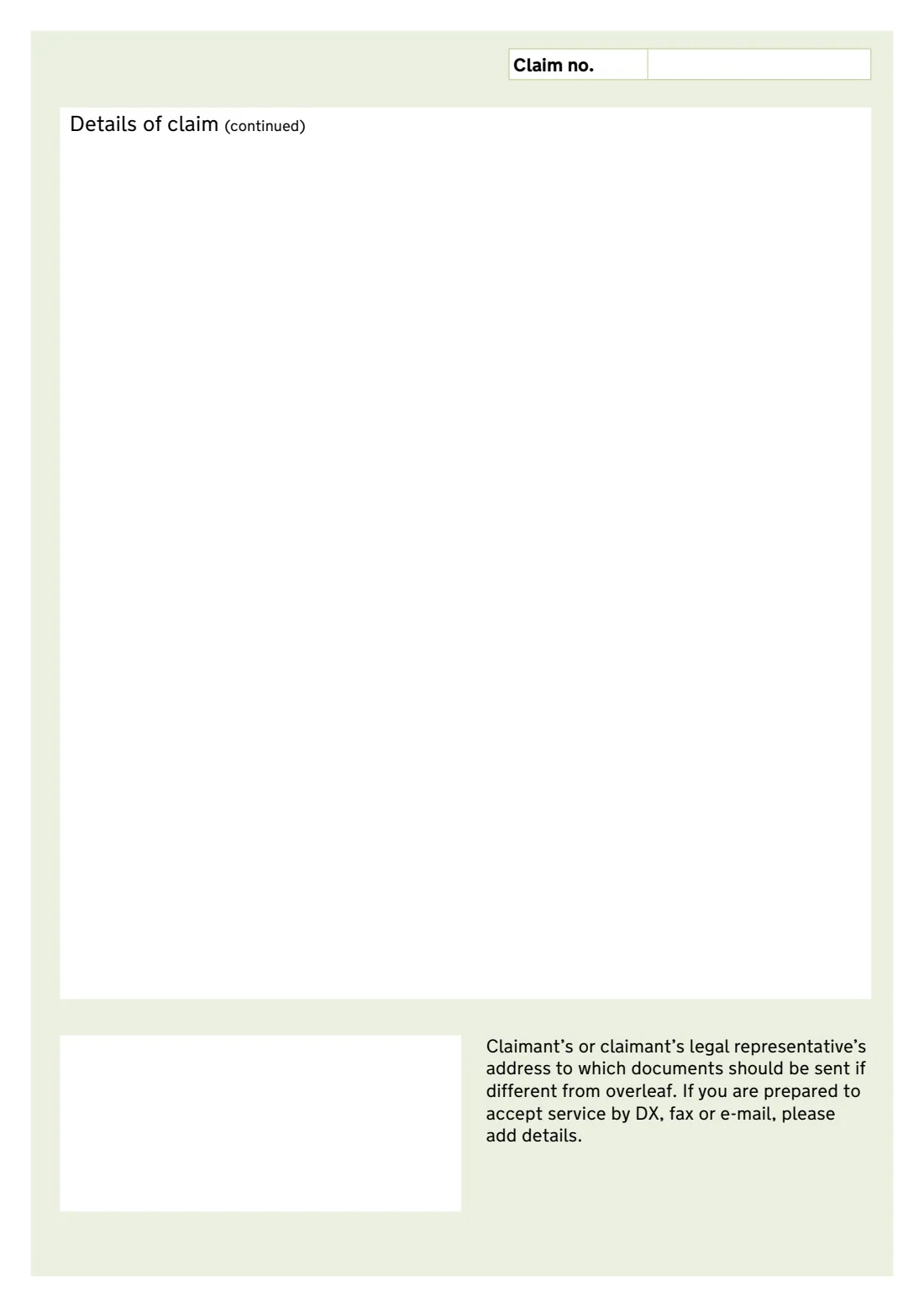
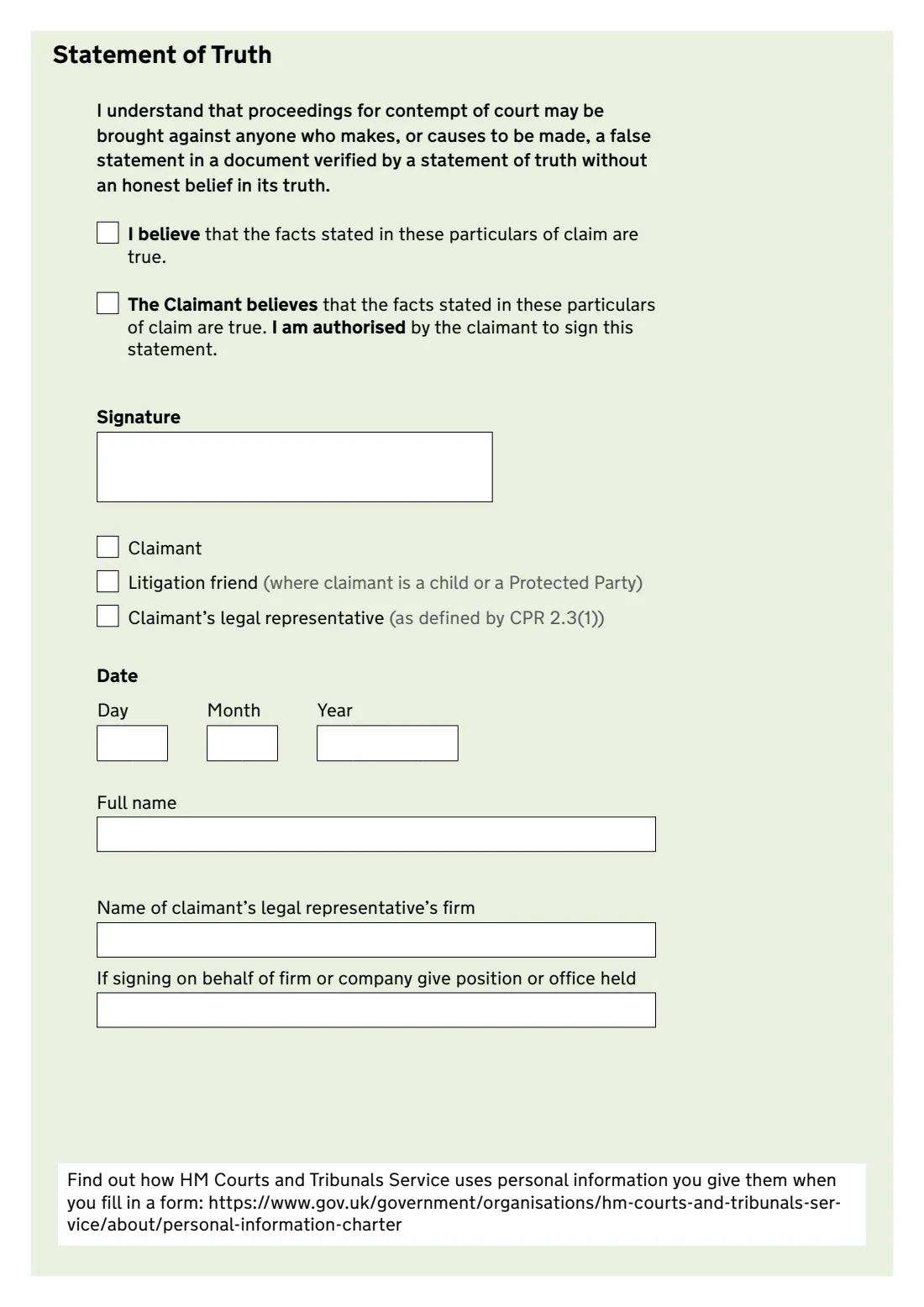
The front page names the court, the claimant and the defendants, asks whether there are Human Rights Act issues and gives room for the details of the claim, which continue on page 2. You also give the court fee, any legal representative's costs and the defendant's address for service, then verify the claim with a statement of truth on page 3.
FileIt takes your details of claim as one piece of text and flows it across the page 1 box and the page 2 continuation box, warning you if it won't fit. It prints everything into HMCTS's official N208 PDF, splits a Help with Fees reference into its boxes and lays out the signature date. You sign and issue the claim yourself.
- Who fills it
- The claimant, or their legal representative
- Procedure
- CPR Part 8 (no substantial dispute of fact)
- Pages
- Front page, continuation page and statement of truth
- Notes
- N208A for the claimant, N208C for the defendant
- Edition
- N208 (10.20)
Who needs to fill out N208 Part 8 claim form?
- Someone asking the court to decide a question of law or interpretation, such as the meaning of a trust deed or contract.
- Claimants whose type of claim must be started under Part 8 by a rule or practice direction.
- Executors, trustees and others seeking the court's direction on a document or a settlement.
- Solicitors issuing a Part 8 claim for a client.
When to use N208 Part 8 claim form
- When the claim is unlikely to involve a substantial dispute of fact, or a rule requires Part 8.
- When you're ready to issue the claim and pay the court fee or apply for Help with Fees.
- Not for ordinary money claims or disputes about what happened, which use form N1 under Part 7.
What you need before you start
- The court where the claim will be issued.
- The full names and addresses of the claimant and every defendant.
- The question you want the court to decide, or the remedy you seek and its legal basis.
- Any enactment the claim is made under.
- The court fee (or your Help with Fees reference) and any legal representative's costs.
- Who will sign the statement of truth, and their role.
What’s on N208 Part 8 claim form
The 2020 edition has 4 pages. FileIt asks for it in 4 parts, and it is signed by Claimant:
- Court and feesClaimant
- The partiesClaimant
- Details of claimClaimant
- Statement of truthClaimant
How to fill out N208 Part 8 claim form, step by step
1 Court and fees
Name the court. Leave the claim number blank for a new claim. Add a fee account or Help with Fees reference if you have one, and the court fee and any legal costs.
2 Parties
Give the claimant's and each defendant's name and address, and the name and address of the defendant the claim form is to be served on.
3 Human Rights Act
Say whether the claim includes any issues under the Human Rights Act 1998.
4 Details of claim
Write the question or remedy, its legal basis and why Part 8 applies. FileIt fills page 1 first and carries the rest onto page 2.
5 Address for documents
If documents should go somewhere other than the address on page 1, or you'll accept DX, fax or email, add it on page 2.
6 Statement of truth
Choose 'I believe' or, for a legal representative, 'The Claimant believes', tick who is signing, and give the date and full name.
Common mistakes to avoid
- Using Part 8 for a claim where the facts are seriously disputed.
- Leaving out the legal basis or the enactment the claim is made under.
- Writing more than the two boxes hold instead of filing a separate witness statement.
- Mismatching the statement of truth wording with who signs it.
- Forgetting the defendant's address for service at the foot of page 1.
After you fill it out
Sign the statement of truth and issue the claim at the court with the fee and any evidence you rely on. FileIt doesn't file it for you.
Serve the claim form on each defendant with the notes for defendant (N208C) as the rules require.
Keep the claim form and your evidence in the case's FileIt folder.
Fill out N208 Part 8 claim form online with FileIt
- Pick the person. Choose someone from People and FileIt fills in their name, date of birth, address and other details it already knows.
- Answer plain-language questions. One part of the form at a time, with the official help text beside each question — 23 fields in all. Your answers save as you go.
- Check the live preview. Watch your answers land on the real HM Courts & Tribunals Service form, and let FileIt do any worksheet arithmetic.
- Generate the official PDF. FileIt prints your answers into the agency’s own PDF and files it in that person’s folder in your vault. Sign it, or send it for e-signature.
FileIt fills the form — it never files or submits anything for you. Deliver the finished form to whoever asked for it, the way the form’s instructions say.
Start N208 Part 8 claim form now — it’s freeN208 Part 8 claim form: frequently asked questions
What is a Part 8 claim?
It's a procedure under Part 8 of the Civil Procedure Rules for claims that are unlikely to involve a substantial dispute of fact, or where a rule says it must be used. It's simpler than an ordinary Part 7 claim.
What if my details of claim are long?
N208 gives a box on page 1 and a continuation box on page 2. FileIt flows your text across both and tells you if it won't fit, so you can shorten it or put the detail in a witness statement.
Who signs the statement of truth?
The claimant, a litigation friend, or the claimant's legal representative. A legal representative uses the 'The Claimant believes' wording.
Does FileIt know the court fee?
No. Check the current fee on GOV.UK (form EX50) and enter it. You can add a Help with Fees reference instead if you've applied.
Can I sign N208 electronically?
FileIt places a signature box for its eSignature. CPR 5.3 allows a signature to be printed by computer or other mechanical means, but check with the court if you're unsure.
Official sources
- Blank form (PDF), published by HM Courts & Tribunals Service: https://assets.publishing.service.gov.uk/media/601aa90ed3bf7f70c036dbd6/n208-eng.pdf
- Official instructions and guidance: https://www.gov.uk/government/publications/form-n208-claim-form-cpr-part-8
- Edition shown on this page: N208 (10.20) (checked 2026-10-19).
FileIt is not affiliated with or endorsed by HM Courts & Tribunals Service or any government. This page explains the form in general terms and is not legal, tax or immigration advice. Always read the official instructions, and check that you are using the edition the recipient accepts. Page last reviewed 2026-10-19.