What is T2201?
T2201, Disability Tax Credit Certificate, is the Canada Revenue Agency (CRA) form used to apply for the disability tax credit (DTC), a non-refundable tax credit that helps persons with disabilities or their supporting persons reduce the income tax they may have to pay. The current edition is T2201 E (23).
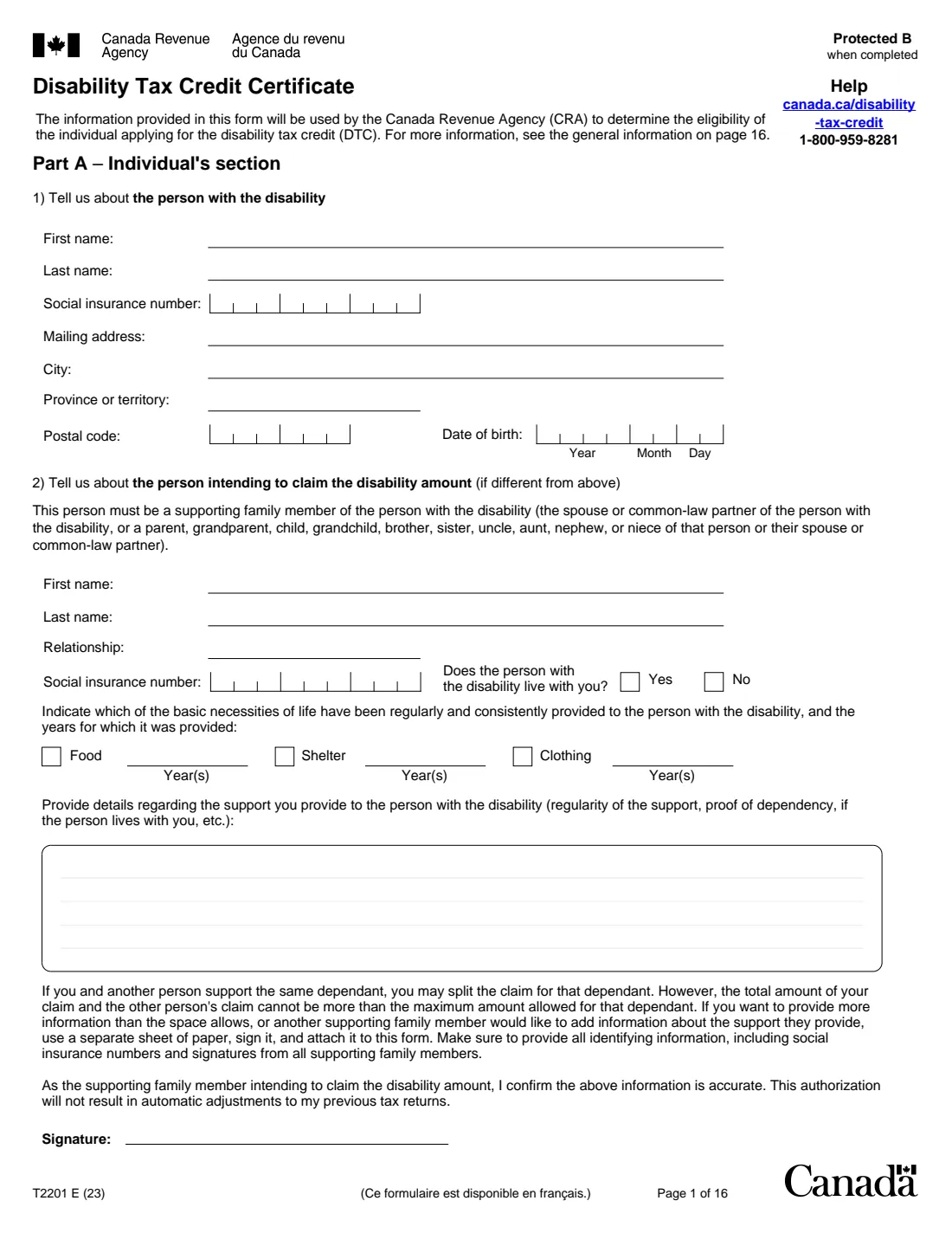
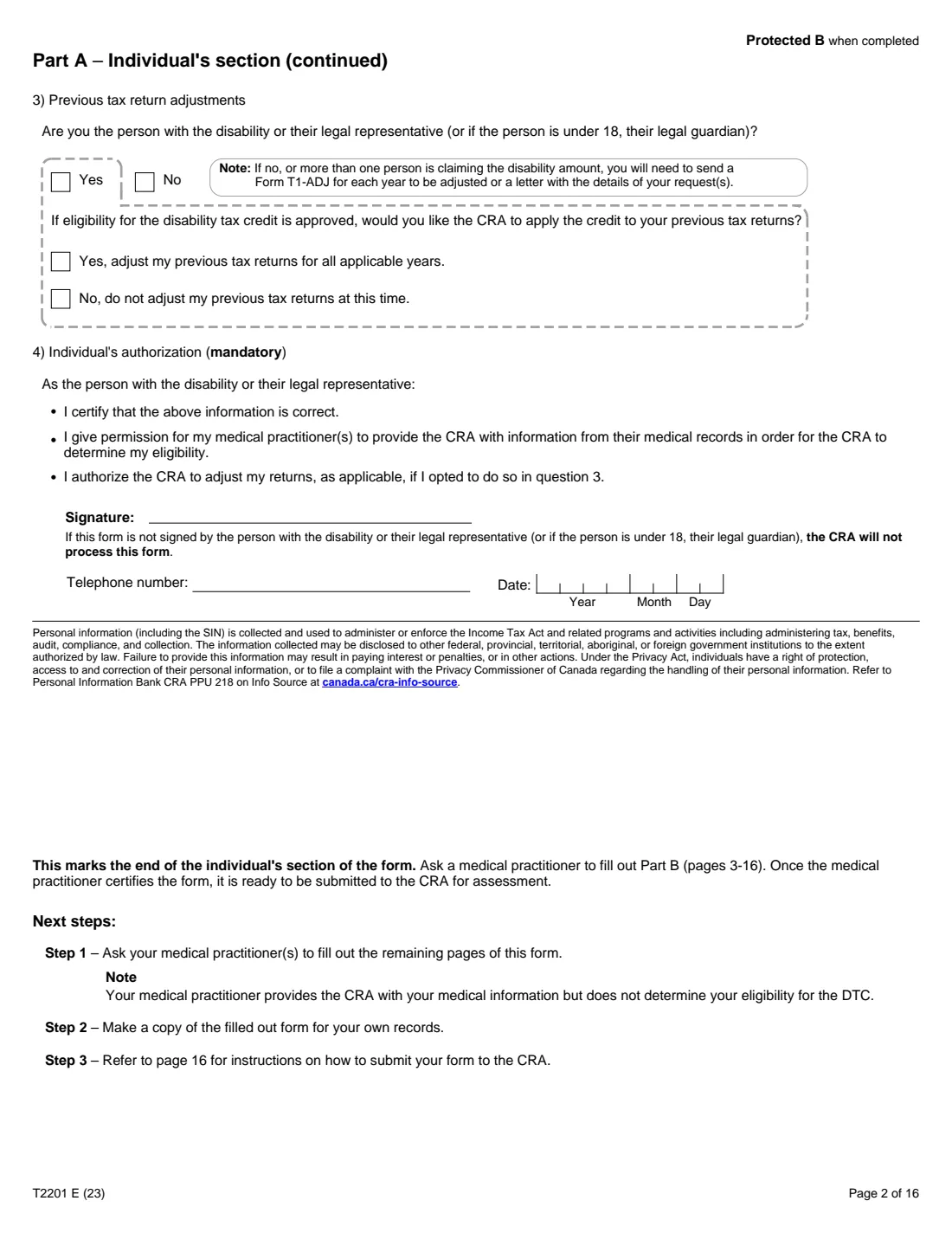
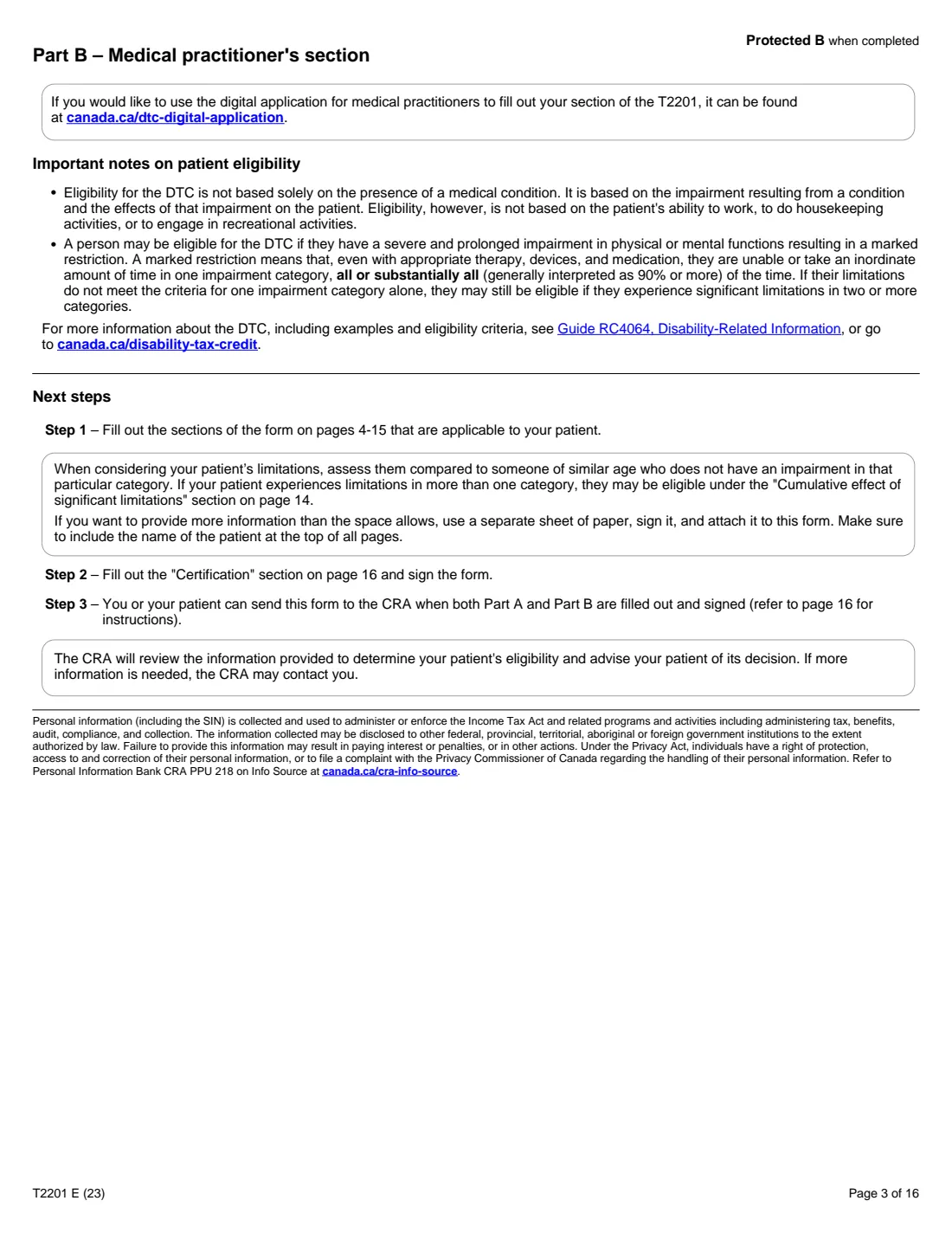
The form has two parts. Part A, the individual's section, identifies the person with the disability, any supporting family member who intends to claim the disability amount, whether the CRA should adjust previous tax returns if the credit is approved, and the mandatory authorization. Part B, on pages 3 to 16, is filled out and certified by a medical practitioner, who describes the effects of the impairment; the CRA, not the practitioner, decides eligibility.
FileIt fills in Part A from a guided web form and prints it on the CRA's own PDF, with the patient's name repeated at the top of the Part B pages. Part B is left blank for your medical practitioner. The finished PDF is filed in your vault. FileIt never sends anything to the CRA: you sign Part A by hand, have Part B completed, and mail the form.
- Who fills it
- Part A: the person with the disability, their legal representative or guardian, and any supporting family member claiming the amount. Part B: a medical practitioner
- Given to
- The Winnipeg, Sudbury or Jonquière Tax Centre, by mail
- When
- Any time of year; the form notes that sending it before you file your return may help the CRA assess your return faster
- Signatures
- Signed by hand: question 4 by the person or their representative, question 2 by a claiming family member, and Part B by the practitioner
- Edition
- T2201 E (23)
Who needs to fill out T2201?
- People with a severe and prolonged impairment in physical or mental functions who want to apply for the DTC.
- Legal representatives and, for a person under 18, legal guardians applying on their behalf.
- Supporting family members (spouse or common-law partner, parent, grandparent, child, grandchild, brother, sister, uncle, aunt, nephew or niece) who intend to claim the disability amount.
When to use T2201
- When you think you may be eligible; the form points to the self-assessment questionnaire in Guide RC4064, Disability-Related Information.
- Before or after filing your return: you can send it at any time during the year.
- When a supporting family member wants to claim the disability amount, they complete question 2.
What you need before you start
- The name, SIN, mailing address and date of birth of the person with the disability.
- For a claiming family member: their name, relationship, SIN, whether the person lives with them, the basic necessities (food, shelter, clothing) they provided and in which years, and details of the support.
- Your choice about adjusting previous tax returns, and a telephone number.
- A medical practitioner to complete and certify Part B. The form notes you are responsible for any fees they charge, which you may be able to claim as medical expenses.
What’s on T2201
The 2023 edition has 16 pages. FileIt asks for it in 4 parts:
- Question 1 – The person with the disabilityPerson with the disability (or legal representative)
- Question 2 – The person claiming the disability amount (if different)Supporting family member claiming the amount
- Question 3 – Previous tax return adjustmentsPerson with the disability (or legal representative)
- Question 4 – Individual's authorization (mandatory)Person with the disability (or legal representative)
How to fill out T2201, step by step
1 Question 1 – The person with the disability
First and last name, SIN, mailing address, city, province or territory, postal code and date of birth.
2 Question 2 – The person claiming the amount (if different)
A supporting family member's name, relationship and SIN, whether the person lives with them, which basic necessities they provided and in which years, and details of the support. They sign this question.
3 Question 3 – Previous tax return adjustments
Whether you are the person with the disability or their legal representative (or guardian if under 18), and whether the CRA should apply the credit to previous returns if it is approved. If not, the form says to send a T1-ADJ for each year or a letter.
4 Question 4 – Individual's authorization
The mandatory signature of the person with the disability or their legal representative, with a telephone number and date. It certifies the information, lets medical practitioners share records with the CRA, and authorizes the chosen adjustments.
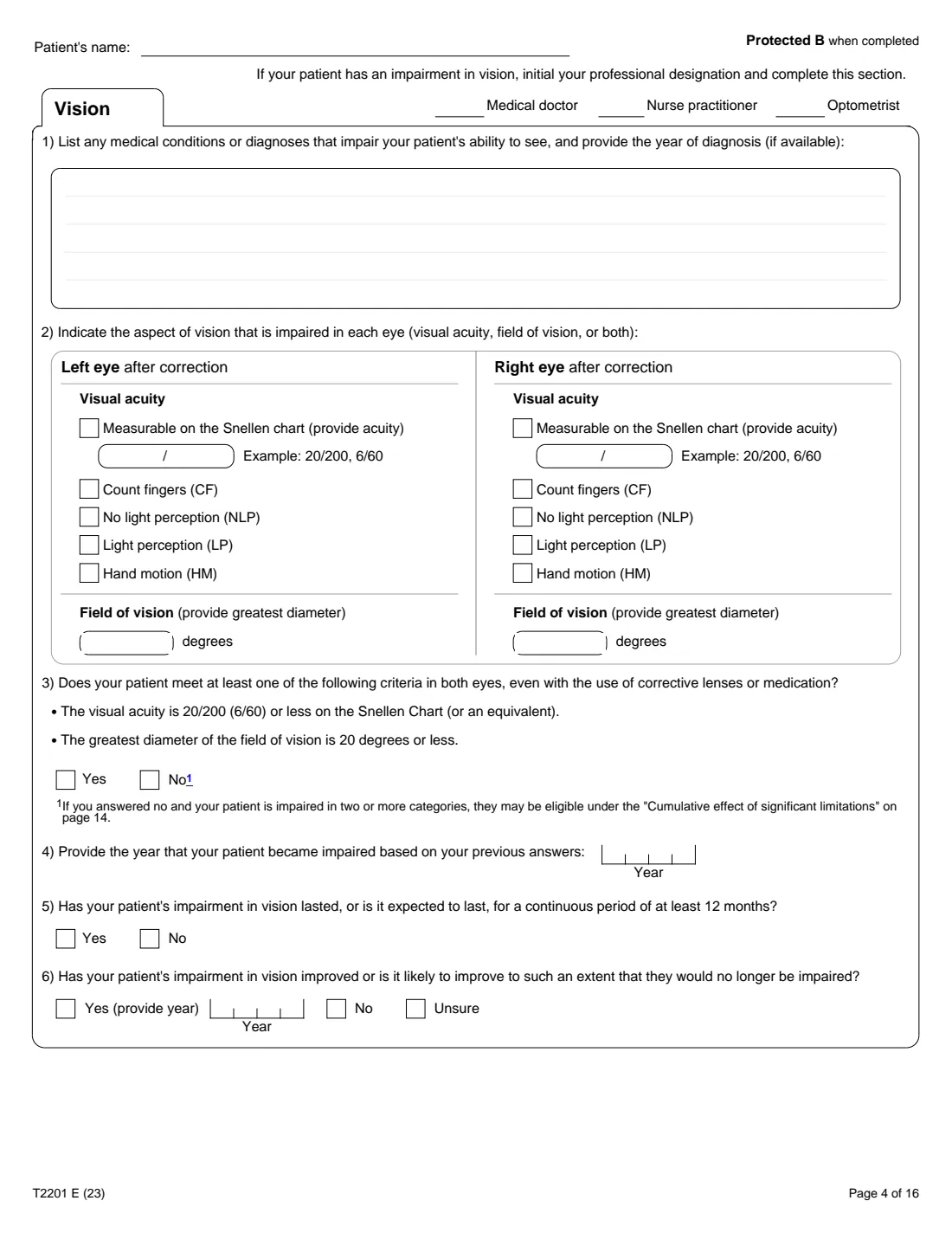
5 Part B – Medical practitioner's section
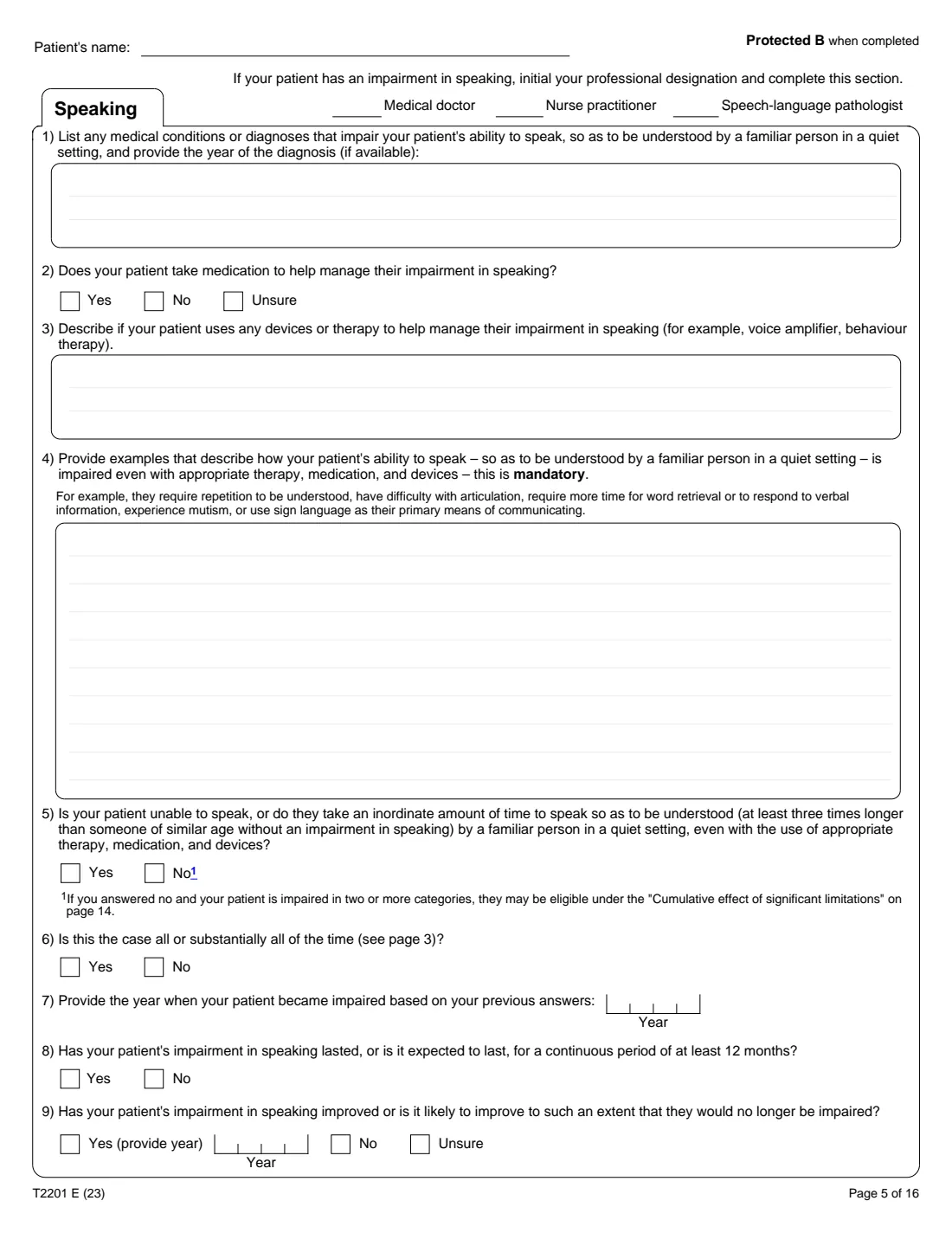
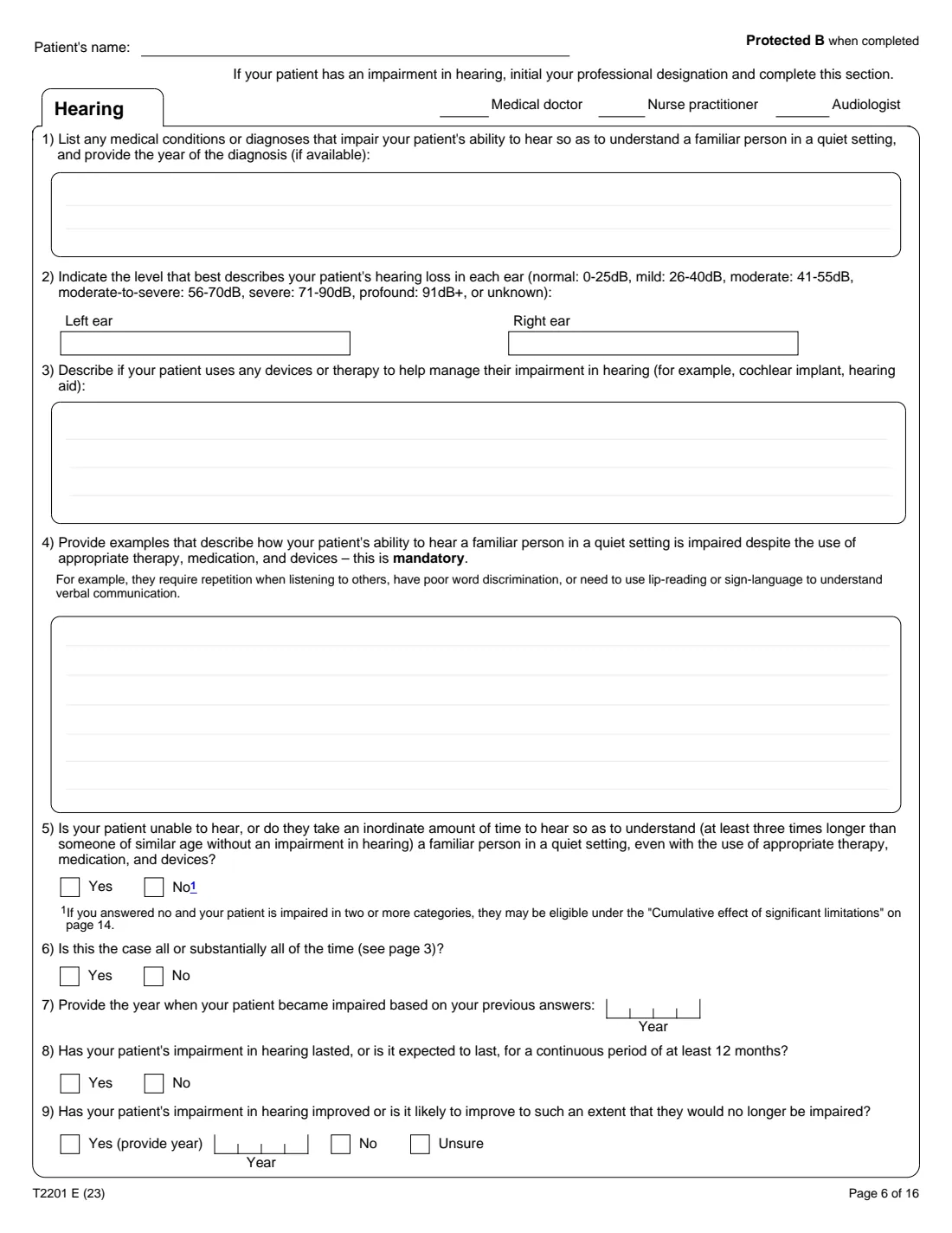
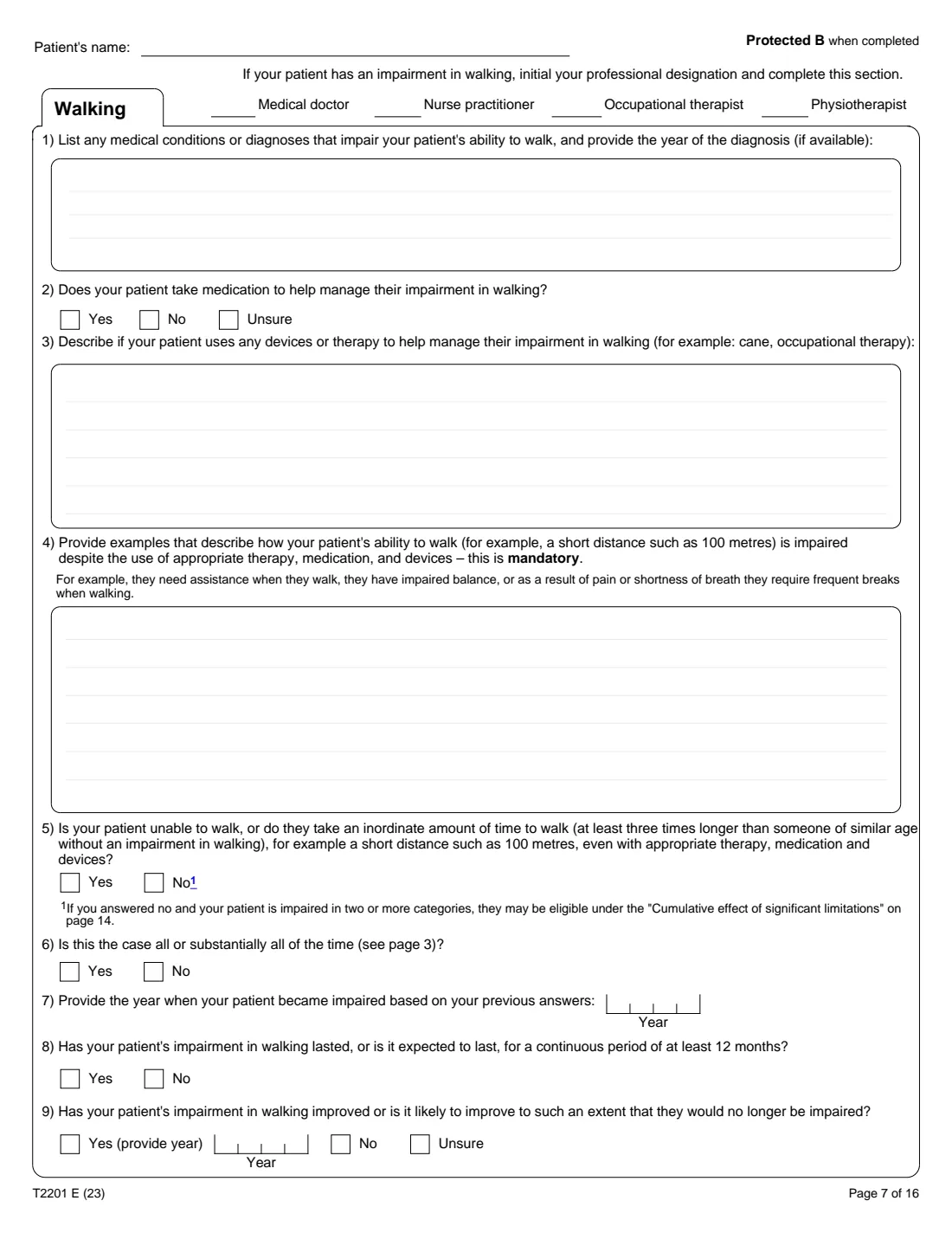
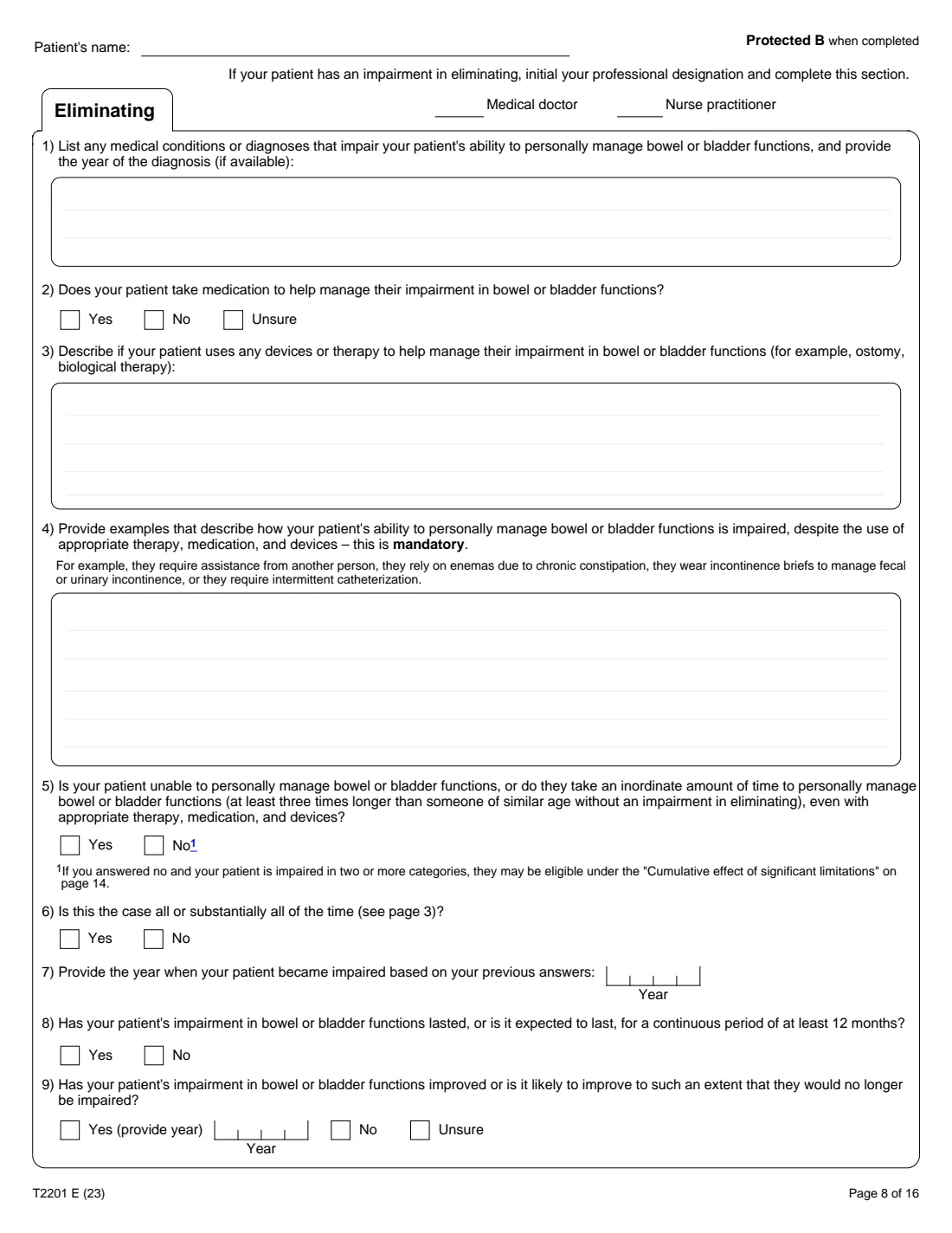
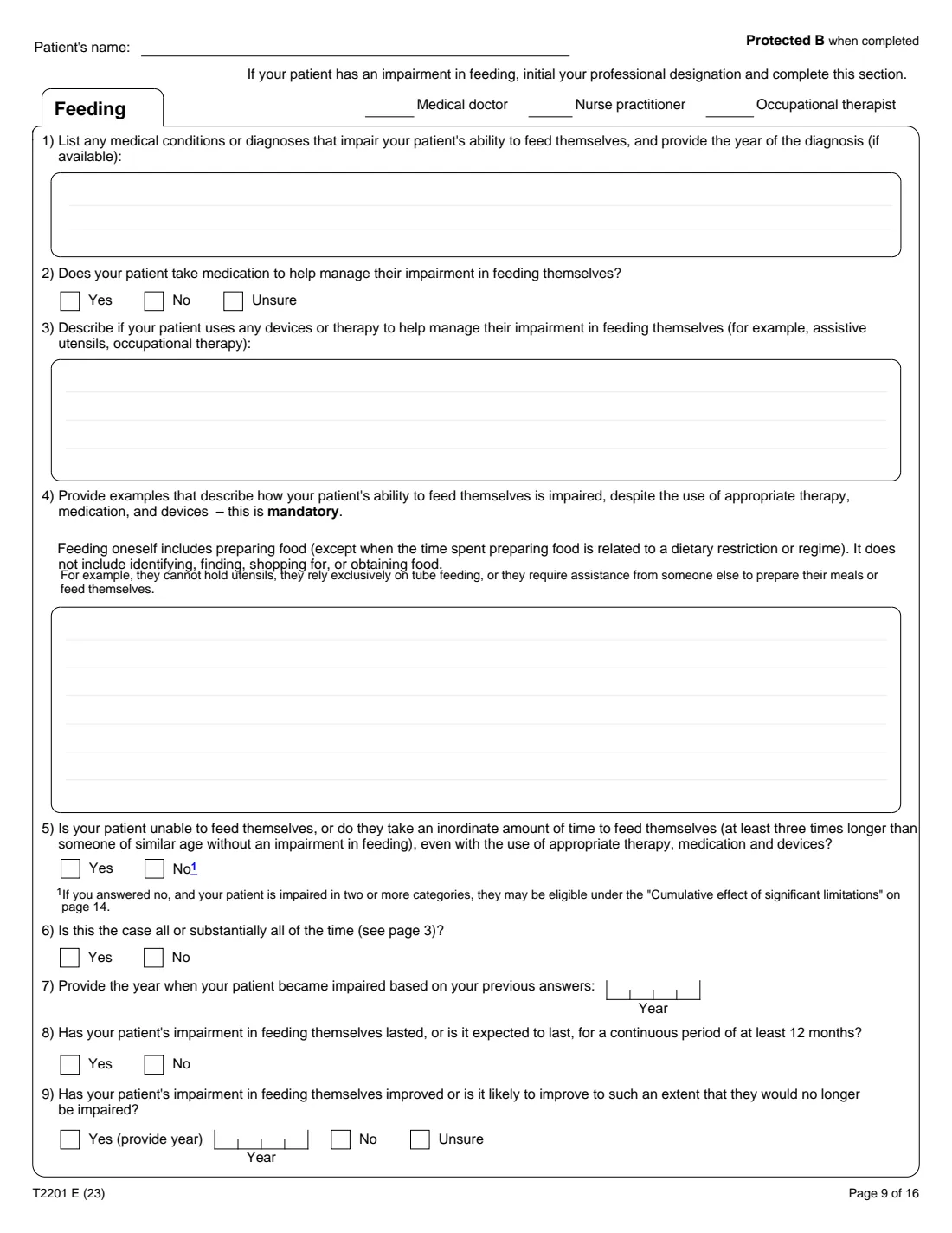
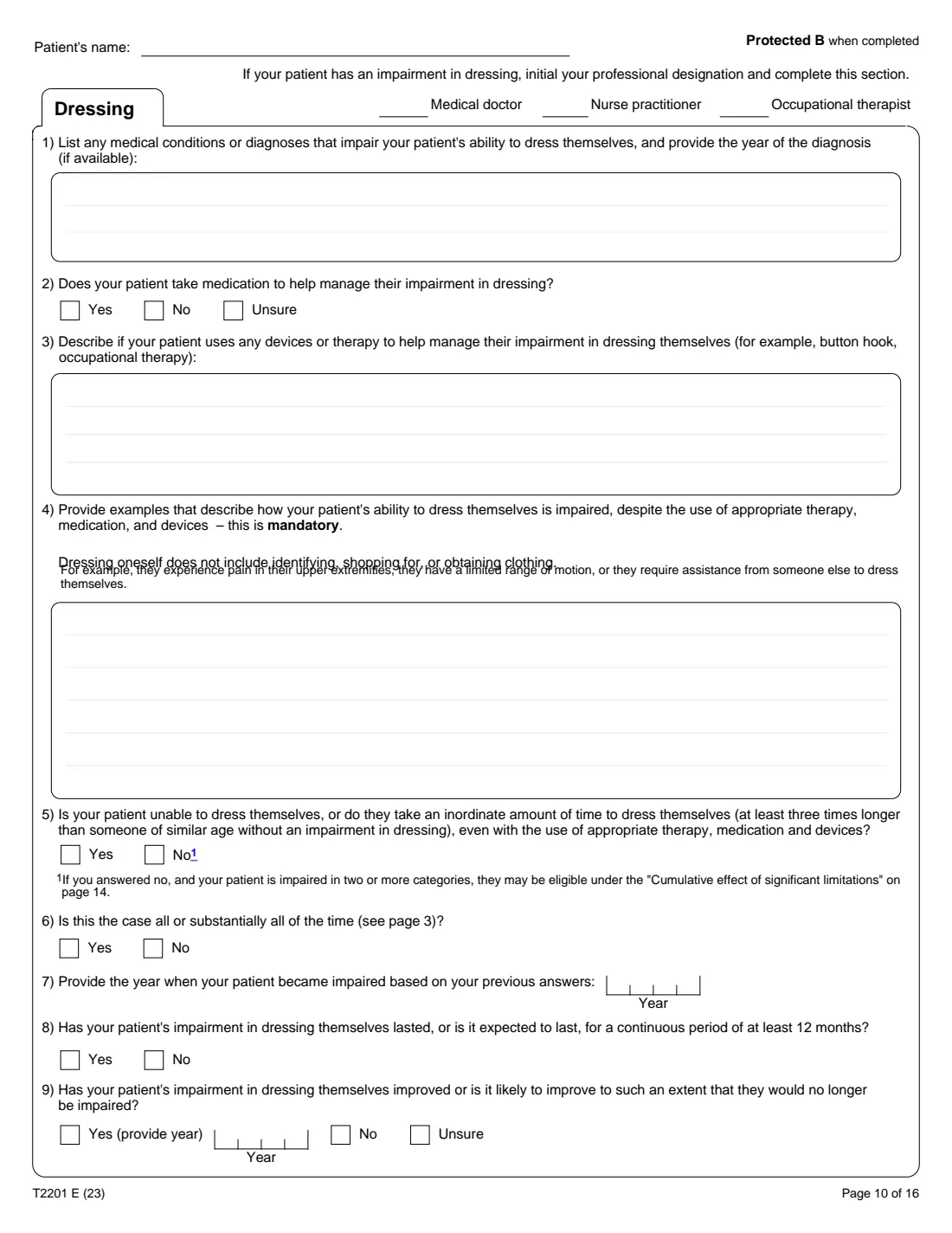
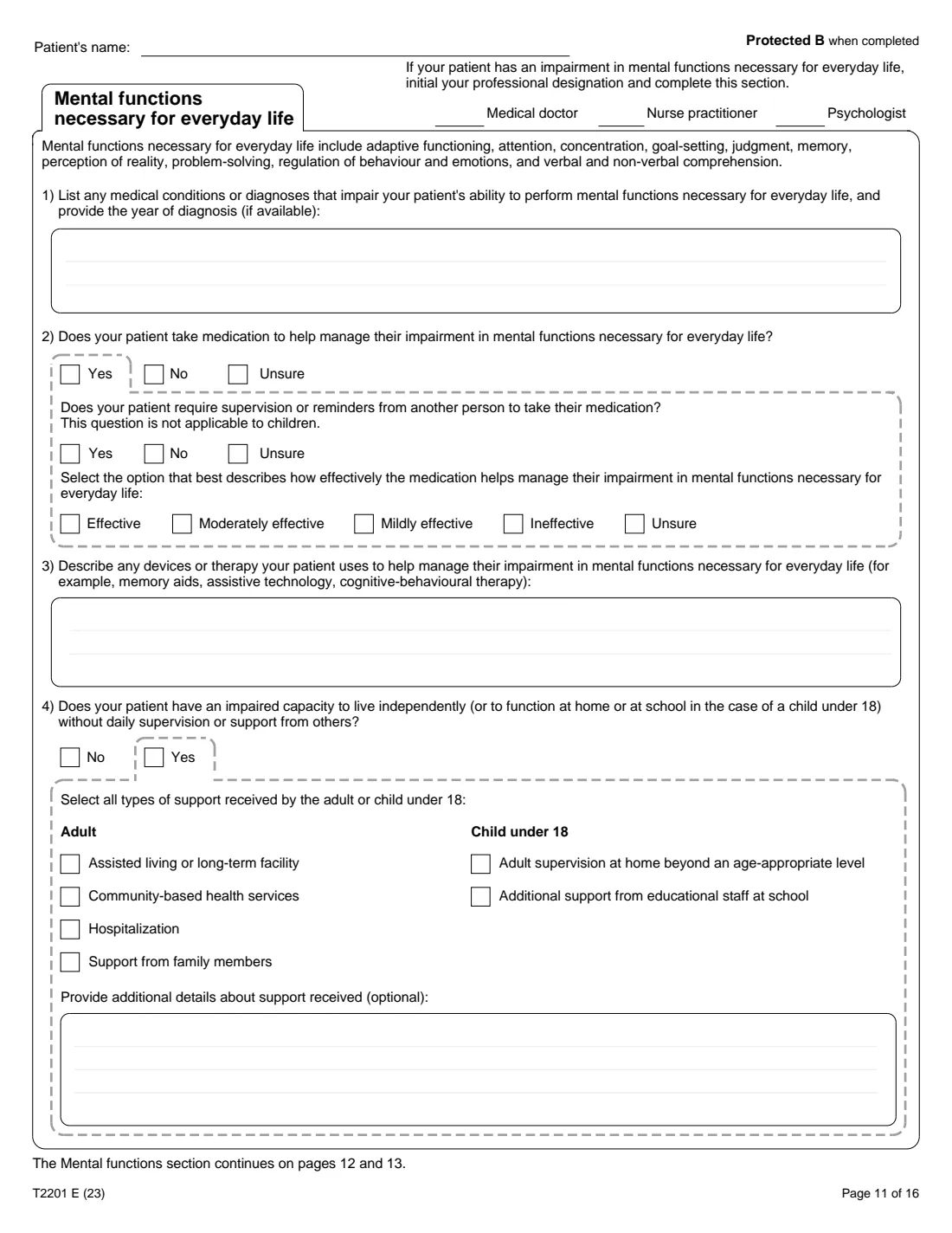
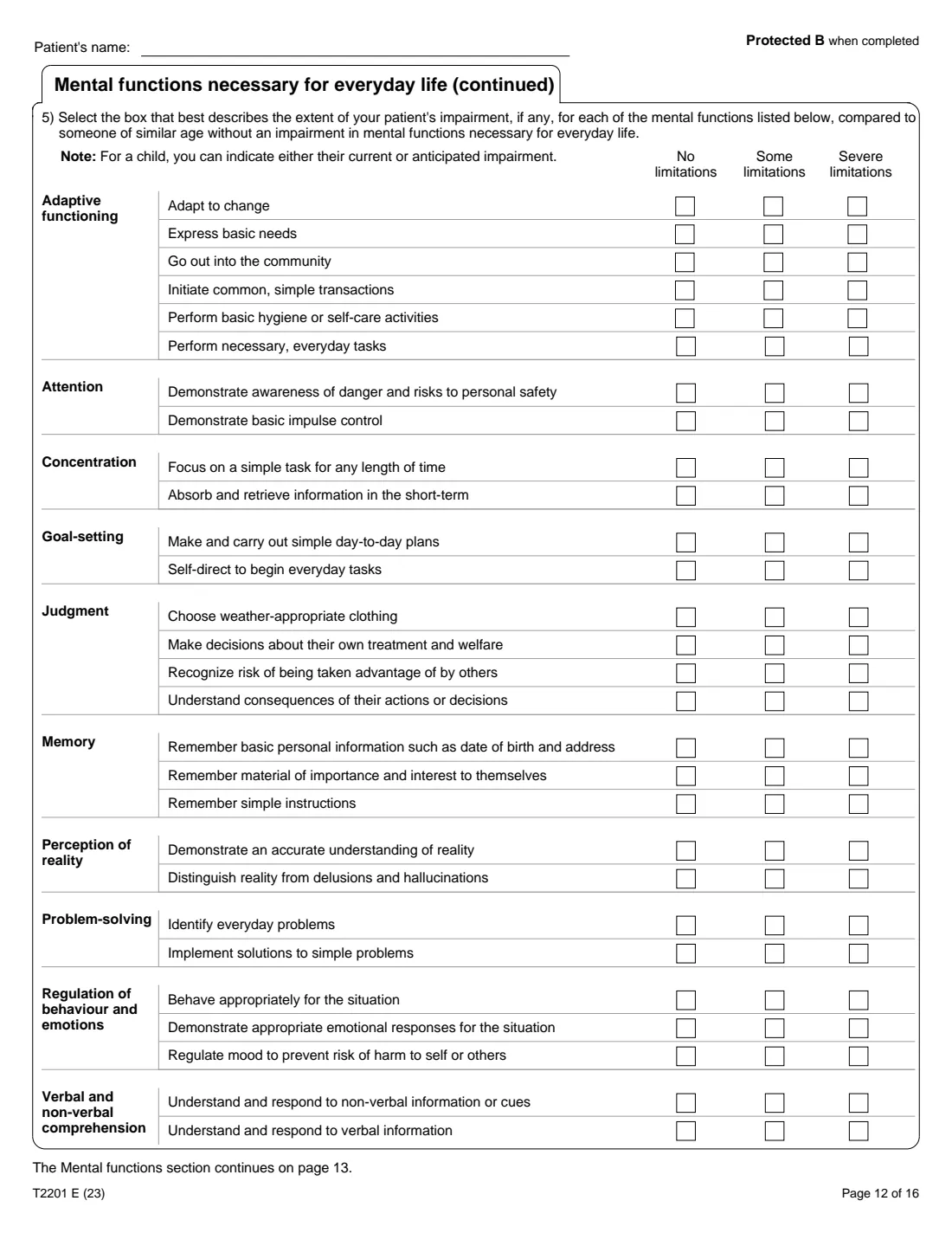
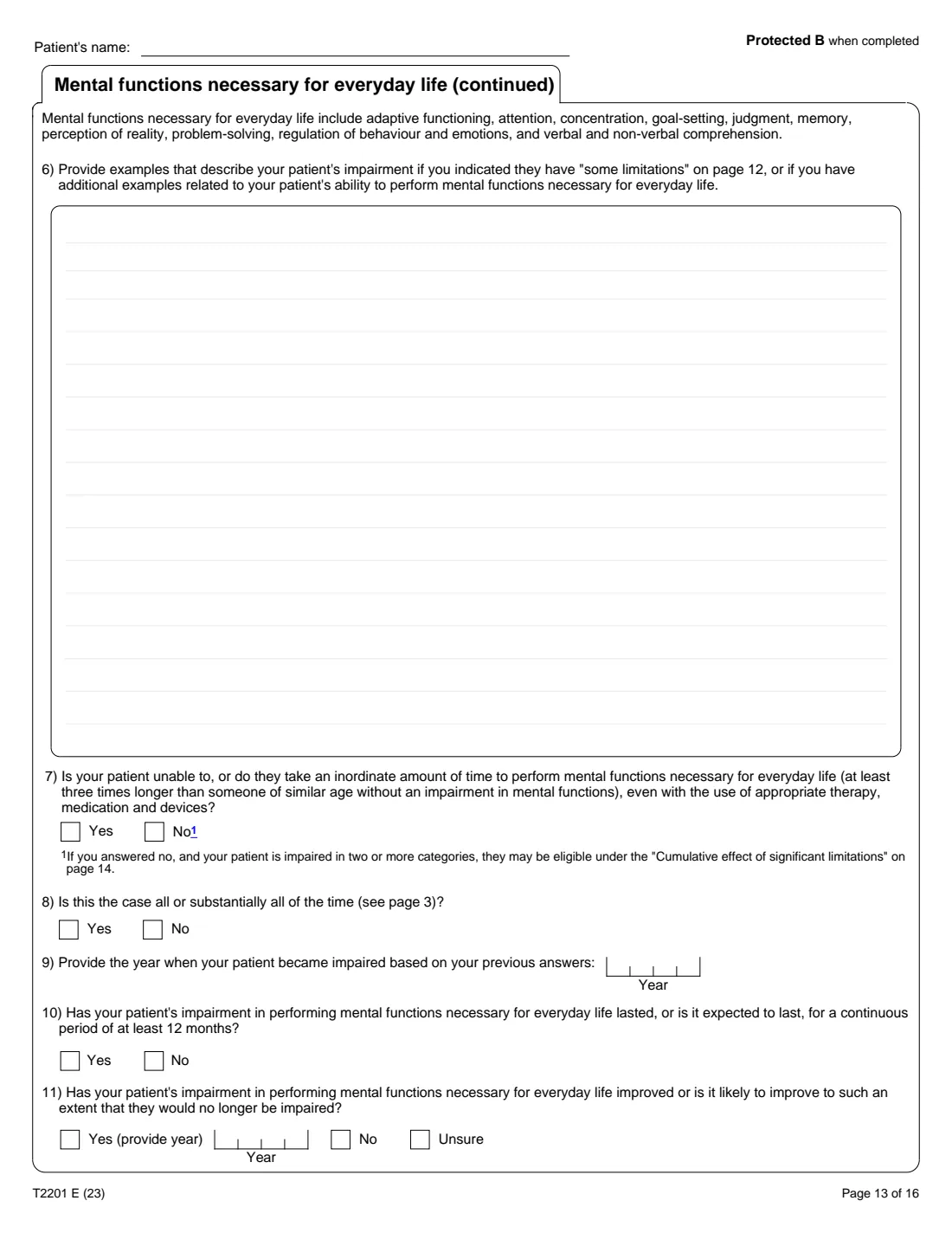
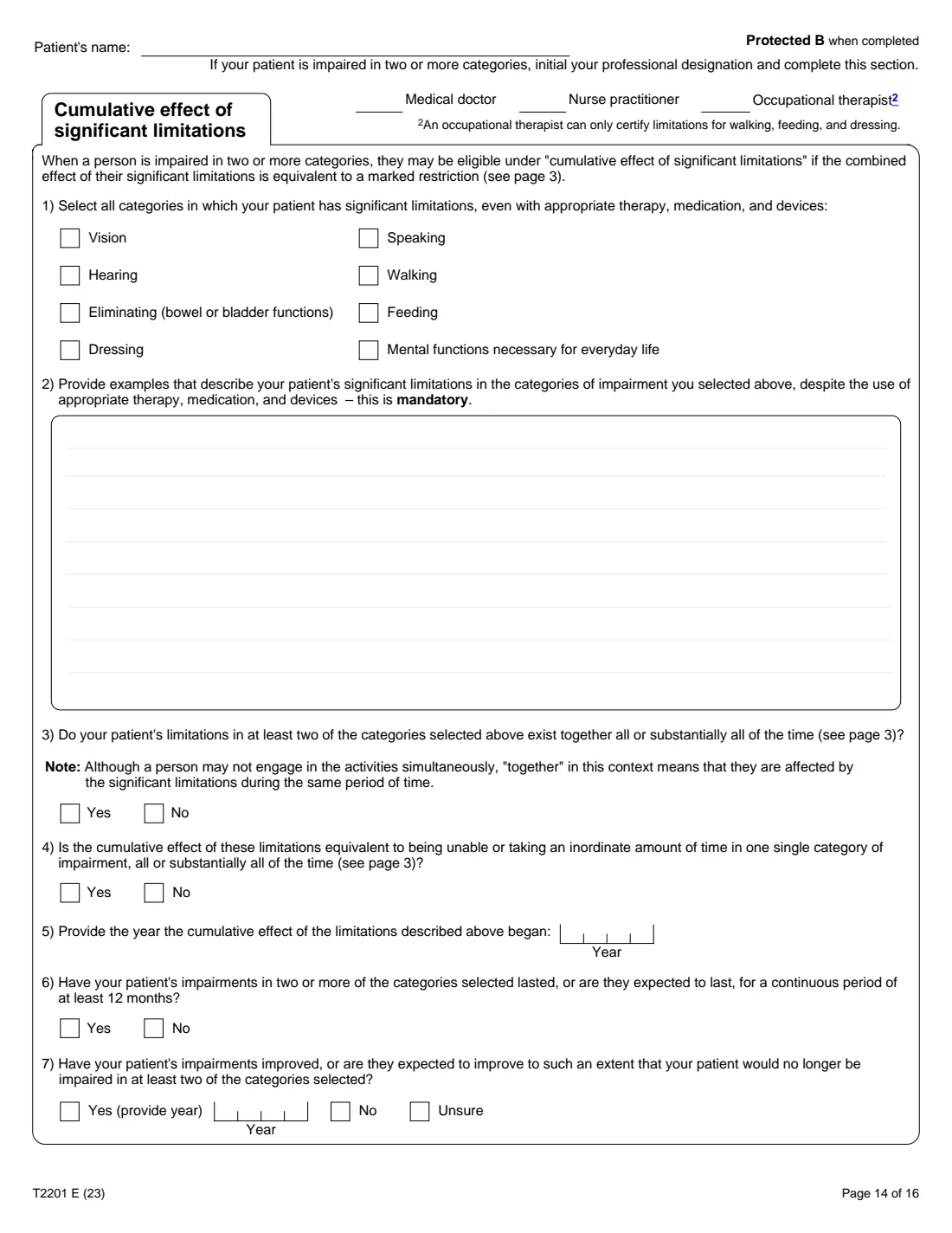
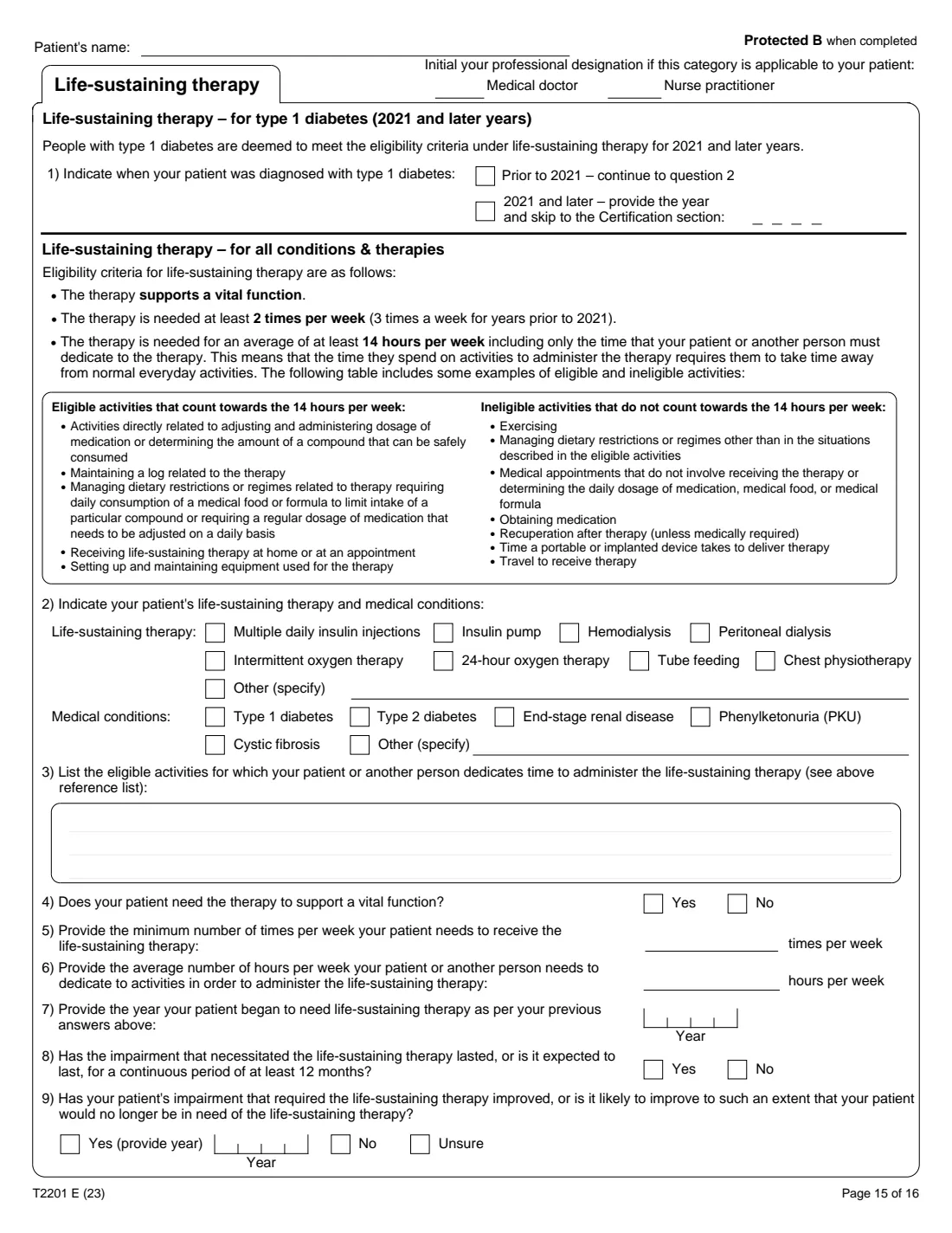
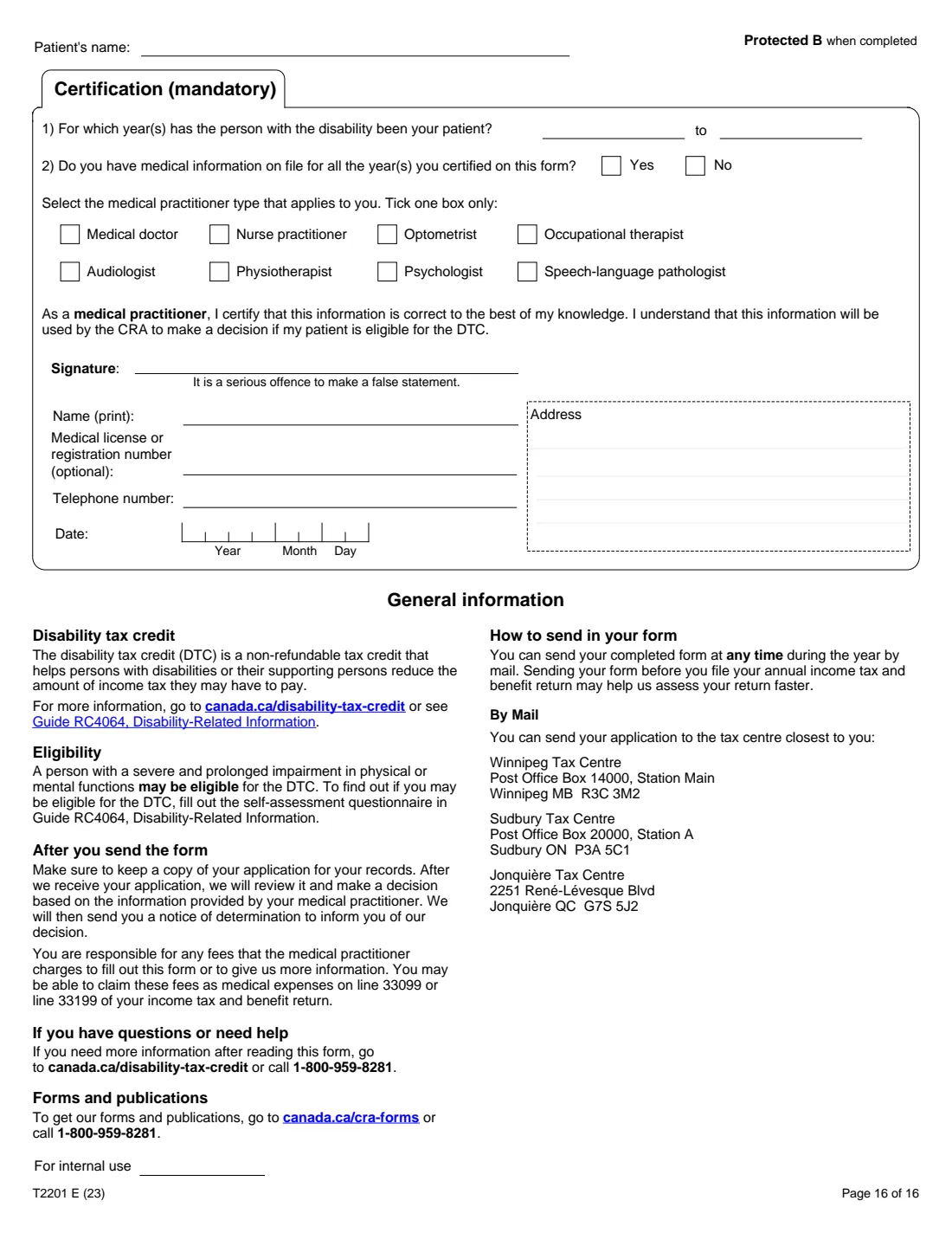
Completed by the medical practitioner for each affected area (vision, speaking, hearing, walking, eliminating, feeding, dressing, mental functions, cumulative effect, life-sustaining therapy) and certified on page 16.
Common mistakes to avoid
- Not signing question 4: the CRA will not process the form unless the person with the disability or their legal representative (or guardian) signs.
- Sending only Part A; the medical practitioner must complete and certify Part B first.
- Naming a claimant in question 2 who isn't a supporting family member as the form defines it.
- Asking the CRA to adjust earlier returns when you are not the person with the disability or their representative; the form says to send T1-ADJ forms or a letter instead.
After you fill it out
Print the form, sign question 4 (and question 2 if it applies) by hand, and ask your medical practitioner to fill out and certify Part B. FileIt doesn't contact them or send anything.
Keep a copy, then mail the form to the Winnipeg, Sudbury or Jonquière Tax Centre listed on page 16.
The CRA reviews it and sends a notice of determination with its decision.
Fill out T2201 online with FileIt
- Pick the person. Choose someone from People and FileIt fills in their name, date of birth, address and other details it already knows.
- Answer plain-language questions. One part of the form at a time, with the official help text beside each question — 24 fields in all. Your answers save as you go.
- Check the live preview. Watch your answers land on the real Canada Revenue Agency (CRA) form, and let FileIt do any worksheet arithmetic.
- Generate the official PDF. FileIt prints your answers into the agency’s own PDF and files it in that person’s folder in your vault.
FileIt fills the form — it never files or submits anything for you. Deliver the finished form to whoever asked for it, the way the form’s instructions say.
Start T2201 now — it’s freeT2201: frequently asked questions
Can FileIt fill out the doctor's part?
No. FileIt fills in Part A only. Part B must be completed and certified by a medical practitioner, on paper or through the CRA's digital application for medical practitioners.
Who can claim the disability amount for someone else?
A supporting family member: the spouse or common-law partner, or a parent, grandparent, child, grandchild, brother, sister, uncle, aunt, nephew or niece of the person or of their spouse or common-law partner.
Will the CRA adjust my previous returns?
If the credit is approved and you chose 'Yes, adjust my previous tax returns' in question 3, question 4 authorizes the CRA to do so.
Where do I send T2201?
By mail to the tax centre closest to you: Winnipeg, Sudbury or Jonquière, as listed on page 16.
Can I sign T2201 electronically?
Not on the paper form: T2201 is not on the CRA's list of forms that accept an electronic signature.
Official sources
- Blank form (PDF), published by Canada Revenue Agency (CRA): https://www.canada.ca/content/dam/cra-arc/formspubs/pbg/t2201/t2201-fill-23e.pdf
- Official instructions and guidance: https://www.canada.ca/en/revenue-agency/services/forms-publications/forms/t2201.html
- Edition shown on this page: T2201 E (23) (checked 2026-10-01).
FileIt is not affiliated with or endorsed by Canada Revenue Agency (CRA) or any government. This page explains the form in general terms and is not legal, tax or immigration advice. Always read the official instructions, and check that you are using the edition the recipient accepts. Page last reviewed 2026-10-01.