What is Form 132 — resume Australian citizenship?
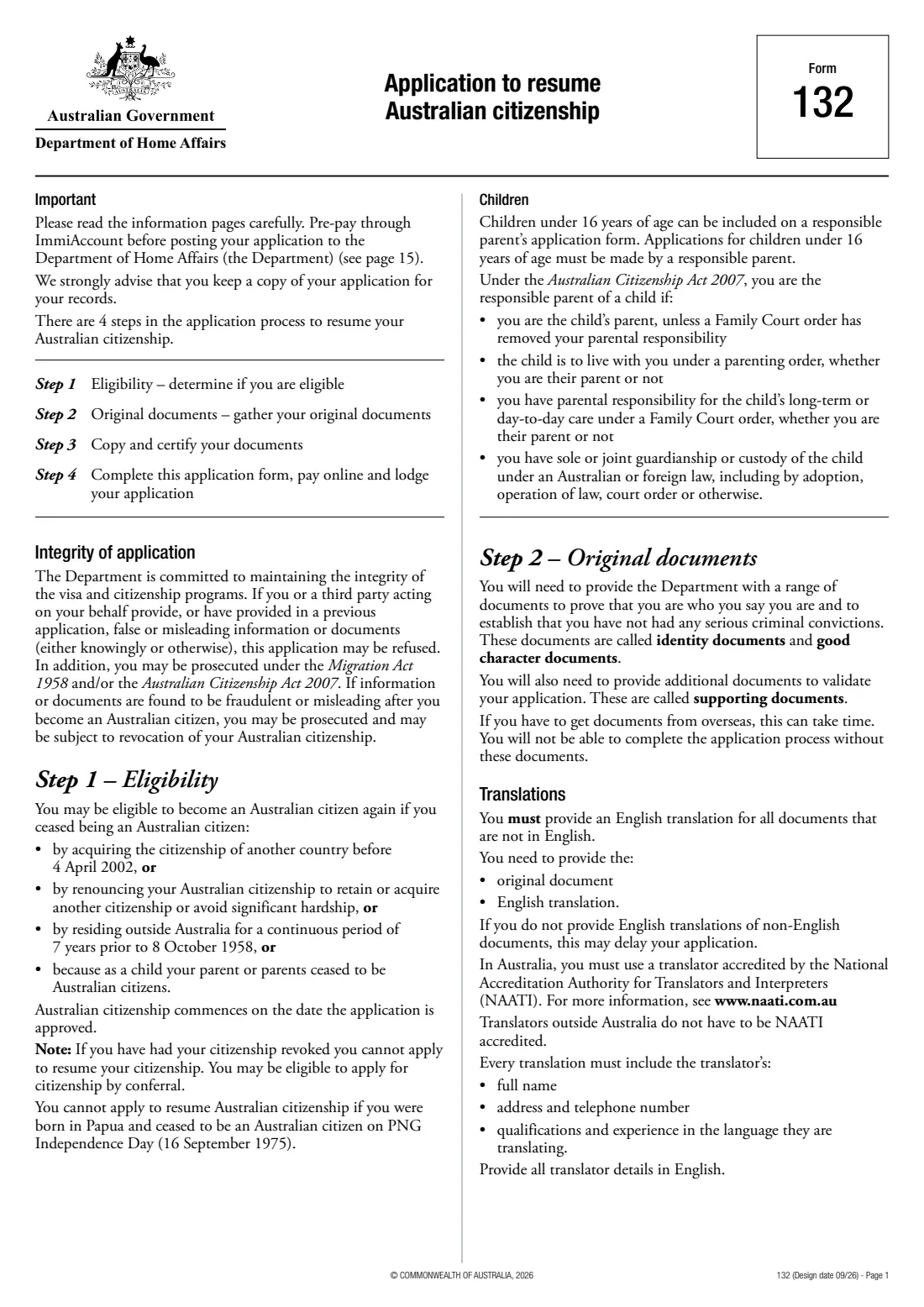
Form 132 is how a former Australian citizen applies to become one again. The form lists the situations it covers: you lost Australian citizenship by acquiring another country's citizenship before 4 April 2002, by renouncing it to keep or acquire another citizenship or to avoid significant hardship, by living outside Australia for a continuous 7 years before 8 October 1958, or as a child because your parent ceased to be a citizen. If your citizenship was revoked, this form isn't available to you.
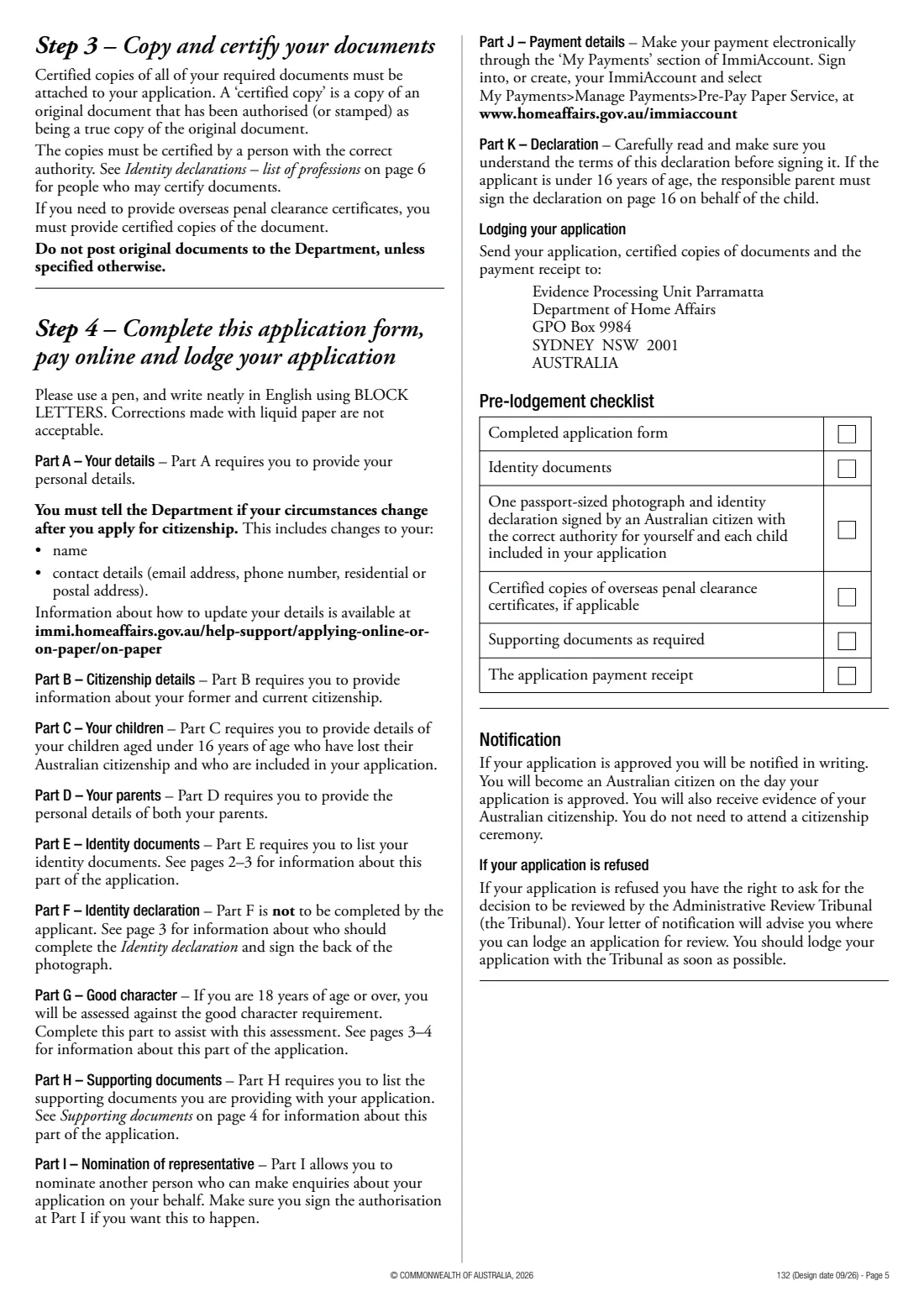
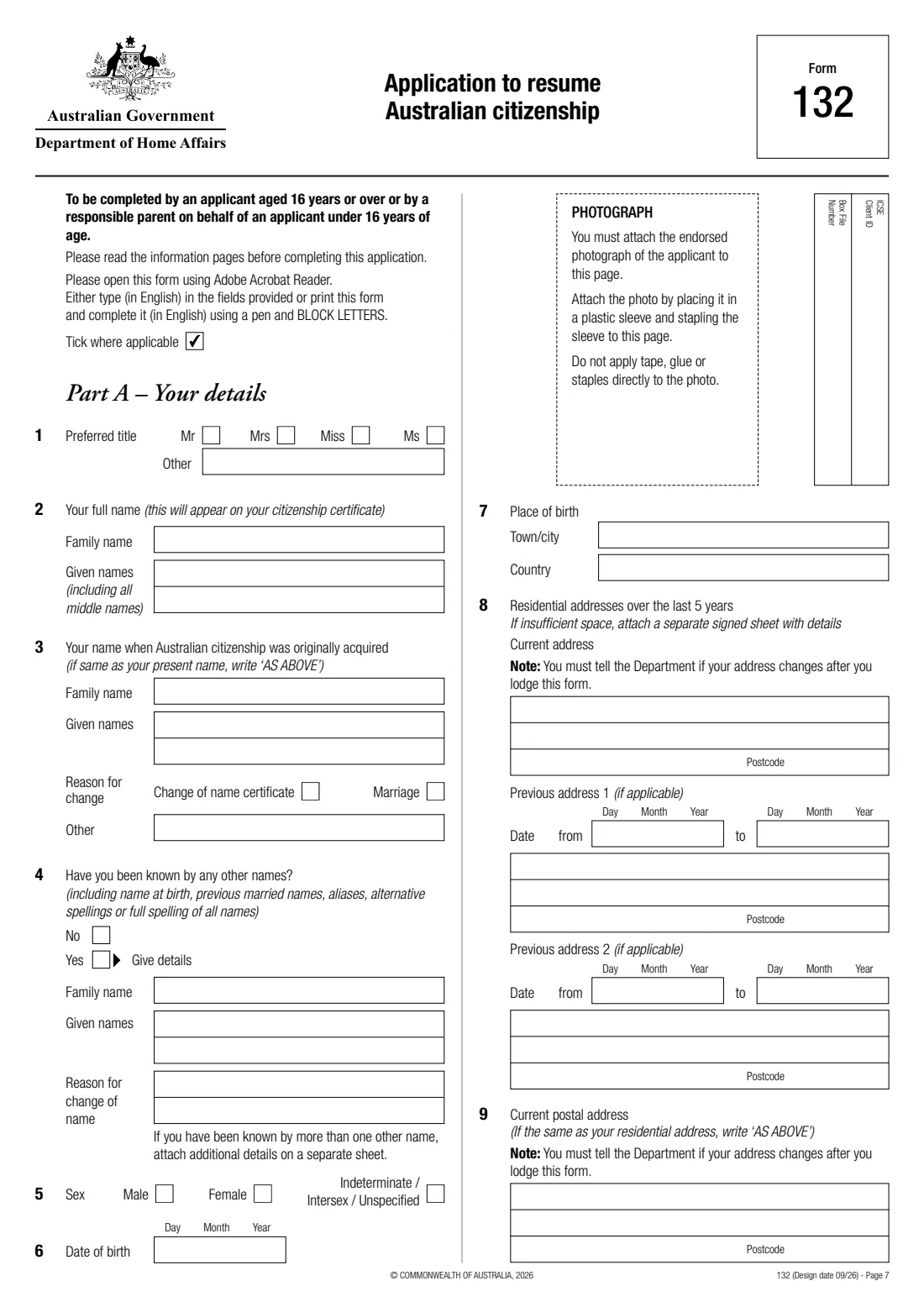
The application covers your names, addresses over the last 5 years, contact and licence details, how you acquired and lost Australian citizenship, your current citizenship, your parents, the identity documents you're providing and a set of good character questions. Children under 16 who lost citizenship because you did can be included. An Australian citizen in a listed profession who has known you for at least a year completes the identity declaration and endorses your photograph. If approved, you become a citizen on the day of the decision — no ceremony needed.
FileIt fills the current Form 132 (design date 09/26) in the Department's own PDF. It prints names with accents and letters such as ł and ș correctly, wraps longer answers onto the printed lines, shows the parts for children and referees only when you need them, and keeps the finished application in your FileIt vault.
- Who uses it
- Former Australian citizens resuming citizenship, and children under 16 on a parent's form
- Pages
- 16 — 6 information pages and 10 pages of questions
- Fee
- Yes — prepaid in ImmiAccount before posting
- Also needed
- Identity declaration by an Australian citizen, an endorsed photograph and certified documents
- Sent to
- The Department by post, with certified copies and the payment receipt
- Edition
- Design date 09/26
Who needs to fill out Form 132 — resume Australian citizenship?
- People who lost Australian citizenship by taking up another citizenship before 4 April 2002.
- Former citizens who renounced Australian citizenship to keep or acquire another citizenship, or to avoid significant hardship.
- People who lost citizenship as a child because a parent ceased to be an Australian citizen.
- Responsible parents applying for children under 16 who lost citizenship with them.
When to use Form 132 — resume Australian citizenship
- When you want to become an Australian citizen again after losing citizenship in one of the ways the form describes.
- Not if your citizenship was revoked — the form points to citizenship by conferral instead.
- Not if you were born in Papua and ceased to be a citizen on PNG Independence Day (16 September 1975).
What you need before you start
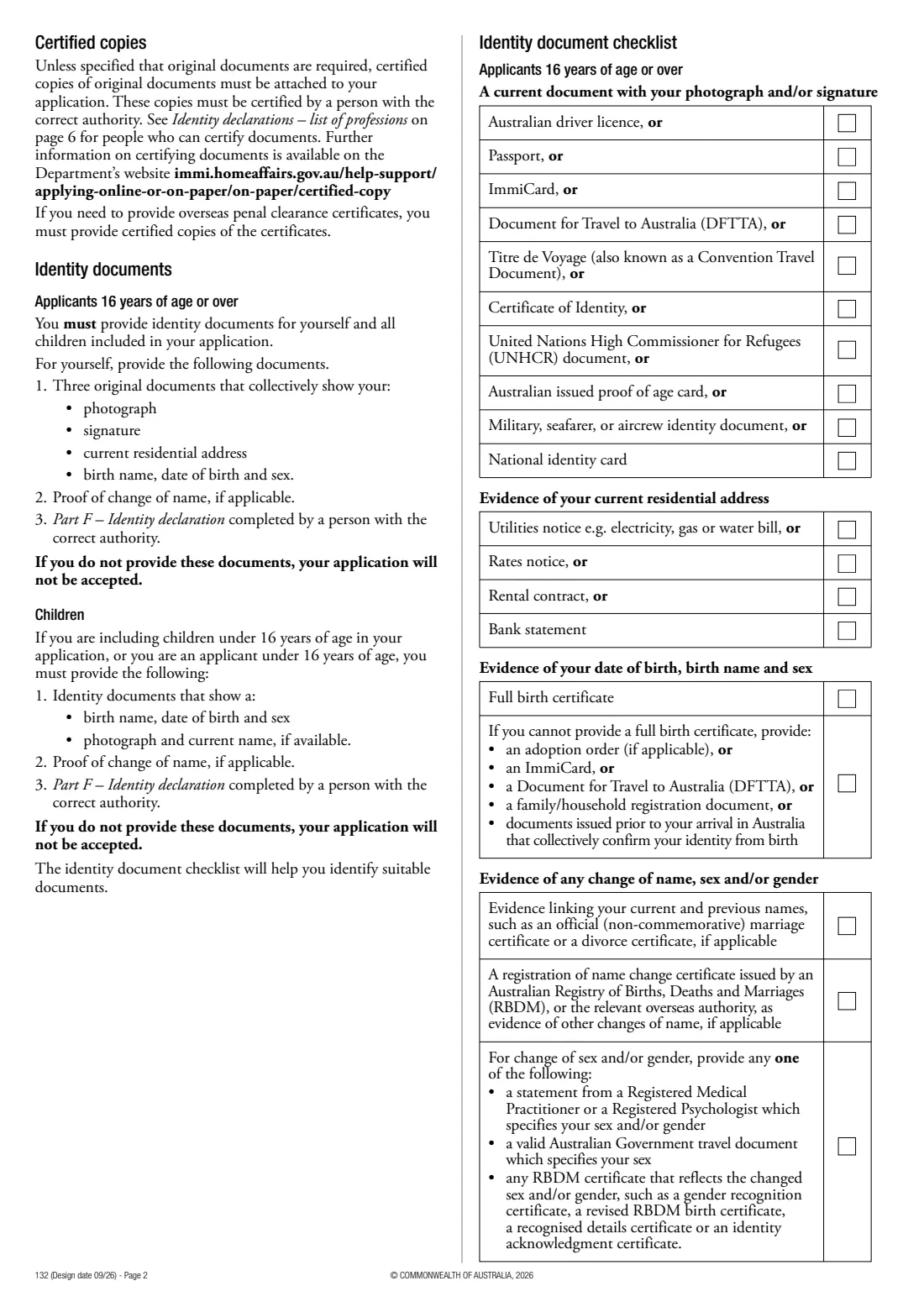
- Three identity documents that together show your photograph, signature, current address, and birth name, date of birth and sex, plus proof of any name change.
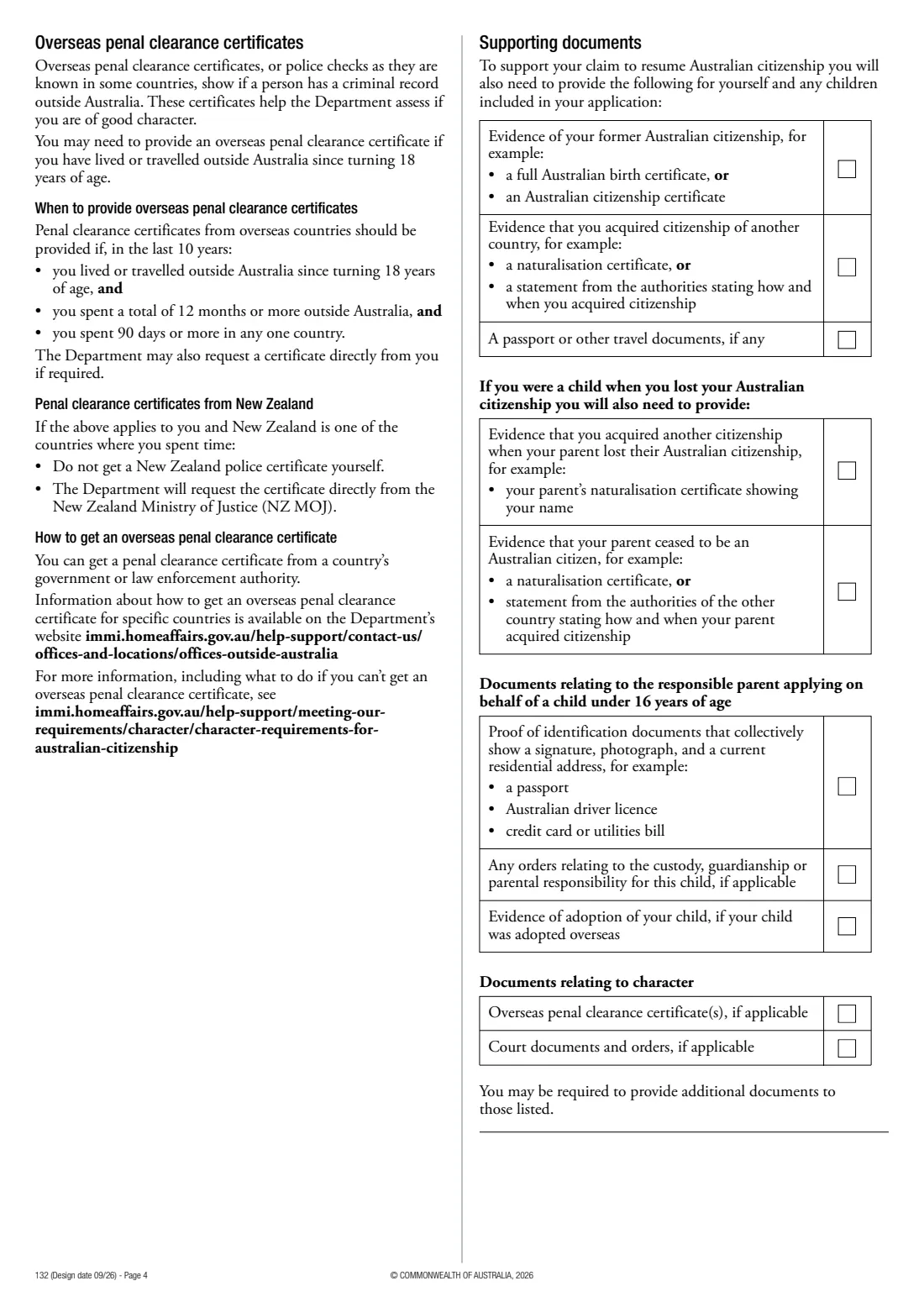
- Evidence of your former Australian citizenship and of how you acquired your current citizenship.
- Your addresses for the last 5 years, passport and Australian driver or firearms licence details.
- Your parents' names, dates and places of birth, and details of their Australian citizenship.
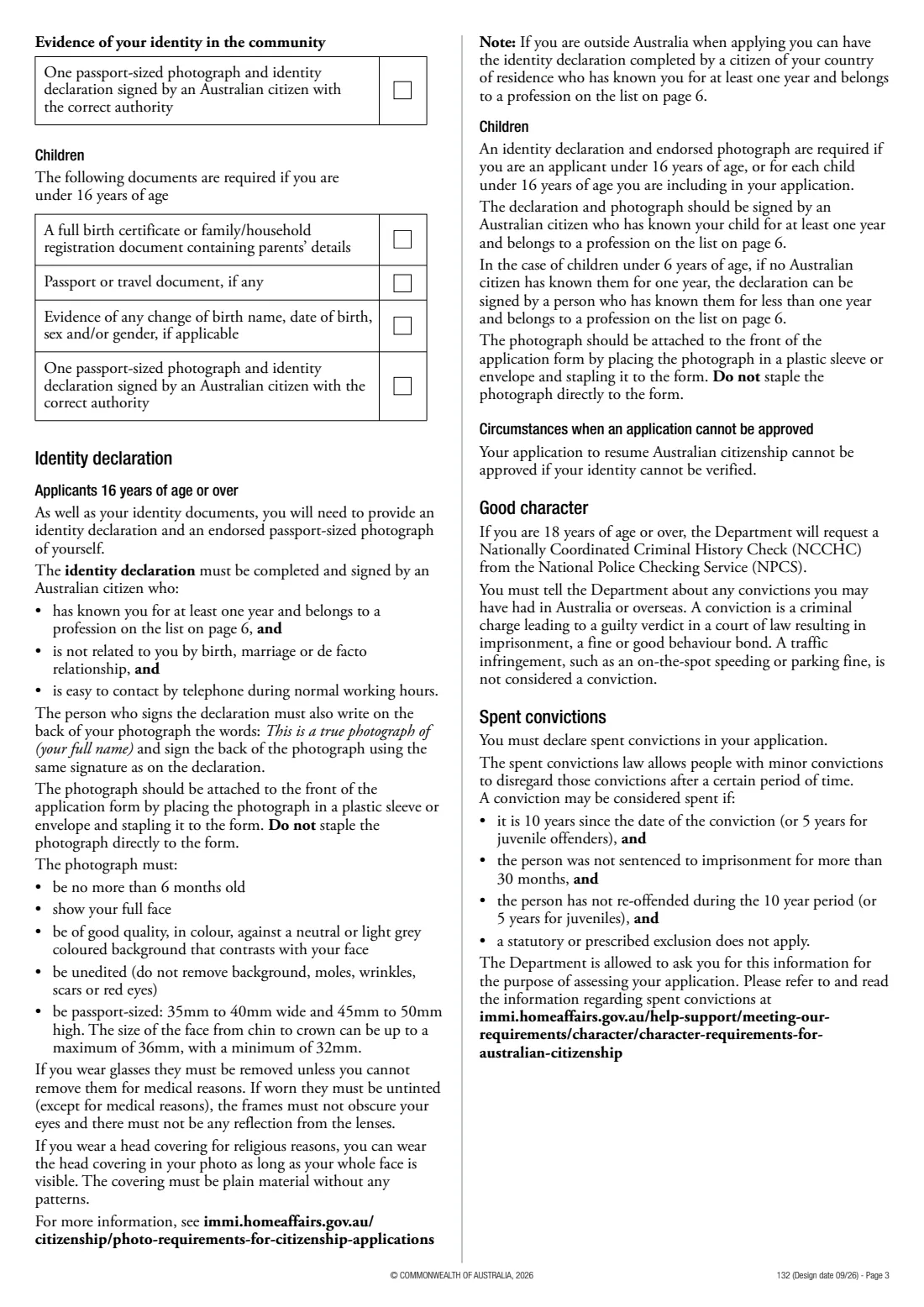
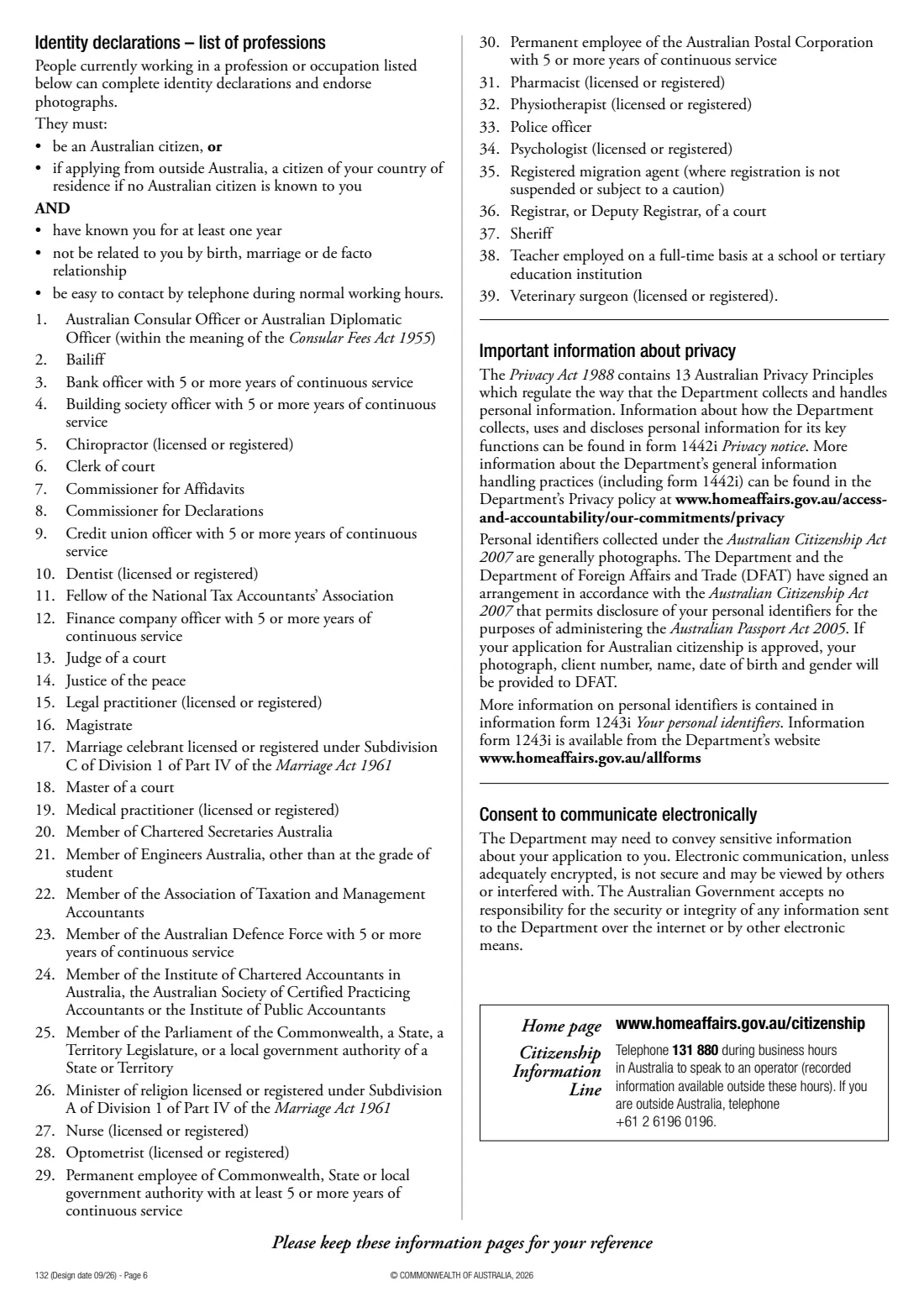
- A recent passport photograph and an identity referee who is an Australian citizen, has known you at least a year and works in a listed profession.
- Penal clearance certificates for countries you've spent 90 days or more in during the last 10 years, if you've been abroad 12 months or more since turning 18.
What’s on Form 132 — resume Australian citizenship
The 2026 edition has 16 pages. FileIt asks for it in 23 parts, and it is signed by Applicant and Identity referee (part f):
- Part A — Your details (questions 1–7)Applicant
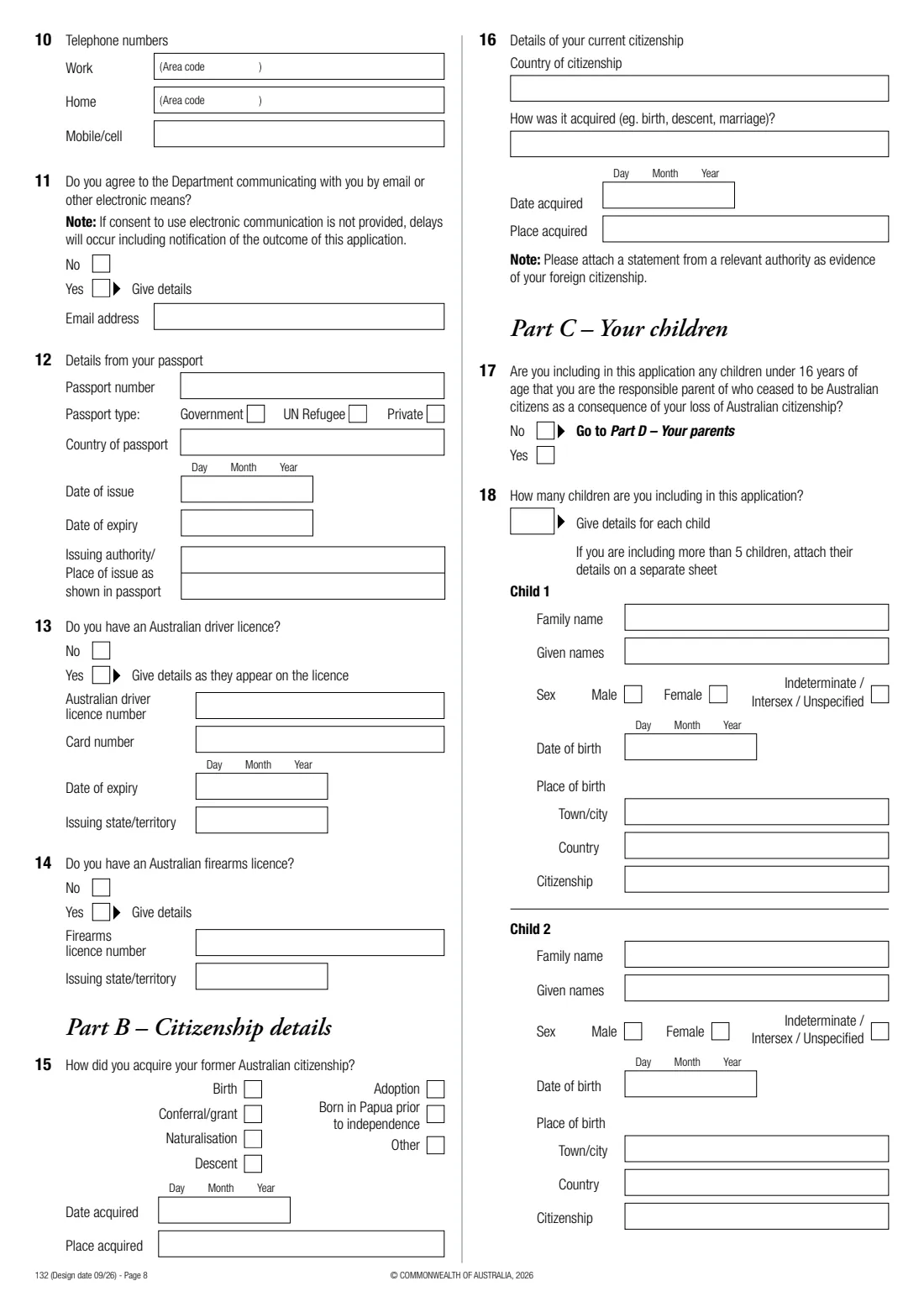
- Part A — Addresses and contact (questions 8–11)Applicant
- Part A — Passport and licences (questions 12–14)Applicant
- Part B — Citizenship details (questions 15–16)Applicant
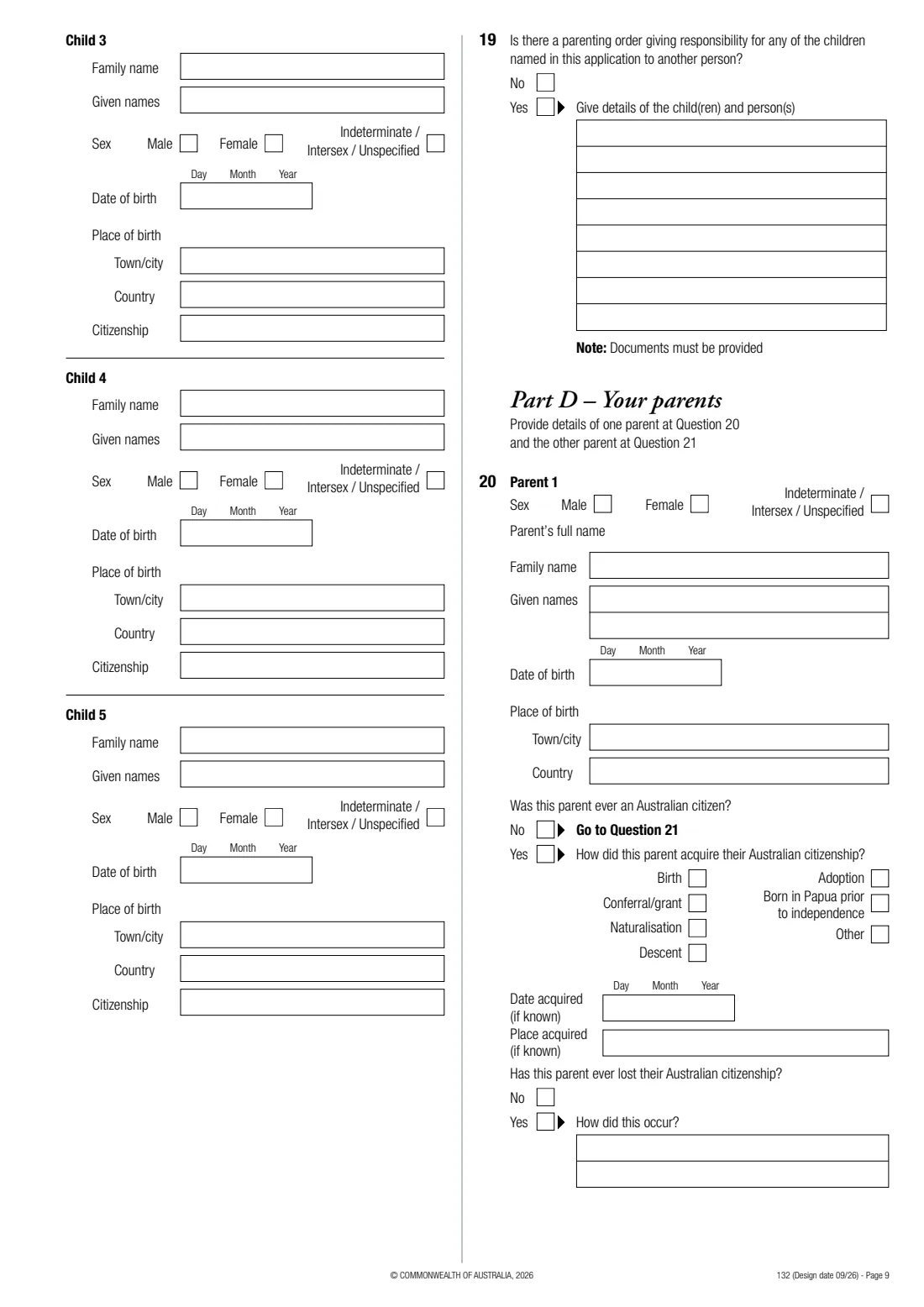
- Part C — Your children (questions 17–19)Applicant
- Part C — Child 1 (question 18)Applicant
- Part C — Child 2 (question 18)Applicant
- Part C — Child 3 (question 18)Applicant
- Part C — Child 4 (question 18)Applicant
- Part C — Child 5 (question 18)Applicant
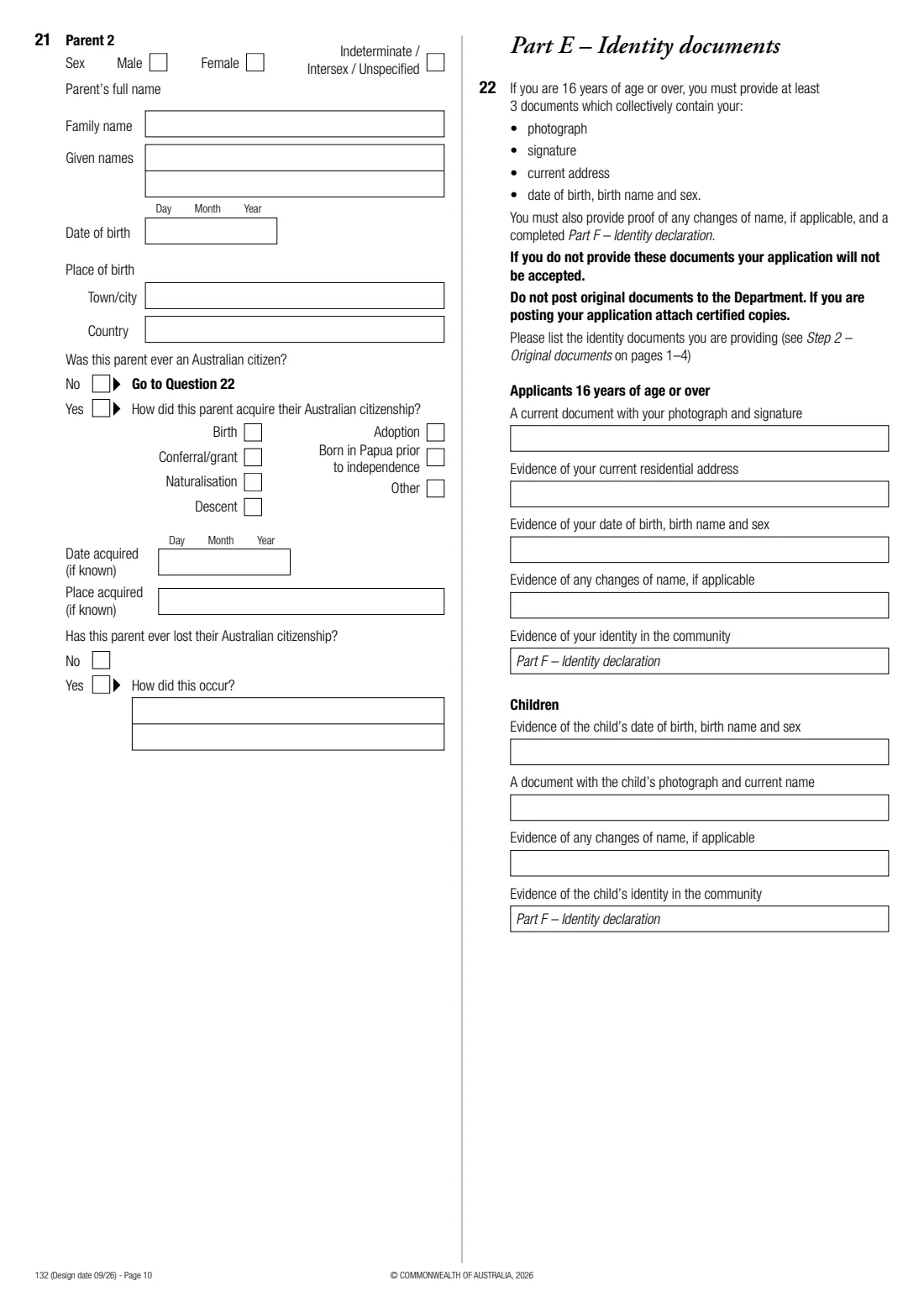
- Part D — Your parents (questions 20–21)Applicant
- Part E — Identity documents (question 22)Applicant
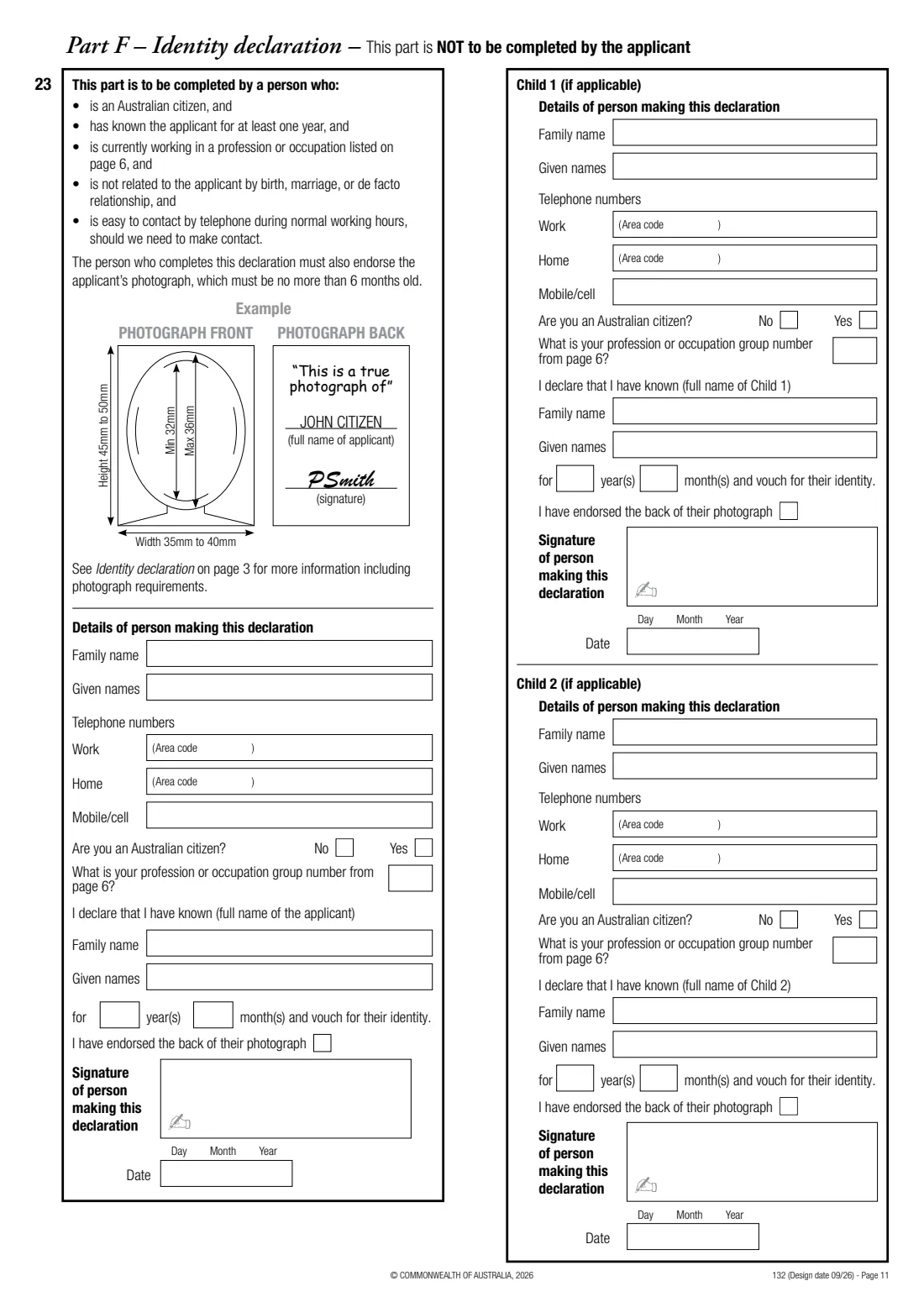
- Part F — Identity declaration for you (question 23)Identity referee (part f)
- Part F — Identity declaration for child 1Identity referee (part f)
- Part F — Identity declaration for child 2Identity referee (part f)
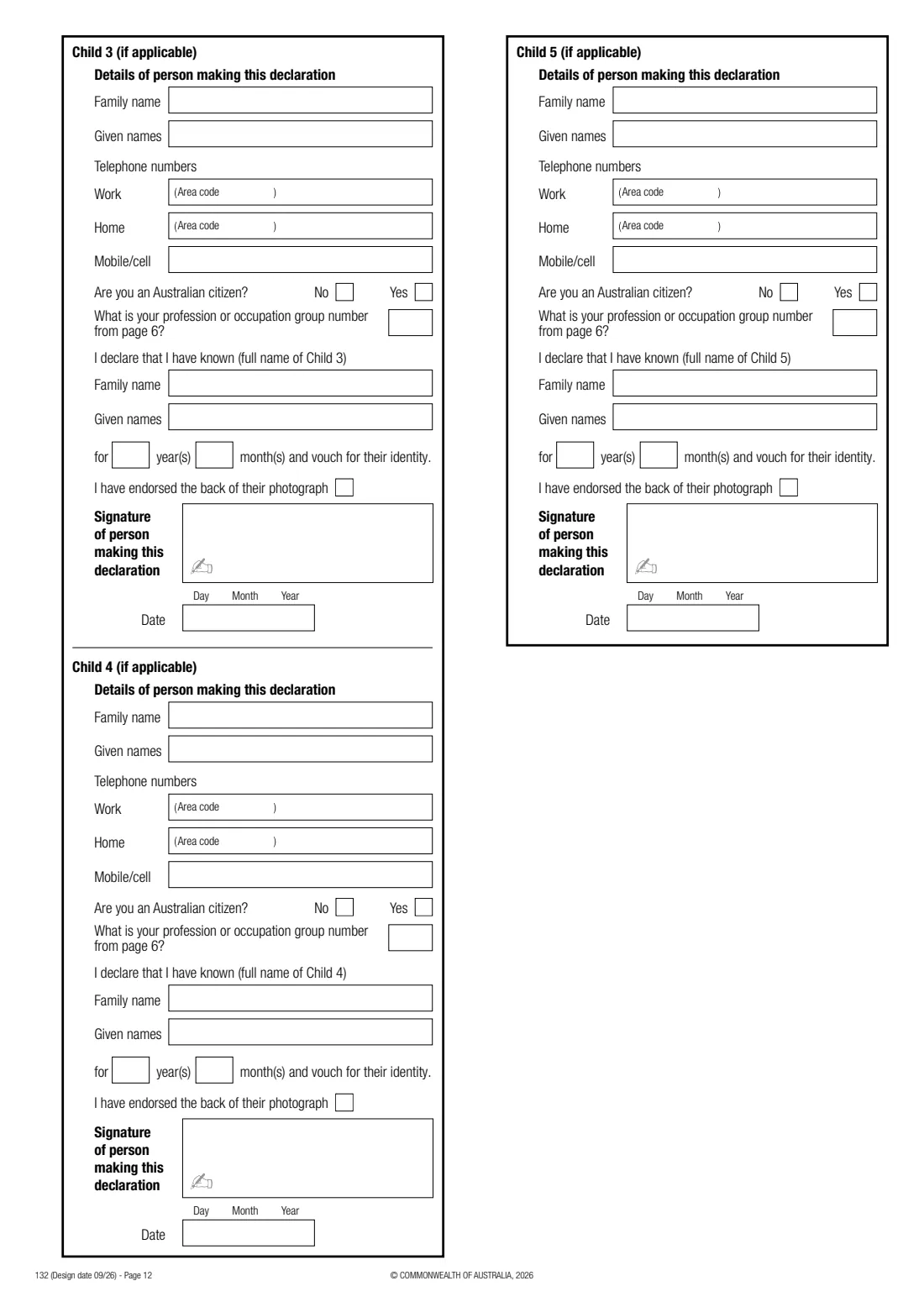
- Part F — Identity declaration for child 3Identity referee (part f)
- Part F — Identity declaration for child 4Identity referee (part f)
- Part F — Identity declaration for child 5Identity referee (part f)
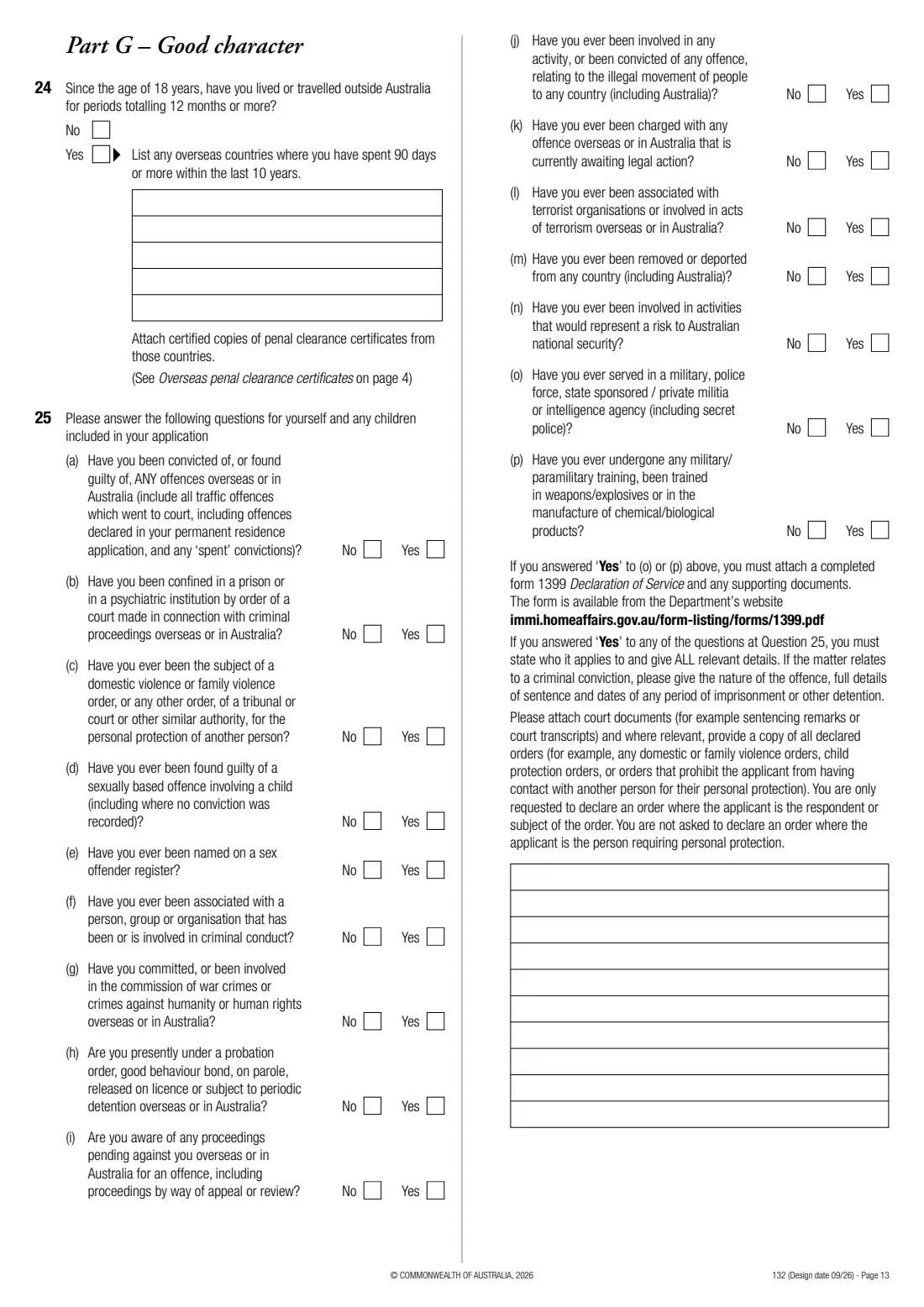
- Part G — Good character (questions 24–25)Applicant
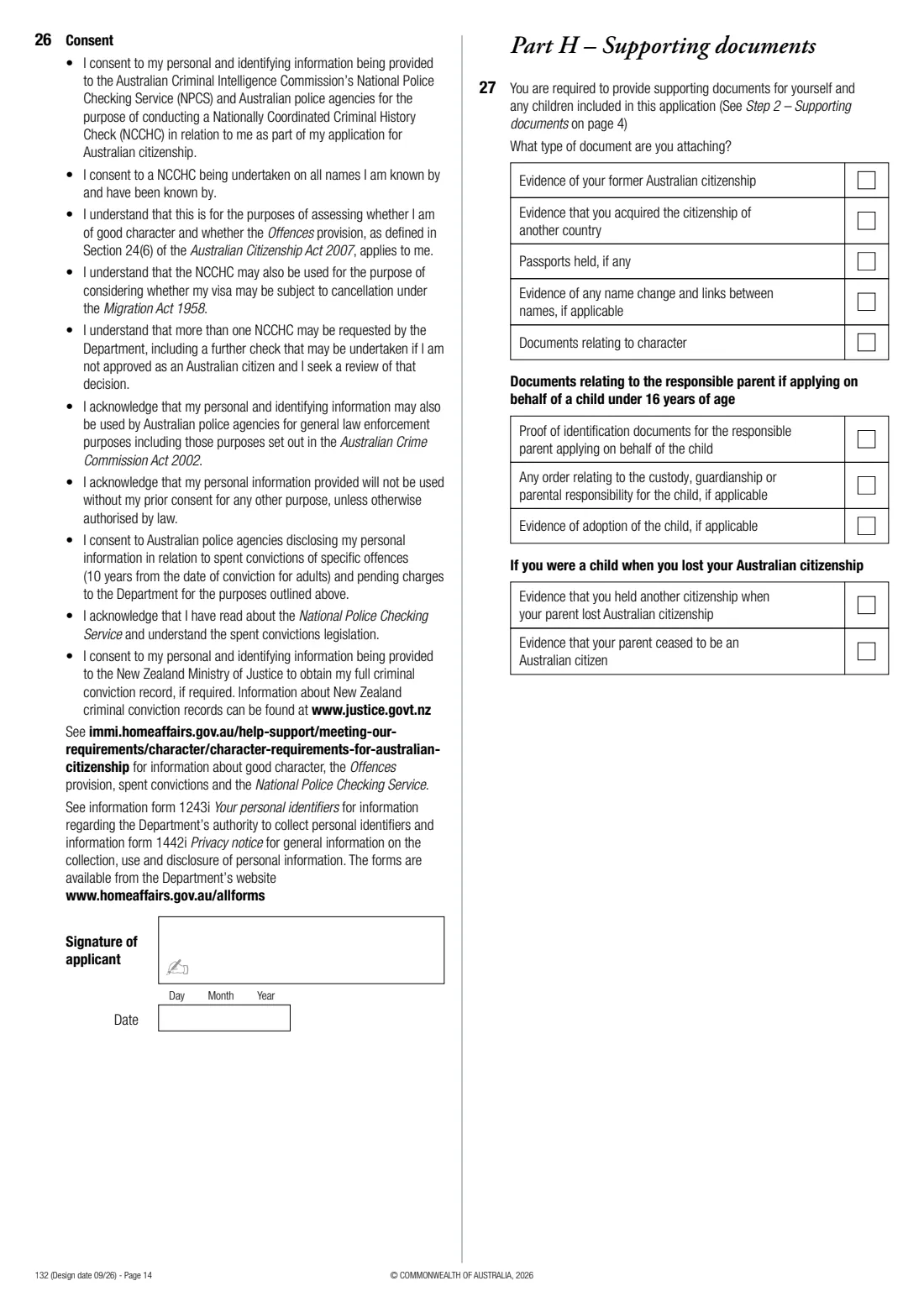
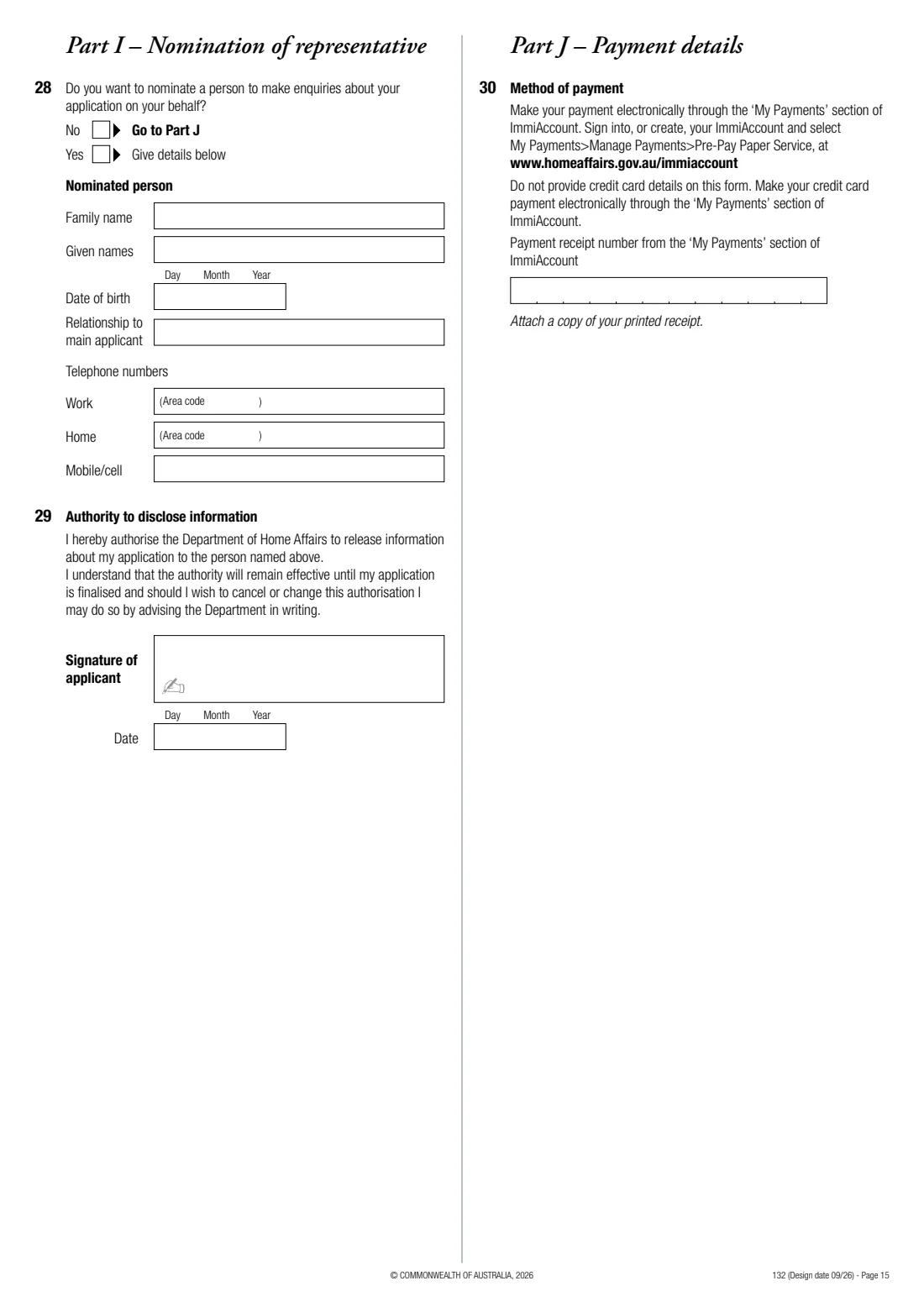
- Consent, supporting documents and representative (questions 26–29)Applicant
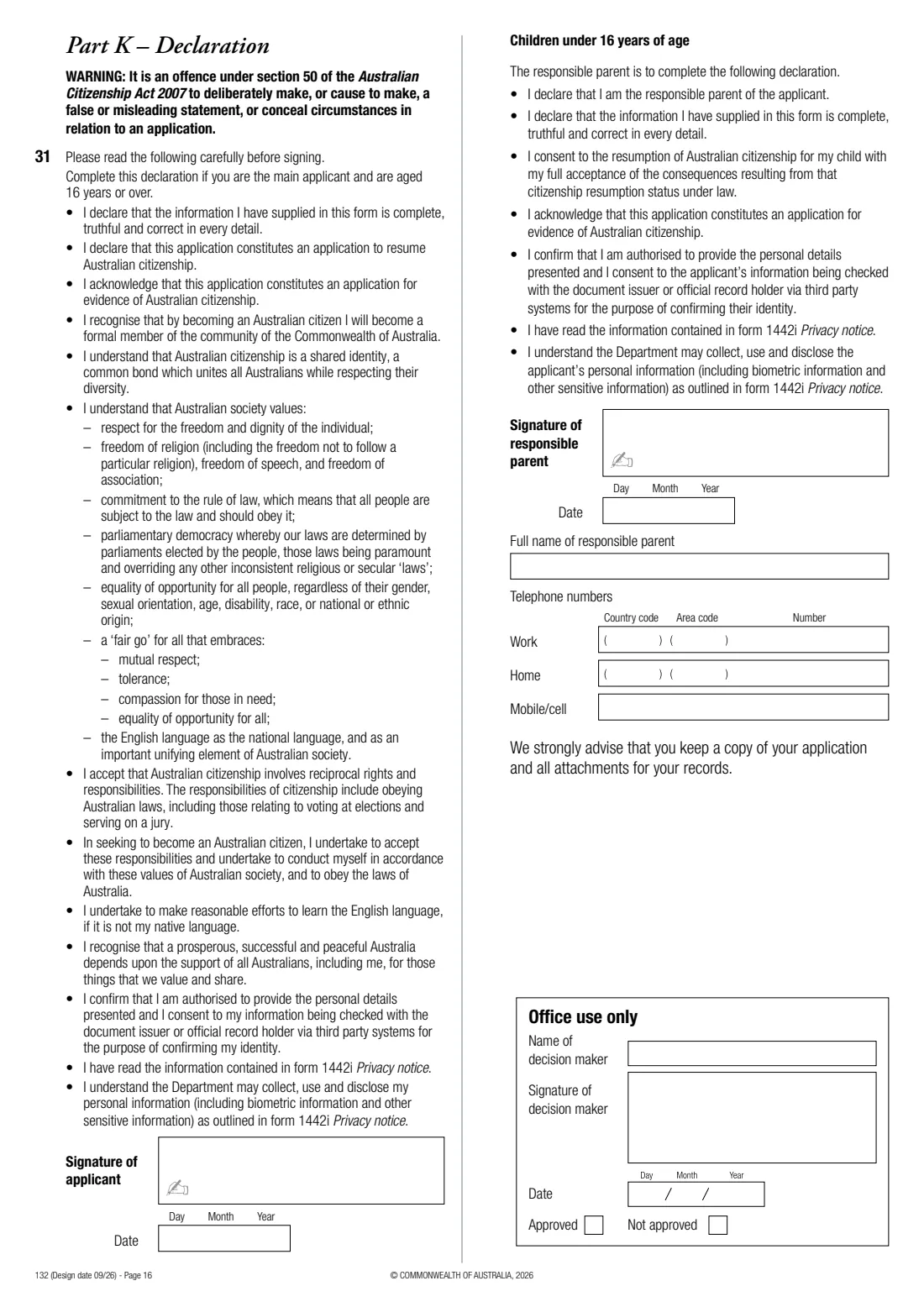
- Payment and declaration (questions 30–31)Applicant
- Responsible parent's declaration (applicant under 16)Responsible parent
- Document checklists (pages 2–5)Applicant
How to fill out Form 132 — resume Australian citizenship, step by step
1 Part A: your details
Title, full name for your certificate, your name when you first became a citizen, other names, sex, date and place of birth, addresses over 5 years, phones, email consent, passport and licences.
2 Part B: citizenship
How you acquired your former Australian citizenship and when, and the details of your current citizenship — with a statement from that country's authority as evidence.
3 Parts C and D: children and parents
Whether you're including children under 16 and their details, any parenting orders, then both parents' details and their own Australian citizenship history.
4 Parts E and F: identity
List the identity documents you're providing. Your referee completes Part F — FileIt has a section they can fill in — and endorses the back of your photograph; each child needs their own declaration.
5 Parts G and H: character and documents
Answer the time-overseas question and the 16 character questions for yourself and any children, sign the police check consent, and tick the supporting documents you're attaching.
6 Parts I–K: representative, payment, declaration
Optionally nominate someone who may make enquiries for you, give your ImmiAccount payment receipt number, and sign the declaration — or the responsible parent's declaration for a child applicant.
Common mistakes to avoid
- Posting original documents — send certified copies, as the form asks.
- Choosing an identity referee who is related to you or doesn't meet the Part F requirements.
- Forgetting to pay through ImmiAccount before posting, or leaving out the receipt.
- Not providing English translations of documents in another language.
- Leaving the character questions incomplete, or answering Yes without full details and court documents.
After you fill it out
Sign the consent on page 14 and the declaration on page 16 — print from FileIt or send the PDF for e-signature — and have your referee complete and sign Part F.
Attach the endorsed photograph in a plastic sleeve, certified copies of your documents and the payment receipt, and post everything to the address on page 5 of the form. FileIt doesn't post it for you.
Keep a copy in your FileIt vault. If the application is approved you'll be told in writing and become a citizen that day.
Fill out Form 132 — resume Australian citizenship online with FileIt
- Pick the person. Choose someone from People and FileIt fills in their name, date of birth, address and other details it already knows.
- Answer plain-language questions. One part of the form at a time, with the official help text beside each question — 361 fields in all. Your answers save as you go.
- Check the live preview. Watch your answers land on the real Department of Home Affairs form, and let FileIt do any worksheet arithmetic.
- Generate the official PDF. FileIt prints your answers into the agency’s own PDF and files it in that person’s folder in your vault. Sign it, or send it for e-signature.
FileIt fills the form — it never files or submits anything for you. Deliver the finished form to whoever asked for it, the way the form’s instructions say.
Start Form 132 — resume Australian citizenship now — it’s freeForm 132 — resume Australian citizenship: frequently asked questions
Who can resume Australian citizenship?
The form lists people who lost citizenship by acquiring another citizenship before 4 April 2002, by renouncing it to keep or acquire another citizenship or avoid significant hardship, by living outside Australia for a continuous 7 years before 8 October 1958, or as a child because a parent ceased to be a citizen.
Can I include my children?
Children under 16 you're the responsible parent of, who lost Australian citizenship because you did, can be included. Each needs their own identity documents and Part F identity declaration. Five fit on the form; more go on a separate sheet.
Who can complete the identity declaration?
An Australian citizen who has known you for at least a year, works in one of the professions or occupations listed on page 6 of the form, isn't related to you by birth, marriage or de facto relationship, and can be contacted by phone during working hours.
Do I need to attend a citizenship ceremony?
No. The form says you become an Australian citizen on the day your application is approved and you don't need to attend a ceremony.
What if my application is refused?
The form explains you can ask the Administrative Review Tribunal to review the decision. Your letter will say where to lodge the review application.
Official sources
- Blank form (PDF), published by Department of Home Affairs: https://immi.homeaffairs.gov.au/form-listing/forms/132.pdf
- Official instructions and guidance: https://immi.homeaffairs.gov.au/form-listing/forms/132.pdf
- Edition shown on this page: Design date 09/26 (checked 2026-10-19).
FileIt is not affiliated with or endorsed by Department of Home Affairs or any government. This page explains the form in general terms and is not legal, tax or immigration advice. Always read the official instructions, and check that you are using the edition the recipient accepts. Page last reviewed 2026-10-19.