What is the podcast guest application form template?
Once a podcast has an audience, the pitches start. Some are thoughtful, many are generic, and almost all of them are missing something you'll need later: a bio you can read on air, a headshot for the episode art, a time zone for scheduling. This podcast guest application asks for all of it in one go, and asks the question that matters most: why would your listeners want to hear from this person?
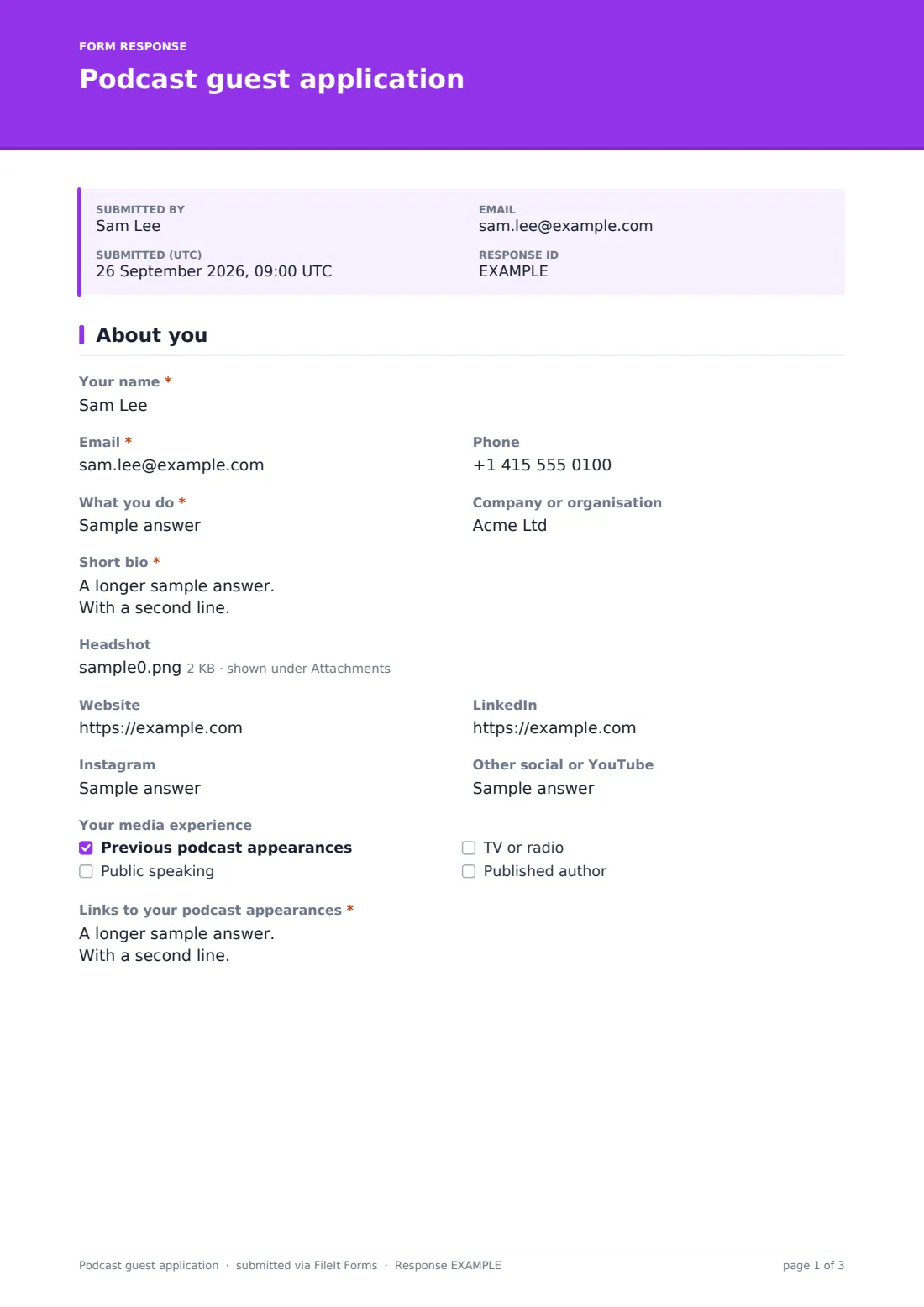
The first page collects who the guest is: what they do, their company or organisation, a short bio “as you'd like it read on the show”, a headshot, and links to their website, LinkedIn, Instagram and other channels. Under “Your media experience”, ticking “Previous podcast appearances” reveals a required box for links to those episodes, so you can hear how they come across before you book.
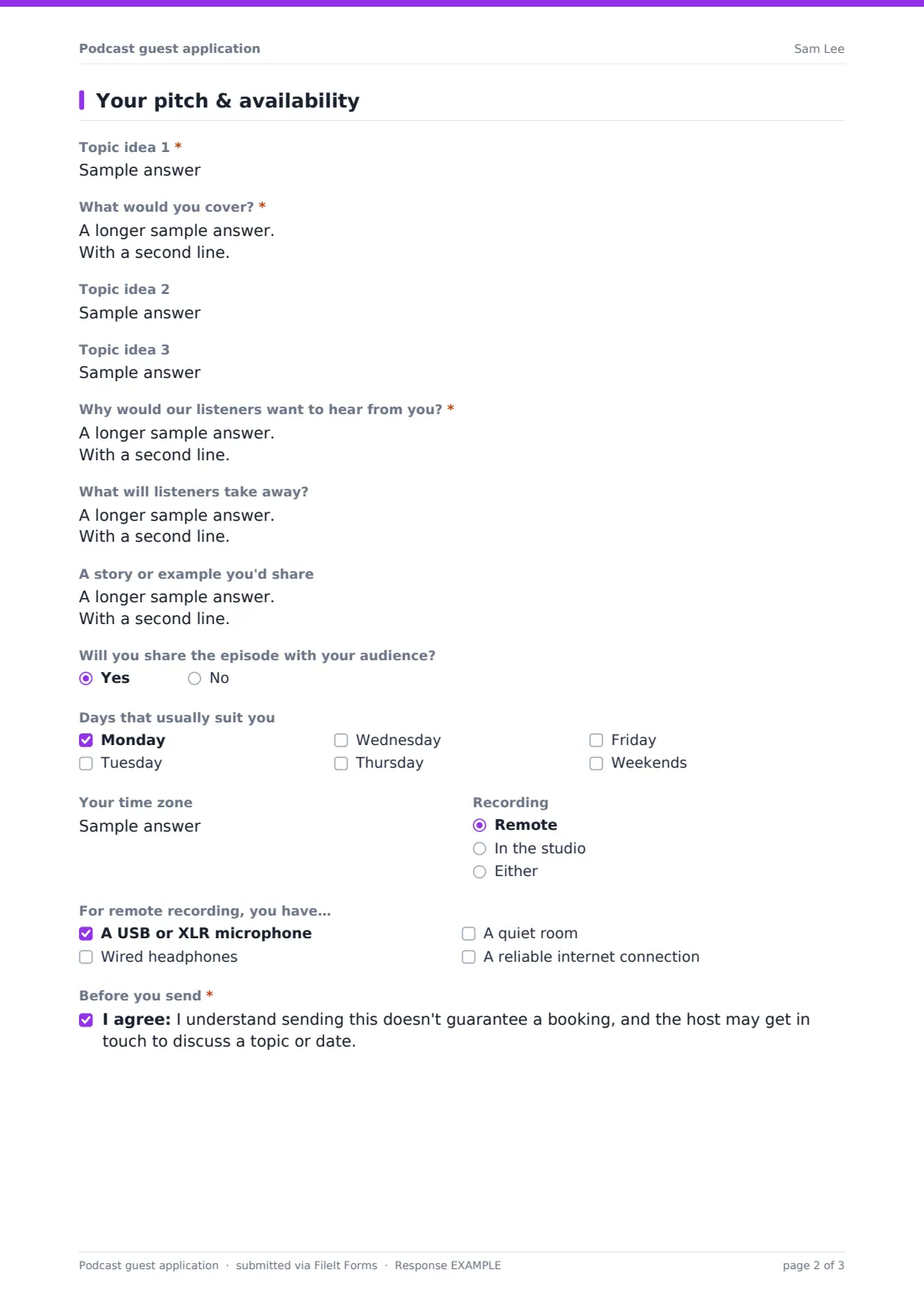
The second page is the pitch: up to three topic ideas, with detail on the first, “Why would our listeners want to hear from you?”, the takeaways, and a story they'd share. Scheduling questions cover days, time zone and whether they'd record remotely or in the studio. Every application is filed as a PDF in your FileIt vault.
- Best for
- Independent podcasters, company podcasts, YouTube interview shows and live-stream hosts
- Filled in by
- Prospective guests, or their publicists and assistants
- Time to complete
- About 7 minutes
- Includes
- Bio and headshot, social links, past appearance links, three topic ideas, audience fit, availability and remote setup
Who uses a podcast guest application form?
- A small-business podcast with a “Be a guest” link on its website
- A company podcast inviting customers and partners to pitch case-study episodes
- A wellness show screening experts before a pre-interview call
- A host booking a season ahead who needs everyone's time zones and preferred days
- A producer collecting headshots and bios for episode artwork
Questions on this podcast guest application form
26 questions over 2 pages · includes file upload, conditional questions, multiple pages, consent checkbox.
1 About you
- Your name*
- Email*
- Phone
- What you do*
- Company or organisation
- Short bio*
- Headshot
- Website
- Other social or YouTube
- Your media experience Previous podcast appearances · Public speaking · TV or radio · Published author
- Links to your podcast appearances* asked only when it applies
2 Your pitch & availability
- Topic idea 1*
- What would you cover?*
- Topic idea 2
- Topic idea 3
- Why would our listeners want to hear from you?*
- What will listeners take away?
- A story or example you'd share
- Will you share the episode with your audience?
- Days that usually suit you Monday · Tuesday · Wednesday · Thursday · Friday · Weekends
- Your time zone
- Recording Remote · In the studio · Either
- For remote recording, you have… asked only when it applies A USB or XLR microphone · Wired headphones · A quiet room · A reliable internet connection
- Before you send*
The podcast guest application form, page by page
1 About you
The guest gives their name, email and phone, “What you do” and their company or organisation. The “Short bio” asks for two or three sentences. An image upload takes the headshot, and four half-width fields take the website and social links.
The media experience checkboxes cover previous podcast appearances, public speaking, TV or radio, and being a published author. Only the podcast option opens the links box, with a note that two or three favourites are plenty.
2 Your pitch & availability
“Topic idea 1” and “What would you cover?” are required. Topic ideas 2 and 3 are optional. The guest explains why your listeners would want to hear from them, and can add three takeaways and a story or example.
“Will you share the episode with your audience?” helps you plan promotion. The guest ticks the “Days that usually suit you”, enters a time zone and chooses remote, studio or either. Remote recording reveals a setup checklist: microphone, wired headphones, a quiet room and reliable internet. A final consent confirms that applying doesn't guarantee a booking.
Make the template yours
- Add your show's name and theme to the cover text so pitches stay on topic
- Remove the studio option if you only record remotely
- Make the headshot required if you use guest photos in your artwork
- Add a question about the guest's own audience size if cross-promotion matters to you
- Send notifications to your producer as well as yourself
Tips for a better podcast guest application form
- Listen to at least one of a guest's previous appearances before booking
- Look for pitches that answer the audience-fit question specifically, not generically
- Use the bio exactly as written in your intro, so guests hear themselves described the way they asked
- Confirm the time zone when you schedule — it's the most common source of missed recordings
- Reply to every pitch, even briefly; good guests often pitch again with a better angle
Every response becomes a PDF in your vault
FileIt files each pitch and headshot as a PDF document in your vault and emails you. The guest receives a copy of their application.
Use the Responses table to search pitches by topic to build a shortlist for upcoming episodes, and export to CSV when planning a season. The headshot stays attached to the vault document, ready for episode artwork.
- Start from this template. It opens in the FileIt Forms designer — change any question, add pages, set the rules for when questions appear.
- Share it. Turn on a public link, or send it to people by email, each with their own link. They don’t need a FileIt account.
- Get the answers as PDFs. Each response is saved as a PDF in the vault folder you choose, with uploaded files attached — and listed in a Responses table you can export to CSV.
Podcast guest application form: frequently asked questions
Is this podcast guest form free?
Yes. It's one of the starter templates in FileIt's Forms app, available on every account including the free plan.
Do guests need a FileIt account?
No. Share the link on your website or in show notes, and guests apply without signing up.
Can I see a guest's past podcast appearances?
Yes. Ticking previous podcast appearances makes the links box required, so you always get examples to listen to.
Does the form book a recording slot?
No. It collects availability. You agree the date with the guest and send the invite from your usual calendar.
Can publicists fill it in for their clients?
Yes. They enter the guest's details. You may want to add a field for the publicist's own contact.
Can I use it for a YouTube or live show?
Yes. Change the wording from podcast to your format, and edit the recording options.