What is the passport renewal checklist form template?
Passport renewals rarely go wrong because they're hard. They go wrong because something small is missing: the photo doesn't meet the rules, the name change certificate is in a drawer somewhere, or nobody noticed the passport expires a month before the holiday. This one-page checklist walks through the pieces in order, so the application goes off complete the first time.
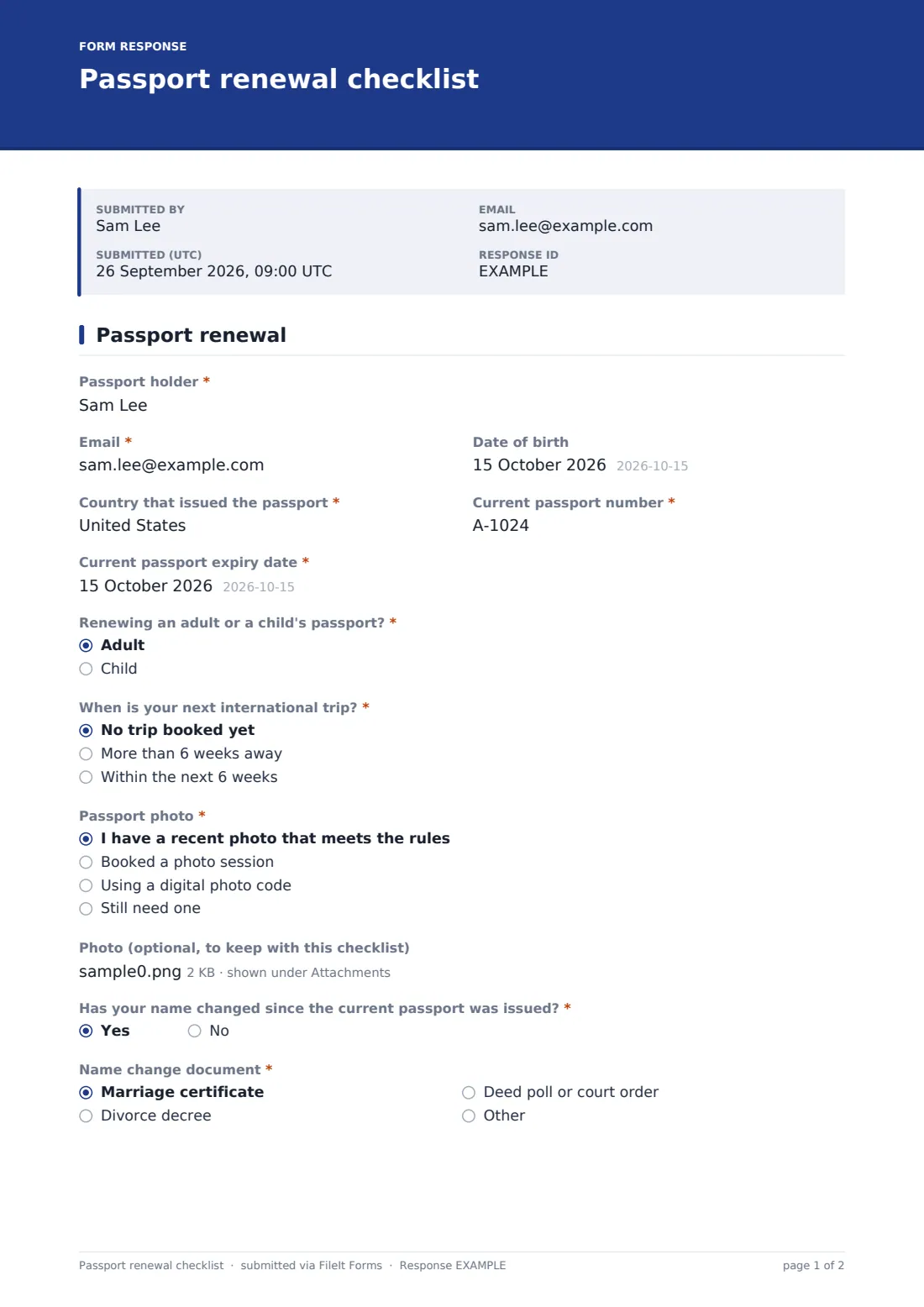
It starts with the current passport number, issuing country and expiry date, then asks when your next international trip is. If the answer is "Within the next 6 weeks", the form adds a short note and a list of faster options to look into, along with fields for an appointment date, time and location. Further down it checks the photo, any name change, the documents you've gathered and how you paid.
It works just as well for a household. Parents can fill it in once per family member, and each submission is saved as a PDF in the FileIt vault with the passport number, the date it went off and the tracking number together.
- Best for
- Individuals and families renewing passports, and travel agents helping clients
- Filled in by
- The passport holder, or a parent for a child
- Time to complete
- About 5 minutes
- Includes
- Travel-date prompts, appointment fields, a name change check, a document list and a receipt record
Who uses a passport renewal checklist form?
- A family renewing three passports before a summer trip and tracking each one separately
- Someone who spotted their passport expires soon and has a flight booked in a month
- A parent renewing a child's passport and making sure consent and photos are ready
- Recording the tracking number and fee so you know what to chase if the passport is slow to arrive
- A travel agent sending clients a checklist to complete before their trip
- Renewing after marriage or divorce, with the name change document flagged
Questions on this passport renewal checklist form
24 questions · includes file upload, conditional questions.
1 Passport renewal
- Passport holder*
- Email*
- Date of birth
- Country that issued the passport*
- Current passport number*
- Current passport expiry date*
- Renewing an adult or a child's passport?* Adult · Child
- When is your next international trip?* No trip booked yet · More than 6 weeks away · Within the next 6 weeks
- Travel date* asked only when it applies
- Destination asked only when it applies
- Faster options to look into asked only when it applies Expedited processing · Urgent or in-person appointment · Faster return delivery · Proof of travel printed (ticket or itinerary)
- Appointment date asked only when it applies
- Appointment time asked only when it applies
- Appointment location asked only when it applies
- Passport photo* I have a recent photo that meets the rules · Booked a photo session · Using a digital photo code · Still need one
- Photo (optional, to keep with this checklist)
- Has your name changed since the current passport was issued?*
- Name change document* asked only when it applies Marriage certificate · Divorce decree · Deed poll or court order · Other
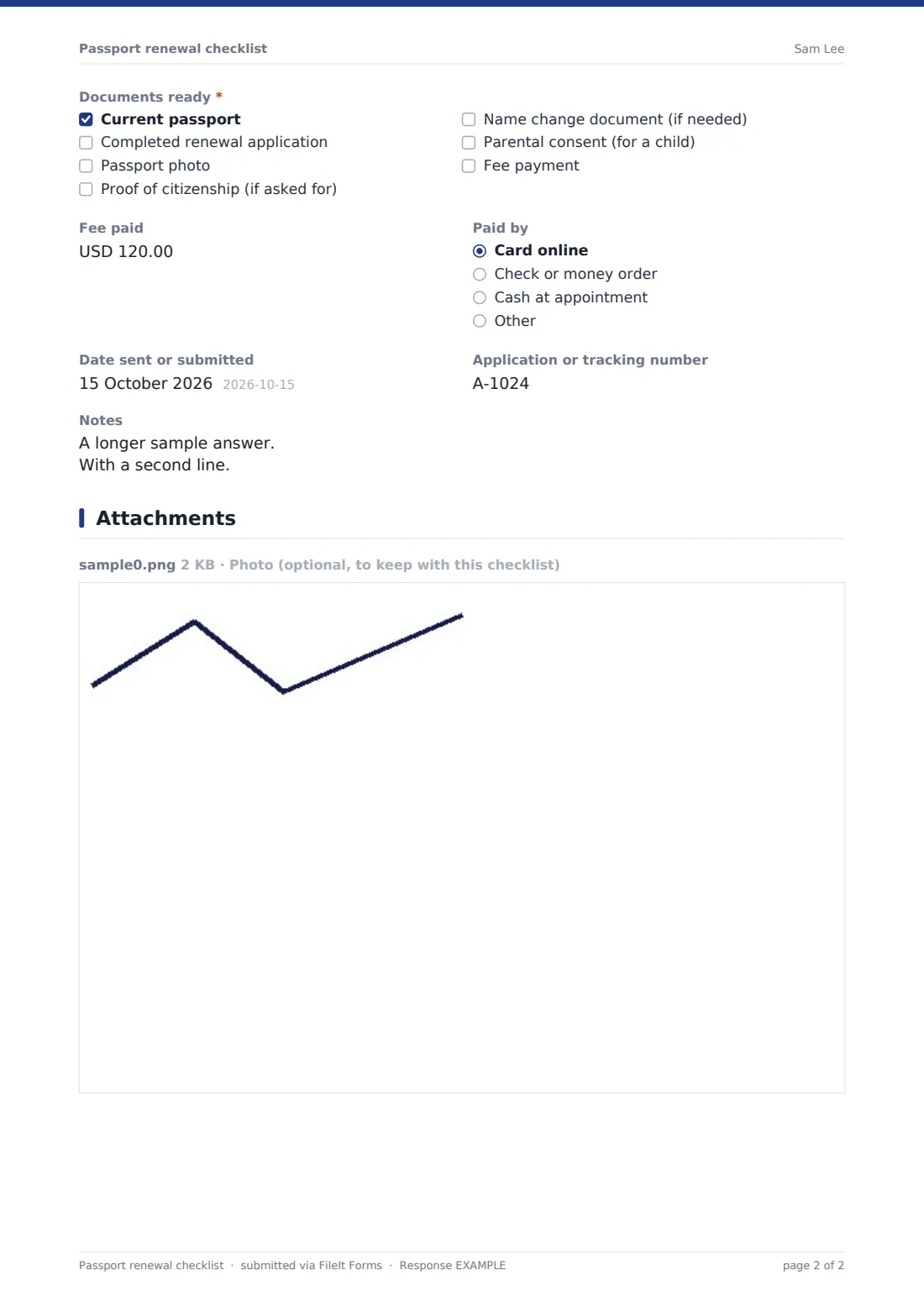
- Documents ready* Current passport · Completed renewal application · Passport photo · Proof of citizenship (if asked for) · Name change document (if needed) · Parental consent (for a child) · Fee payment
- Fee paid
- Paid by Card online · Check or money order · Cash at appointment · Other
- Date sent or submitted
- Application or tracking number
- Notes
The passport renewal checklist form, page by page
1 Passport renewal
The first block is about the passport you have now: the passport holder's name, email and date of birth, the country that issued the passport, the current passport number and the current passport expiry date. You say whether it's an adult or a child's passport.
Next is "When is your next international trip?" with three answers: no trip booked yet, more than 6 weeks away, or within the next 6 weeks. Any trip opens fields for the travel date and destination. Choosing within 6 weeks also shows a short reminder that standard processing may not be quick enough, a checklist of faster options to look into (expedited processing, an urgent or in-person appointment, faster return delivery, printed proof of travel) and room for the appointment date, time and location.
The photo question asks whether you have a recent photo that meets the rules, have booked a session, are using a digital photo code or still need one, and you can upload the photo to keep with the checklist. If your name has changed since the passport was issued, the form asks which document shows it. "Documents ready" lets you tick off the current passport, the completed application, the photo, proof of citizenship, the name change document, parental consent for a child and the fee. It ends with the fee paid, how you paid, the date you sent it off, the application or tracking number and any notes.
Make the template yours
- Change the fee currency to match your country's passport office
- Edit the faster options to match the services your passport office actually offers
- Make the trip and photo questions optional if you're only using it as a record
- Set the form to file under a family member so each person's renewal sits with their other documents
- Add a field for the courier or post office receipt number if you post applications
- Shorten the 6-week threshold in the wording if your passport office is usually quicker
Tips for a better passport renewal checklist form
- Check the photo rules on your passport office's website before booking a photo. Glasses, shadows and backgrounds are common reasons for rejection
- Many countries expect a passport to have several months left after your travel dates, so check the rules for where you're going, not just the expiry date
- Photograph or scan the application before you send it
- Write the tracking number down the same day. It's the first thing you'll be asked for if you need to chase
- When the new passport arrives, add it to your FileIt vault so its new expiry date is tracked and you get a reminder before the next renewal
Every response becomes a PDF in your vault
Your checklist is saved as a PDF in your FileIt vault and a copy goes to the email you gave. If you set the form to file under a family member, it sits in that person's folder next to their other documents.
When the new passport comes back, upload it to the vault. FileIt reads the expiry date from the document, you confirm it, and reminders go out ahead of the next renewal on the schedule you set, so the next one doesn't sneak up on you.
- Start from this template. It opens in the FileIt Forms designer — change any question, add pages, set the rules for when questions appear.
- Share it. Turn on a public link, or send it to people by email, each with their own link. They don’t need a FileIt account.
- Get the answers as PDFs. Each response is saved as a PDF in the vault folder you choose, with uploaded files attached — and listed in a Responses table you can export to CSV.
Passport renewal checklist form: frequently asked questions
Is this passport renewal checklist free?
Yes. It's included in the Forms app on every FileIt account, including the free plan.
Does FileIt submit my passport application?
No. This is a checklist for your own records. You apply through your country's passport office as usual.
What happens if my trip is within 6 weeks?
Choosing "Within the next 6 weeks" adds a short reminder, a list of faster options to look into and fields for an appointment date, time and location. Whether those services exist and what they cost depends on your passport office.
Can I use it for my whole family?
Yes. Fill it in once per person. Each submission becomes its own PDF, and you can set the form to file under a family member.
Will FileIt remind me before my passport expires?
Yes, if you add the passport itself to your vault. FileIt suggests the expiry date from the document, you confirm it, and reminders go out on your schedule, by default 45, 30, 15, 7 and 1 days before.
Do I have to upload a photo?
No, the photo upload is optional. It's there if you want to keep a copy of the exact photo you sent.