What is the corporate compliance checklist form template?
Every company has a calendar of obligations it can't afford to miss: the annual return or report, accounts, tax filings, beneficial ownership updates, registered agent renewals, licences. For small companies and groups with several entities, they're often tracked in someone's head or an old spreadsheet.
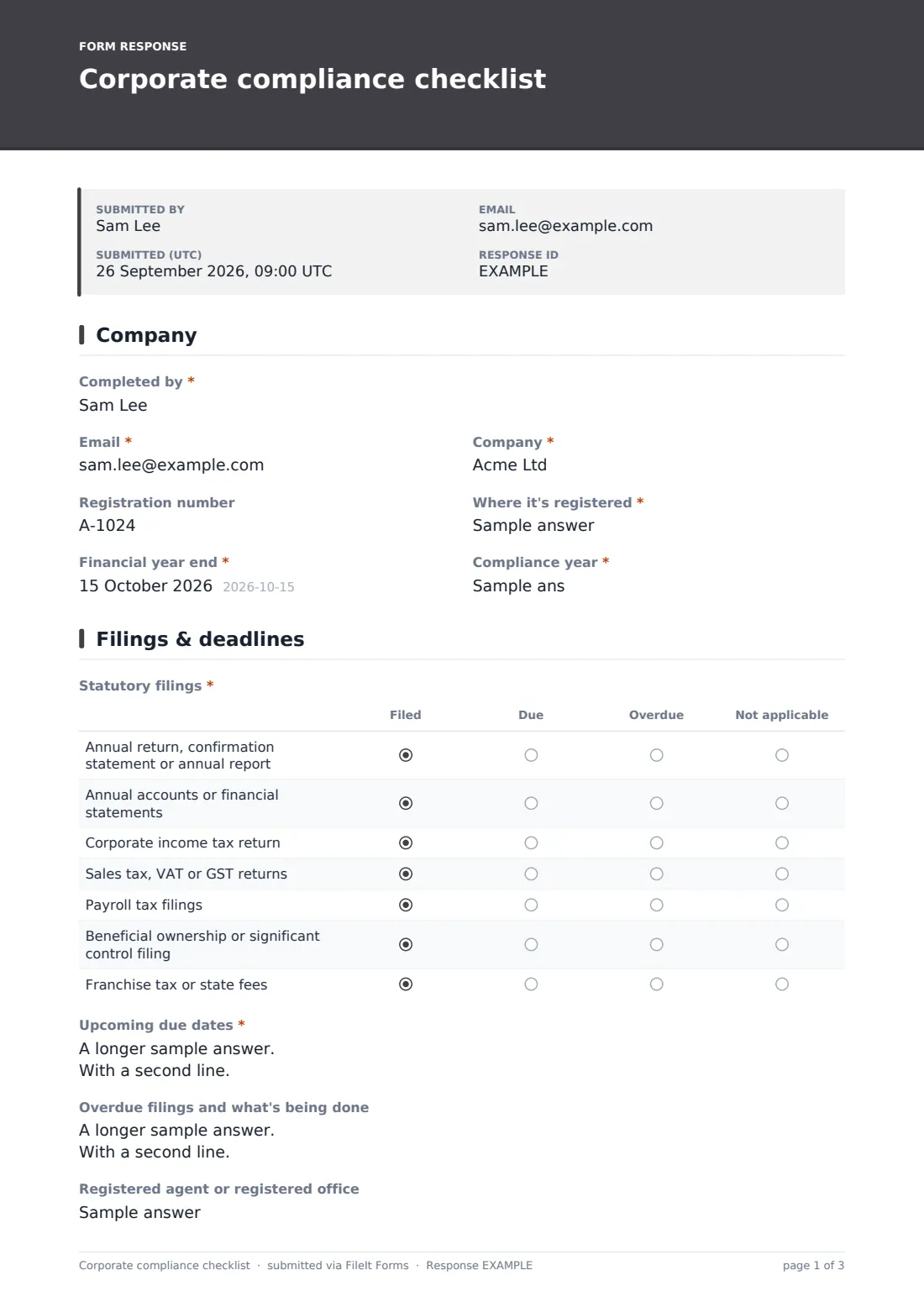
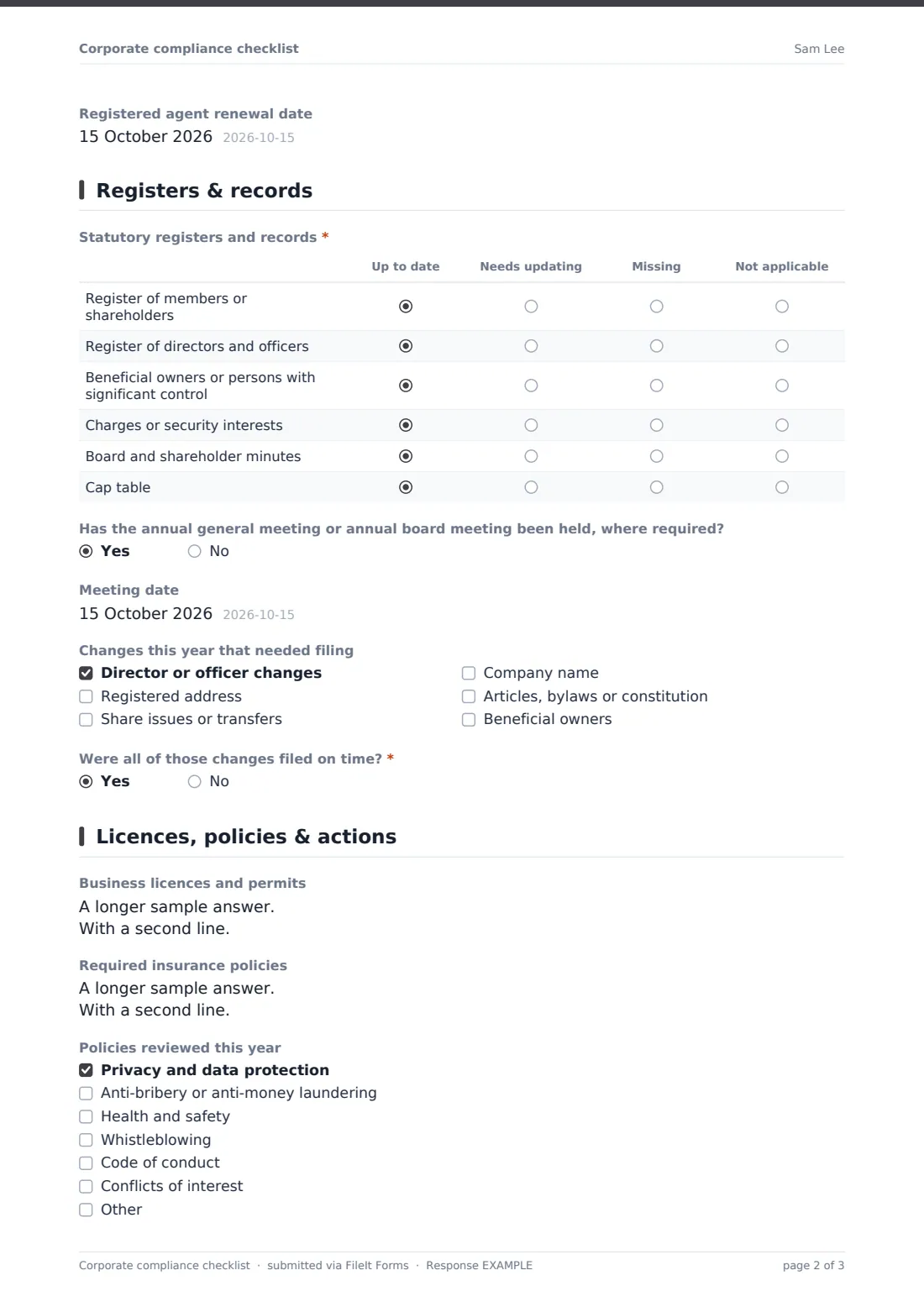
This four-page checklist reviews one company for the year. After the company details and year end, a grid records the status of seven common statutory filings — filed, due, overdue or not applicable — followed by upcoming due dates with owners, overdue filings and the registered agent. A second grid covers statutory registers, minutes and the cap table, then meetings and changes during the year that needed filing.
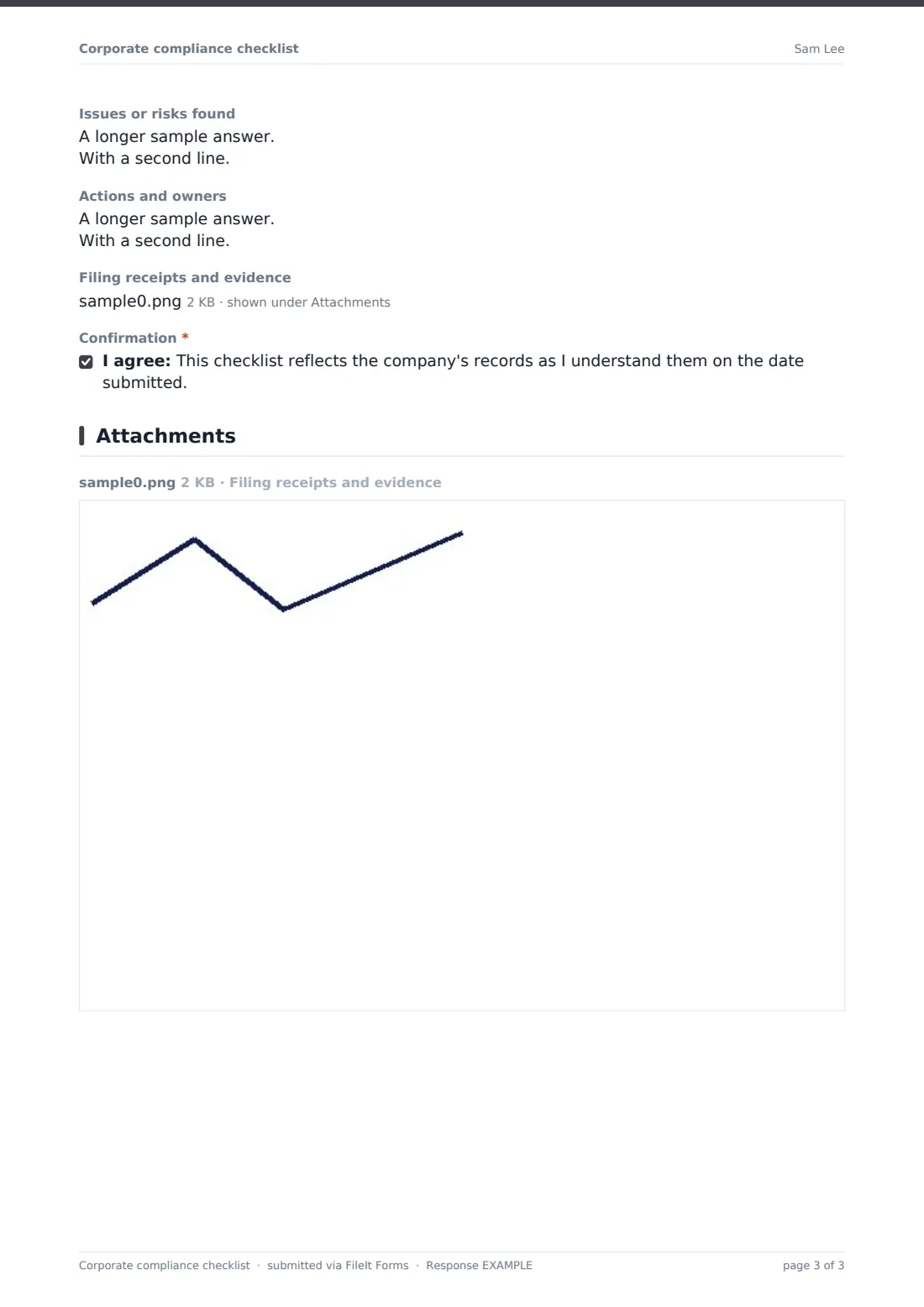
The last page lists licences and permits with expiry dates, required insurance, policies reviewed, issues found, actions and owners, and evidence uploads. Each checklist is saved as a PDF in your FileIt vault, where expiring licences can also be tracked with reminders.
- Best for
- Company secretaries, small business owners, accountants and entity managers
- Filled in by
- Whoever looks after the company's corporate housekeeping
- Time to complete
- About 15-20 minutes per company
- Includes
- Filing status grid, due dates, registers grid, changes, licences, policies, actions
Who uses a corporate compliance checklist form?
- A small business owner's yearly check that the company is in good standing
- A group company secretary reviewing each subsidiary
- An accountant running a compliance review for company clients
- Preparing for a funding round or due diligence
- Handing over corporate housekeeping to a new administrator
- A non-profit corporation checking its filings and licences
Questions on this corporate compliance checklist form
24 questions over 4 pages · includes file upload, conditional questions, multiple pages, consent checkbox, ratings.
1 Company
- Completed by*
- Email*
- Company*
- Registration number
- Where it's registered*
- Financial year end*
- Compliance year*
2 Filings & deadlines
- Statutory filings* Filed · Due · Overdue · Not applicable
- Upcoming due dates*
- Overdue filings and what's being done
- Registered agent or registered office
- Registered agent renewal date
3 Registers & records
- Statutory registers and records* Up to date · Needs updating · Missing · Not applicable
- Has the annual general meeting or annual board meeting been held, where required?
- Meeting date asked only when it applies
- Changes this year that needed filing Director or officer changes · Registered address · Share issues or transfers · Company name · Articles, bylaws or constitution · Beneficial owners
- Were all of those changes filed on time?* asked only when it applies
4 Licences, policies & actions
- Business licences and permits
- Required insurance policies
- Policies reviewed this year Privacy and data protection · Anti-bribery or anti-money laundering · Health and safety · Whistleblowing · Code of conduct · Conflicts of interest
- Issues or risks found
- Actions and owners
- Filing receipts and evidence
- Confirmation*
The corporate compliance checklist form, page by page
1 Company
The preparer gives Completed by, Email, Company, Registration number, where it's registered, the Financial year end and the Compliance year.
2 Filings & deadlines
The Statutory filings grid covers the annual return or report, annual accounts, corporate tax return, sales tax or VAT, payroll filings, beneficial ownership and franchise tax, each marked filed, due, overdue or not applicable. Upcoming due dates are listed with owners, overdue filings explained, and the registered agent and its renewal date recorded.
3 Registers & records
The Statutory registers and records grid covers members, directors and officers, beneficial owners, charges, minutes and the cap table: up to date, needs updating, missing or not applicable. The page asks whether the annual meeting was held, which changes during the year needed filing, and whether they were filed on time.
4 Licences, policies & actions
Business licences and permits and required insurance policies are listed with expiry or renewal dates. Policies reviewed this year covers privacy, anti-bribery or AML, health and safety, whistleblowing, code of conduct and conflicts, plus Other. Issues found, actions and owners, evidence uploads and a confirmation complete the checklist.
Make the template yours
- Rename the filings to the exact ones required where your companies are registered
- Remove franchise tax or beneficial ownership rows if they don't apply
- Add rows for industry-specific filings or regulator returns
- Turn Company into a dropdown if you manage several entities
- File each checklist in the company's own vault folder
- Set a yearly calendar reminder to repeat the review
Tips for a better corporate compliance checklist form
- Put every upcoming due date in a shared calendar, not just on the checklist
- Check registers against filings — they should tell the same story
- File changes like new directors promptly; many registries have short deadlines
- Upload licences and policies to FileIt so their expiry dates trigger reminders
- Review before a funding round, sale or bank application, not during it
Every response becomes a PDF in your vault
Each checklist is saved as a PDF in the vault folder you choose, with filing receipts attached. You're emailed a copy if you asked for one.
Work through the actions and owners list. Licences and certificates uploaded to your FileIt vault get their own expiry reminders, and next year's checklist starts from this one.
- Start from this template. It opens in the FileIt Forms designer — change any question, add pages, set the rules for when questions appear.
- Share it. Turn on a public link, or send it to people by email, each with their own link. They don’t need a FileIt account.
- Get the answers as PDFs. Each response is saved as a PDF in the vault folder you choose, with uploaded files attached — and listed in a Responses table you can export to CSV.
Corporate compliance checklist form: frequently asked questions
Is this corporate compliance checklist free?
Yes. It's a starter template in the FileIt Forms app on every account.
Does it know our filing deadlines?
No. Deadlines depend on where each company is registered. You enter the due dates; FileIt files the checklist.
Can I use it for several companies?
Yes. Submit one checklist per company, and filter the Responses table by company.
Does FileIt file anything with the registry?
No. FileIt never submits filings. It records what's been done and what's due.
Can FileIt remind us when licences expire?
Yes, if you upload the licence documents to your vault — FileIt tracks expiry dates and sends reminders on your schedule.
Is this legal advice?
No. It's a housekeeping checklist. Ask a lawyer or company secretary about your specific obligations.