What is a nanny camera consent?
Plenty of parents use indoor cameras, whether to check on a baby while at work or simply as home security. When someone works in your home — a nanny, babysitter, housekeeper or carer — those cameras record them too. Telling them openly, before they start, avoids the feeling of being spied on, and in many places it is what privacy and employment rules expect. Recording sound is more sensitive still: some places require everyone's consent to record a conversation.
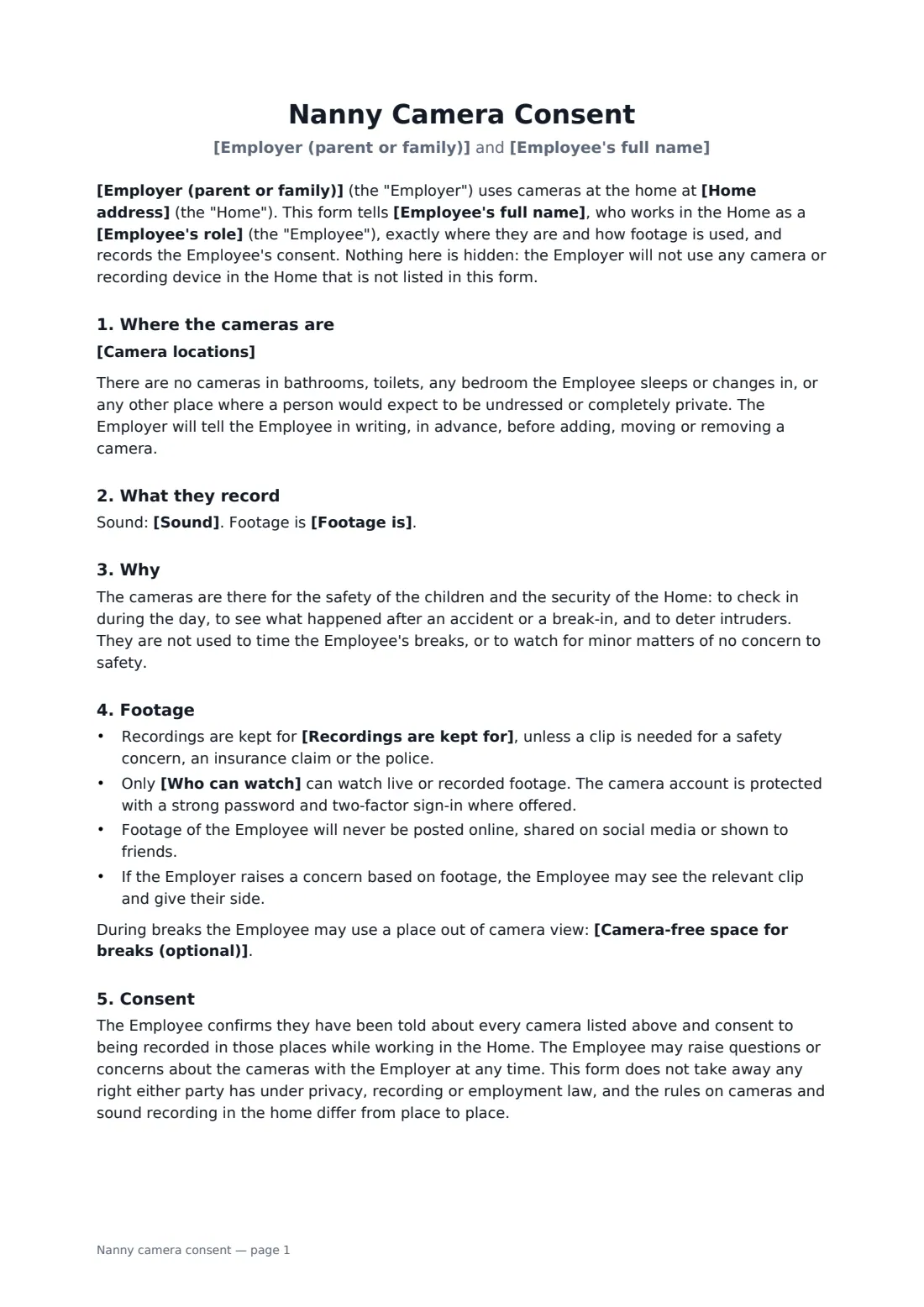
This form lists every camera and where it points, and promises there are none in bathrooms, in a bedroom the employee uses, or anywhere else people expect privacy. You say whether the cameras record sound, whether they record continuously, on motion or show live view only, how long recordings are kept and who can watch. The family promises written notice before adding or moving a camera, never to post footage online, and to show the employee any clip a concern is based on. You can name a camera-free spot for breaks. The employee signs to confirm they've been told and consent.
- Best for
- Nannies, babysitters, au pairs, housekeepers, cleaners and home carers
- Signed by
- The household employee and the family
- You set
- Camera locations, sound, recording mode, retention, who can watch, break area
- Length
- About 2 pages
When to use a nanny camera consent
- Starting a new nanny in a home with indoor cameras
- Telling a live-in au pair which rooms have cameras
- A home carer looking after an elderly parent where there are cameras
- Housekeepers and cleaners working in a home with security cameras
- Adding a new camera and updating an existing employee
What you fill in
10 blanks, then the name and email of each person who signs: household employee, employer (family).
1 The parties
- Employer (parent or family)*
- Employee's full name*
- Employee's role* nanny · babysitter · housekeeper · carer · au pair · cleaner · household employee
- Home address*
2 The cameras
- Camera locations*
- Sound* the cameras record video only, with no sound · the cameras record sound as well as video · the baby monitor in the nursery transmits live sound but does not record
- Footage is* recorded and can be watched live · recorded only when motion is detected · live view only, not recorded
3 Footage
- Recordings are kept for*
- Who can watch*
- Camera-free space for breaks (optional)
4 Who signs
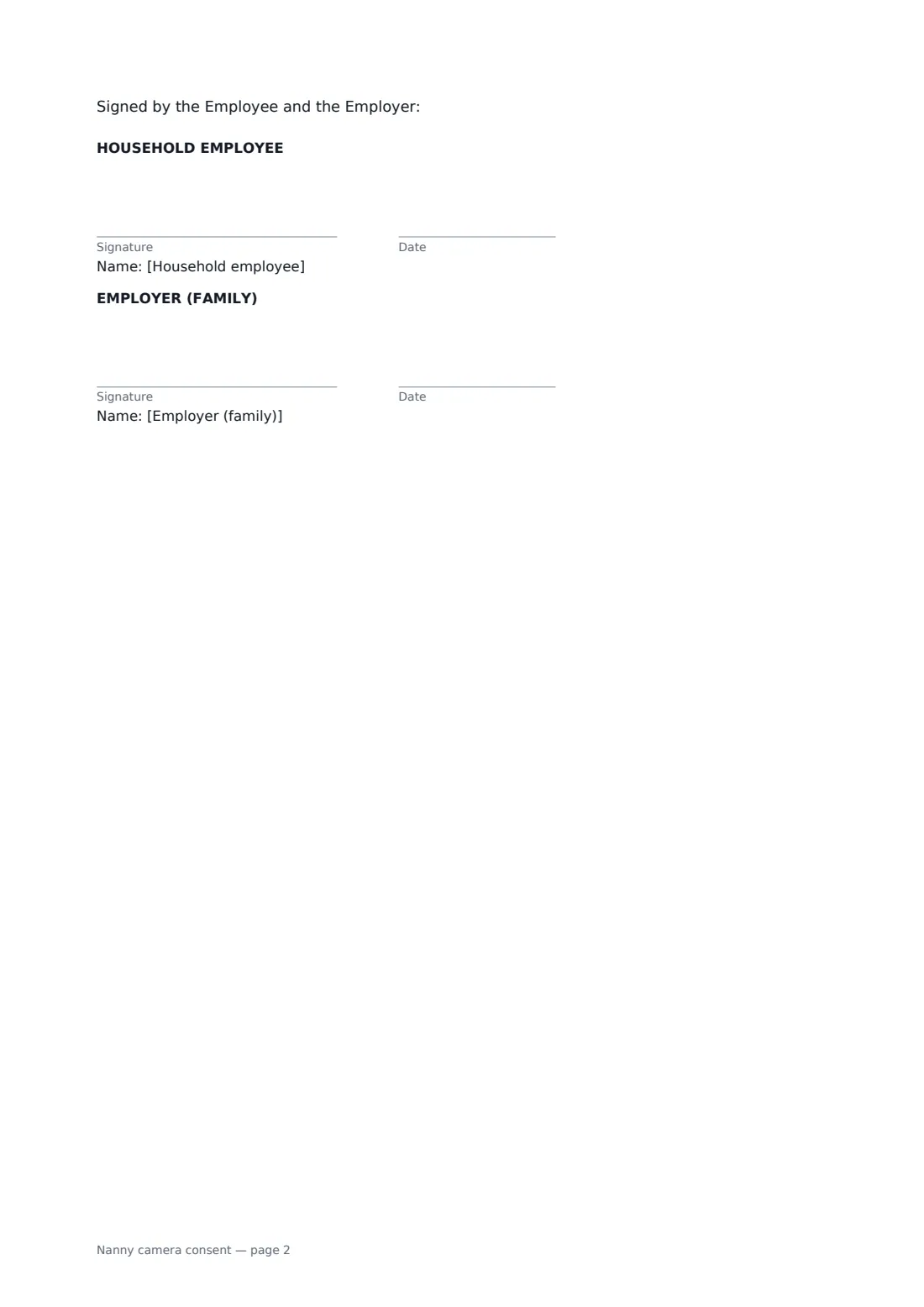
- Household employee signature and date
- Employer (family) signature and date
What the nanny camera consent covers
- Where the cameras are
- What they record
- Why
- Footage
- Consent
Using the nanny camera consent, step by step
1 List the cameras
Write down every camera in and around the home and roughly what it looks at. If a camera isn't on the list, the form says you won't use it.
2 Decide on sound and recording
Choose whether cameras record sound, and whether footage is recorded continuously, on motion only, or shown live without recording.
3 Set retention and access
Say how long recordings are kept before automatic deletion and who can watch. Optionally name a place out of camera view for breaks.
4 Sign before the first day
Send it to your employee before they start. They sign on their phone without a FileIt account, and the signed copy is filed with your other household papers in your vault.
Tips before you send it
- Show your employee the cameras in person as well as on paper.
- Turn off audio unless you really need it. Sound recording is regulated more tightly than video in many places.
- Never place a camera in a bathroom or a room where your employee sleeps or changes — it may be a crime, and no consent form fixes that.
- Secure the camera account with a strong password and two-factor sign-in.
- Give your employee a new form when you add or move a camera.
Sign it online in minutes
- Fill in the blanks. Names, dates and amounts go straight into the agreement — the preview shows exactly where.
- Name who signs. Tick “This is me” for your own part. FileIt builds the PDF with every signature, date box on the right line, and you can check or move anything before sending.
- Send it. Each signer gets a secure link and signs from any device — no account needed. The signed PDF, with an audit trail and a Certificate of Completion, is filed in your vault and emailed to everyone.
Nanny camera consent: frequently asked questions
Is it legal to have a nanny cam?
Video cameras in common areas of your own home are allowed in many places, especially with notice. Hidden cameras, cameras in private areas, and audio recording are where laws differ most. Check the rules where you live; this form helps by making everything open.
Do I have to tell my nanny about cameras?
In some places you must, and it is good practice everywhere. Telling a nanny upfront builds trust and makes footage easier to rely on if something goes wrong.
Can the cameras record sound?
You choose. The field help points out that recording conversations is more tightly controlled than video, and in some places needs everyone's consent.
What if I want to add a camera later?
The form says you'll tell your employee in writing before adding, moving or removing a camera. The easiest way is to send an updated form for them to sign.
Is this the same as a nanny agreement?
No. This form covers only the cameras. Use the nanny agreement or household employee agreement for duties, hours and pay.