What is a haunted attraction waiver?
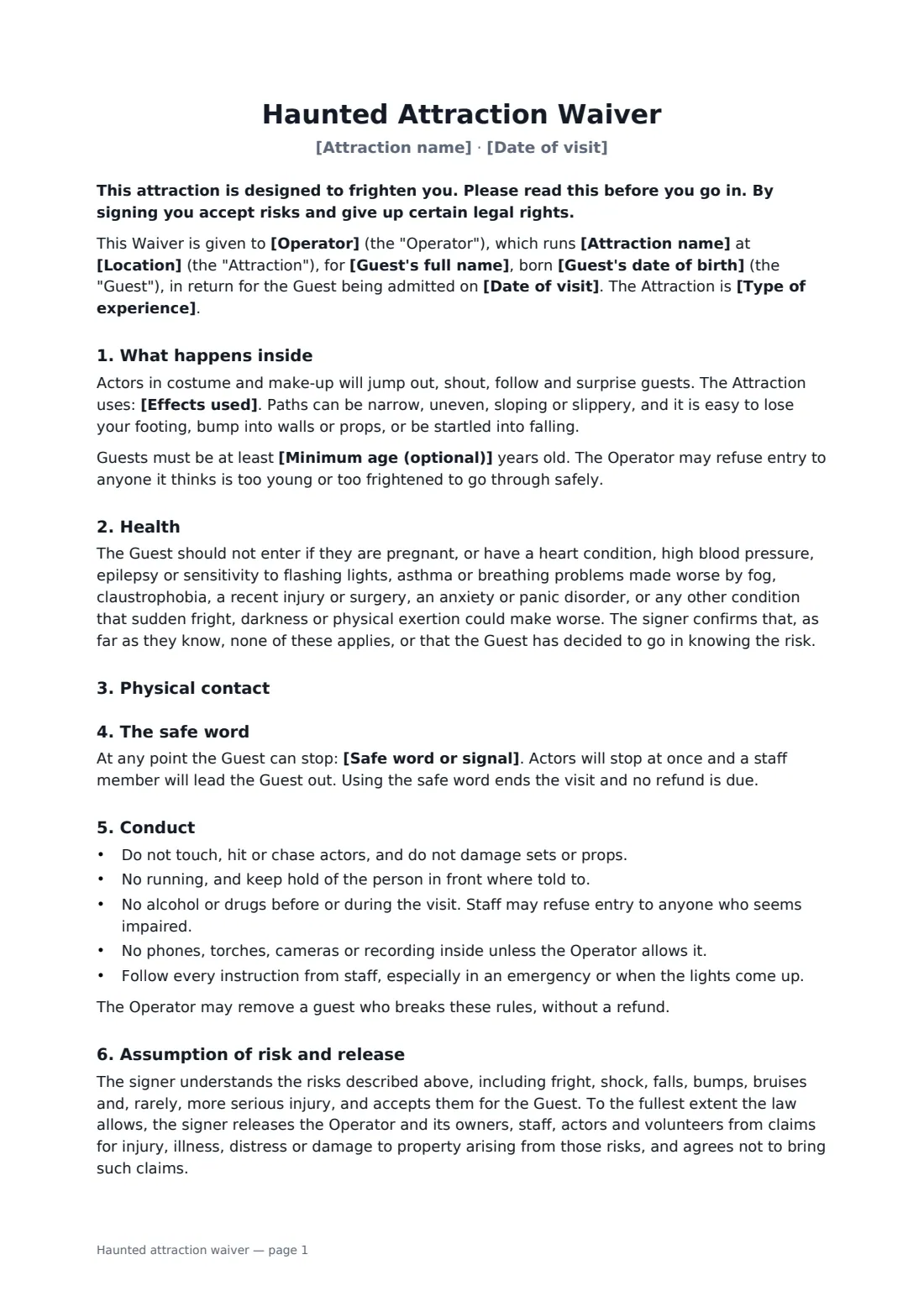
A haunted house is meant to make people jump, and that is exactly why operators ask guests to sign a waiver. People trip on uneven floors in the dark, walk into props, react to strobe lights and fog, or panic in a crawl space. A general activity release doesn't describe any of that. This one does, in language a guest can read in the queue on their phone.
You choose the kind of experience: a standard walk-through where actors keep their hands to themselves, a contact haunt where they may grab or guide guests, or an extreme haunt with restraint and enclosed spaces. The wording on physical contact changes to match, and always sets limits on where actors may touch. The waiver lists your effects, warns guests with heart, breathing, seizure or anxiety conditions, sets out a safe word that stops the scare at once, and spells out the conduct rules. A parent can sign for a teenager, with fair wording on what a parent can and can't give up.
- Best for
- Haunted houses, scare mazes, fright trails, Halloween events, escape-style horror experiences
- Signed by
- The adult guest or a parent/guardian, and the operator
- You set
- Attraction, date, intensity level, effects, safe word, minimum age
- Length
- About 2 pages
When to use a haunted attraction waiver
- Seasonal haunted houses running nightly through October
- Extreme or contact haunts where actors touch, hold or separate guests
- Haunted hayrides and woodland fright trails
- School, charity or community Halloween events with a scare room
- Private group bookings and birthday visits for teenagers
What you fill in
14 blanks, then the name and email of each person who signs: guest or parent, attraction operator.
1 The attraction
- Operator*
- Attraction name*
- Location*
- Date of visit*
- Type of experience* a standard walk-through haunt, where actors do not touch guests · a contact haunt, where actors may touch, hold or guide guests · an extreme haunt, with physical contact, restraint and enclosed spaces
- Effects used*
2 Safety
- Safe word or signal*
- Minimum age (optional)
3 The guest
- Guest's full name*
- Guest's date of birth*
- Who signs* The guest (18 or over) · A parent or guardian of a guest under 18
- Parent or guardian's name
- Emergency contact (name and phone)*
- Governing law*
4 Who signs
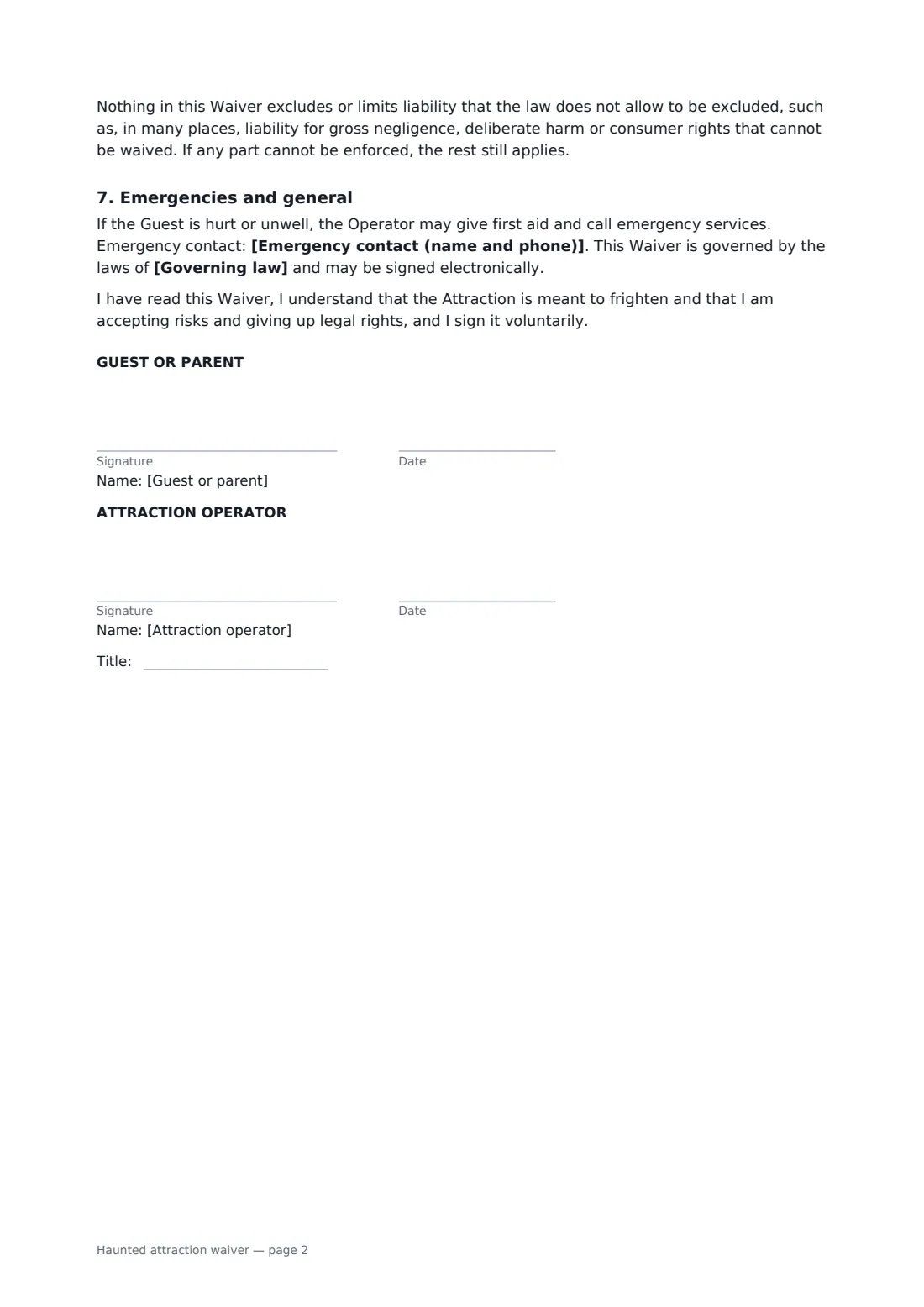
- Guest or parent signature and date · The adult guest, or a parent or legal guardian signing for a guest under 18.
- Attraction operator signature and date, job title
What the haunted attraction waiver covers
- What happens inside
- Health
- Physical contact
- The safe word
- Conduct
- Assumption of risk and release
- Emergencies and general
Using the haunted attraction waiver, step by step
1 Describe the attraction
Your business name fills in from your account. Add the attraction's name, location and the date of the visit, then pick the intensity level. Edit the list of effects so it matches what guests will really meet inside.
2 Set the safety rules
Choose a safe word or signal that every actor knows, and add a minimum age if you have one. The waiver explains that using the safe word ends the visit and a staff member leads the guest out.
3 Add the guest
Enter the guest's name and date of birth, choose whether they sign themselves or a parent signs, and add an emergency contact and the governing law.
4 Send it before they arrive
Send the waiver to each guest's email when they book, so they can sign on their phone before arriving. They don't need a FileIt account, and each signed waiver is filed in your vault with its audit trail.
Tips before you send it
- Brief every actor on the contact limits and the safe word written into the waiver — the document only helps if it matches what really happens inside.
- Post the main health warnings at the queue as well, so guests who haven't read the waiver closely still see them.
- Use one waiver per guest, not one for a whole group, so each person's acceptance of risk is recorded.
- Waivers don't replace insurance, fire exits, trained staff or good lighting when the show stops. Check your local rules on waivers, especially for minors.
Sign it online in minutes
- Fill in the blanks. Names, dates and amounts go straight into the agreement — the preview shows exactly where.
- Name who signs. Tick “This is me” for your own part. FileIt builds the PDF with every signature, date box on the right line, and you can check or move anything before sending.
- Send it. Each signer gets a secure link and signs from any device — no account needed. The signed PDF, with an audit trail and a Certificate of Completion, is filed in your vault and emailed to everyone.
Haunted attraction waiver: frequently asked questions
Why does a haunted house need its own waiver?
Because the risks are specific: darkness, sudden scares, fog and strobe effects, tight spaces and, in some haunts, being grabbed. A waiver that names them gives guests a fair chance to decide, which is what a release relies on.
Can actors touch guests under this waiver?
Only if you choose a contact or extreme haunt. Even then the waiver says actors won't strike or deliberately hurt anyone and lists areas of the body they won't touch. For a standard haunt it says actors are told not to touch guests.
Can a parent sign for a teenager?
Yes. Choose the parent or guardian option. The waiver explains that in many places a parent can't give up a child's own claims, and that it then works as the parent's own acceptance of risk to the extent the law allows.
Does the waiver protect us from every claim?
No. It doesn't exclude liability the law won't let you exclude, such as, in many places, gross negligence. How far waivers are enforced varies a lot between places.
Can guests sign at the door?
Yes. Send the waiver to the guest's email; they can open it and sign on their phone while they queue. FileIt records who signed and when, and adds a Certificate of Completion to the signed PDF.