What is a furnished rental inventory?
In a furnished let, most end-of-tenancy arguments are about things rather than walls: a missing kettle, a stained mattress, two chairs instead of four. An inventory signed on the day the tenant moves in settles what was there and what state it was in.
This template lists the contents room by room — living areas, kitchen, bedrooms, bathrooms, other spaces and linen — with a line for each item, its quantity and condition. Rooms you leave empty drop out of the document. Use it again at move-out, pointing to the move-in date, and record anything missing or worse than normal wear and tear. The tenant has a set number of days to add comments.
- Best for
- Furnished and part-furnished lets, lodgings and corporate rentals
- Signed by
- Landlord and tenant, initialled on every page
- Used at
- Move-in, then again at move-out
- Length
- 2-4 pages, depending on the items listed
When to use a furnished rental inventory
- A fully furnished flat let to a student or graduate
- A corporate rental equipped down to the cutlery
- A part-furnished house where only the beds and appliances are provided
- Checking the contents back in when a tenant leaves
- A lodger room with bedding and a desk supplied
What you fill in
16 blanks, then the name and email of each person who signs: landlord, tenant.
1 The rental
- This inventory is for* move-in · move-out
- Date checked*
- Landlord or agent*
- Tenant name(s)*
- Address of the property*
- Date of the lease*
- Date of the move-in inventory (move-out only)
2 Items by room
- Living and dining areas
- Kitchen
- Bedroom(s)
- Bathroom(s)
- Other rooms, outdoor and storage
- Bedding, towels and soft furnishings (optional)
3 Evidence
- Photos or video (optional)
- Missing, damaged or changed items (move-out only)
- Days the tenant has to add comments*
4 Who signs
- Landlord signature and date, initials on every page · The landlord, or the agent or inventory clerk who checked the items.
- Tenant signature and date, initials on every page · The tenant taking or handing back the furnished property.
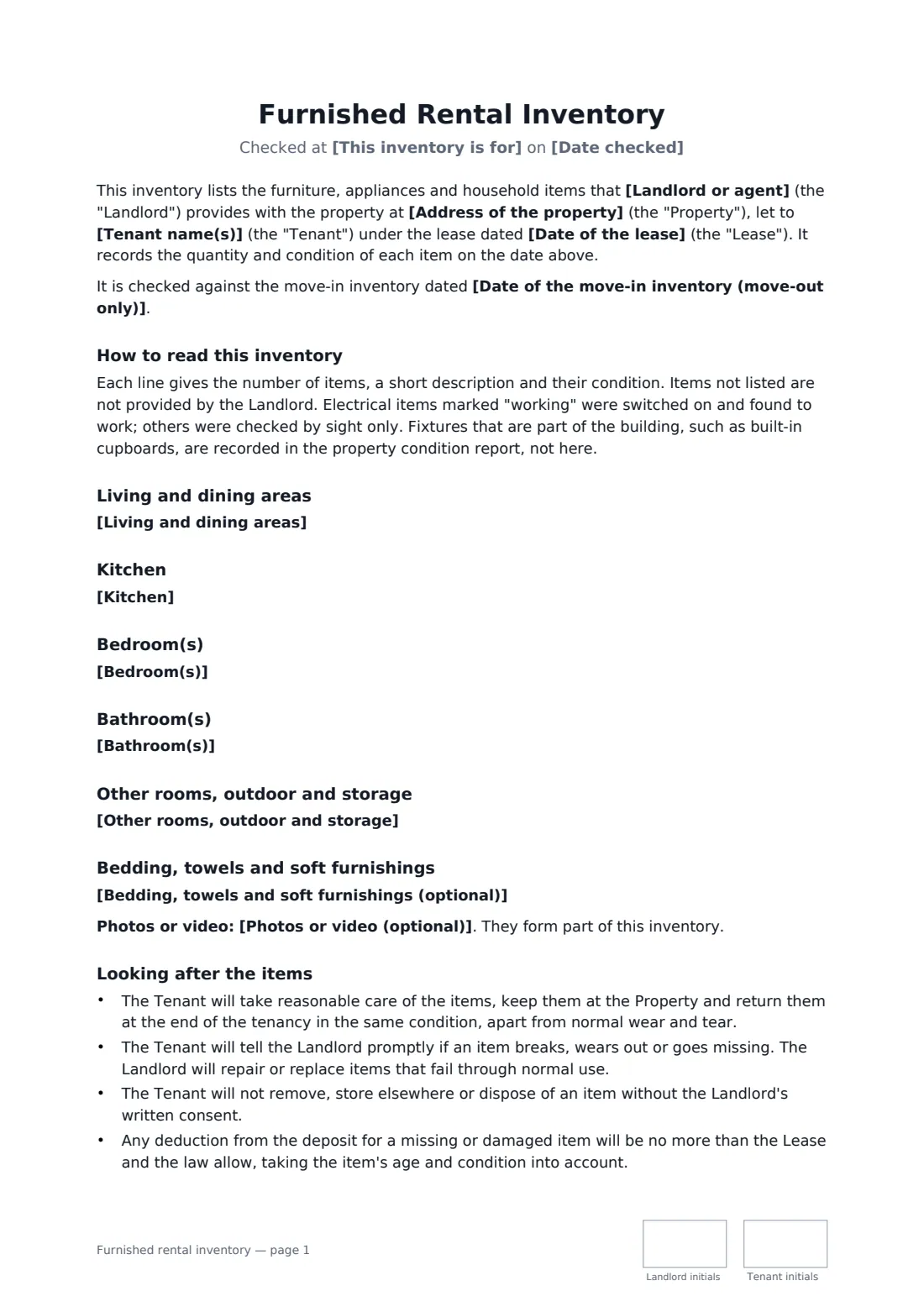
What the furnished rental inventory covers
- How to read this inventory
- Living and dining areas
- Kitchen
- Bedroom(s)
- Bathroom(s)
- Other rooms, outdoor and storage
- Bedding, towels and soft furnishings
- Changes found at move-out
- Looking after the items
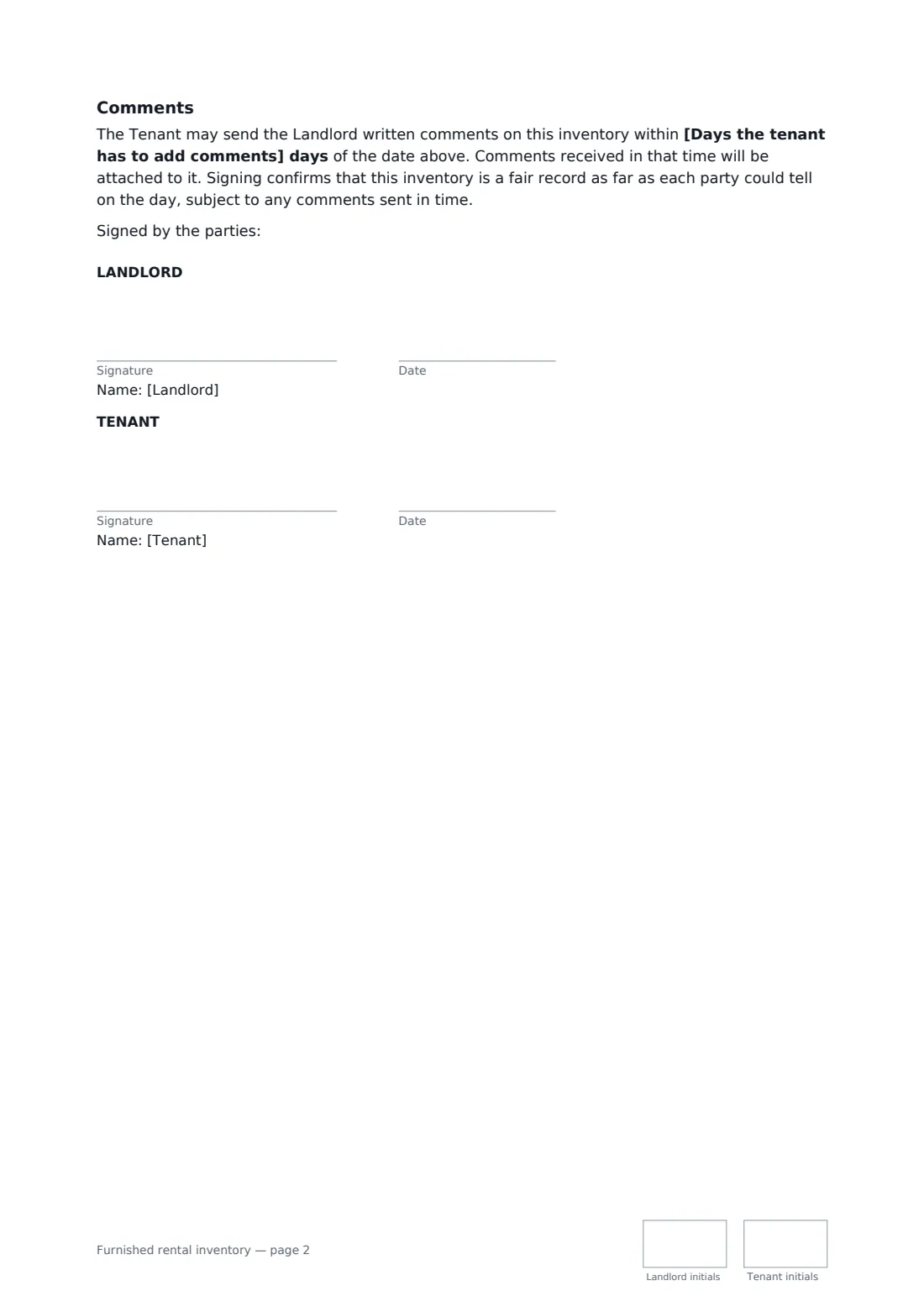
- Comments
Using the furnished rental inventory, step by step
1 Choose move-in or move-out
Pick the stage, enter the date, the landlord, the tenant, the property and the lease date. At move-out, add the date of the move-in inventory.
2 List the items
For each room, add one line per item with the quantity, a short description and its condition. Leave rooms empty to leave them out.
3 Add the evidence
Say where the dated photos are kept and, at move-out, list missing or damaged items.
4 Sign it together
Set the comment period and send. Both parties initial every page and sign at the end.
Tips before you send it
- Count small items like glasses and cutlery. "Some glasses" settles nothing.
- Use the same condition words throughout — new, good, fair, worn, damaged — so move-in and move-out compare easily.
- Use this alongside the move-in move-out checklist: one covers the contents, the other the building itself.
- Store both signed inventories in your vault with the lease, so they are side by side when the deposit is returned.
Sign it online in minutes
- Fill in the blanks. Names, dates and amounts go straight into the agreement — the preview shows exactly where.
- Name who signs. Tick “This is me” for your own part. FileIt builds the PDF with every signature, date and initials box on the right line, and you can check or move anything before sending.
- Send it. Each signer gets a secure link and signs from any device — no account needed. The signed PDF, with an audit trail and a Certificate of Completion, is filed in your vault and emailed to everyone.
Furnished rental inventory: frequently asked questions
How is this different from a move-in checklist?
The checklist records the condition of the property itself, such as walls, floors and fixtures. This inventory lists the furniture and household items the landlord provides, with quantities, so missing or damaged items can be tracked.
What counts as normal wear and tear?
The inventory doesn't define it, as it depends on the item's age and use and on local law. It says that any deduction takes the item's age and condition into account and stays within what the lease and the law allow.
What if the tenant disagrees with an entry?
They can send written comments within the period you set, and those comments are attached to the inventory. Their signature confirms a fair record subject to those comments.
Can both inventories be signed online?
Yes. Prepare one envelope at move-in and another at move-out. Electronic signatures are widely recognised for documents like this, and FileIt keeps a dated audit trail of each.