What is a employee discount policy acknowledgement?
Most staff discount problems are not fraud. They come from rules nobody wrote down: can my partner use it, does it work on sale items, can I pick up a gift for a friend, who rings me through? When the answer depends on which manager is on shift, the perk turns into an argument, and occasional real abuse is hard to deal with fairly.
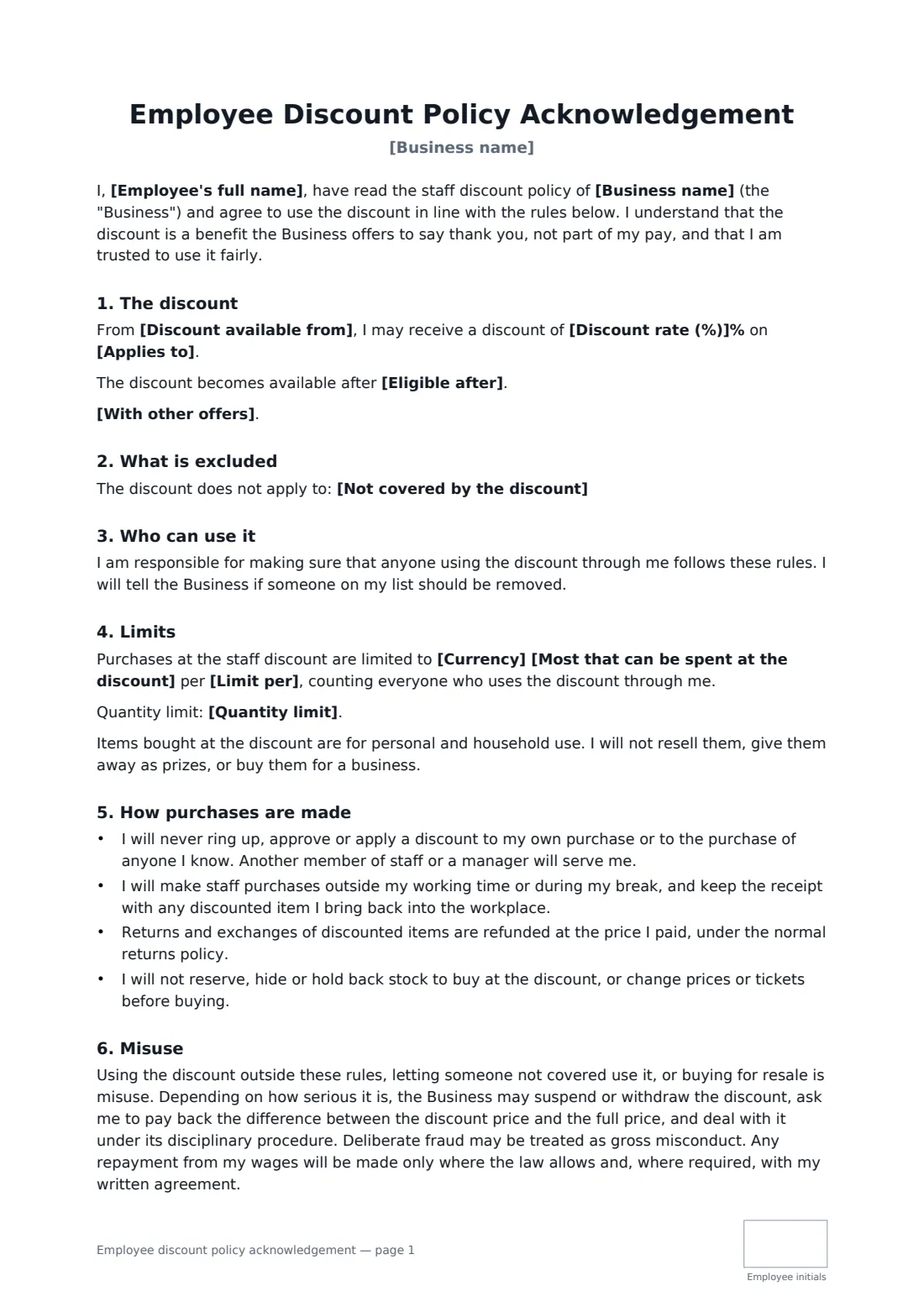
This acknowledgement sets the discount rate and what it applies to, lists any exclusions such as gift cards or sale stock, and says whether it combines with other offers. You choose whether it is for the employee alone, named family members or one nominated person, and can add a spending limit per month, year or transaction, a quantity limit and a waiting period. It covers how staff purchases are made (never serving yourself), returns, resale, and what happens if the discount is misused, with wage repayments only where the law allows.
- Best for
- Shops, restaurants, salons, gyms and any business with a staff discount
- Signed by
- The employee and the business
- Choices
- Rate, exclusions, family use, spending and quantity limits, waiting period
- Length
- About 2 pages, initialled by the employee on every page
When to use a employee discount policy acknowledgement
- Introducing a staff discount for the first time
- Extending the discount to employees' partners and children
- Adding an annual spending cap after a busy holiday season
- Onboarding seasonal staff who get the discount from day one
- Resetting expectations after a discount was misused
What you fill in
15 blanks, then the name and email of each person who signs: employee, employer.
1 Details
- Business name*
- Employee's full name*
- Discount available from*
2 The discount
- Discount rate (%)*
- Applies to*
- Not covered by the discount
- With other offers* The discount cannot be combined with other promotions, coupons or loyalty rewards · The discount may be combined with general customer promotions, but not with other staff offers
3 Family members
- Who else can use it* The Employee only · The Employee and the family members listed below · The Employee and one nominated person
- Family members or nominated person
4 Limits
- Currency
- Most that can be spent at the discount
- Limit per calendar month · calendar year · transaction
- Quantity limit
- Eligible after
- Questions and concerns go to*
5 Who signs
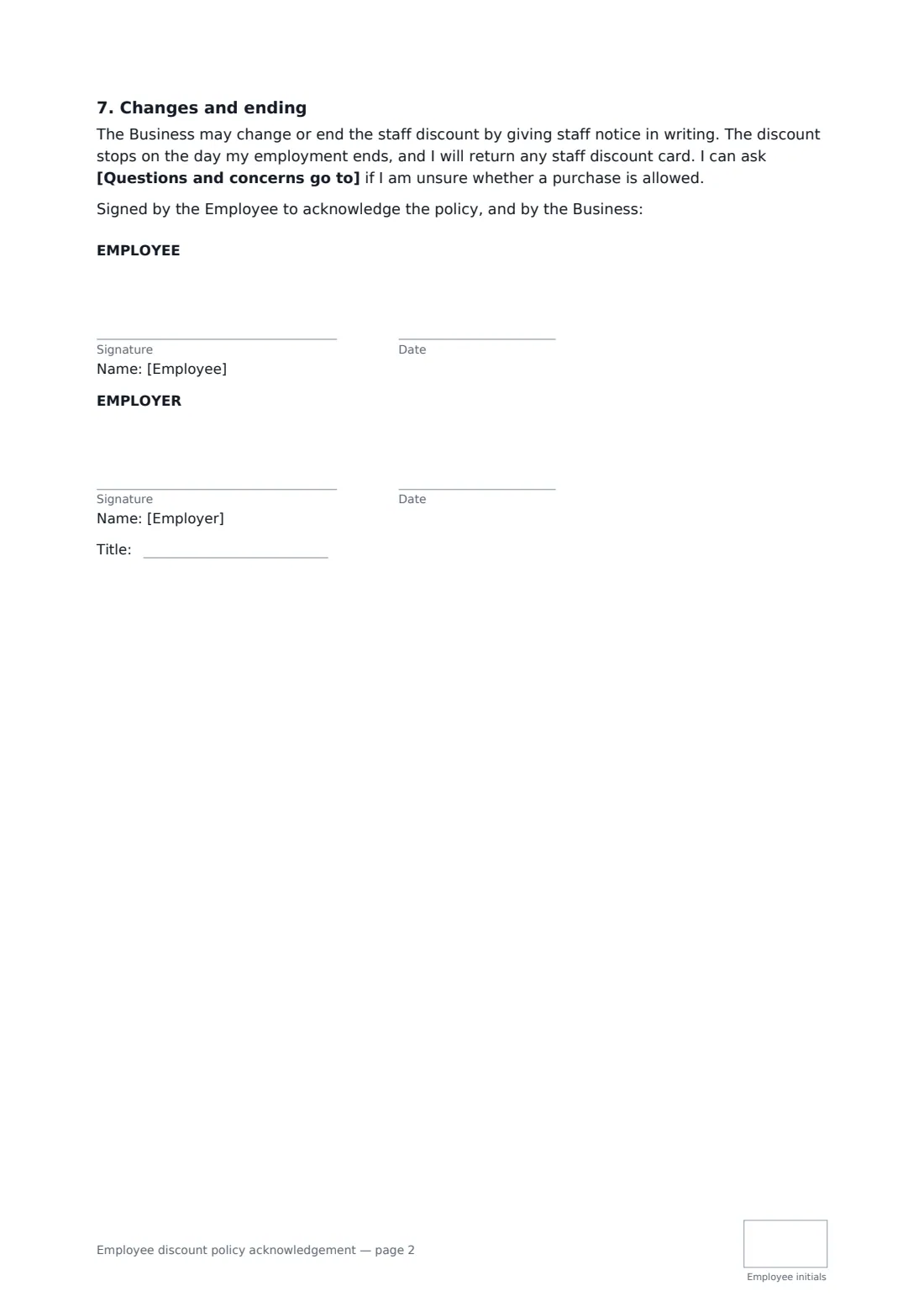
- Employee signature and date, initials on every page · The staff member who will use the discount.
- Employer signature and date, job title, initials on every page · The owner, HR or a manager signing for the business.
What the employee discount policy acknowledgement covers
- The discount
- What is excluded
- Who can use it
- Limits
- How purchases are made
- Misuse
- Changes and ending
Using the employee discount policy acknowledgement, step by step
1 Set the rate and what it covers
Enter the percentage and the goods or services it applies to, list anything excluded, and choose whether it can be combined with customer promotions.
2 Decide who can use it
Choose the employee only, the family members you list, or one person the employee nominates, and enter their names.
3 Add limits if you want them
Set a spending limit and its period, a quantity limit or a waiting period such as the end of probation. Leave any of them empty to skip it.
4 Sign it
Send it to the employee to read and sign. The signed copy is filed in your vault, ready if a question about the discount ever comes up.
Tips before you send it
- Keep the rule that staff never ring up their own purchase. It protects honest employees as much as the business.
- If family members can use the discount, give them a card or code linked to the employee so limits are easy to track.
- A staff discount can be a taxable benefit in some places above certain levels. Check with your accountant before setting a high rate.
- Tell staff in writing when you change the rate or exclusions, and ask them to sign the updated version.
Sign it online in minutes
- Fill in the blanks. Names, dates and amounts go straight into the agreement — the preview shows exactly where.
- Name who signs. Tick “This is me” for your own part. FileIt builds the PDF with every signature, date and initials box on the right line, and you can check or move anything before sending.
- Send it. Each signer gets a secure link and signs from any device — no account needed. The signed PDF, with an audit trail and a Certificate of Completion, is filed in your vault and emailed to everyone.
Employee discount policy acknowledgement: frequently asked questions
Is a staff discount part of the employee's pay?
The acknowledgement says it is a benefit the business offers, not part of pay, and that the business may change or end it with written notice. Whether that holds where you are can depend on local employment law and what the employment contract says.
What counts as misuse?
Using the discount outside the rules, letting someone not covered use it, or buying to resell. The business can suspend or withdraw the discount, ask for the difference back and use its disciplinary procedure; deliberate fraud may be gross misconduct.
Can I recover the difference from wages?
Only where the law allows it and, where required, with the employee's written agreement. The template says so rather than assuming a deduction is allowed.
Does the employee need a FileIt account to sign?
No. They open the link in the email, review the document and sign. FileIt records an audit trail and adds a Certificate of Completion to the signed PDF.