What is a buy-sell agreement?
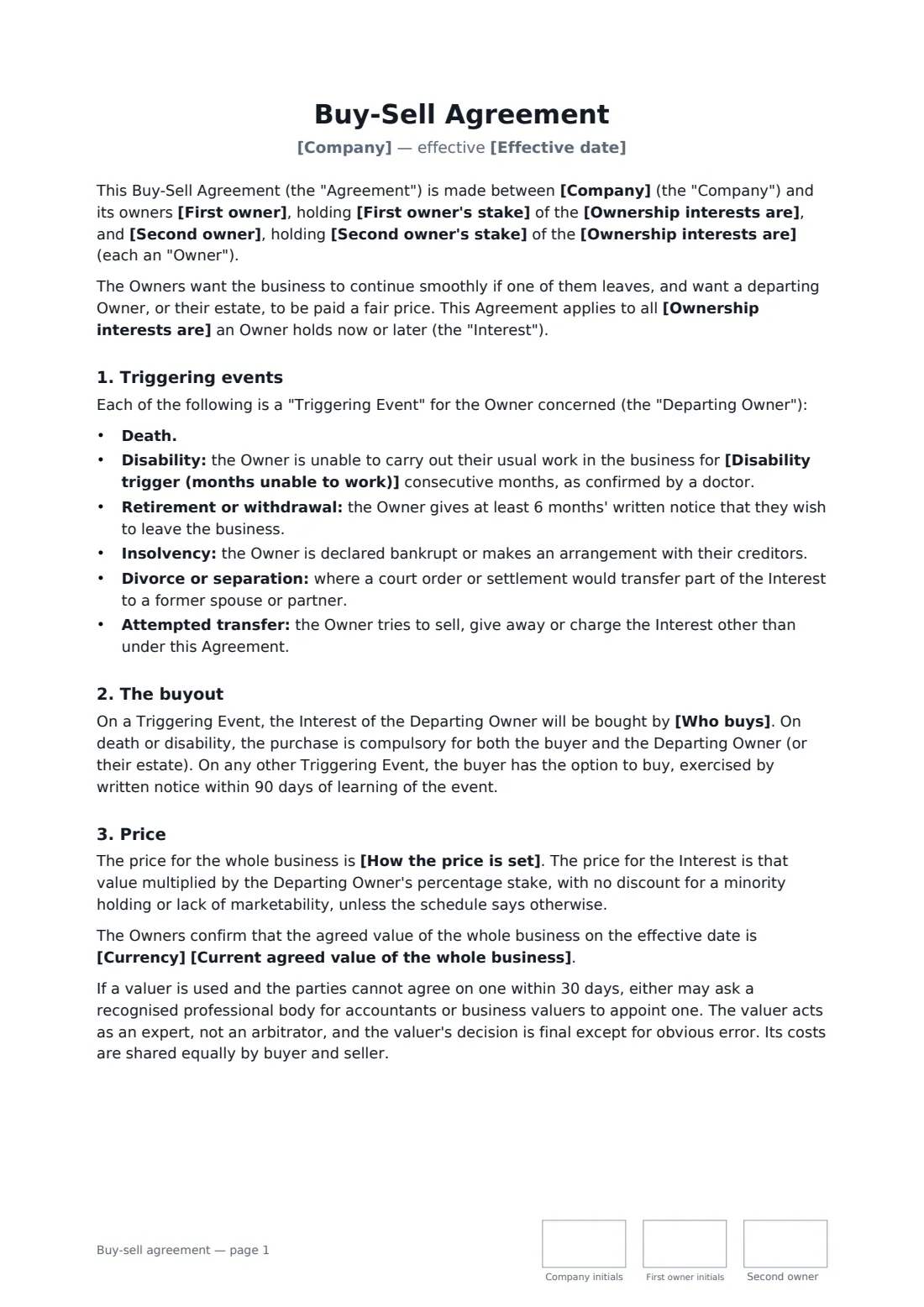
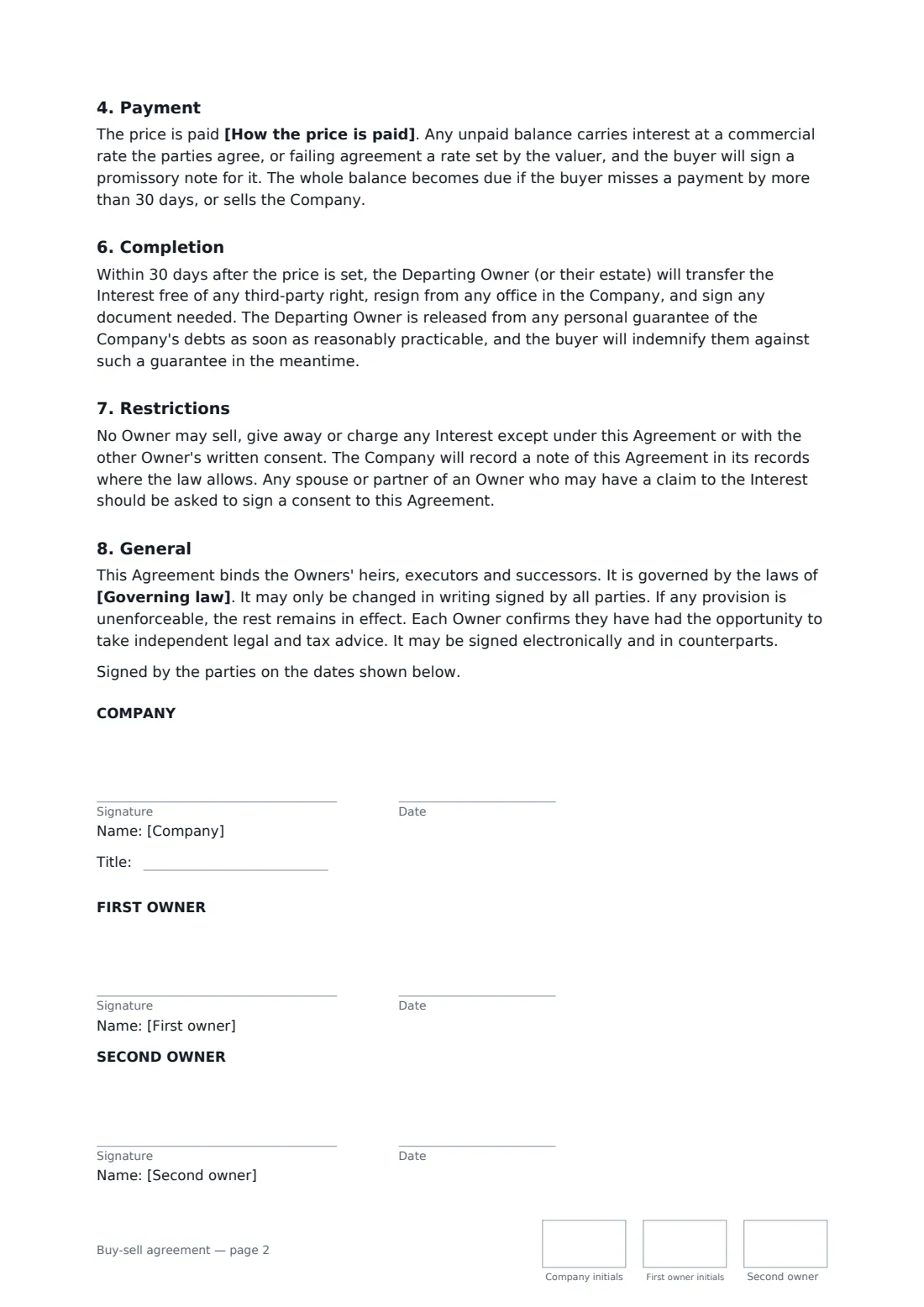
Two business owners and their company agree in advance what happens to an owner's stake on death, disability, retirement or a falling-out: who buys, at what price and how it is paid. Start from this template in FileIt eSignature: fill in the blanks, add the people who sign, and send it. Everyone signs online and the signed PDF is filed in your vault.
What you fill in
15 blanks, then the name and email of each person who signs: company, first owner, second owner.
1 The business
- Effective date*
- Company*
- Ownership interests are* shares · membership interests · partnership interests
2 The owners
- First owner*
- First owner's stake*
- Second owner*
- Second owner's stake*
3 The buyout
- Who buys* the remaining owner (a cross-purchase) · the Company (a redemption) · the remaining owner, or the Company if the remaining owner does not buy within the time allowed
- How the price is set* an agreed value the owners confirm in writing each year, or an independent valuation if no value has been confirmed in the last 15 months · an independent valuation by a qualified business valuer chosen jointly · the formula set out in a schedule signed by the owners
- Current agreed value of the whole business
- Currency*
- How the price is paid* in full within 90 days of the price being set · insurance proceeds first, with any balance over 36 monthly instalments · 20% within 90 days, with the balance over 48 monthly instalments
- Life or disability insurance to fund it* Yes · No
4 Triggers
- Disability trigger (months unable to work)*
- Governing law*
5 Who signs
- Company signature and date, job title, initials on every page
- First owner signature and date, initials on every page
- Second owner signature and date, initials on every page
What the buy-sell agreement covers
- Triggering events
- The buyout
- Price
- Payment
- Insurance
- Funding
- Completion
- Restrictions
- General
Sign it online in minutes
- Fill in the blanks. Names, dates and amounts go straight into the agreement — the preview shows exactly where.
- Name who signs. Tick “This is me” for your own part. FileIt builds the PDF with every signature, date and initials box on the right line, and you can check or move anything before sending.
- Send it. Each signer gets a secure link and signs from any device — no account needed. The signed PDF, with an audit trail and a Certificate of Completion, is filed in your vault and emailed to everyone.