What is a employee benefits waiver form?
Plenty of employees decline a workplace plan for good reasons: they're covered through a spouse, they already have a policy, or the cost doesn't work for them right now. The trouble comes months later, when someone has a claim and can't remember whether they ever said no. A signed waiver answers that question for both sides.
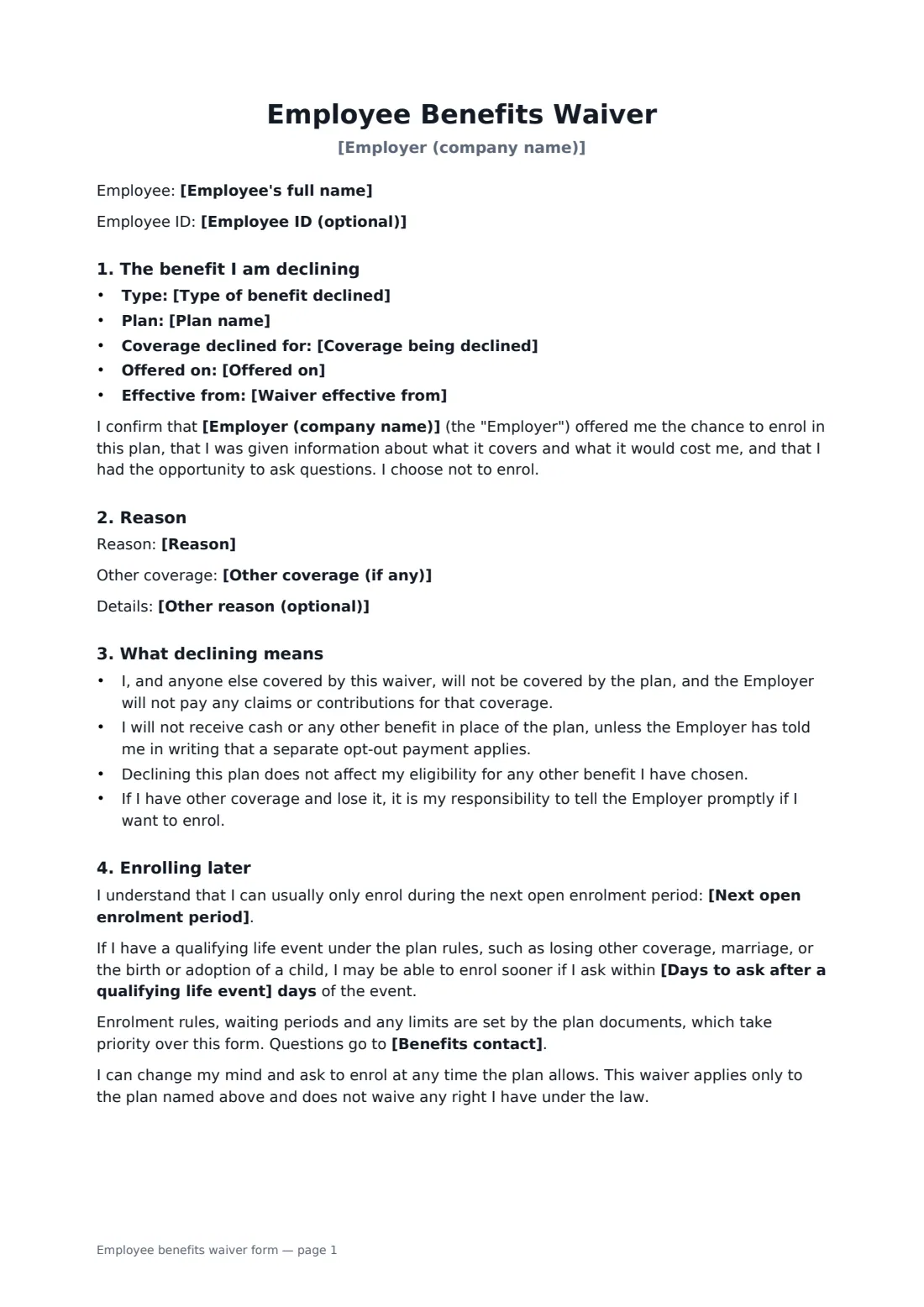
This form records the type of benefit and the plan name, who the waiver covers, the date it was offered and the date it takes effect. The employee confirms they were given the plan information and chose not to enrol, and records a reason or their other coverage. It explains that no claims or contributions will be paid, that no cash is given instead unless you've said otherwise, and that other benefits aren't affected. It names the next open enrolment period, an optional window after a qualifying life event, and the benefits contact.
- Best for
- Health, dental, vision, retirement, life and other plans
- Signed by
- The employee, then the employer to acknowledge
- Records
- Plan, coverage declined, reason, effective date, re-enrolment
- Length
- About 2 pages
When to use a employee benefits waiver form
- A new hire covered under a spouse's health plan
- An employee opting out of dental or vision cover at open enrolment
- Declining a voluntary life or disability policy
- Recording a dependants-only waiver while the employee stays covered
- Meeting an insurer's request for signed waivers from non-participants
What you fill in
14 blanks, then the name and email of each person who signs: employee, employer.
1 Details
- Employer (company name)*
- Employee's full name*
- Employee ID (optional)
2 The plan
- Type of benefit declined* Health insurance · Dental insurance · Vision insurance · Retirement or pension plan · Life or disability insurance · Other benefit
- Plan name*
- Coverage being declined* the Employee and any eligible dependants · the Employee only · the Employee's dependants only
- Offered on*
- Waiver effective from*
3 Reason
- Reason* I have other coverage · I prefer not to say · Cost · Other
- Other coverage (if any)
- Other reason (optional)
4 Enrolling later
- Next open enrolment period*
- Days to ask after a qualifying life event
- Benefits contact*
5 Who signs
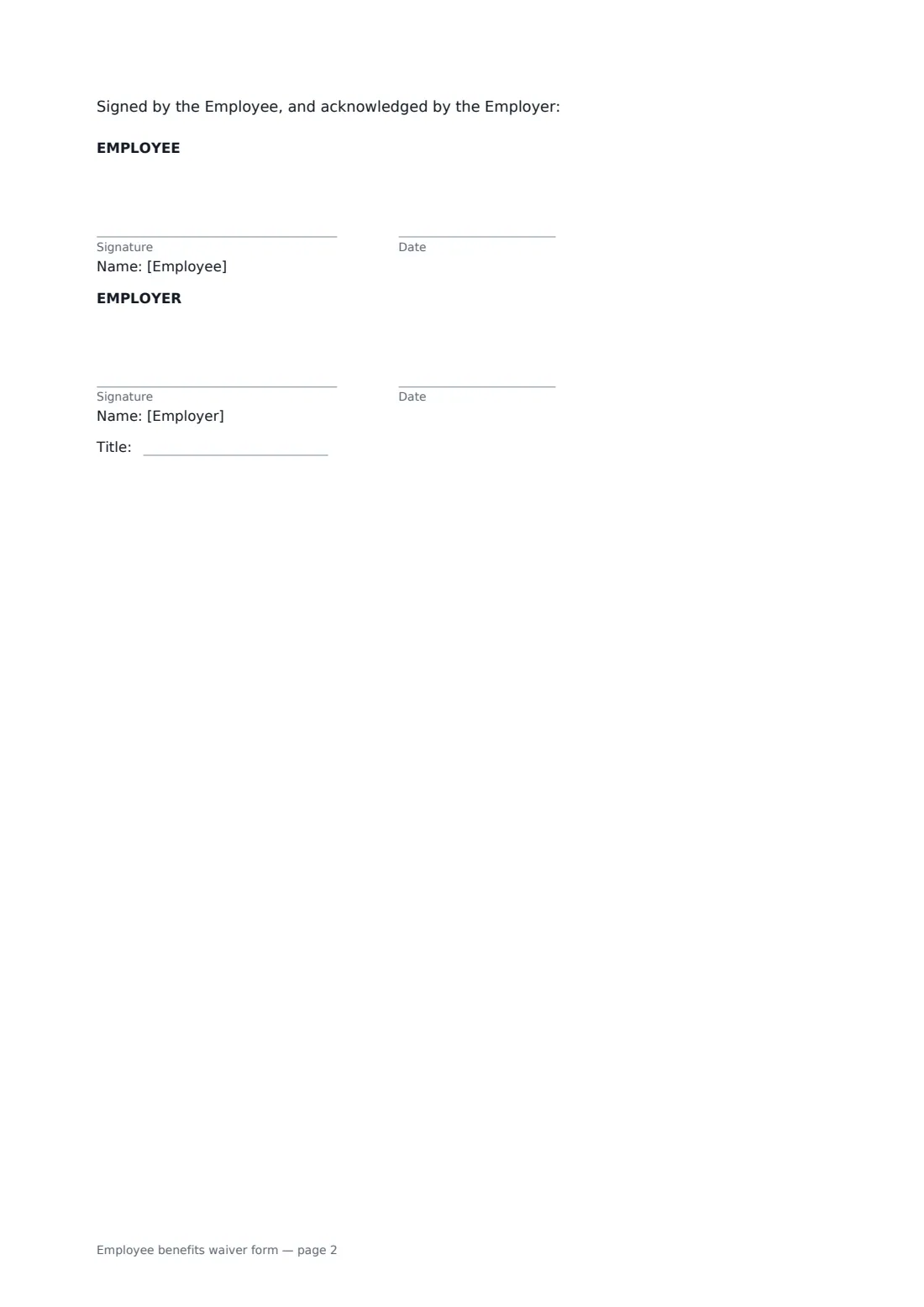
- Employee signature and date
- Employer signature and date, job title · The HR or benefits person recording the waiver.
What the employee benefits waiver form covers
- The benefit I am declining
- Reason
- What declining means
- Enrolling later
Using the employee benefits waiver form, step by step
1 Enter the employee
Add the company, the employee's name and an optional employee ID.
2 Describe the plan declined
Choose the type of benefit, enter the plan name, pick who the waiver covers, and add the date it was offered and the date it takes effect.
3 Record the reason and re-enrolment
Choose a reason and add other coverage if there is any. Enter the next open enrolment period and, from your plan documents, any special enrolment window in days.
4 Send for signature
The employee signs first and you acknowledge. Keep the signed waiver with your benefits records.
Tips before you send it
- Use the plan documents for the enrolment rules — the form says they take priority.
- Give the employee the plan summary and their cost before asking them to sign.
- Collect a fresh waiver at each open enrolment if your insurer requires it.
- Don't press for a reason. "I prefer not to say" is a valid answer.
Sign it online in minutes
- Fill in the blanks. Names, dates and amounts go straight into the agreement — the preview shows exactly where.
- Name who signs. Tick “This is me” for your own part. FileIt builds the PDF with every signature, date box on the right line, and you can check or move anything before sending.
- Send it. Each signer gets a secure link and signs from any device — no account needed. The signed PDF, with an audit trail and a Certificate of Completion, is filed in your vault and emailed to everyone.
Employee benefits waiver form: frequently asked questions
Can the employee change their mind later?
Yes, when the plan allows — usually at the next open enrolment, or sooner after a qualifying life event such as losing other coverage, marriage or a new child.
Does the employee get cash instead?
Not unless you've told them in writing that a separate opt-out payment applies. The form says so plainly.
Does declining one plan affect others?
No. The waiver applies only to the plan named and doesn't affect any other benefit the employee has chosen.
Do employees have to give a reason?
No. They can choose "I prefer not to say". Recording other coverage is optional but useful.