What is a bag and locker search consent?
Retailers, warehouses, factories, schools and secure sites often need to check bags or open lockers, to stop stock walking out of the door or to keep weapons and drugs off the premises. Done without warning, a search feels like an accusation and can turn into a grievance or a legal complaint. Done under a policy people have read and signed, it's a routine check.
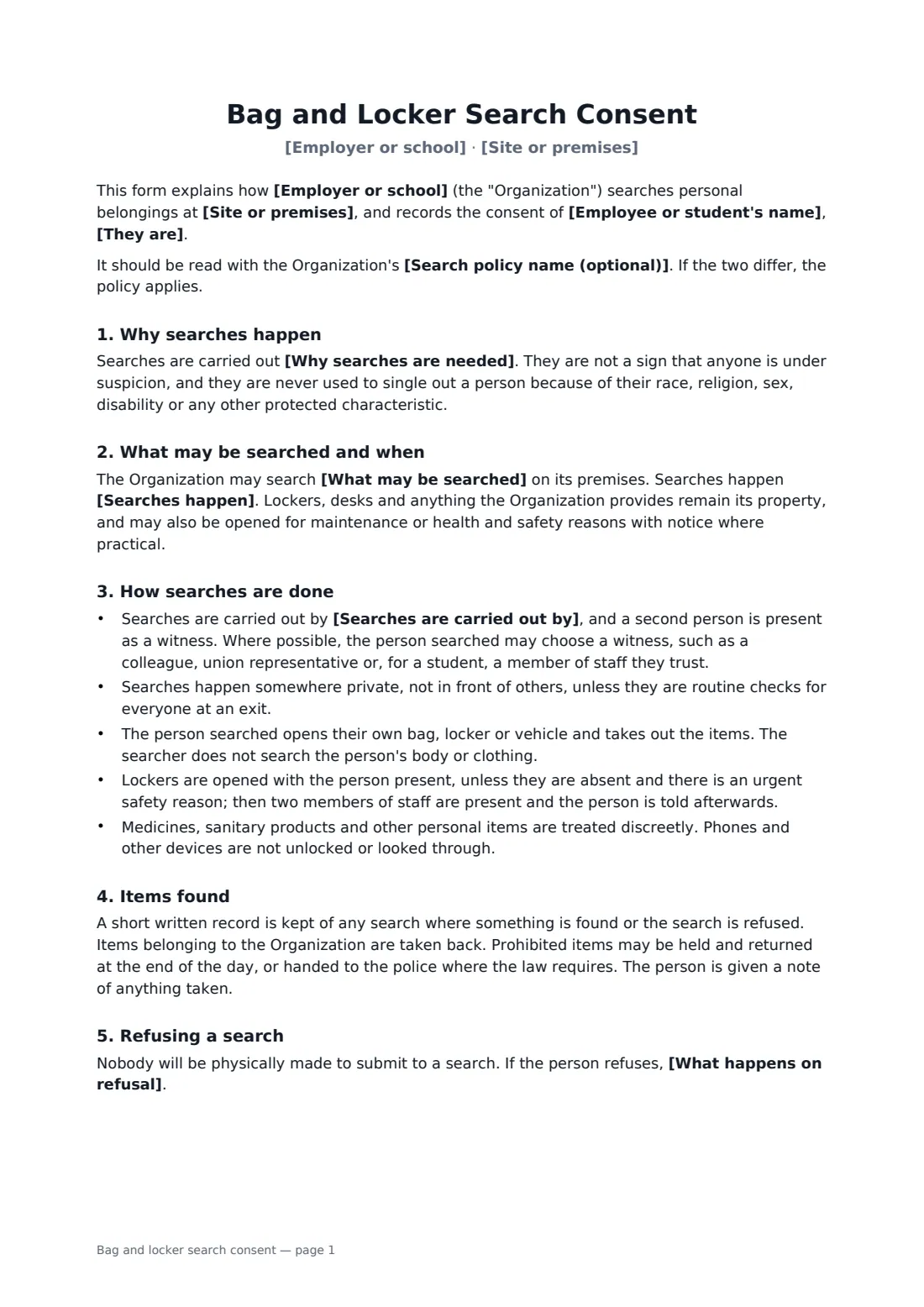
This form explains why searches happen and promises they are never used to single anyone out. You choose what may be searched — bags, lockers, desks and vehicles on site — and whether checks are random at exits, routine for everyone, or only for a specific reason. It sets out the safeguards: a witness, privacy, the person opening their own belongings, no body or clothing searches, phones left locked, and discreet handling of medicines and personal items. It says what happens to anything found and what refusing means, and that nobody will be physically forced to submit.
- Best for
- Retail stores, warehouses and distribution centres, factories, schools and colleges, secure sites
- Signed by
- The employee or student (or a parent), and the employer or school
- You set
- Site, what may be searched, when, who searches, reasons, consequence of refusal
- Length
- About 2 pages
When to use a bag and locker search consent
- Exit bag checks for warehouse and stockroom staff
- Locker inspections in a factory or hospital changing room
- School or college locker searches for prohibited items
- Vehicle checks at a secure or high-value site
- Introducing a search policy to an existing workforce
What you fill in
10 blanks, then the name and email of each person who signs: employee or student, employer or school.
1 The parties
- Employer or school*
- Employee or student's name*
- They are* an employee · a contractor or agency worker · a student
2 The site
- Site or premises*
- Search policy name (optional)
3 Searches
- What may be searched* bags only · bags, lockers and desks · bags, lockers, desks and vehicles parked on site · lockers only
- Searches happen* at random on leaving the site, and when there is a specific reason · routinely for everyone on entry and exit · only when there is a specific reason, such as a reported loss or a safety concern
- Searches are carried out by*
- Why searches are needed*
- What happens on refusal*
4 Who signs
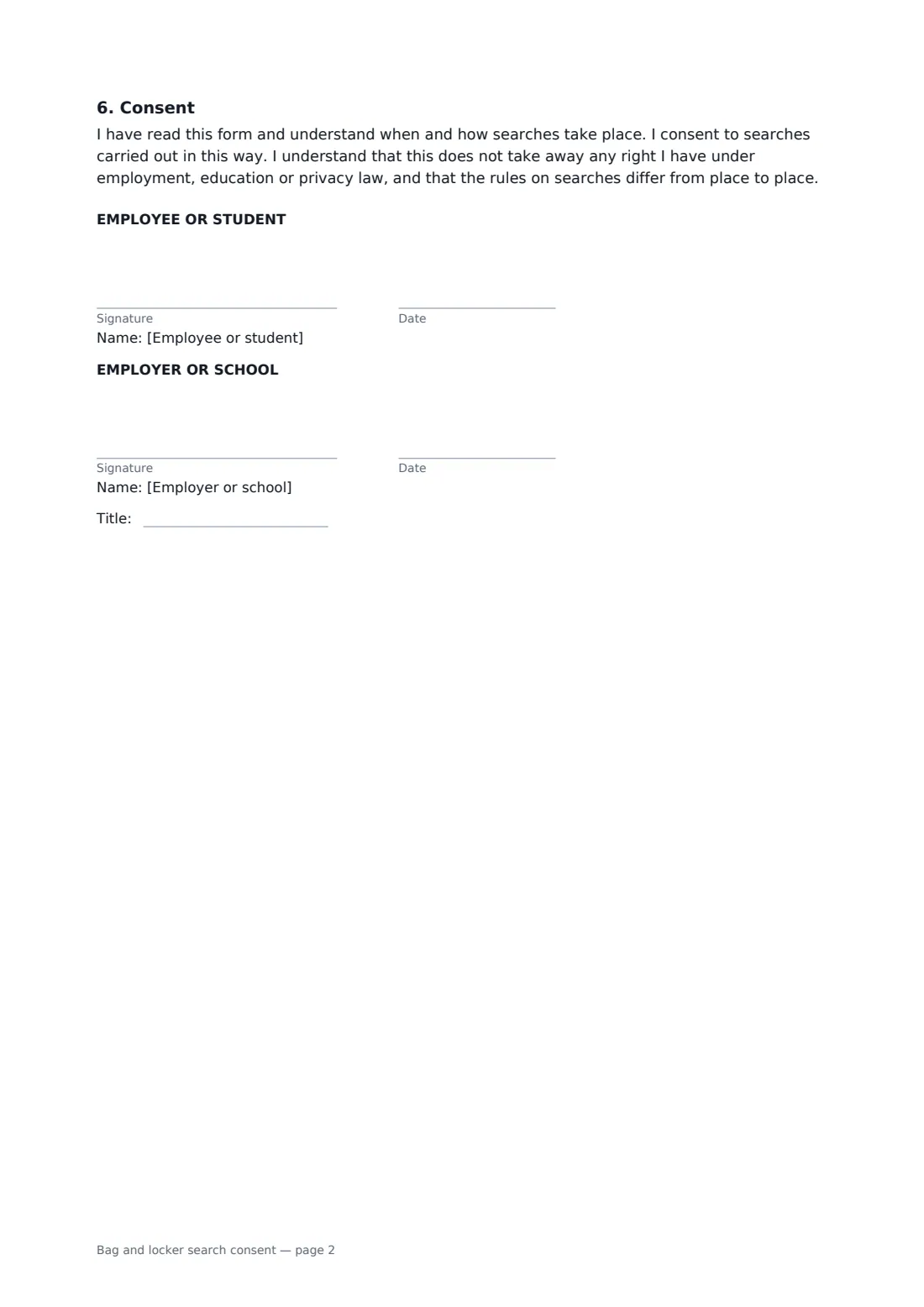
- Employee or student signature and date · The person agreeing to the search policy. For a student under 18, a parent or guardian can sign.
- Employer or school signature and date, job title
What the bag and locker search consent covers
- Why searches happen
- What may be searched and when
- How searches are done
- Items found
- Refusing a search
- Consent
Using the bag and locker search consent, step by step
1 Name the site and policy
Your organization's name fills in from your account. Add the site and, if you have one, the name of your full search policy — the form says the policy wins if the two differ.
2 Choose what and when
Pick what may be searched and when searches happen. Edit the reasons so they describe your real concerns, such as stock loss or safety.
3 Say who searches and what refusal means
Name who carries out searches, then describe the consequence of refusing, for example the disciplinary procedure, or calling the police where a crime is suspected.
4 Send to each person
Add the employee or student as a signer. For a student under 18, a parent or guardian can sign. Each signed copy is filed in your FileIt vault.
Tips before you send it
- Search consistently. Random or routine checks for everyone are far easier to defend than picking on individuals.
- Train the people who carry out searches, and always have a witness.
- Searching a person's body or clothing is a different matter, and often only police can do it. This form deliberately doesn't allow it.
- Rules on workplace and school searches differ widely — some places require union consultation, and schools often follow official guidance. Check what applies to you.
- Keep search records brief, factual and confidential.
Sign it online in minutes
- Fill in the blanks. Names, dates and amounts go straight into the agreement — the preview shows exactly where.
- Name who signs. Tick “This is me” for your own part. FileIt builds the PDF with every signature, date box on the right line, and you can check or move anything before sending.
- Send it. Each signer gets a secure link and signs from any device — no account needed. The signed PDF, with an audit trail and a Certificate of Completion, is filed in your vault and emailed to everyone.
Bag and locker search consent: frequently asked questions
Can an employer search an employee's bag?
In many places an employer can, if it has a clear policy that staff have agreed to, searches are done reasonably and with consent at the time. Without consent, searches can lead to legal claims. Check the employment and privacy law where you operate.
What if someone refuses a search?
Nobody is physically made to submit. The form sets out the consequence you choose, for example handling it under the disciplinary procedure, or calling the police if there is a reasonable suspicion of a crime.
Can you look through phones under this form?
No. It says phones and other devices are not unlocked or looked through. Searching a device is far more intrusive and needs separate, specific grounds.
Can a school use this for students?
Yes. Choose "a student" and have a parent or guardian sign for a student under 18. Many education authorities publish their own search guidance; make your policy match it.
Can staff sign electronically?
Yes. Each person signs on their phone or computer without a FileIt account, and the signed PDF includes an audit trail and a Certificate of Completion.