What is SF 1199A?
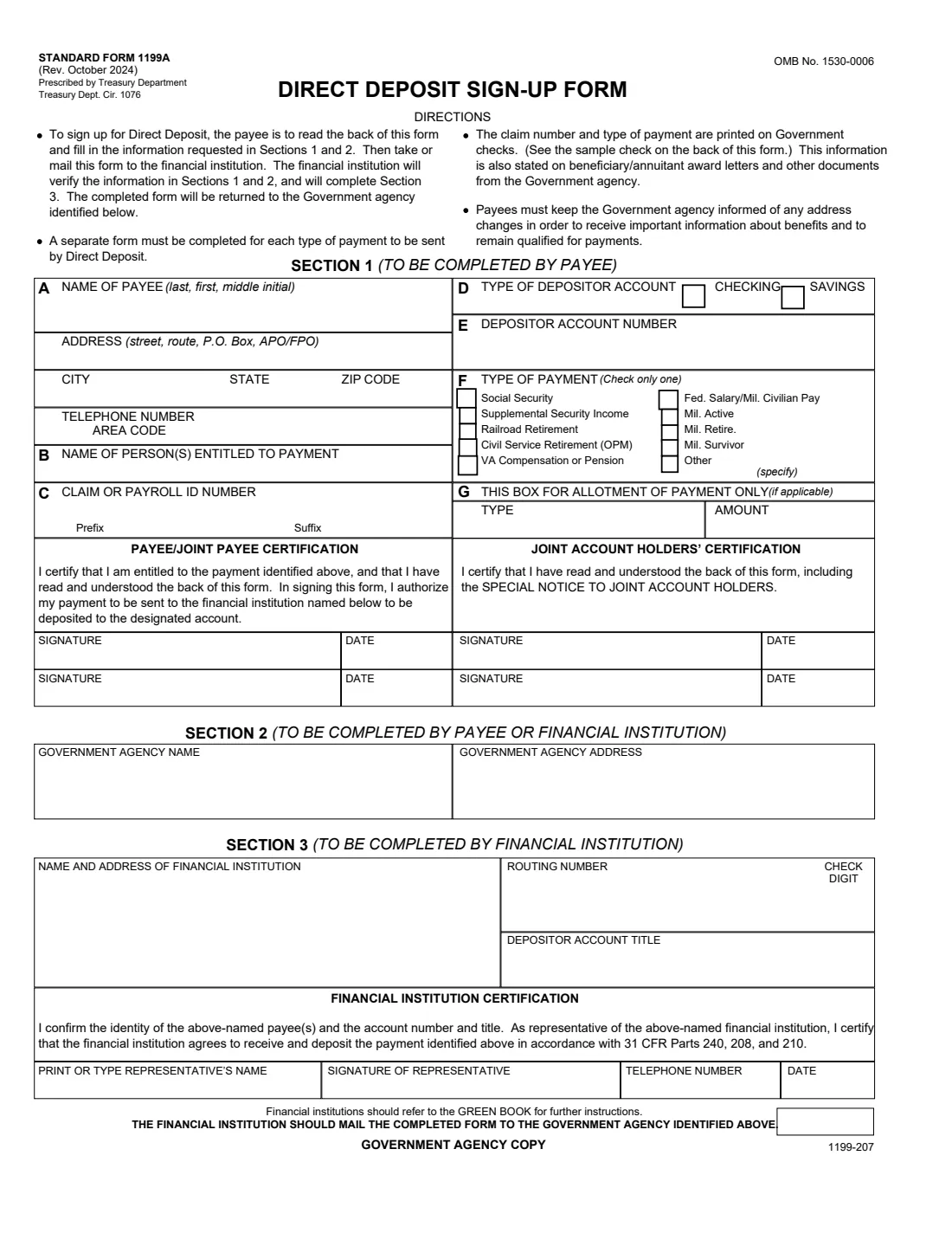
Standard Form 1199A, the Direct Deposit Sign-Up Form, sets up Direct Deposit of a federal payment into your checking or savings account. It's prescribed by the Treasury Department (Treasury Department Circular 1076) and covers Social Security, Supplemental Security Income, Railroad Retirement, Civil Service Retirement (OPM), VA compensation or pension, federal salary and military active, retired and survivor pay.
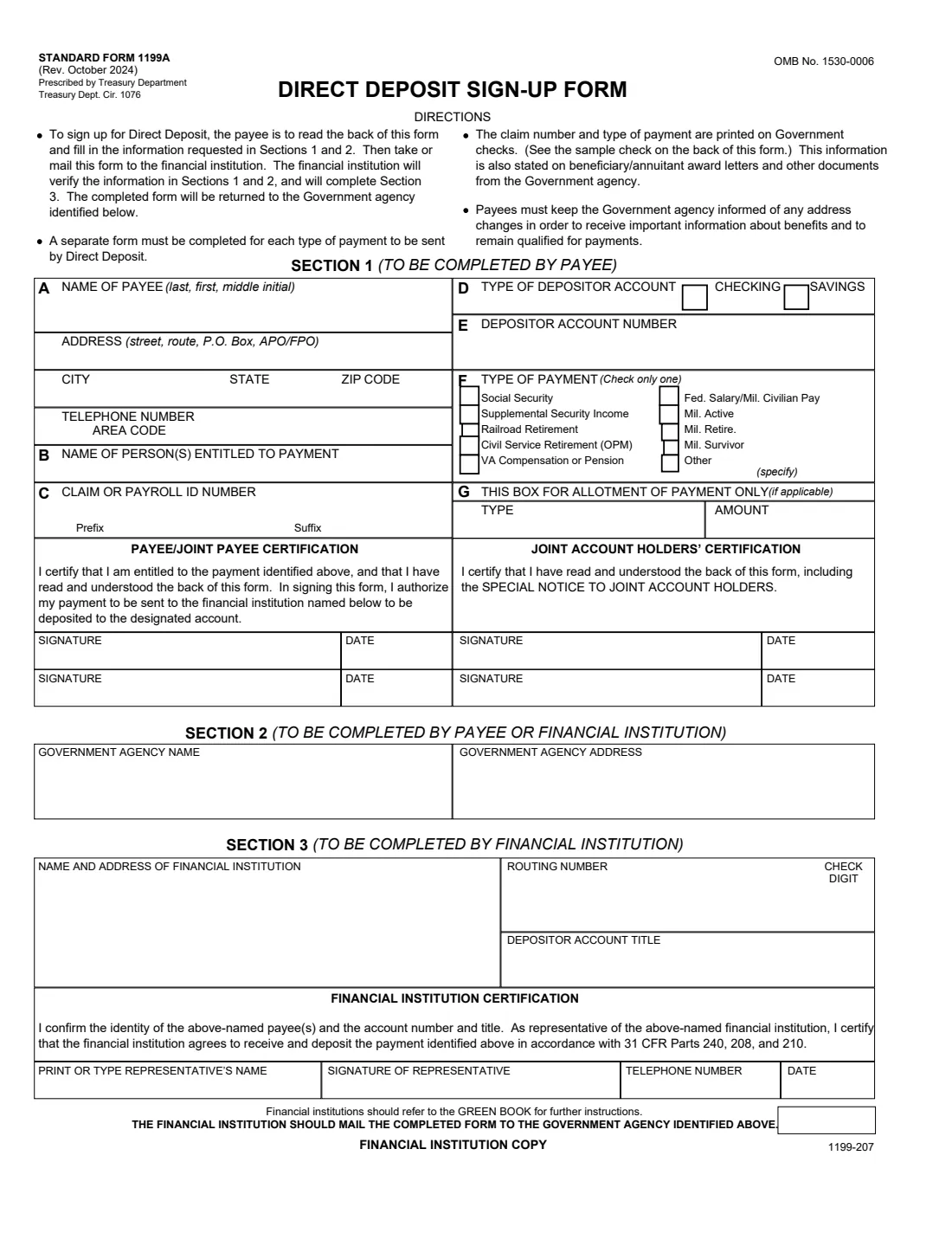
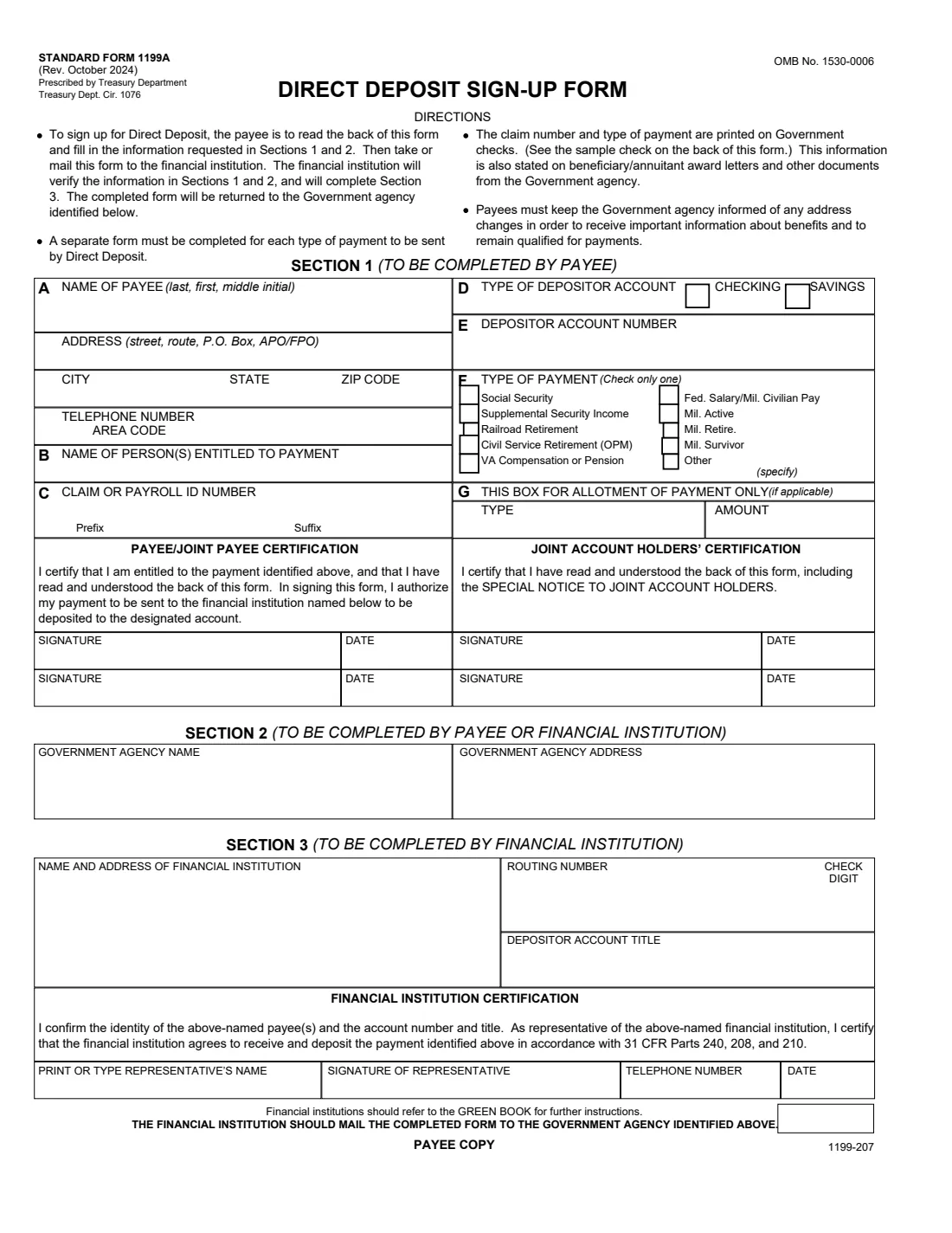
It works in three steps, as the form's directions explain. You, the payee, fill in Sections 1 and 2 and sign. You then take or mail the form to your bank or credit union, which checks your details, completes Section 3 and sends the form to the government agency named in Section 2. A separate form is needed for each type of payment. The form has three copies, for the government agency, the financial institution and you.
FileIt asks each question in plain English, checks the numbers (a valid routing number, an account number of up to 17 digits), and prints your answers into all three copies of the official October 2024 form. Your bank still has to verify it and sign.
- Who fills it
- The payee fills in Sections 1 and 2. The bank or credit union completes Section 3.
- Given to
- Your financial institution, which mails it to the paying government agency.
- One form per
- Type of payment. Two different federal payments need two forms.
- Signatures
- The payee (and any joint payee), any joint account holders, and the bank's representative.
- Edition
- Rev. October 2024 (OMB No. 1530-0006)
- Agency
- U.S. Department of the Treasury, Bureau of the Fiscal Service
Who needs to fill out SF 1199A?
- People receiving Social Security, SSI or Railroad Retirement benefits who are asked to use this form to set up Direct Deposit.
- Federal retirees and survivors paid by OPM (Civil Service Retirement).
- Veterans and survivors receiving VA compensation or pension.
- Federal civilian employees and military members, retirees and survivors whose payroll or pay office asks for it.
- Anyone changing the account a federal payment goes into, when the paying agency tells them to use this form.
When to use SF 1199A
- When you start receiving a federal payment and want it deposited instead of mailed.
- When you open a new account and the paying agency asks you to use the SF 1199A for the change. The back of the form recommends keeping both accounts open until the first payment arrives in the new one.
- When you want an allotment (part of a payment) sent to an account, where the paying agency allows it (Section 1, box G).
What you need before you start
- Your name exactly as it appears on your government check or award letter, and your current address and phone number.
- The name of the person entitled to the payment, if you're paid on someone else's behalf.
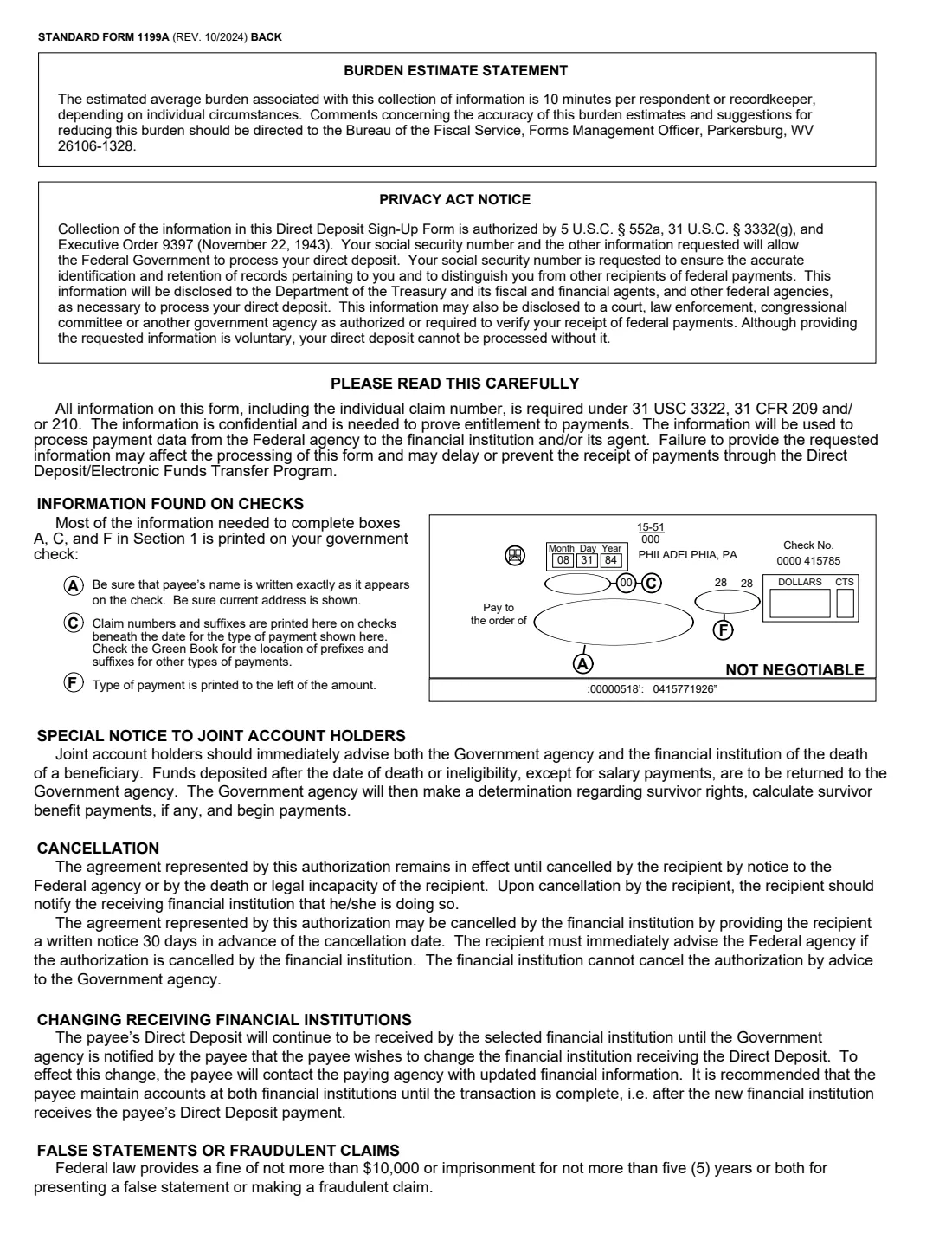
- Your claim or payroll ID number with any prefix and suffix. The back of the form shows where it appears on a government check.
- The type of payment, and your account type and account number.
- The name and address of the government agency that pays you.
- For Section 3 (usually the bank fills this in): the bank's name and address, its 9-digit routing number and the account title.
What’s on SF 1199A
The 2024 edition has 4 pages. FileIt asks for it in 5 parts, and it is signed by Payee and Financial institution representative:
- Section 1: About you (the payee)Payee
- Section 1: The payment and your claim numberPayee
- Section 1: Your accountPayee
- Section 2: The paying government agencyPayee
- Section 3: Financial institutionFinancial institution representative
How to fill out SF 1199A, step by step
1 Box A: Name, address and phone of the payee
Write your name last name first, then first name and middle initial, exactly as it appears on your check. The back of the form says to be sure the name matches the check and that your current address is shown.
2 Box B: Name of person(s) entitled to payment
Usually your own name. If you receive the payment for someone else, for example as a representative payee, this is the beneficiary.
3 Box C: Claim or payroll ID number
The number the paying agency uses for you, with any prefix and suffix. Government checks print the claim number and suffix beneath the date. For Social Security, the suffix is the letter or letters after the number.
4 Boxes D and E: Account type and number
Tick checking or savings and enter the account number, one digit per box, starting from the left. The form has room for 17 digits.
5 Box F: Type of payment
Check only one type. If you receive two different federal payments, fill in a separate form for each. For military payments you can note the branch beside the box, and for Other, specify the payment.
6 Box G: Allotment (if applicable)
Only when just part of a payment (an allotment) goes to this account. Give the type and amount. Otherwise leave it blank.
7 Certifications and signatures
You (and any joint payee) sign to certify you're entitled to the payment and authorize the deposit. Anyone else on the account signs the joint account holders' certification, which confirms they've read the special notice to joint account holders on the back.
8 Sections 2 and 3
Section 2 is the name and address of the paying government agency, filled in by you or your bank. Section 3 is for the financial institution: its name and address, routing number and check digit, the account title, and its representative's name, signature, phone and date. The bank then mails the completed form to the agency.
Common mistakes to avoid
- A name that doesn't match the government check or award letter.
- Ticking more than one type of payment. Use a separate form for each.
- Leaving off the claim number's prefix or suffix.
- Mixing up the routing and account numbers, or getting digits out of order.
- Joint account holders not signing their certification.
- Closing the old account before the first deposit reaches the new one.
After you fill it out
Sign and date the payee certification on each copy, have any joint account holders sign, and take or mail the form to your bank or credit union. The bank verifies Sections 1 and 2, completes and signs Section 3, and mails it to the agency in Section 2.
Keep the payee copy. FileIt also keeps the PDF in your vault.
Keep the paying agency told of any address change, as the form reminds you. The authorization stays in effect until you cancel it with the agency, or until death or legal incapacity. The bank must give you 30 days' written notice before cancelling it.
Fill out SF 1199A online with FileIt
- Pick the person. Choose someone from People and FileIt fills in their name, date of birth, address and other details it already knows.
- Answer plain-language questions. One part of the form at a time, with the official help text beside each question — 38 fields in all. Your answers save as you go.
- Check the live preview. Watch your answers land on the real U.S. Department of the Treasury, Bureau of the Fiscal Service form, and let FileIt do any worksheet arithmetic.
- Generate the official PDF. FileIt prints your answers into the agency’s own PDF and files it in that person’s folder in your vault. Sign it, or send it for e-signature.
FileIt fills the form — it never files or submits anything for you. Deliver the finished form to whoever asked for it, the way the form’s instructions say.
Start SF 1199A now — it’s freeSF 1199A: frequently asked questions
Who sends the SF 1199A to the government agency?
Your financial institution. The form's directions say you take or mail it to your bank or credit union, which verifies your information, completes Section 3 and sends it to the agency identified in Section 2.
Do I need a separate SF 1199A for each federal payment?
Yes. The form says a separate form must be completed for each type of payment to be sent by Direct Deposit.
Where do I find my claim number?
On your government check (the back of the form shows a sample: the claim number and suffix are printed beneath the date) and on your award or annuitant letters and other documents from the agency.
What happens to deposits after a beneficiary dies?
The special notice to joint account holders says to tell both the agency and the bank immediately. Funds deposited after the date of death or ineligibility, except salary payments, must be returned to the agency.
How do I change banks later?
The back of the form says to contact the paying agency with your new financial information, and recommends keeping both accounts until the first payment arrives in the new account.
Can I fill out the SF 1199A online with FileIt?
Yes. FileIt prints your answers into all three copies of the official form, ready for you to sign and take to your bank. FileIt doesn't send it anywhere for you.
Official sources
- Blank form (PDF), published by U.S. Department of the Treasury, Bureau of the Fiscal Service: https://www.gsa.gov/system/files/2026-04/SF1199A-24.pdf
- Official instructions and guidance: https://www.gsa.gov/reference/forms/direct-deposit-signup-form
- Edition shown on this page: Standard Form 1199A (Rev. October 2024), OMB No. 1530-0006, Treasury Dept. Cir. 1076 (checked 2026-09-28).
FileIt is not affiliated with or endorsed by U.S. Department of the Treasury, Bureau of the Fiscal Service or any government. This page explains the form in general terms and is not legal, tax or immigration advice. Always read the official instructions, and check that you are using the edition the recipient accepts. Page last reviewed 2026-09-28.