What is Form I-907?
Form I-907, Request for Premium Processing Service, asks U.S. Citizenship and Immigration Services to take action on an eligible benefit request within a set timeframe. Premium processing is designated for certain Forms I-129 (Petition for a Nonimmigrant Worker), I-140 (Immigrant Petition for Alien Workers), I-539 (Application to Extend/Change Nonimmigrant Status) and I-765 (Application for Employment Authorization), but you can only use it for a category USCIS has announced on its website.
USCIS guarantees one of several actions within the timeframe: an approval notice, a denial notice, a notice of intent to deny or a request for evidence. If it doesn't act in time, it refunds the premium processing fee and keeps processing the case. A request for evidence or a notice of intent to deny stops the clock, which restarts when USCIS receives your response.
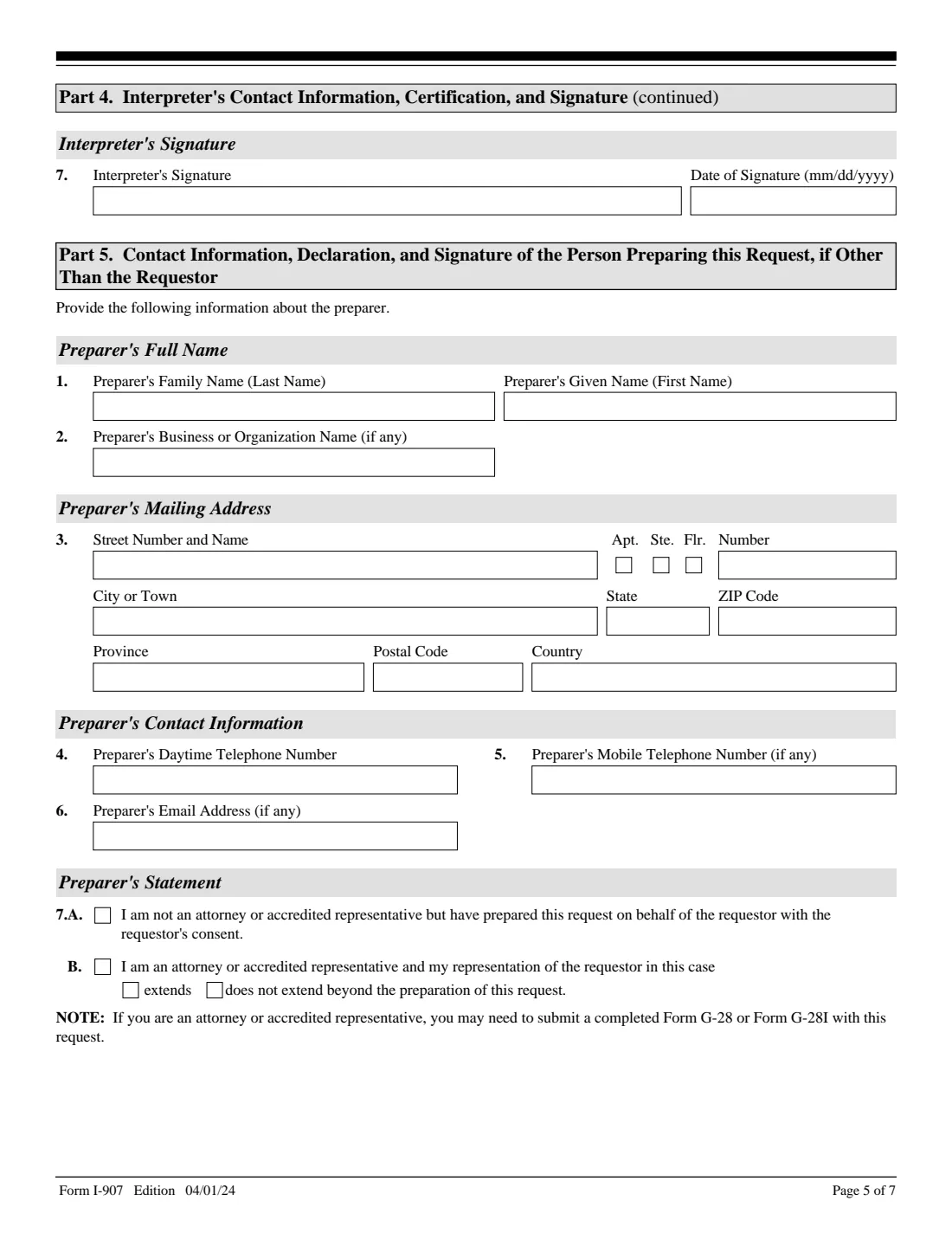
FileIt fills in the I-907 (Edition 04/01/24) and prints your answers onto USCIS's own PDF: the person filing, the related case, the requestor's statement and contact details, and any interpreter or preparer. You print it, sign it by hand and file it yourself. FileIt never files anything with USCIS.
- Who files
- The petitioner or applicant on the related case, or their attorney or accredited representative. Not a beneficiary or co-applicant.
- Eligible forms
- Designated categories of Forms I-129, I-140, I-539 and I-765, when USCIS has announced premium processing for them.
- When
- With the related petition or application, or later as an upgrade while it is still pending.
- Filed
- Online for some categories, or by mail. USCIS changed the mail filing locations on Oct. 7, 2026.
- Signature
- Handwritten in ink. USCIS returns an I-907 without a handwritten signature.
- Edition
- 04/01/24 (OMB No. 1615-0048, expires 02/28/2027)
Who needs to fill out Form I-907?
- Employers that filed (or are filing) an eligible Form I-129 or I-140 and want a decision within the premium processing timeframe.
- Applicants with an eligible Form I-765 (for example certain F-1 OPT and STEM OPT requests) or Form I-539 change of status to F, M or J classifications.
- Attorneys and accredited representatives filing for a petitioner or applicant, with Form G-28 or G-28I if one isn't already on file.
- Not for a beneficiary or co-applicant of the related form, and not for a case USCIS has already decided.
When to use Form I-907
- When you file the related petition or application and want premium processing from the start.
- When the related case is already pending and you want to upgrade it, as long as USCIS hasn't made a final decision.
- Once for each eligible form: in a packet with several forms, file one I-907 for each form you want premium processed.
What you need before you start
- Your name, A-Number and USCIS Online Account Number (if any), and the company or organization named in the related case.
- Your mailing address and, if different, your physical address.
- The related form number, its receipt number (for an upgrade) and the classification or eligibility requested.
- The names of the petitioner or applicant and the beneficiary in the related case, the company's point of contact and its EIN.
- The address of the petitioner, applicant, company or organization named in the related case.
- Your daytime phone number, plus any mobile, fax and email.
- The interpreter's and preparer's details, if someone helped you.
What’s on Form I-907
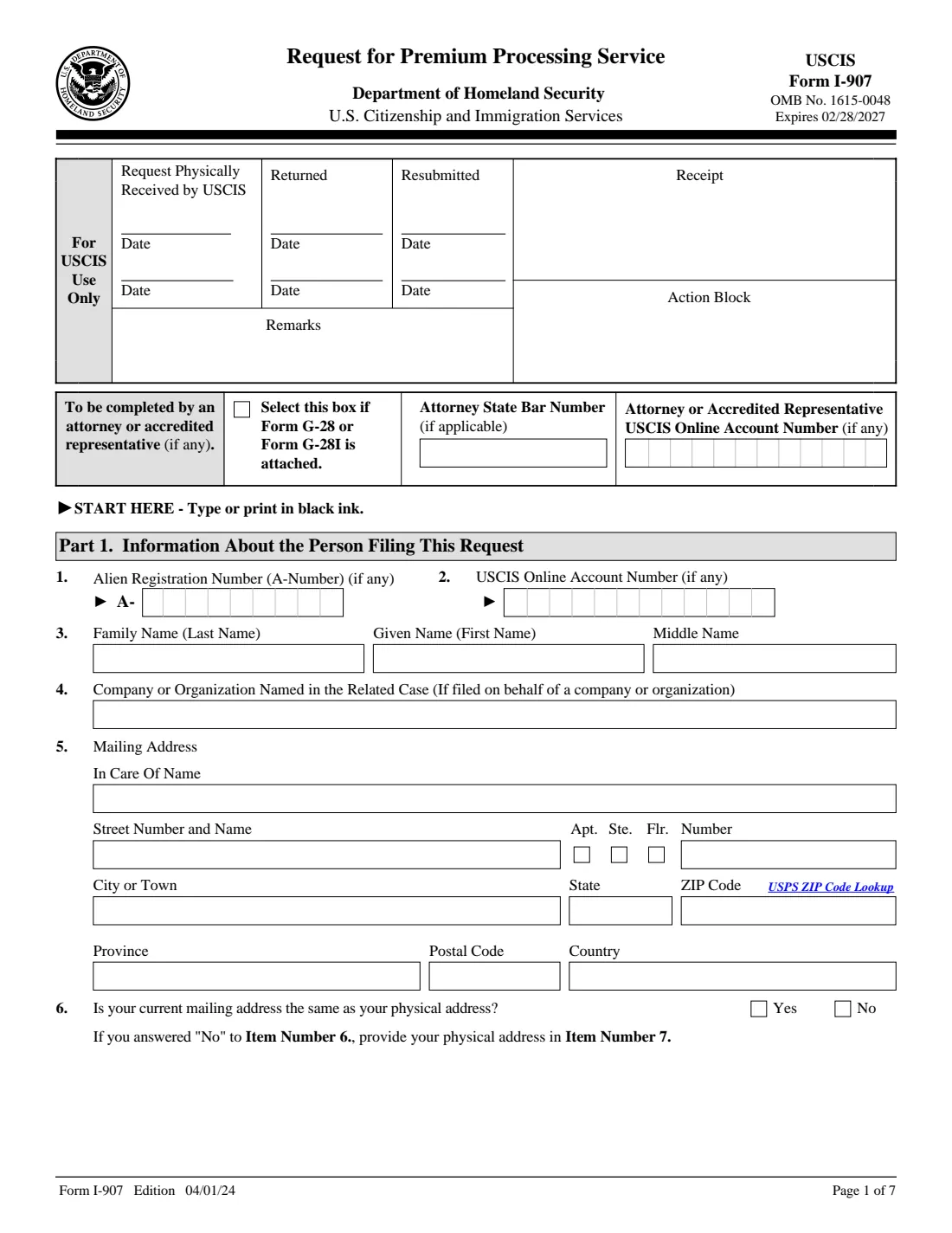
The 2024 edition has 7 pages. FileIt asks for it in 7 parts:
- Attorney or accredited representative (top of page 1)Preparer
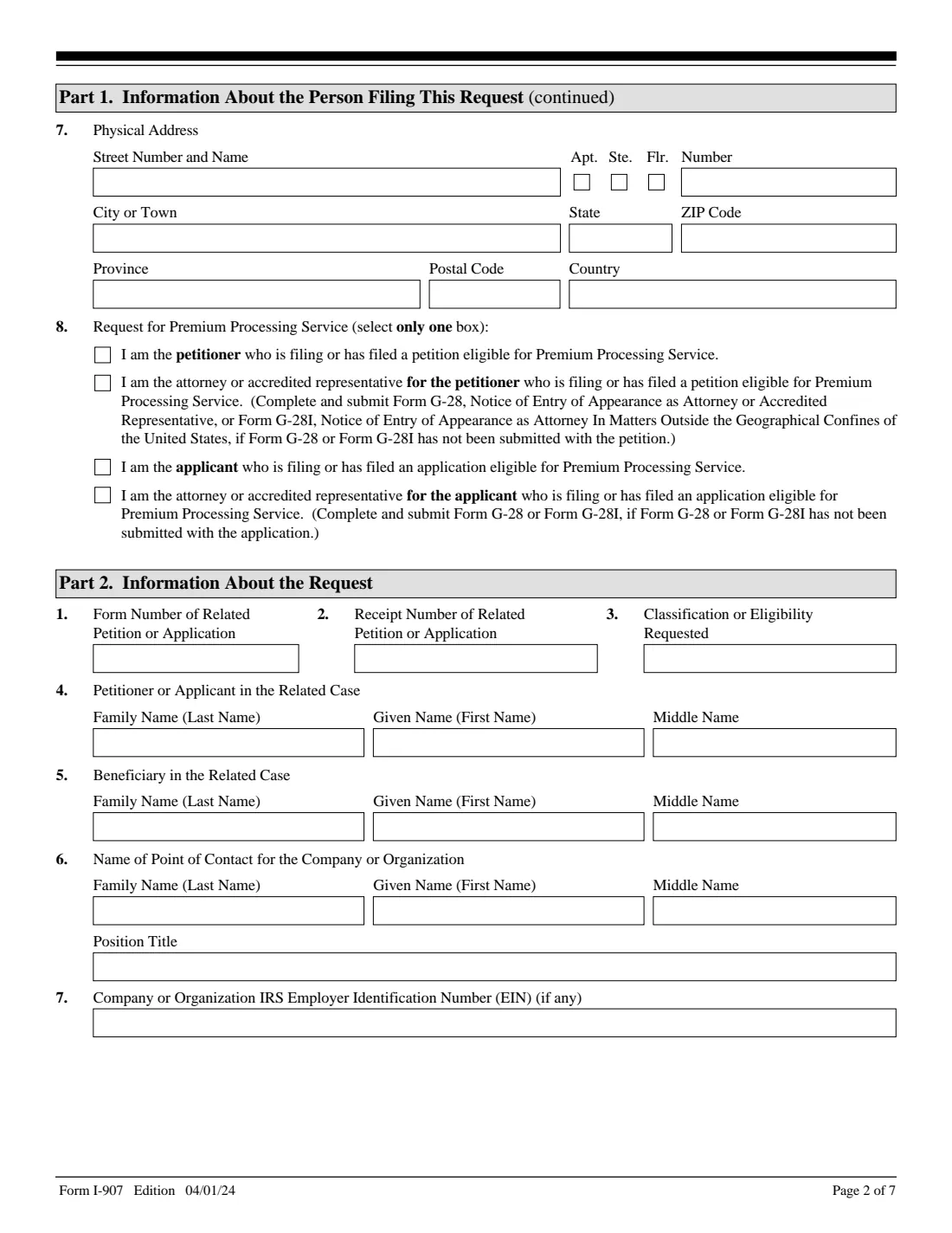
- Part 1. Information about the person filing this requestRequestor
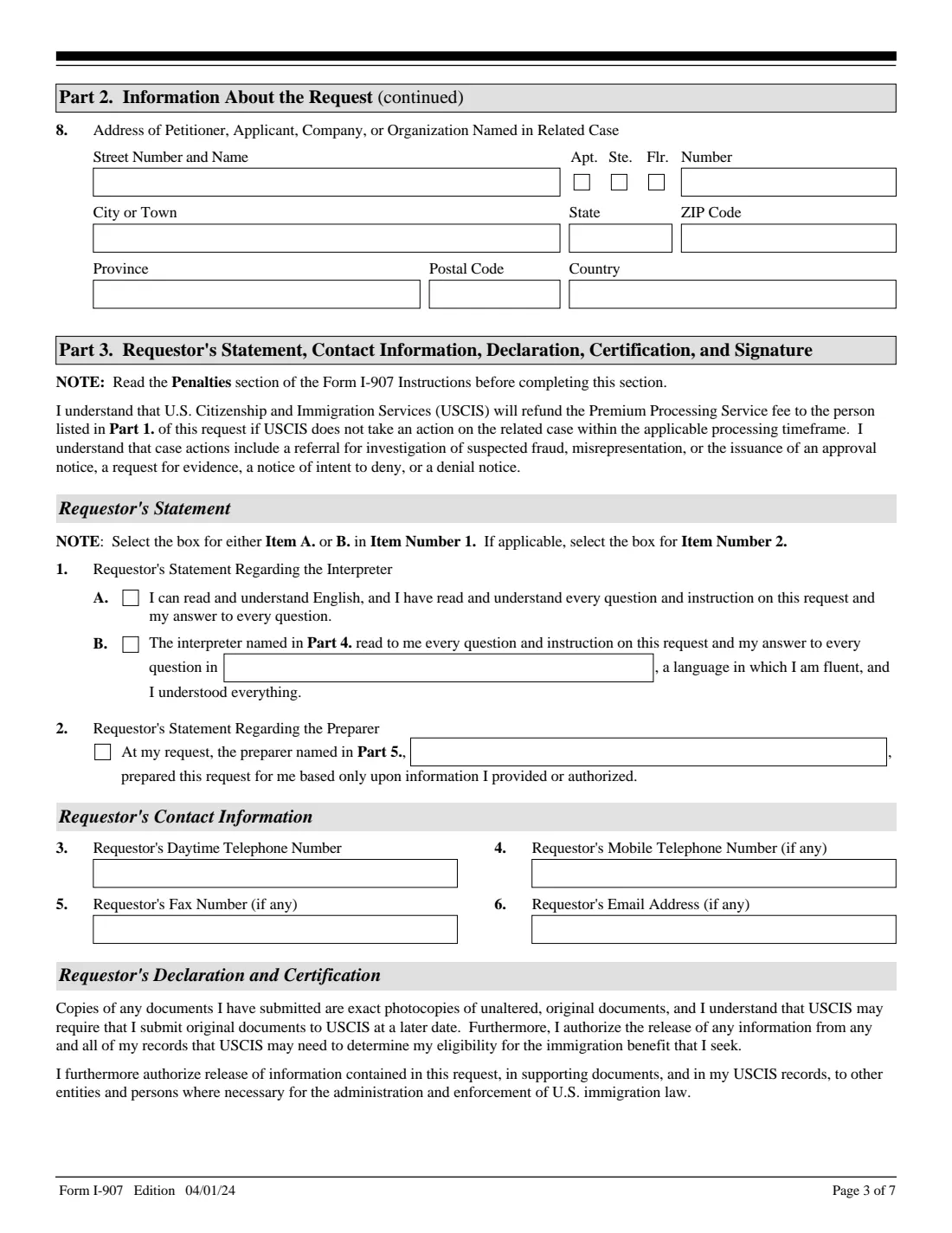
- Part 2. Information about the requestRequestor
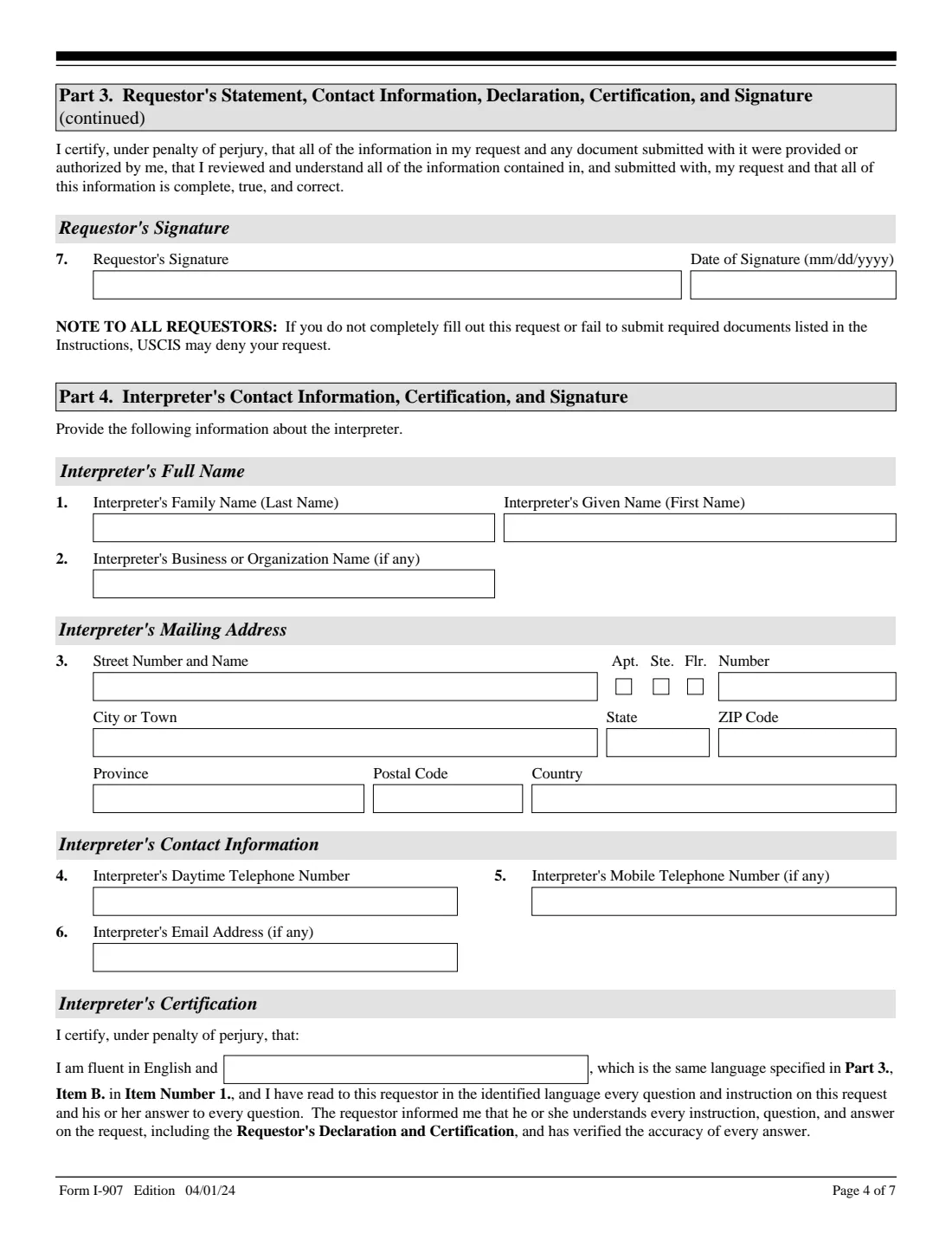
- Part 3. Requestor's statement, contact information and signatureRequestor
- Part 4. Interpreter's contact information, certification and signatureInterpreter
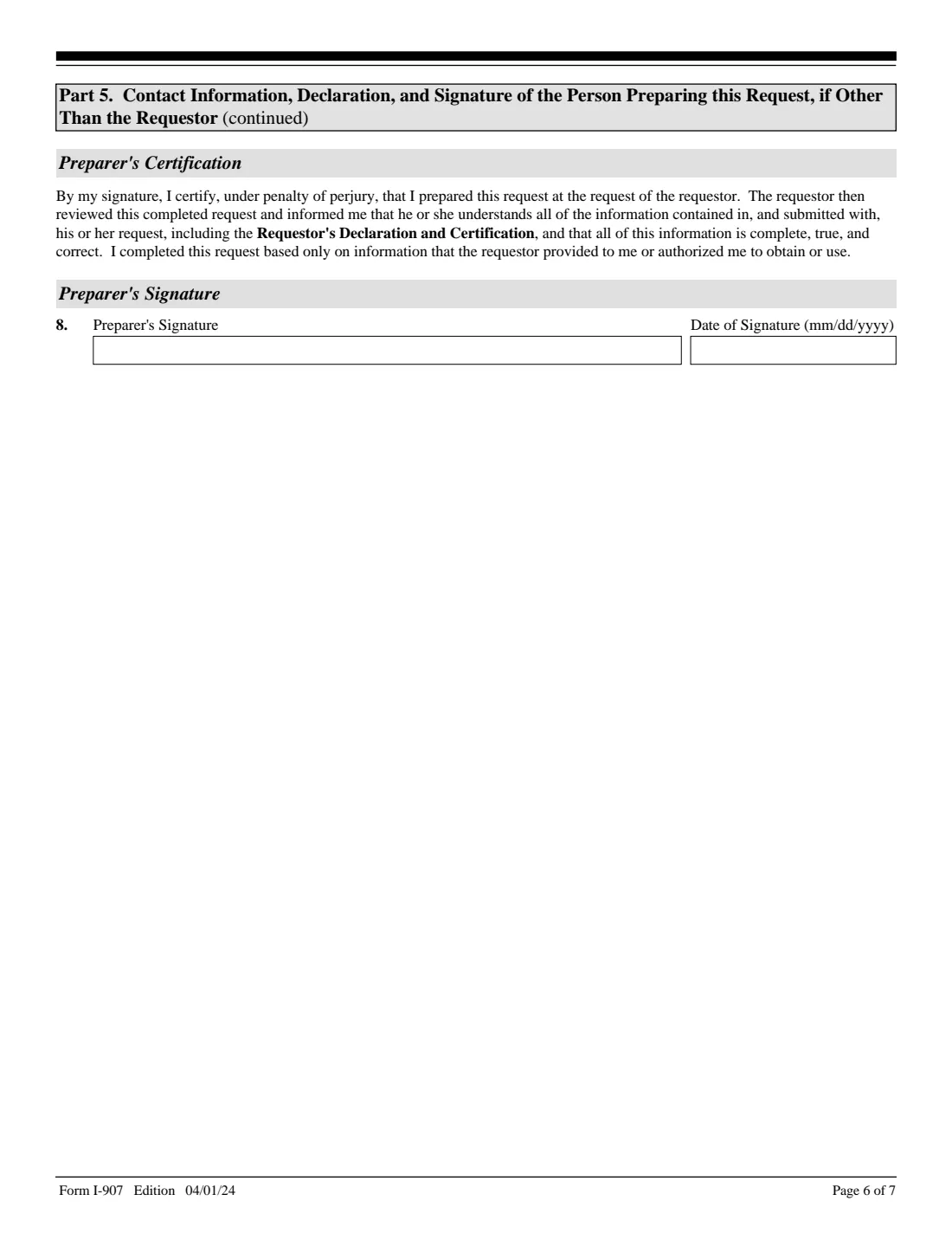
- Part 5. Person preparing this request, if other than the requestorPreparer
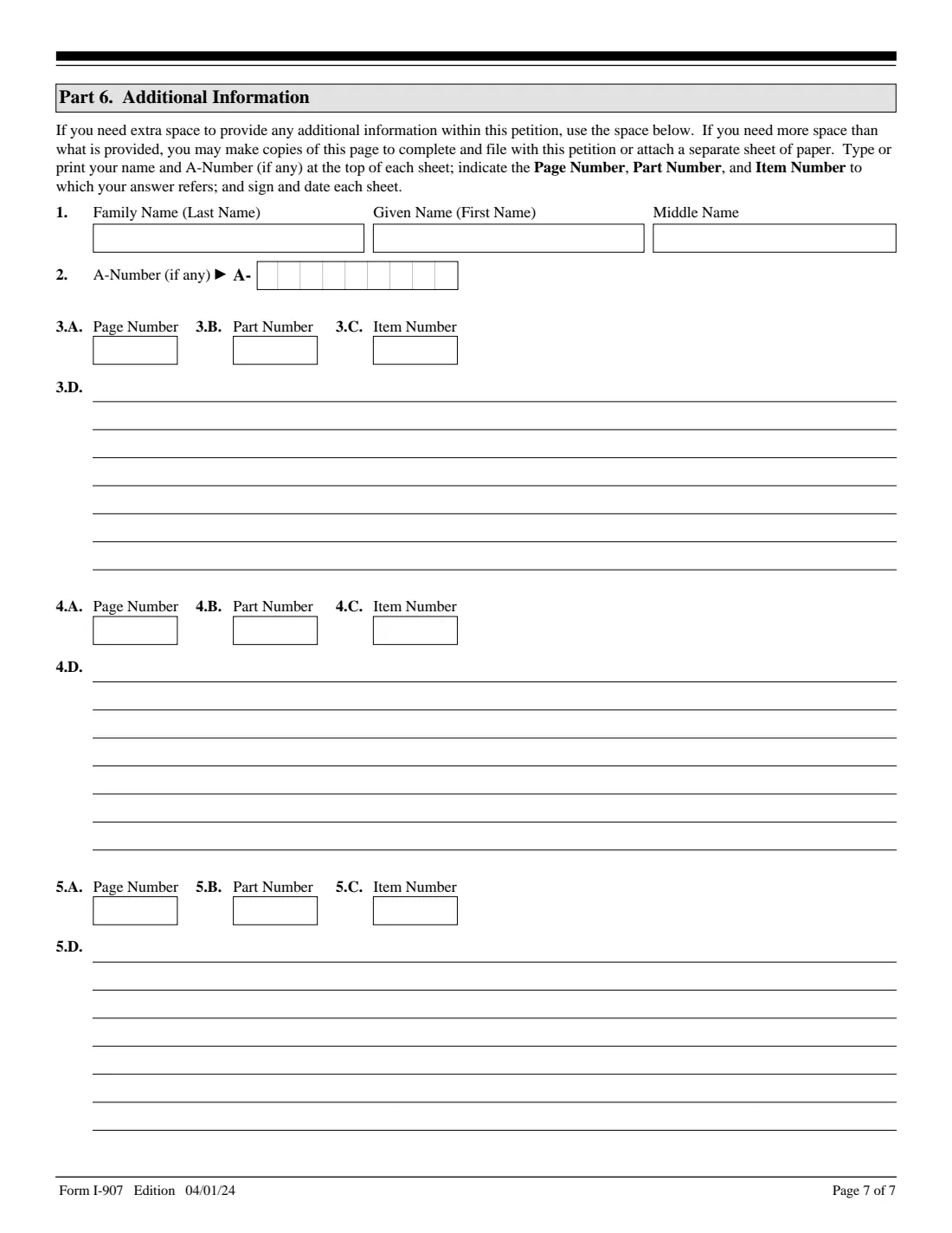
- Part 6. Additional informationApplicant
How to fill out Form I-907, step by step
1 Attorney box (top of page 1)
Only for an attorney or accredited representative: tick the box if Form G-28 or G-28I is attached and give the state bar number and USCIS Online Account Number.
2 Part 1: The person filing the request
Your A-Number and Online Account Number (if any), your name, the company or organization named in the related case, your mailing address, whether it is also your physical address, and which of the four requestor types you are (petitioner, applicant, or the attorney for either).
3 Part 2: The related case
The form number, the receipt number if the case is already filed, the classification requested, the petitioner or applicant and the beneficiary in the related case, the company's point of contact and EIN, and the address of the person or organization named in the case. USCIS needs this to match the I-907 to the right case.
4 Part 3: Statement, contact information and signature
Say whether you read the form yourself or an interpreter read it to you, whether a preparer helped, and give your phone numbers and email. Then sign item 7 by hand.
5 Parts 4 to 6: Interpreter, preparer, additional information
An interpreter or preparer fills in their own part and signs by hand. Use Part 6 for any answer that needs more room, giving the page, part and item number.
Common mistakes to avoid
- Leaving the company name (Part 1, item 4) empty without giving the names USCIS asks for in Part 1 item 3 and Part 2 items 4 and 5. USCIS rejects the request and returns the fee, and N/A or None doesn't count.
- Asking for premium processing for a category USCIS hasn't opened on its website.
- Filing as the beneficiary or a co-applicant of the related form.
- Including I-907s for forms that aren't eligible or were filed separately, which delays the whole packet.
- Sending the form to an old filing address. Check uscis.gov/i-907 before you mail it.
- Typing a name in a signature box. Every signature must be handwritten.
After you fill it out
Print the form, sign item 7 by hand, and have any interpreter and preparer sign their parts.
File it with the related petition or application, or on its own for an upgrade, at the address uscis.gov/i-907 gives for that form, or online if your category allows it. The fee is on the USCIS fee schedule (Form G-1055) and is separate from the related form's fee.
Keep a copy. FileIt saves the finished PDF in your vault, along with the receipt notice when it arrives.
Fill out Form I-907 online with FileIt
- Pick the person. Choose someone from People and FileIt fills in their name, date of birth, address and other details it already knows.
- Answer plain-language questions. One part of the form at a time, with the official help text beside each question — 109 fields in all. Your answers save as you go.
- Check the live preview. Watch your answers land on the real U.S. Citizenship and Immigration Services (USCIS), Department of Homeland Security form, and let FileIt do any worksheet arithmetic.
- Generate the official PDF. FileIt prints your answers into the agency’s own PDF and files it in that person’s folder in your vault.
FileIt fills the form — it never files or submits anything for you. Deliver the finished form to whoever asked for it, the way the form’s instructions say.
Start Form I-907 now — it’s freeForm I-907: frequently asked questions
Which forms can use premium processing?
Form I-907 is designated for certain categories of Forms I-129, I-140, I-539 and I-765. You can only request it for a category USCIS has announced on its website as open for premium processing.
What does premium processing guarantee?
That USCIS takes one of several actions (an approval, a denial, a notice of intent to deny or a request for evidence) within the timeframe for your category. It doesn't guarantee an approval.
What if USCIS misses the timeframe?
USCIS refunds the premium processing fee to the person in Part 1 and keeps processing the case, unless it opened an investigation for fraud or misrepresentation.
Can I upgrade a case that is already pending?
Yes, as long as USCIS hasn't made a final decision. Give the related receipt number and complete Part 2, items 1-8.
Can the beneficiary file Form I-907?
No. The instructions say a beneficiary or co-applicant of the related form can't file it. The petitioner, applicant or their attorney files it.
Can I fill out Form I-907 online with FileIt?
Yes. FileIt lets you complete the I-907 and prints your answers on the official USCIS PDF. You then sign it by hand and file it yourself; FileIt doesn't file anything with USCIS.
Official sources
- Blank form (PDF), published by U.S. Citizenship and Immigration Services (USCIS), Department of Homeland Security: https://www.uscis.gov/sites/default/files/document/forms/i-907.pdf
- Official instructions and guidance: https://www.uscis.gov/i-907
- Edition shown on this page: Edition 04/01/24 (OMB 1615-0048, expires 02/28/2027) (checked 2026-10-25).
FileIt is not affiliated with or endorsed by U.S. Citizenship and Immigration Services (USCIS), Department of Homeland Security or any government. This page explains the form in general terms and is not legal, tax or immigration advice. Always read the official instructions, and check that you are using the edition the recipient accepts. Page last reviewed 2026-10-25.