What is INZ 1224 visitor visa declaration?
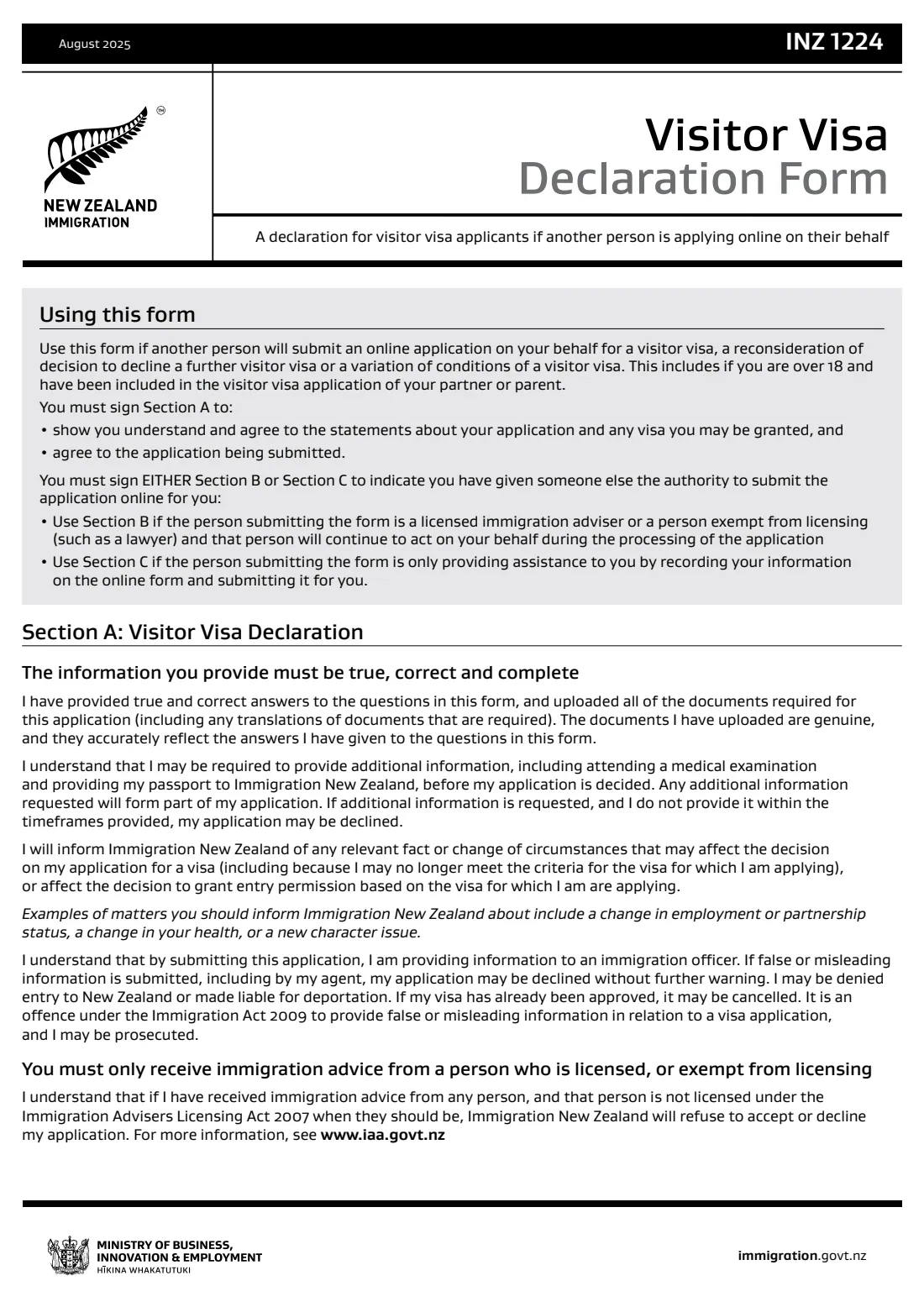
If an adviser, a family member or anyone else submits your New Zealand visitor visa application online, Immigration New Zealand needs your own signed declaration. The INZ 1224 is that declaration. It also covers reconsiderations of a declined further visitor visa and variations of conditions.
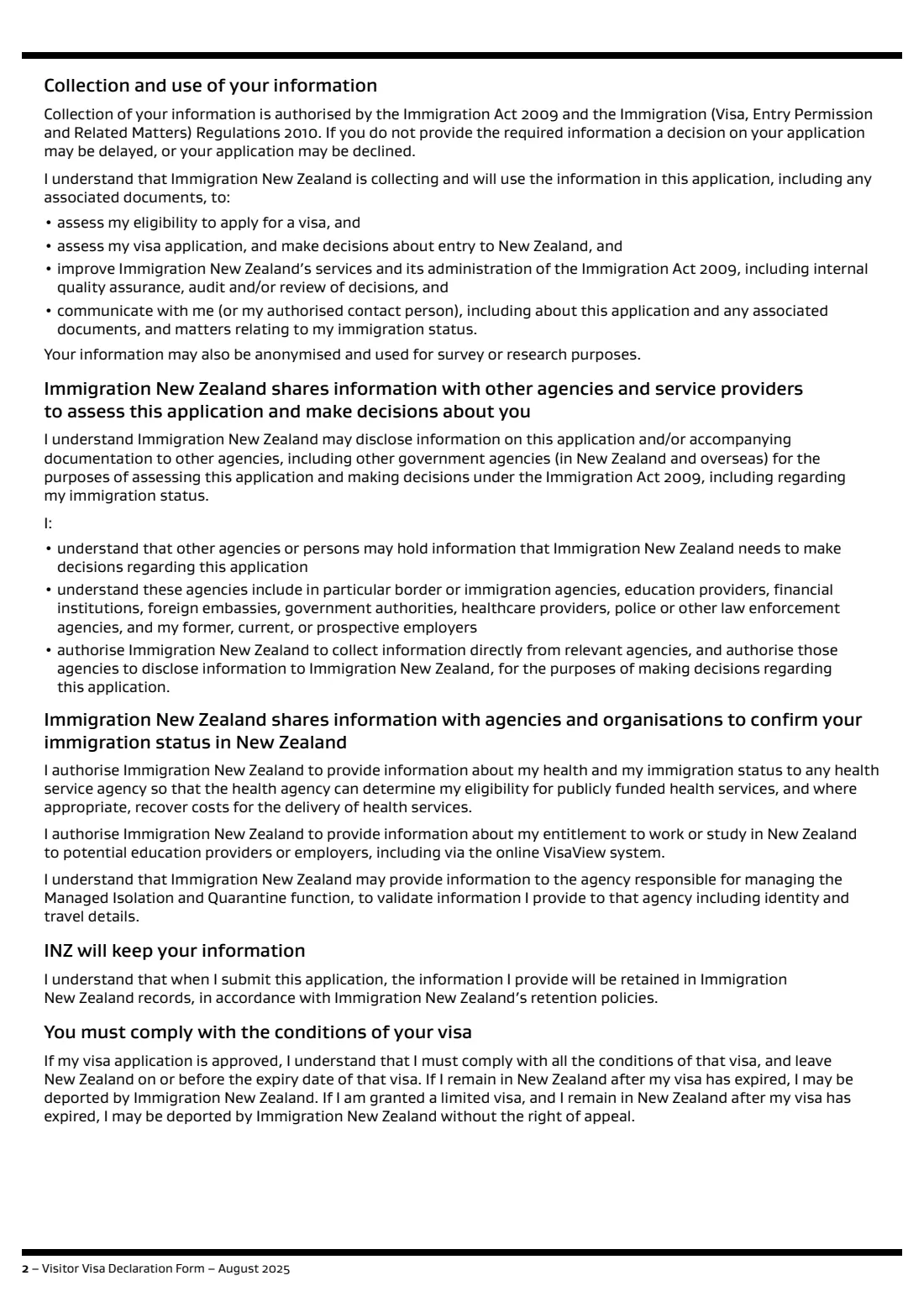
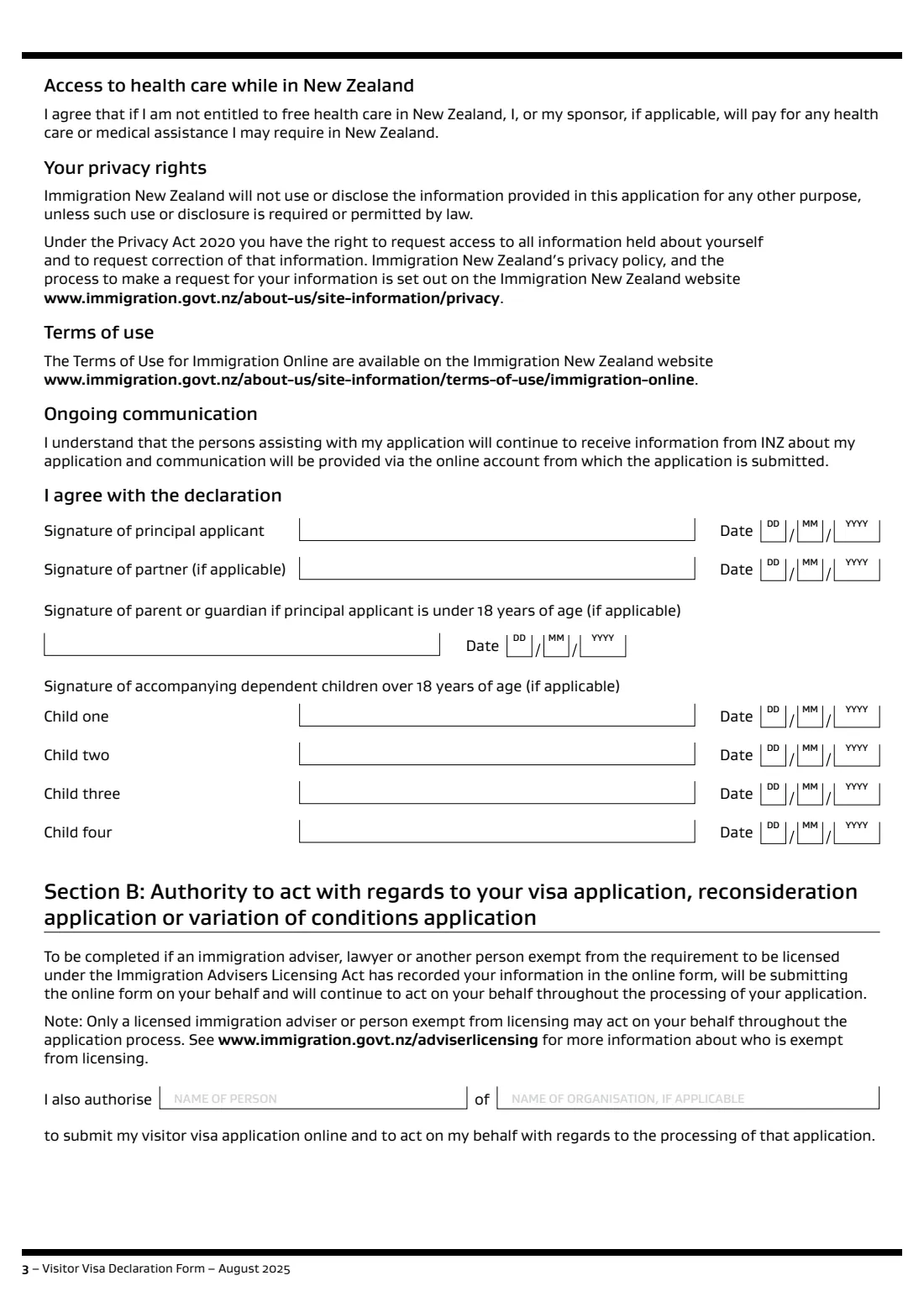
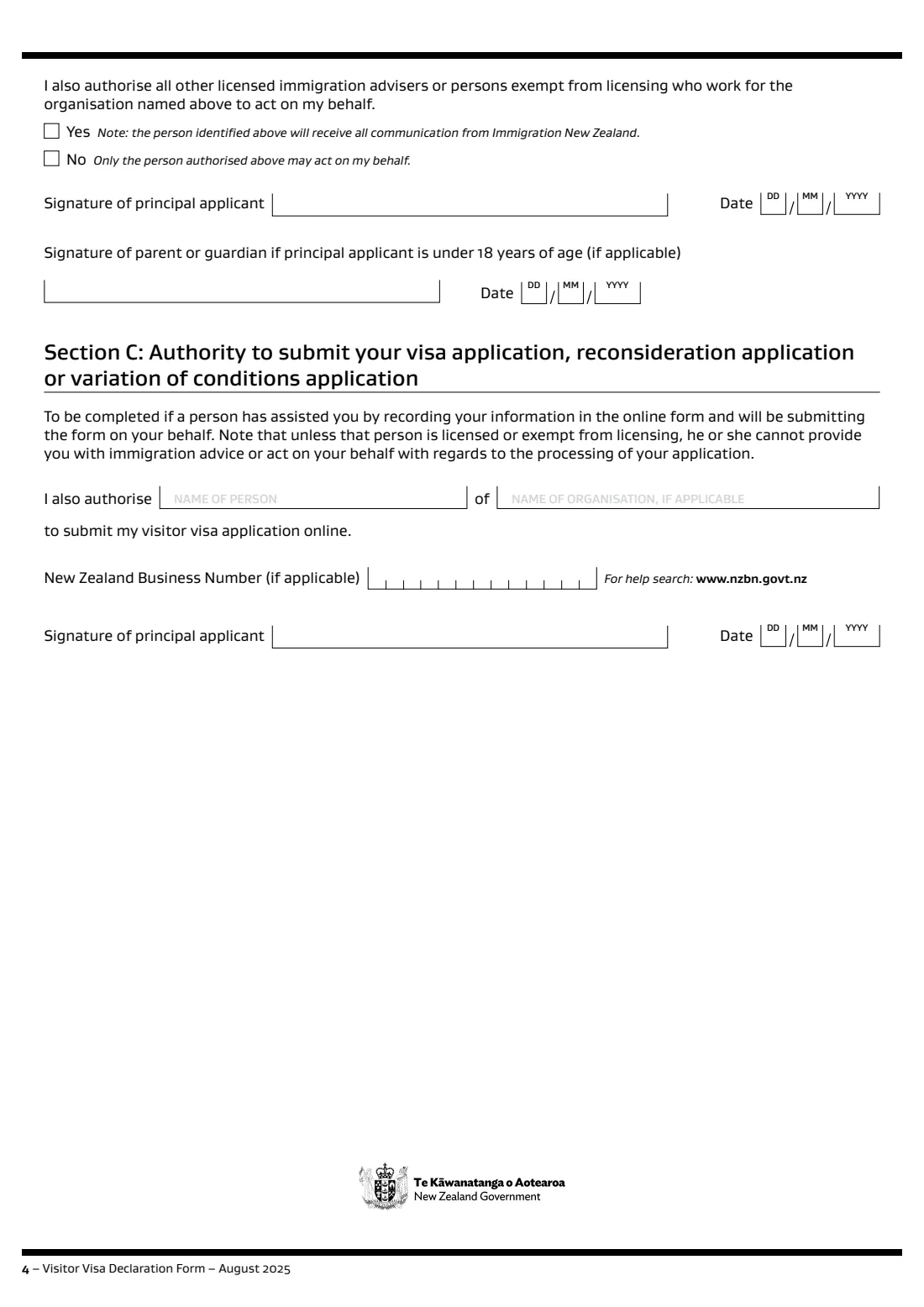
In Section A you agree to the statements about your application and any visa you're granted. Then you sign either Section B, to authorise a licensed immigration adviser or exempt person (such as a lawyer) to act for you, or Section C, to authorise someone only to record your information and submit it.
FileIt fills Immigration New Zealand's current fillable PDF: the signing dates, the person you authorise and their organisation, and the New Zealand Business Number if there is one. Names with accents print correctly.
- Who fills it
- The visitor visa applicant (and partner or children over 18 included in the application)
- Given to
- The person submitting your online application, who uploads it
- Sections
- A, then either B (adviser acting for you) or C (helper submitting only)
- Edition
- INZ 1224 August 2025
Who needs to fill out INZ 1224 visitor visa declaration?
- Visitor visa applicants whose application is submitted online by someone else.
- Adults over 18 included in a partner's or parent's visitor visa application.
- Applicants asking for a reconsideration or a variation of conditions through someone else.
When to use INZ 1224 visitor visa declaration
- Before your adviser or helper submits your visitor visa application online.
- When you authorise a licensed immigration adviser or lawyer to act for you throughout processing.
What you need before you start
- The name of the person submitting for you, and their organisation if any.
- The organisation's New Zealand Business Number, if it has one (Section C).
- Signatures from your partner and any dependent children over 18 included in the application.
What’s on INZ 1224 visitor visa declaration
The 2025 edition has 4 pages. FileIt asks for it in 4 parts, and it is signed by Principal applicant and Partner:
- Section A — Visitor visa declarationPrincipal applicant
- Who is submitting for youPrincipal applicant
- Section B — Authority to act (licensed adviser or exempt person)Principal applicant
- Section C — Authority to submit (helper)Principal applicant
How to fill out INZ 1224 visitor visa declaration, step by step
1 Section A — declaration
Read the declaration and give the date you sign, plus the dates for your partner, a parent or guardian if you're under 18, and children over 18.
2 Choose Section B or C
Section B for a licensed adviser or exempt person who keeps acting for you; Section C for someone who only records and submits your application.
3 Name the person
Give their name and organisation. In Section B, also say whether others in that organisation may act for you.
4 Sign
Sign Section A and the section you chose, then give the form to the person submitting.
Common mistakes to avoid
- Signing both Section B and Section C.
- Letting an unlicensed person give you immigration advice: Immigration New Zealand will refuse or decline the application.
- Forgetting the signatures of a partner or adult children included in the application.
After you fill it out
Sign the form and give it to the person submitting your application, to upload with it.
Tell Immigration New Zealand about any change in your circumstances while your application is decided.
FileIt keeps the signed copy in your vault.
Fill out INZ 1224 visitor visa declaration online with FileIt
- Pick the person. Choose someone from People and FileIt fills in their name, date of birth, address and other details it already knows.
- Answer plain-language questions. One part of the form at a time, with the official help text beside each question — 17 fields in all. Your answers save as you go.
- Check the live preview. Watch your answers land on the real Immigration New Zealand (Ministry of Business, Innovation and Employment) form, and let FileIt do any worksheet arithmetic.
- Generate the official PDF. FileIt prints your answers into the agency’s own PDF and files it in that person’s folder in your vault. Sign it, or send it for e-signature.
FileIt fills the form — it never files or submits anything for you. Deliver the finished form to whoever asked for it, the way the form’s instructions say.
Start INZ 1224 visitor visa declaration now — it’s freeINZ 1224 visitor visa declaration: frequently asked questions
When do I need the INZ 1224?
When another person submits your visitor visa, reconsideration or variation of conditions application online on your behalf.
What's the difference between Section B and Section C?
Section B authorises a licensed immigration adviser or exempt person to act for you throughout processing. Section C only authorises someone to record your information and submit the application.
Can a friend submit my application?
Yes, under Section C, but unless they're licensed or exempt they can't give you immigration advice or act for you on its processing.
Official sources
- Blank form (PDF), published by Immigration New Zealand (Ministry of Business, Innovation and Employment): https://www.immigration.govt.nz/documents/forms-and-guides/inz1224.pdf
- Official instructions and guidance: https://www.immigration.govt.nz/documents/forms-and-guides/inz1224.pdf
- Edition shown on this page: INZ 1224, August 2025 (checked 2026-10-25).
FileIt is not affiliated with or endorsed by Immigration New Zealand (Ministry of Business, Innovation and Employment) or any government. This page explains the form in general terms and is not legal, tax or immigration advice. Always read the official instructions, and check that you are using the edition the recipient accepts. Page last reviewed 2026-10-25.