What is INZ 1113 employer supplementary form?
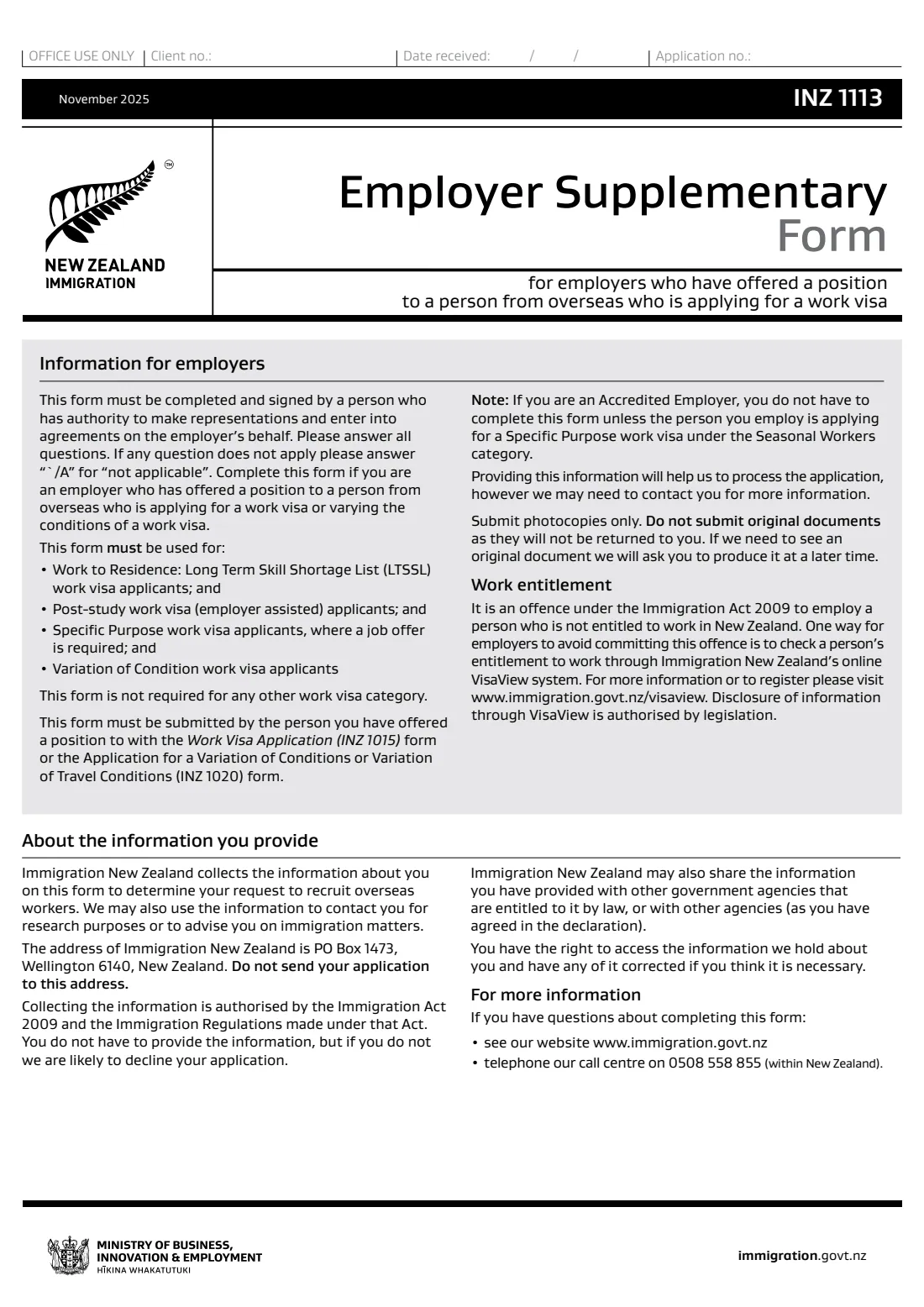
INZ 1113 is completed by an employer who has offered a position to a person from overseas who is applying for a work visa, or varying the conditions of one. The November 2025 edition says it must be used for Work to Residence (Long Term Skill Shortage List) applicants, post-study work visa (employer assisted) applicants, Specific Purpose work visa applicants where a job offer is required, and variation of conditions applicants. Accredited employers do not need it, except for a Specific Purpose work visa under the Seasonal Workers category.
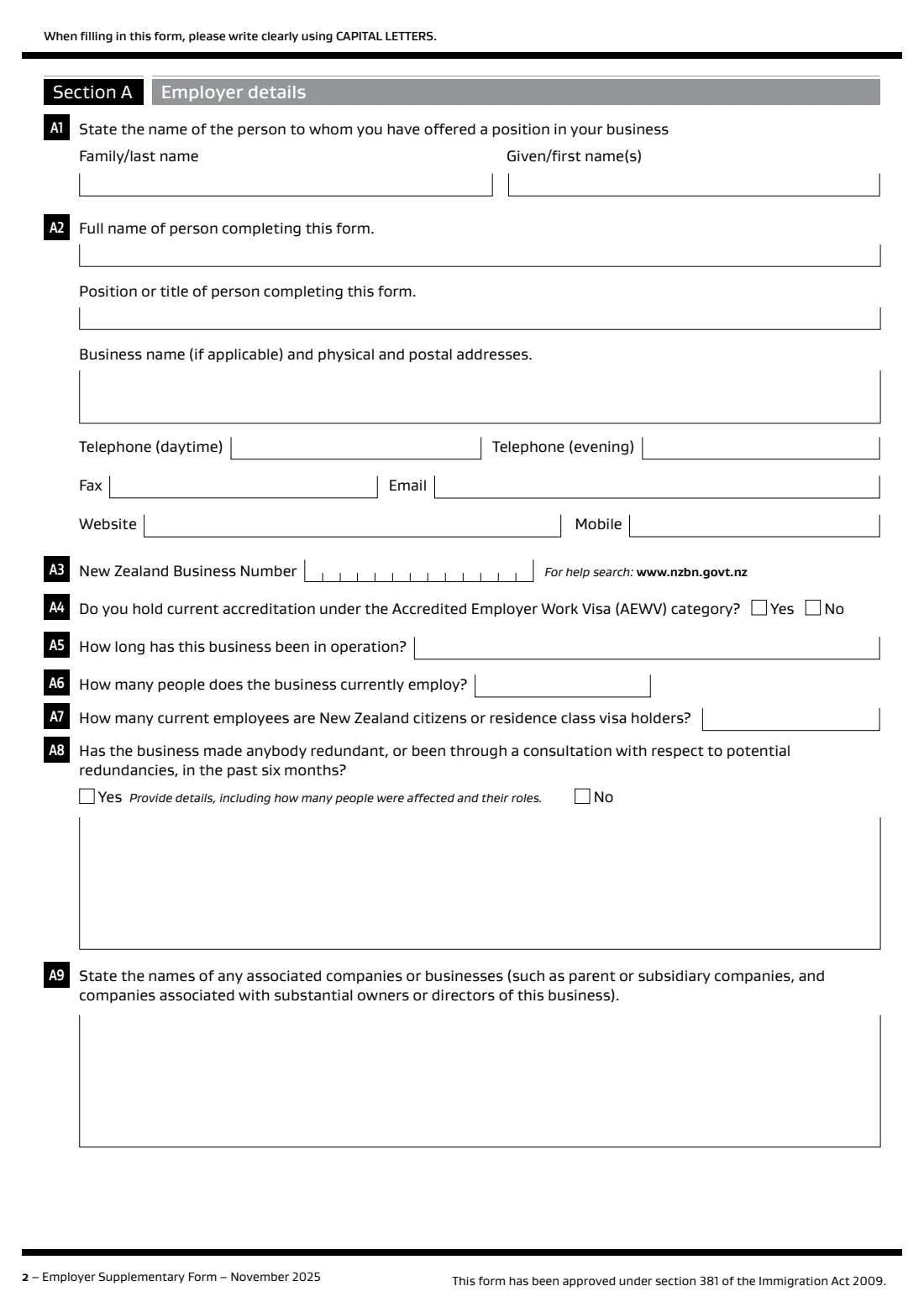
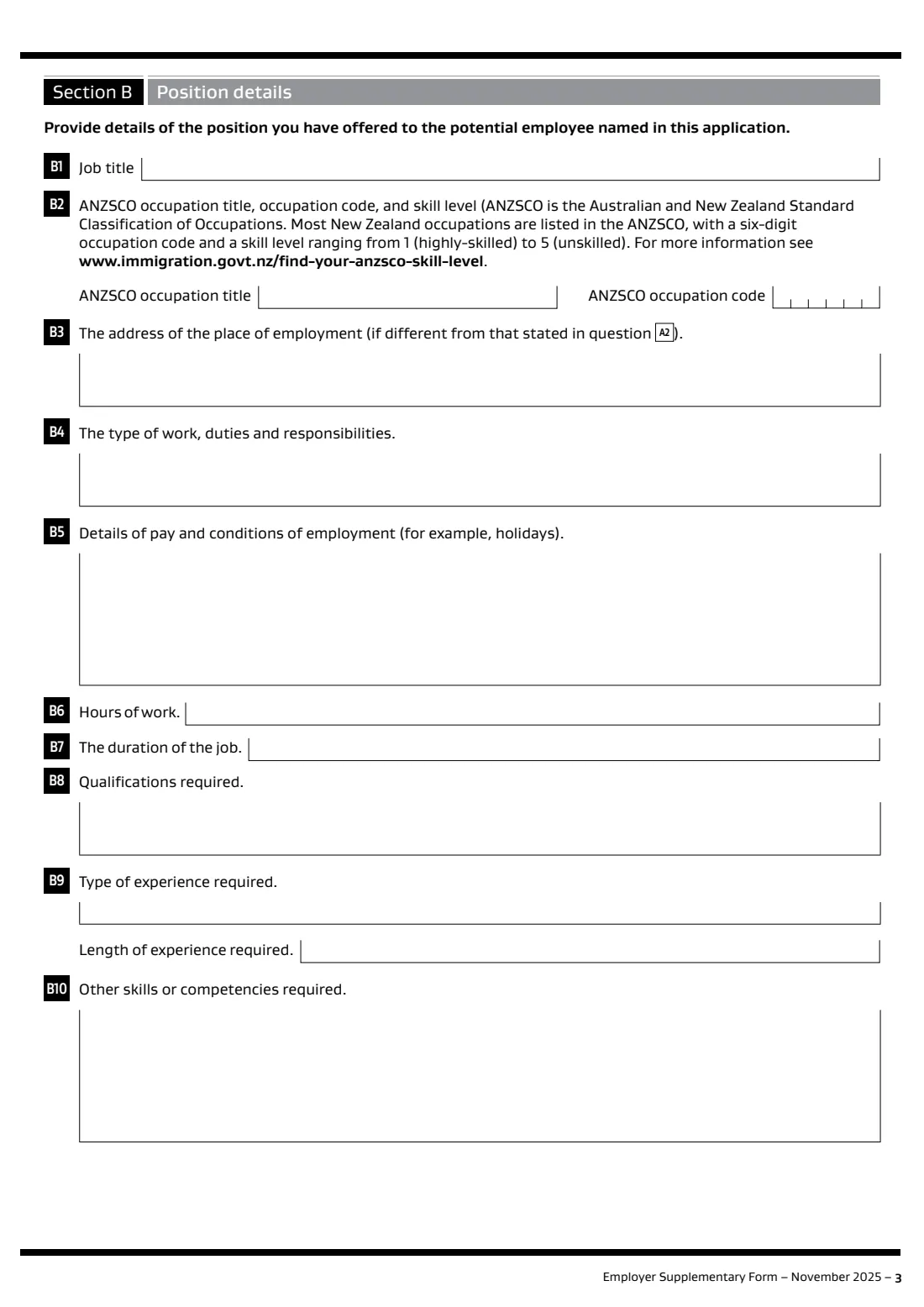
The form covers your business (its size, staff who are New Zealand citizens or residents, recent redundancies, associated companies), the job (title, ANZSCO occupation and code, duties, pay, hours, duration, qualifications and experience), occupational registration and, for seasonal workers, advertising. A person with authority to act for the employer signs it, and the worker submits it with their INZ 1015 or INZ 1020 application.
FileIt guides you through each question, checks your NZBN's check digit, makes sure longer answers fit the printed boxes, and prints everything in capital letters into Immigration New Zealand's own PDF. A copy is kept in your FileIt vault. FileIt never submits anything to Immigration New Zealand.
- Who fills it
- A person with authority to act for the employer
- Submitted by
- The worker, with the Work Visa Application (INZ 1015) or the variation of conditions form (INZ 1020)
- Pages
- 6 (sections A to C)
- Signature
- The employer's authorised person
- Edition
- November 2025
- Not needed by
- Accredited employers, except for Seasonal Workers Specific Purpose work visas
Who needs to fill out INZ 1113 employer supplementary form?
- New Zealand employers hiring someone from overseas under the Long Term Skill Shortage List work to residence category.
- Employers supporting a post-study work visa (employer assisted).
- Employers of Specific Purpose work visa applicants where a job offer is required, including seasonal workers.
- Employers of workers applying to vary the conditions of their work visa.
When to use INZ 1113 employer supplementary form
- After you have offered the job and before the worker lodges their visa application.
- When a worker applies to change their visa conditions to work for you.
- For a seasonal worker, after advertising the role for at least 2 weeks on a general national job listing website.
What you need before you start
- The worker's name, and the name and position of the person completing the form.
- Your business name, physical and postal addresses, contact details and New Zealand Business Number (NZBN).
- How long the business has operated, how many people it employs and how many are New Zealand citizens or residence class visa holders.
- Details of any redundancies or redundancy consultations in the past six months, and associated companies.
- The job title, ANZSCO occupation title, 6-digit code and skill level, duties, pay and conditions, hours and duration.
- The qualifications, experience and other skills the job needs, and whether occupational registration is required.
- For seasonal work: evidence of advertising the role.
What’s on INZ 1113 employer supplementary form
The 2025 edition has 6 pages. FileIt asks for it in 5 parts, and it is signed by Employer:
- Section A — The person you have offered a job to (A1)Employer
- Section A — Your business (A2–A9)Employer
- Section B — The position you have offered (B1–B10)Employer
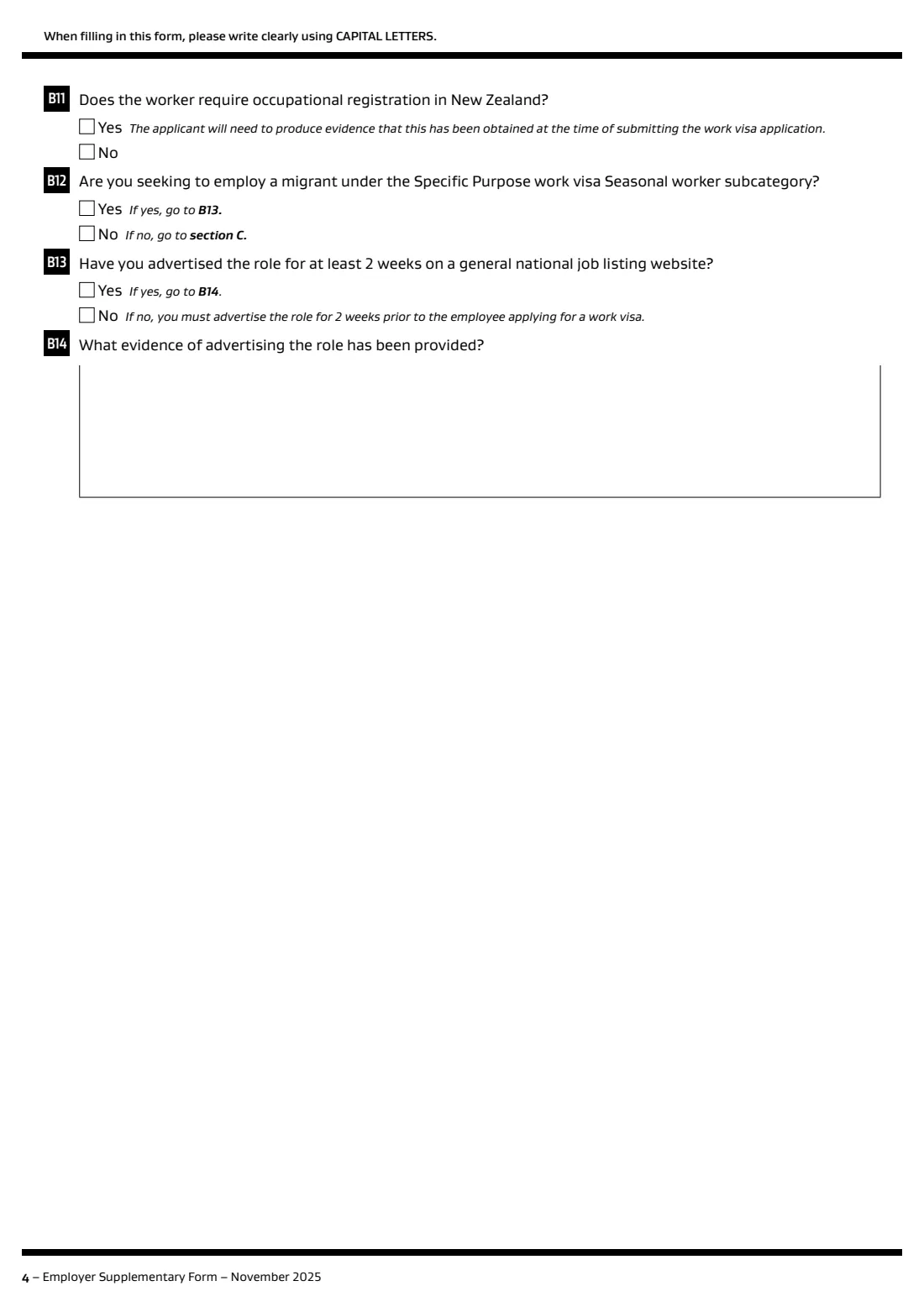
- Section B — Registration and seasonal work (B11–B14)Employer
- Section C — Declaration by employerEmployer
How to fill out INZ 1113 employer supplementary form, step by step
1 A1–A3: The worker and your business
The name of the person you offered the job to, who is completing the form, your business name and addresses, phones, email, website and NZBN. FileIt fills the NZBN's 13 boxes digit by digit and checks its check digit.
2 A4–A9: About the business
Whether you hold AEWV accreditation, how long the business has operated, how many staff it has and how many are New Zealand citizens or residents, any redundancies in the past six months (with details), and associated companies. The form asks you to answer every question, with N/A where one does not apply.
3 B1–B10: The position
Job title, ANZSCO occupation title, code and skill level, workplace address if different, duties, pay and conditions, hours, duration, qualifications, type and length of experience, and other skills. The ANZSCO skill level prints after the occupation title, because the form has no separate box for it.
4 B11–B14: Registration and seasonal work
Whether the worker needs occupational registration (if so, they need evidence of it when applying), whether this is a Seasonal worker Specific Purpose visa, and if so whether and how the role was advertised.
5 Section C: Declaration
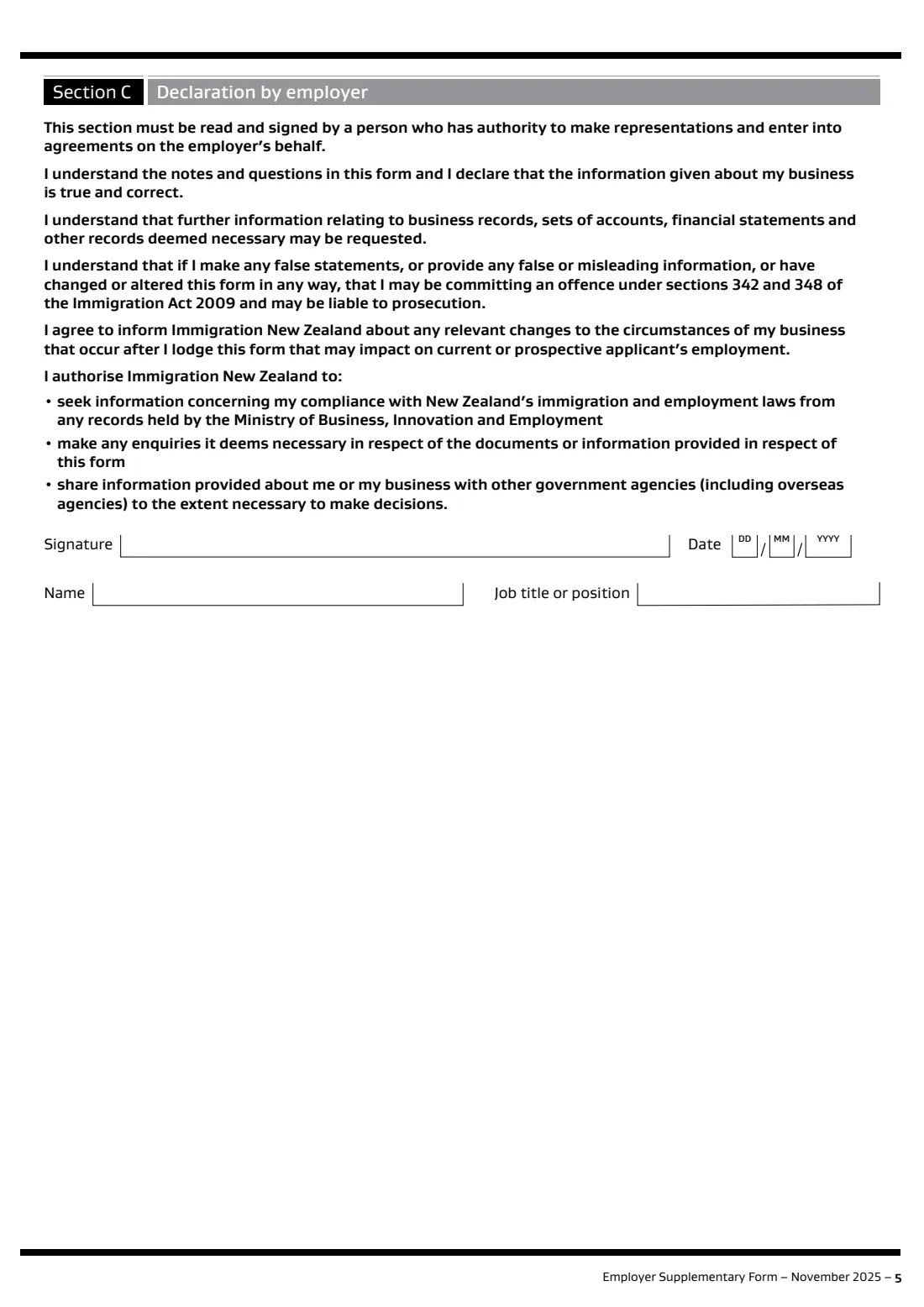
An authorised person reads the declaration, then signs and dates it and gives their name and job title.
Common mistakes to avoid
- Leaving questions blank. The form asks for N/A where a question does not apply.
- Choosing an ANZSCO occupation that does not match the duties you describe.
- Forgetting redundancies or redundancy consultations in the past six months.
- Having someone sign who has no authority to make agreements for the employer.
- For seasonal workers, not advertising the role for at least 2 weeks before the worker applies.
- Sending original documents. The form asks for photocopies only.
After you fill it out
Print the form and have the authorised person sign it, or send it for e-signature from FileIt.
Give it to the worker to submit with their work visa (INZ 1015) or variation of conditions (INZ 1020) application. FileIt does not submit anything.
Immigration New Zealand may contact you for more information. A copy stays in your FileIt vault.
Fill out INZ 1113 employer supplementary form online with FileIt
- Pick the person. Choose someone from People and FileIt fills in their name, date of birth, address and other details it already knows.
- Answer plain-language questions. One part of the form at a time, with the official help text beside each question — 39 fields in all. Your answers save as you go.
- Check the live preview. Watch your answers land on the real Immigration New Zealand (Ministry of Business, Innovation and Employment) form, and let FileIt do any worksheet arithmetic.
- Generate the official PDF. FileIt prints your answers into the agency’s own PDF and files it in that person’s folder in your vault. Sign it, or send it for e-signature.
FileIt fills the form — it never files or submits anything for you. Deliver the finished form to whoever asked for it, the way the form’s instructions say.
Start INZ 1113 employer supplementary form now — it’s freeINZ 1113 employer supplementary form: frequently asked questions
Do accredited employers need INZ 1113?
The form says no, unless the worker is applying for a Specific Purpose work visa under the Seasonal Workers category.
Which visas need this form?
The November 2025 edition lists Work to Residence (Long Term Skill Shortage List), post-study work visa (employer assisted), Specific Purpose work visas where a job offer is required, and variation of conditions applications. It says it is not required for any other work visa category.
Where do I find the ANZSCO code?
The form points to www.immigration.govt.nz/find-your-anzsco-skill-level. Each occupation has a six-digit code and a skill level from 1 (highly skilled) to 5 (unskilled).
Who submits the form?
The worker you offered the job to, with their visa application.
What if an answer does not fit the box?
FileIt tells you when a longer answer would not fit the printed box, so you can shorten it or attach the details.
Official sources
- Blank form (PDF), published by Immigration New Zealand (Ministry of Business, Innovation and Employment): https://www.immigration.govt.nz/documents/forms-and-guides/inz1113.pdf
- Official instructions and guidance: https://www.immigration.govt.nz/documents/forms-and-guides/inz1113.pdf
- Edition shown on this page: INZ 1113, November 2025 (checked 2026-09-28).
FileIt is not affiliated with or endorsed by Immigration New Zealand (Ministry of Business, Innovation and Employment) or any government. This page explains the form in general terms and is not legal, tax or immigration advice. Always read the official instructions, and check that you are using the edition the recipient accepts. Page last reviewed 2026-09-28.