What is a personnel file access request?
Employees and former employees ask to see their HR file for all sorts of reasons: checking what a performance review really said, preparing for a promotion discussion, applying for a mortgage, or simply curiosity. Many places give them a right to see some or all of it. A written request with a written answer avoids misunderstandings about what was asked for and when.
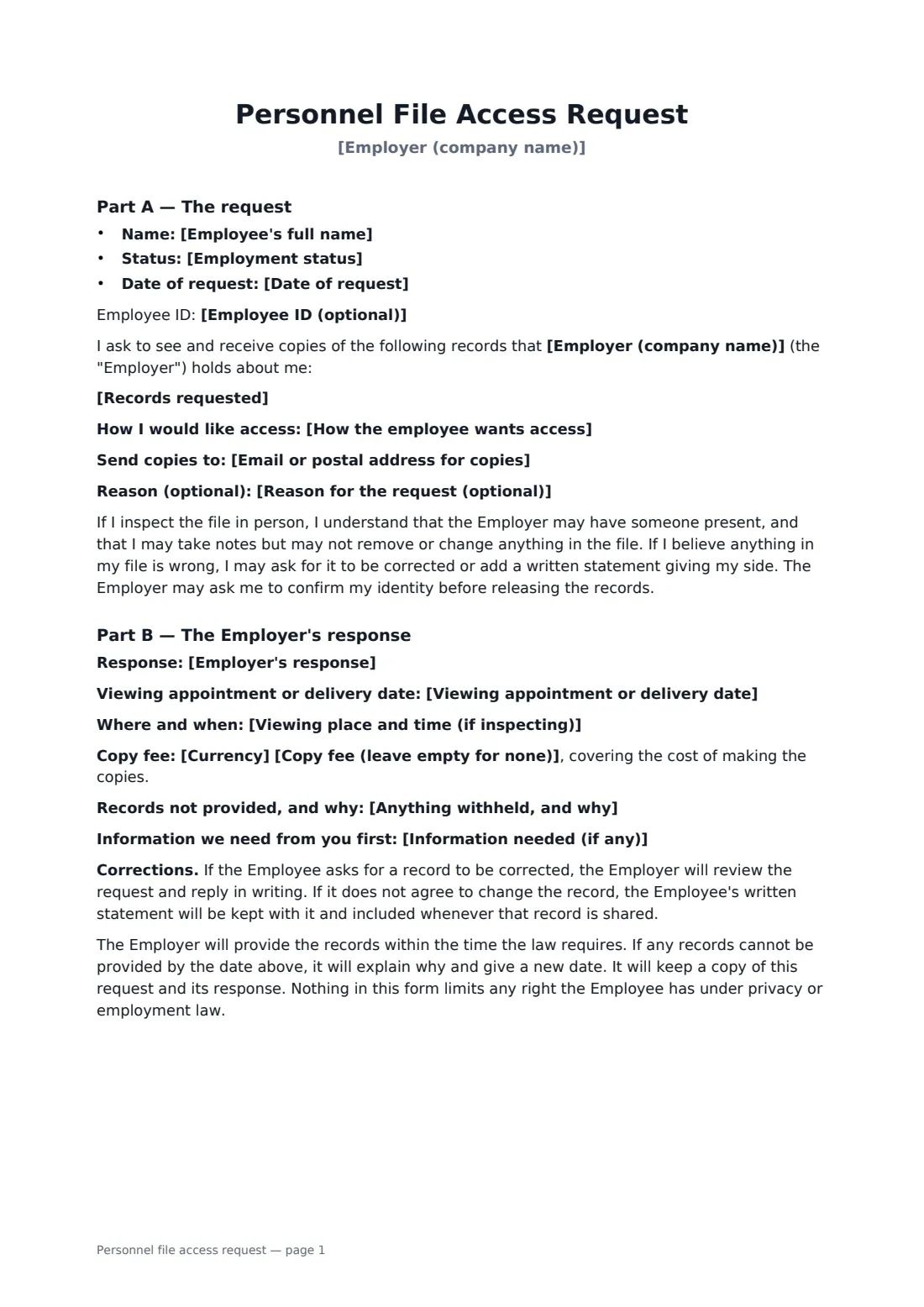
Part A is the request: the employee's name and status, the date, the records wanted (a complete personnel file by default), how they'd like access — electronic copies, paper copies, inspection in person, or both — and an optional reason. It explains the ground rules for inspecting a file and how to ask for a correction. Part B is the employer's response: granted, granted in part or more information needed, a viewing appointment or delivery date, any copy fee, anything withheld and why, and how disagreement about a record is handled.
- Best for
- Current and former employees asking to see their HR records
- Signed by
- The employee to request, the employer to respond
- Access options
- Electronic copies, paper copies, inspection, or inspection plus copies
- Length
- About 2 pages
When to use a personnel file access request
- An employee wanting to read their past performance reviews
- A former employee requesting their file after leaving
- Arranging an in-person inspection with HR present
- Recording why some third-party references were withheld
- Keeping a tidy log of every records request you receive
What you fill in
16 blanks, then the name and email of each person who signs: employee, employer.
1 The request
- Employer (company name)*
- Employee's full name*
- Employee ID (optional)
- Employment status* Current employee · Former employee
- Date of request*
- Records requested*
- How the employee wants access* Electronic copies sent to the email below · Paper copies posted to my address · To inspect the file in person · To inspect the file in person and receive copies of selected pages
- Email or postal address for copies
- Reason for the request (optional)
2 Employer's response
- Employer's response* Request granted · Request granted in part · More information needed before the request can be dealt with
- Viewing appointment or delivery date
- Viewing place and time (if inspecting)
- Currency*
- Copy fee (leave empty for none)
- Anything withheld, and why
- Information needed (if any)
3 Who signs
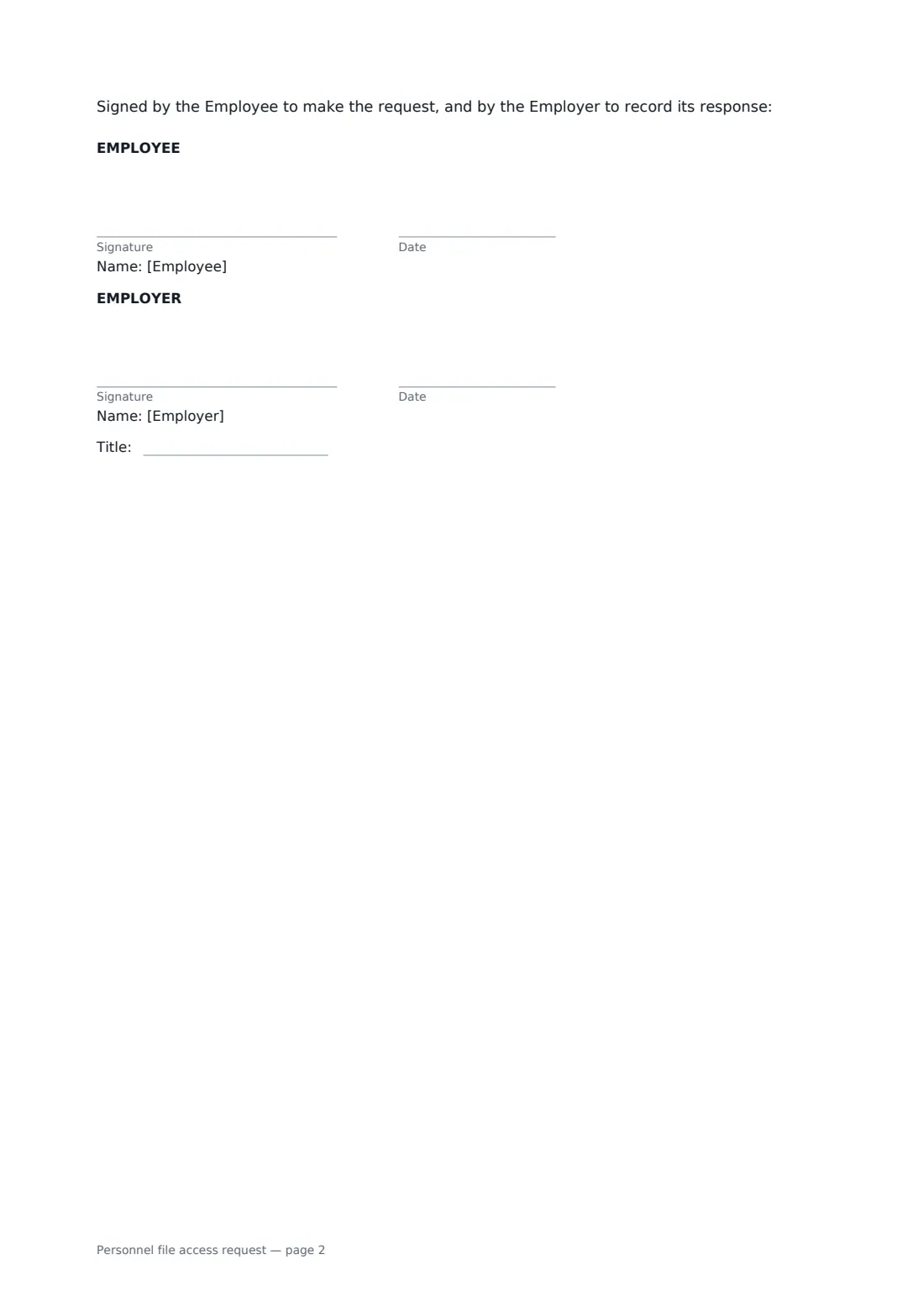
- Employee signature and date · The employee or former employee making the request.
- Employer signature and date, job title · The HR person responding to the request.
What the personnel file access request covers
- Part A — The request
- Part B — The Employer's response
Using the personnel file access request, step by step
1 Fill in the request
Enter the employee's name, status and request date, edit the records requested, and choose how they want access. Add an email or postal address for copies.
2 Record your response
Choose granted, granted in part or more information needed, and add the viewing appointment or delivery date and place.
3 Fees and withheld records
Enter a copy fee only if you're allowed to charge one, and list anything withheld with the reason.
4 Send for signature
The employee signs the request and you sign the response. The completed form gives both of you a dated record.
Tips before you send it
- Check the response time and fee rules where the employee works — some places set strict deadlines and ban fees.
- Payroll and medical records are often kept apart from the main file. Ask whether the employee wants those too.
- Remove or redact information about other people before handing over copies, where the law allows.
- Where a data protection subject access request applies, the employee may be entitled to more than their personnel file — treat the request under both.
Sign it online in minutes
- Fill in the blanks. Names, dates and amounts go straight into the agreement — the preview shows exactly where.
- Name who signs. Tick “This is me” for your own part. FileIt builds the PDF with every signature, date box on the right line, and you can check or move anything before sending.
- Send it. Each signer gets a secure link and signs from any device — no account needed. The signed PDF, with an audit trail and a Certificate of Completion, is filed in your vault and emailed to everyone.
Personnel file access request: frequently asked questions
Does an employee have a right to see their personnel file?
In many places yes, though the scope, timing and any fee vary. Some places have specific personnel file laws; others give access through data protection law. Check the rules where the employee works.
Can the employer withhold anything?
Sometimes, for example confidential third-party references or information about other employees, where the law allows. The form asks you to list what was withheld and why.
What if the employee disagrees with something in the file?
They can ask for a correction or add a written statement. If the employer doesn't change the record, the statement is kept with it and included whenever that record is shared.
Can a former employee use this form?
Yes. Choose "Former employee" as the status.