What is Form MR 10 (marriage record search / certified copy)?
Lost your marriage certificate, or need a certified copy for a visa, a pension, an estate or a name change? Form MR 10 asks Hong Kong's Marriage Registry to search for a marriage registered in Hong Kong and, if you want, to issue certified copies of the certificate.
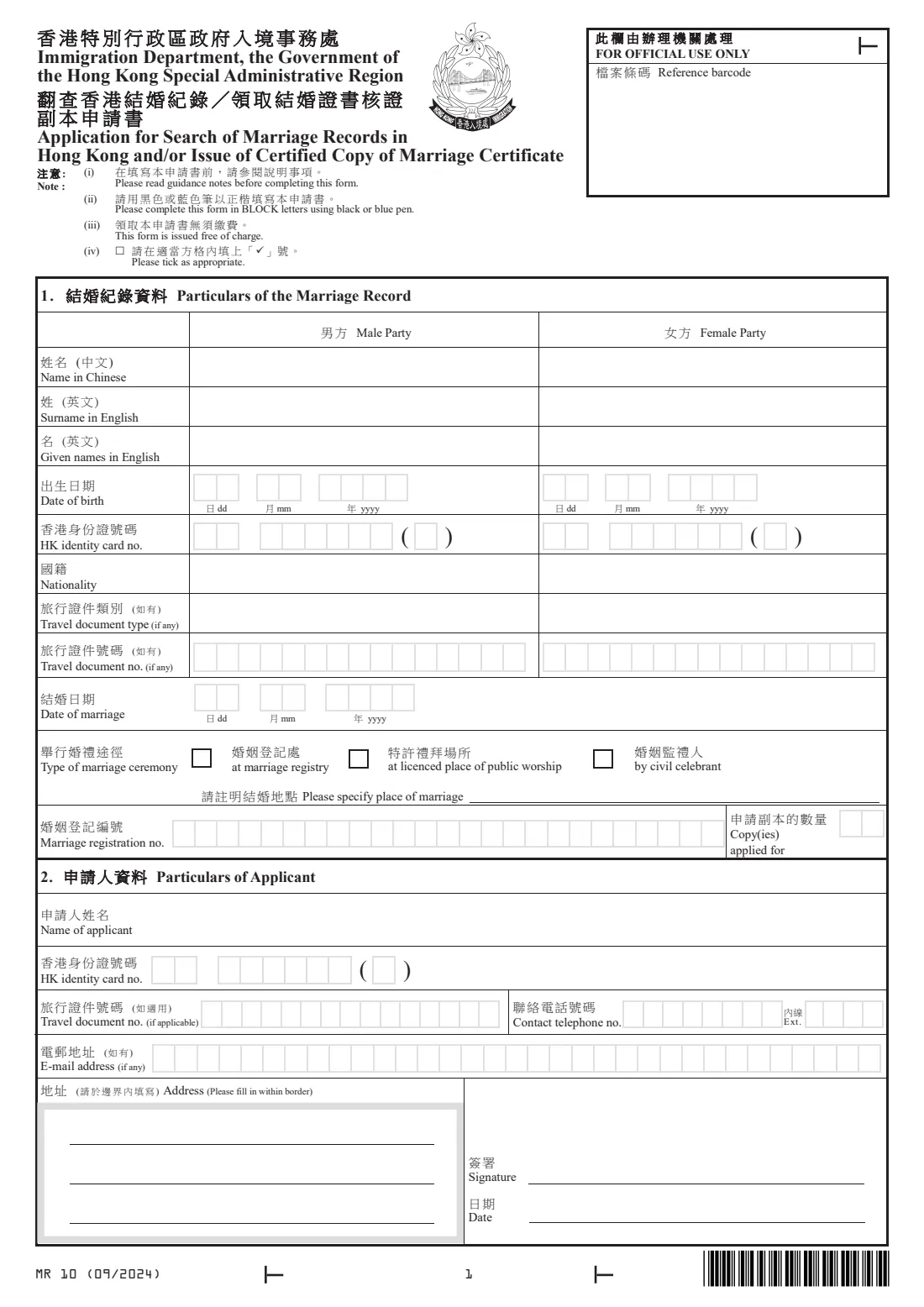
Section 1 describes the marriage: both parties' names, dates of birth, identity card and travel documents, nationalities, the date of marriage, whether it took place at a marriage registry, a licensed place of public worship or before a civil celebrant, the place, the registration number if you know it, and how many copies you want. Section 2 is about you, the applicant.
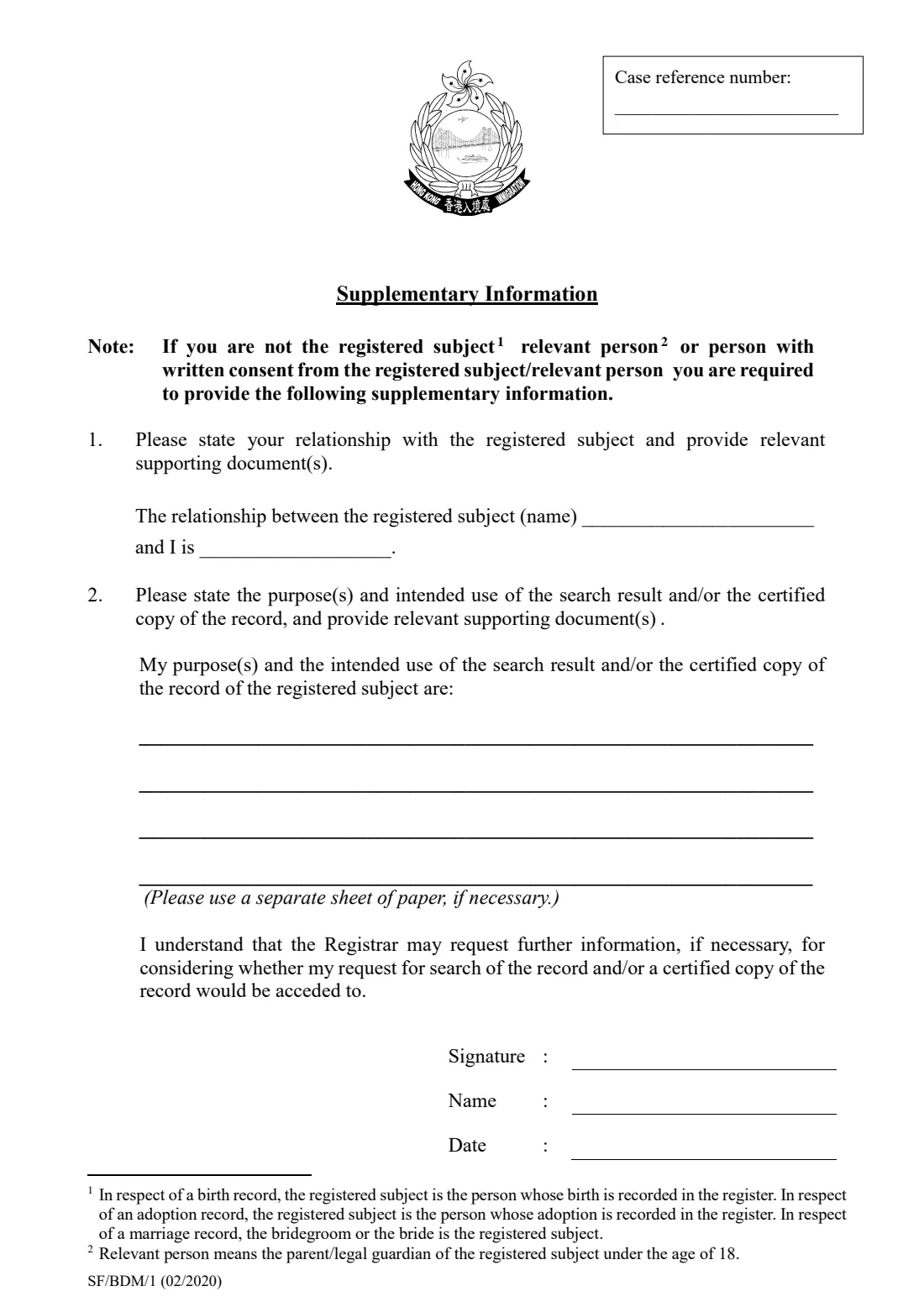
If you aren't the bride, the groom, the parent or guardian of one under 18, or someone with their written consent, the Supplementary Information sheet asks your relationship and purpose. FileIt fills that sheet too when you switch it on, and saves the whole 09/2024 edition in your vault.
- Who fills it
- A party to the marriage, a parent or guardian, or another person with a stated reason
- Where
- In person at a marriage registry or the Marriage Registration and Records Office, by post to 3/F, Low Block, Queensway Government Offices, or online at GovHK
- Fees
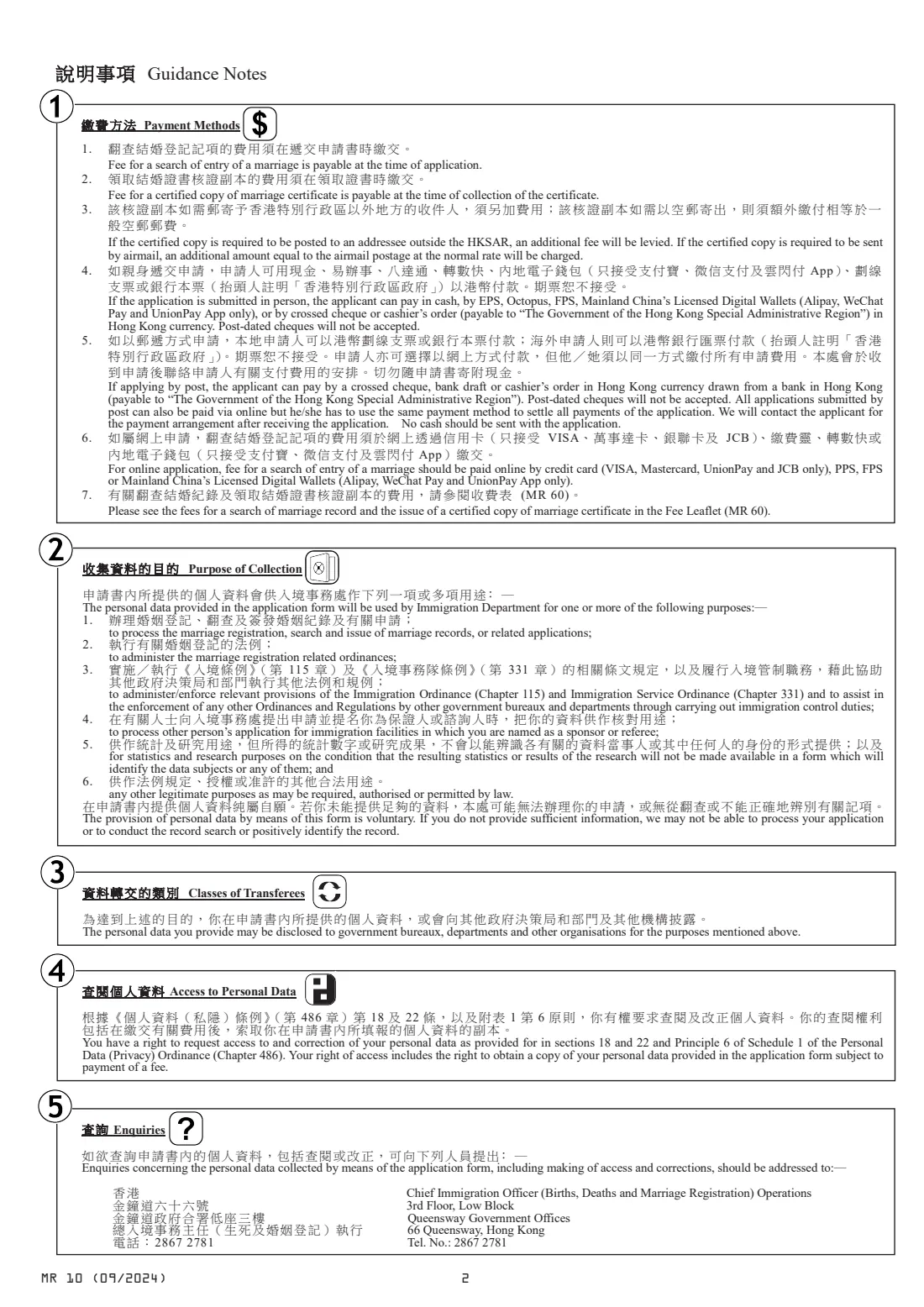
- Search fee when you apply; certified copy fee when you collect (fee leaflet MR 60). Extra for posting outside Hong Kong or by airmail
- Payment by post
- Crossed cheque, bank draft or cashier's order in Hong Kong dollars, or online. No cash
- Edition
- MR 10 (09/2024), with Supplementary Information sheet SF/BDM/1 (02/2020)
Who needs to fill out Form MR 10 (marriage record search / certified copy)?
- Couples who need a certified copy of their Hong Kong marriage certificate.
- Children or executors who need proof of a parent's marriage, for example for an estate.
- People who need to confirm whether and when a marriage was registered in Hong Kong.
- Applicants abroad who need the copy for immigration or pension purposes.
When to use Form MR 10 (marriage record search / certified copy)
- When an authority asks for a certified copy of a Hong Kong marriage certificate.
- When you've lost the original certificate.
- Before an estate, visa or pension application that needs official proof of the marriage.
What you need before you start
- Both parties' English names, and dates of birth and identity card numbers if known.
- The date and place of the marriage and the type of ceremony.
- The marriage registration number, if you have it.
- Your own identity card or travel document number, telephone and address.
- If you aren't a party or a relevant person: your relationship, your purpose and supporting documents.
What’s on Form MR 10 (marriage record search / certified copy)
The 2024 edition has 6 pages. FileIt asks for it in 5 parts, and it is signed by Applicant:
- 1. Particulars of the marriage record: male partyApplicant
- 1. Particulars of the marriage record: female partyApplicant
- 1. The marriageApplicant
- 2. Particulars of applicantApplicant
- Supplementary informationApplicant
How to fill out Form MR 10 (marriage record search / certified copy), step by step
1 1. Particulars of the marriage record
For the male and female party: names, date of birth, identity card number, nationality and travel document. Then the date of marriage, type of ceremony, place, registration number and number of copies.
2 2. Particulars of applicant
Your name, identity card or travel document number, telephone, e-mail and address. Sign and date beside 'Signature'.
3 Supplementary Information (if needed)
The registered subject's name, your relationship, and the purposes and intended use of the search or copy, on the four lines. Sign, add your name and date.
Common mistakes to avoid
- Leaving out the supplementary sheet when you aren't a party to the marriage.
- Giving particulars as they are today rather than at the time of the marriage.
- Sending cash with a postal application.
- Asking for copies without saying how many.
After you fill it out
Print and sign the form (and the supplementary sheet if you used it).
Submit it in person, by post or online, and pay the search fee.
Pay for the certified copies when you collect them, and add postage if they are to be sent abroad.
FileIt keeps a copy of your application in your vault.
Fill out Form MR 10 (marriage record search / certified copy) online with FileIt
- Pick the person. Choose someone from People and FileIt fills in their name, date of birth, address and other details it already knows.
- Answer plain-language questions. One part of the form at a time, with the official help text beside each question — 50 fields in all. Your answers save as you go.
- Check the live preview. Watch your answers land on the real Immigration Department, the Government of the Hong Kong Special Administrative Region (ImmD), Marriage Registry form, and let FileIt do any worksheet arithmetic.
- Generate the official PDF. FileIt prints your answers into the agency’s own PDF and files it in that person’s folder in your vault. Sign it, or send it for e-signature.
FileIt fills the form — it never files or submits anything for you. Deliver the finished form to whoever asked for it, the way the form’s instructions say.
Start Form MR 10 (marriage record search / certified copy) now — it’s freeForm MR 10 (marriage record search / certified copy): frequently asked questions
Can I just search without ordering a copy?
Yes. Leave the number of copies blank or zero and only the search is made.
Who can get a certified copy?
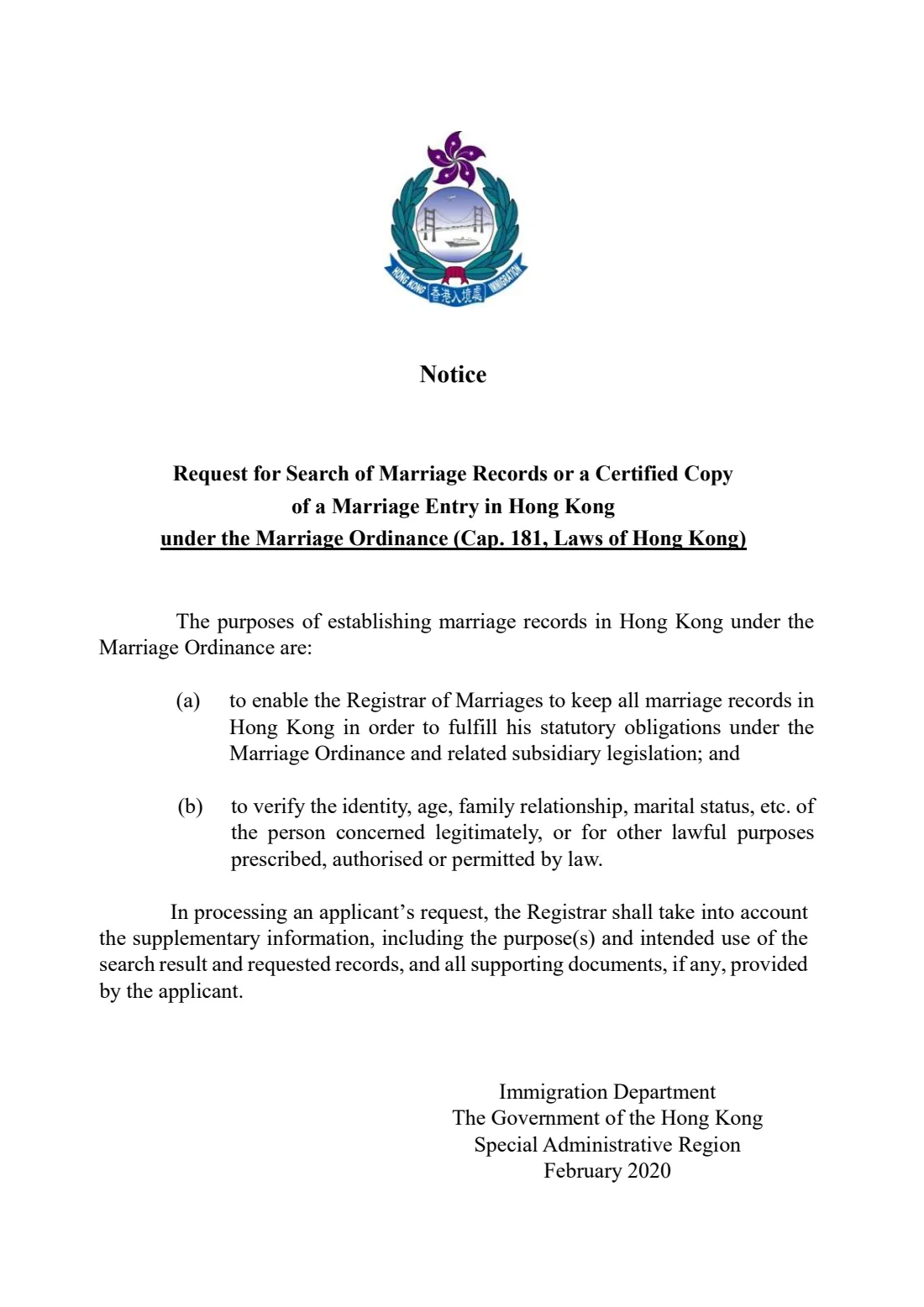
The guidance and the supplementary sheet say people other than the bride, the groom, a parent or guardian of one under 18, or someone with written consent must explain their relationship and purpose. The Registrar may ask for more information.
How do I pay from overseas?
The notes say overseas applicants can pay by bank draft in Hong Kong dollars, or online.
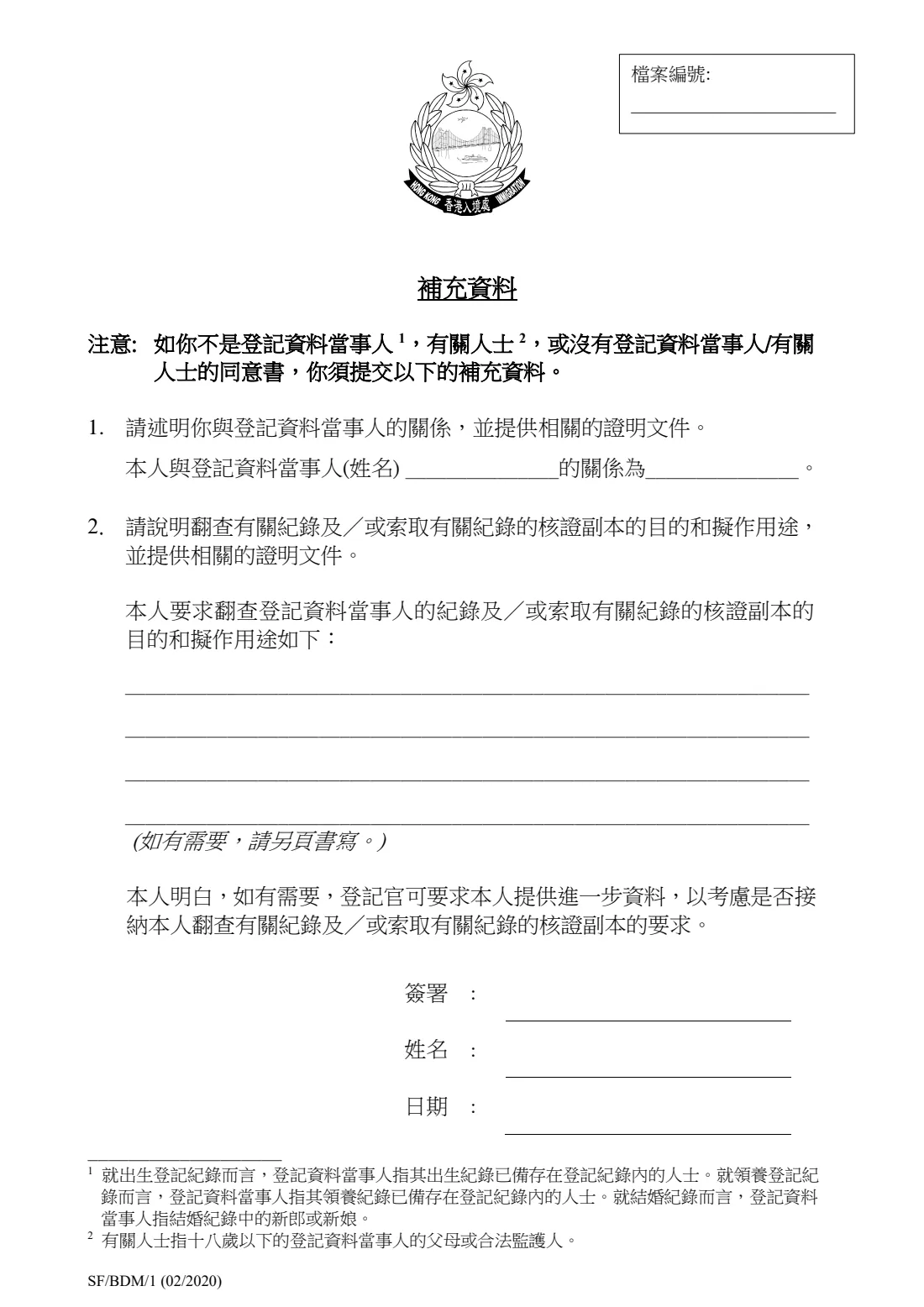
Is there a Chinese version of the supplementary sheet?
Yes. The PDF includes it. FileIt fills the English sheet and leaves the Chinese one blank.
Can FileIt print Chinese names?
No. The Chinese name boxes stay blank for you to fill in by hand.
Does FileIt send the application?
No. FileIt fills in ImmD's PDF and saves it in your vault. You sign it and submit it.
Official sources
- Blank form (PDF), published by Immigration Department, the Government of the Hong Kong Special Administrative Region (ImmD), Marriage Registry: https://www.immd.gov.hk/pdforms/mr10.pdf
- Official instructions and guidance: https://www.immd.gov.hk/eng/forms/forms/mr10.html
- Edition shown on this page: MR 10 (09/2024) (checked 2026-10-19).
FileIt is not affiliated with or endorsed by Immigration Department, the Government of the Hong Kong Special Administrative Region (ImmD), Marriage Registry or any government. This page explains the form in general terms and is not legal, tax or immigration advice. Always read the official instructions, and check that you are using the edition the recipient accepts. Page last reviewed 2026-10-19.