What is a notice of dispute?
Most commercial contracts have a dispute resolution clause: before anyone goes to court or arbitration, one party must give written notice of the dispute, and senior people must try to settle it, often within a set time, sometimes followed by mediation. Skipping or botching the notice can delay your claim or let the other side argue you have not followed the process.
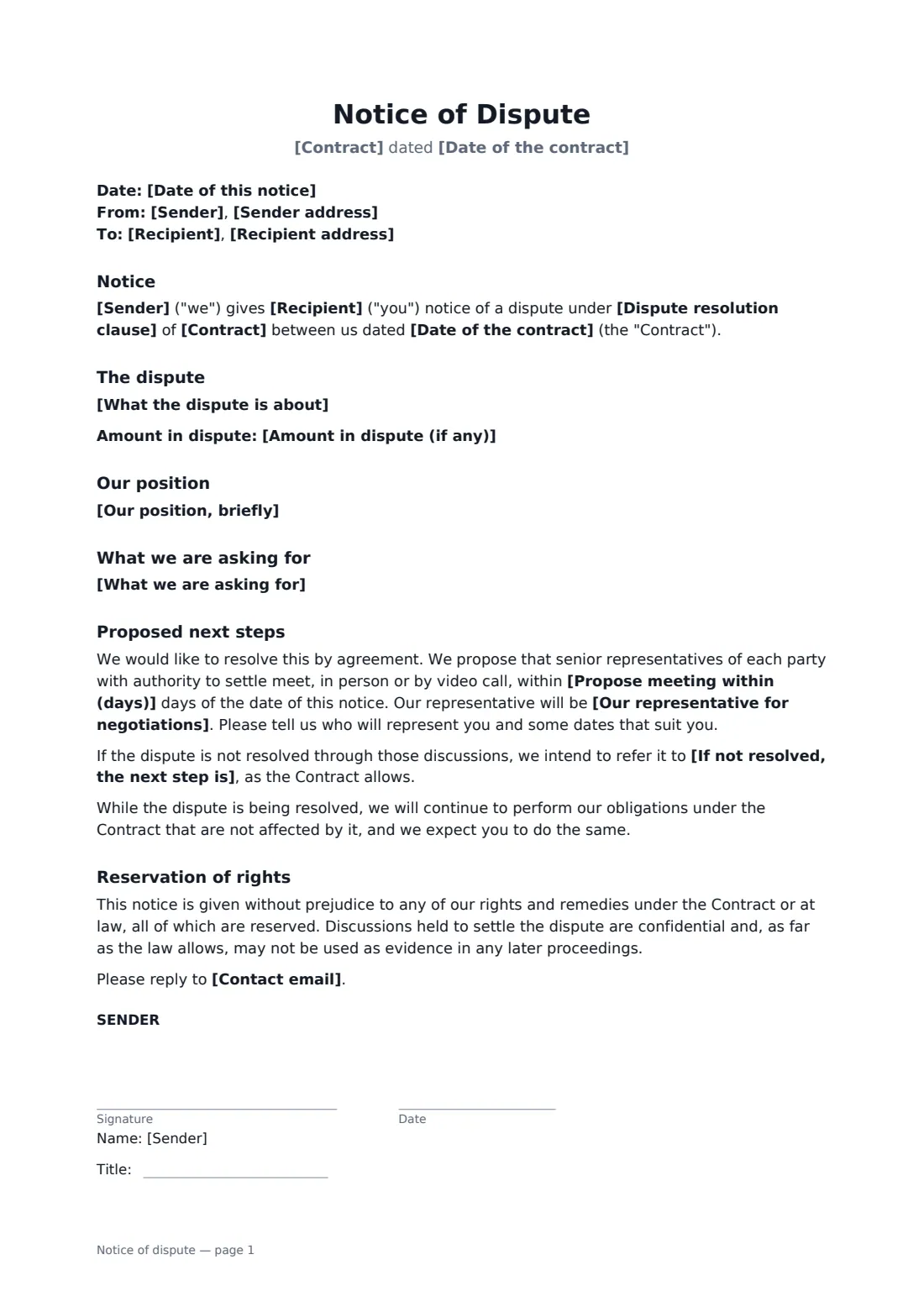
This template identifies the contract and its dispute clause, describes the dispute and the amount at stake, states your position and what you are asking for, names your representative, proposes a meeting within a set number of days, and says what comes next if talks fail. It keeps performance going on unaffected obligations, reserves your rights, and has the recipient acknowledge receipt.
- Best for
- Disagreements over invoices, scope, quality or delays under a commercial contract
- Signed by
- The sender; the recipient acknowledges receipt
- Next steps
- Mediation, arbitration, expert determination, contract procedure or court
- Length
- 1–2 pages
When to use a notice of dispute
- Disputing invoices for work you say was included in a fixed fee
- Challenging a supplier's claim that a delay was your fault
- Raising a quality dispute over delivered goods
- Starting escalation under a master services agreement
- Triggering mediation required before any lawsuit
What you fill in
16 blanks, then the name and email of each person who signs: sender, recipient.
1 The parties
- Date of this notice*
- Sender*
- Sender address
- Recipient*
- Recipient address
2 The contract
- Contract*
- Date of the contract*
- Dispute resolution clause
3 The dispute
- What the dispute is about*
- Our position, briefly*
- What we are asking for*
- Amount in dispute (if any)
4 Next steps
- Our representative for negotiations*
- Propose meeting within (days)*
- If not resolved, the next step is* mediation · arbitration · expert determination · the dispute resolution procedure in the Contract · court proceedings
- Contact email
5 Who signs
- Sender signature and date, job title · The party raising the dispute.
- Recipient signature and date, job title · Signs only to acknowledge receipt.
What the notice of dispute covers
- Notice
- The dispute
- Our position
- What we are asking for
- Proposed next steps
- Reservation of rights
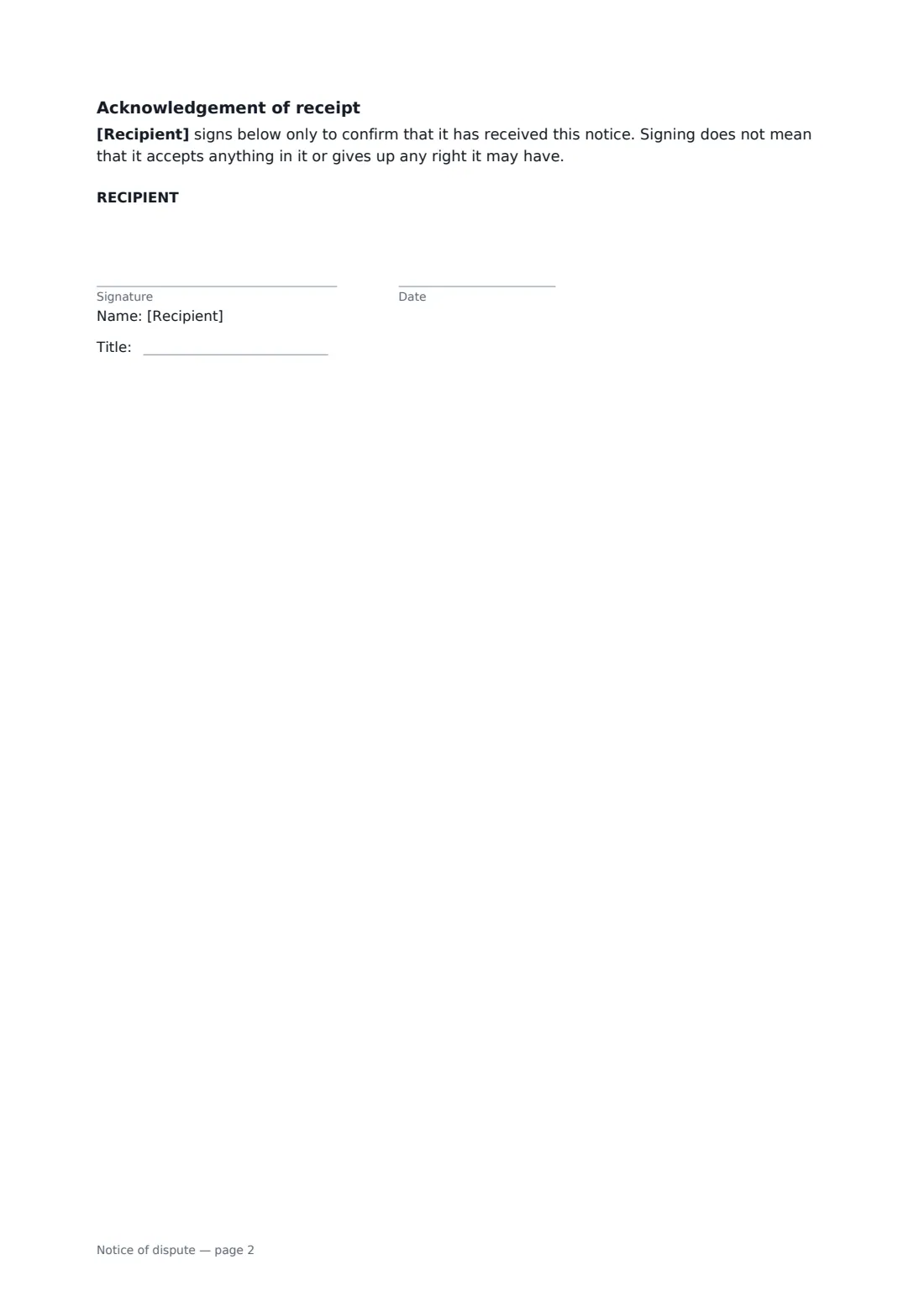
- Acknowledgement of receipt
Using the notice of dispute, step by step
1 Read the dispute clause
Note any required steps, time limits and notice method, and enter the clause number.
2 Describe the dispute and your position
Stick to facts, then summarise why you are right and what outcome you want. Add the amount in dispute if there is one.
3 Propose negotiations
Name a senior representative with authority to settle, choose how soon to meet and the next step if talks fail.
4 Send and track
Send through FileIt and ask the recipient to acknowledge. The audit trail shows when the notice was delivered and viewed.
Tips before you send it
- Follow the contract's notice requirements exactly, including any courier or registered post method.
- Keep the tone factual; the notice may be read later by a mediator, arbitrator or judge.
- Continue performing the parts of the contract not affected by the dispute.
- If the other party is in breach and you want it fixed by a deadline, a notice of breach may be the better first step.
Sign it online in minutes
- Fill in the blanks. Names, dates and amounts go straight into the agreement — the preview shows exactly where.
- Name who signs. Tick “This is me” for your own part. FileIt builds the PDF with every signature, date box on the right line, and you can check or move anything before sending.
- Send it. Each signer gets a secure link and signs from any device — no account needed. The signed PDF, with an audit trail and a Certificate of Completion, is filed in your vault and emailed to everyone.
Notice of dispute: frequently asked questions
How is this different from a notice of breach?
A notice of breach demands that the other party remedy a breach by a deadline. A notice of dispute starts the agreed process to resolve a disagreement, which may be about who is in breach.
Is what we say in negotiations confidential?
The notice states that settlement discussions are confidential and, as far as the law allows, not to be used as evidence later.
Do I need a lawyer to send this?
Not necessarily, but for large or complex disputes take advice before sending, especially if a time limit is close.
What if the contract has no dispute clause?
You can still use this notice to propose negotiation and, failing that, mediation or court.